
Go to Windows platform Display platforms icon
Go to Windows platform Go to Mac platform Go to Android platform Go to iOS platform
Subtitle Workshop icon

Subtitle Workshop

6.3.4
3.7 6 reviews
598.9 k downloads
security security

Add subtitles to your movies

Advertisement
Remove ads and more with Turbo
Advertisement
Remove ads and more with Turbo
Álvaro Toledo icon
Reviewed by
Álvaro Toledo
Chief Content Officer
Álvaro Toledo is part of Uptodown's in-house Editorial Team. Translated by Uptodown Localization Team

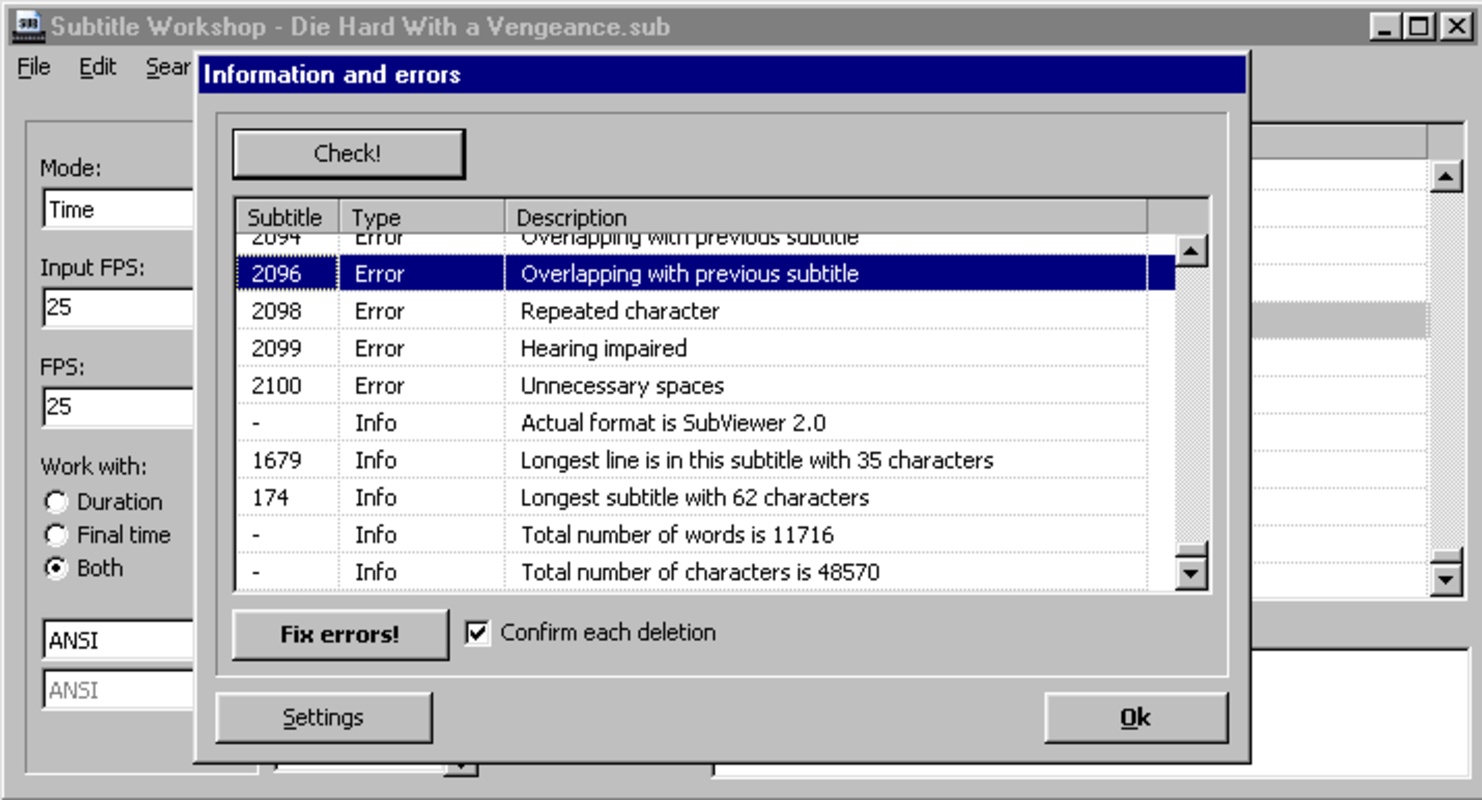
Subtitle Workshop is an application to add, edit and convert subtitles. It's as easy as typing when using a text edition tool and set the timing.

It allows you to preview subtitles, so you can edit them perfectly and check if the position and timing is perfect.

Advertisement
Remove ads and more with Turbo

Subtitles can be saved and imported as and from many different formats including .ass, .aqt, .txt, .asc, .dks, .sub, .mpl, .psb, .smi, .stl, .vsf, .zeg, and more.

Information about Subtitle Workshop 6.3.4

Basic information

Developer UruSoft
License Free
Category Subtitles
Rating Not specified
Languages English
1 more

Security and privacy

Required permissions Not applicable
Advertising Not specified
See security and antivirus report
Why is this app published on Uptodown? (More information)

Download info

Downloads 598,890
Date Feb 26, 2025
File type EXE
Size 13.05 MB
SHA256 37ca0b388197f7aa164078a4908ec087d509a779f3532b0d981128e668d650d2
Advertisement
Remove ads and more with Turbo

Older versions

See more
exe 6.3.3 Nov 29, 2024
exe 6.3.2 Sep 11, 2024
exe 6.2.12 Jun 5, 2024
exe 6.2.10 Apr 12, 2024
exe 6.2.6 Nov 8, 2023
exe 6.0b Nov 7, 2023

Rate this App

Review the app
Subtitle Workshop icon

Rating

3.7
5
4
3
2
1
6 reviews

Comments

angusfelis icon
angusfelis
in 2021

I have tried multiple videos... I only get a black frame. Unable to add subtitles, the software lags and/or crashes, even though my PC is very powerful... Unusable software!

10
Reply
rutheffrianti icon
rutheffrianti
in 2019

WOAAAHH compatible with the movies I downloaded and also free!

4
Reply
paulaleja1 icon
paulaleja1
in 2009

I don't understand why they say it's in Spanish if everything is in English, regardless of indicating Spanish during installation.

42
2
Vyck icon
Vyck
in 2009

I haven't used it yet, but I hope it's very good because it's very helpful for delayed subtitles or more.

17
Reply
Advertisement
Remove ads and more with Turbo
Subtitle Edit icon
Open source subtitle editor
AegiSub icon
The easy way to edit subtitles
DivXLand Media Subtitler icon
Easily add subtitles to yours DivX videos
Easy Subtitles Synchronizer icon
Create, correct and synchronize subtitles
Jubler icon
A very complete subtitle editor
Subtitles Translator icon
Easily translate subtitles from any movie
Video Subtitle Editor icon
Synchronize and optimize your subtitles
Sublight icon
Find and assign subtitles to any movie
CapCut icon
Incredibly powerful and easy-to-use video editor
HEVC Video Extensions from Device Manufacturer icon
Play HEVC (H.265) encoded videos on Windows
FormatFactory icon
Conversion between video, sound and image formats
Adobe Premiere Pro icon
Video editing for professionals and beginners
VLC Media Player icon
A powerful media player and streaming server
Adobe After Effects icon
The most advanced video-editing tool from Adobe
Media Player Classic - Home Cinema (MPC-HC) icon
An all-round great multimedia player
Adobe Photoshop Express icon
Advanced photo-editing from this free program