





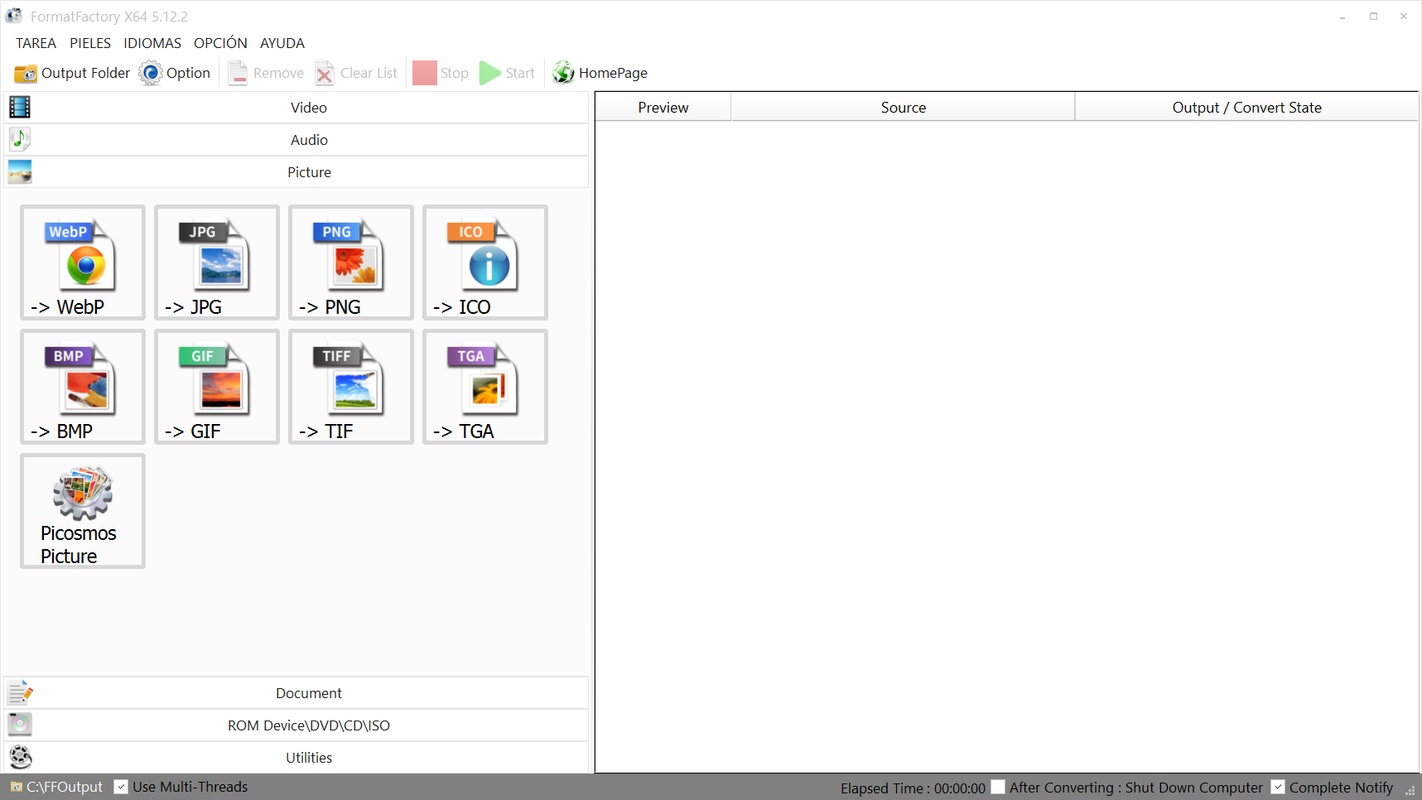


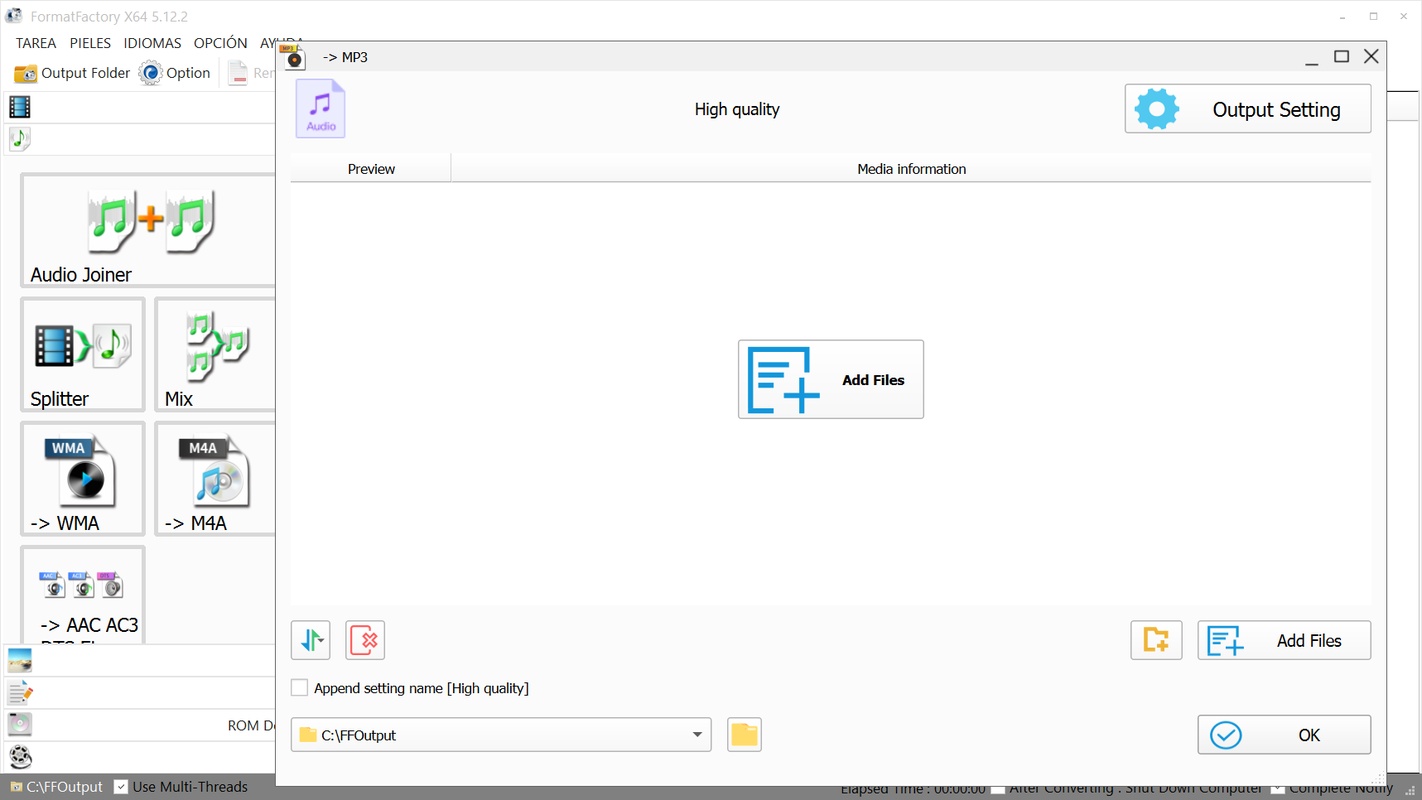

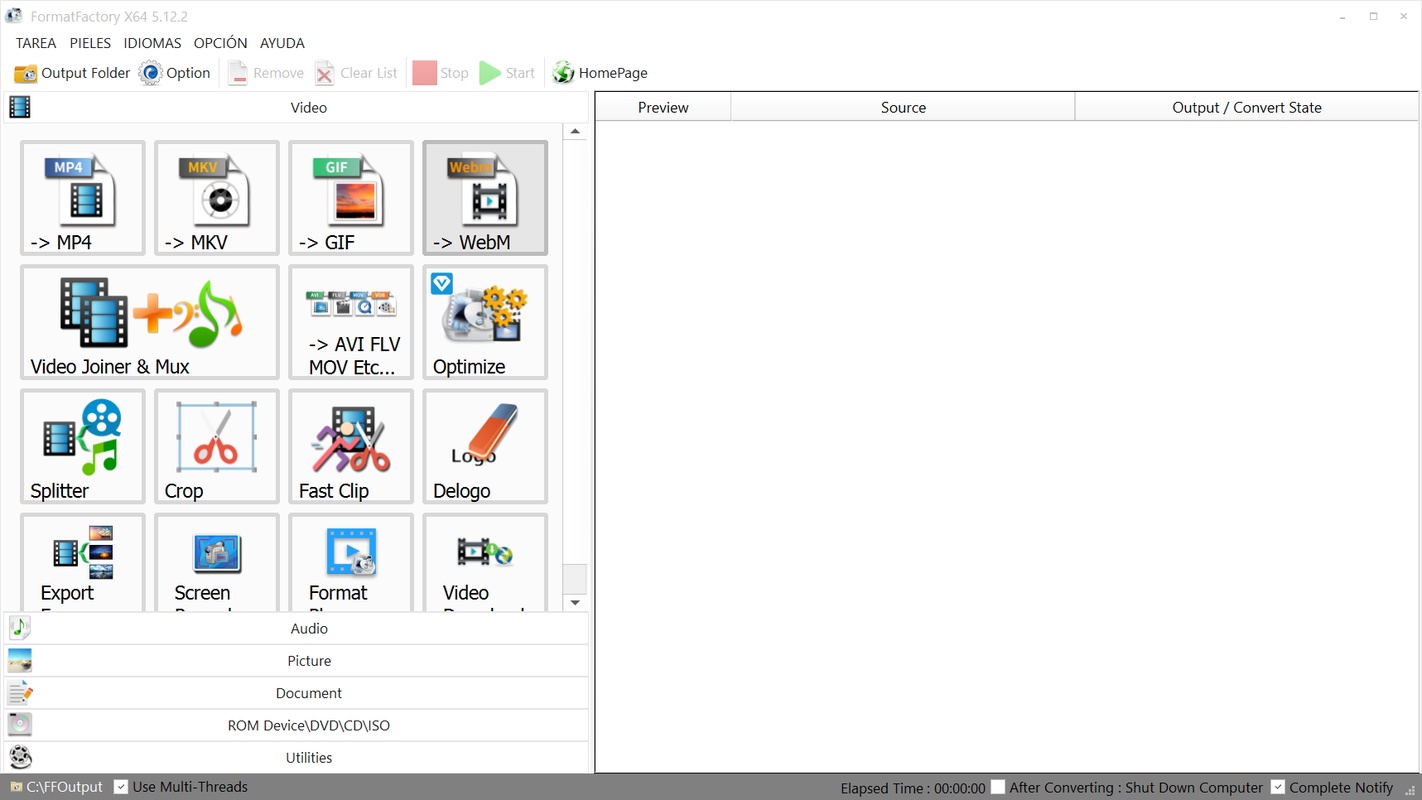

FormatFactory is a multimedia file conversion app that allows you to convert different video, audio, image, and document formats easily and from a single app. The app uses open-source tools to compress and convert content, such as FFmpeg, Mencoder and CxImage.
Convert videos
FormatFactory allows you to choose from a wide variety of video formats, including MP4, AVI, 3GP, MKV and WMV. Thanks to this, you can guarantee maximum compatibility on any device, as well as reduce the final size of the files if you want to change elements, such as resolution, or use a more aggressive compression. The app allows you to adjust parameters such as resolution, bitrate and aspect ratio, giving you full control over the quality and size of the output file. You can also cut out specific parts of a video, crop an image or export captures.
Convert audio
If you need to convert audio files, FormatFactory supports formats such as MP3, WMA, FLAC, AAC and WAV. You can extract the audio from a video if you want, and you can then edit the bitrate to reduce the file size and edit the sample rate according to your needs. You can also merge or split audios.
Convert images
FormatFactory also allows you to convert images between formats such as JPG, PNG, BMP, GIF and TIF. You can resize, rotate and apply watermarks to images during the conversion process. This feature is useful for preparing presentations, images for web use, or to meet specific format and size requirements.
Convert documents
Finally, FormatFactory has a document conversion section where you can convert documents to PDF, DOCX, XLSX, MOBI, EPUB or AZW3. With the PDFs, you can also encrypt, decrypt, merge or compress them.
Disk backup
The app allows you to extract content from DVD and CD discs, so you can create backup copies of your physical media. You can convert extracted content to more manageable digital formats, facilitating storage and playback on modern devices. For example, you can convert a music disc to WAV or MP3, a Blu-ray to MKV, or you can convert an entire DVD to ISO.
Repair damaged files
Another feature of FormatFactory is that it can repair corrupted media files. If you have videos or audios that don't play correctly, FormatFactory can attempt to restore them, increasing the chances of recovering valuable content without resorting to more complex tools.
Download online videos
FormatFactory features the option to download videos from online platforms, allowing you to save content to watch offline. Just enter the URL of the platform you want, and the app will give you the option to download it.
Batch conversion
The ability to process multiple files simultaneously is one of the strengths of FormatFactory. You can add a list of files to convert and the app will process them in sequence, saving you time and effort on repetitive tasks.
Download FormatFactory and convert all types of files easily on Windows with this free conversion app.


 278 reviews
  Users find the app excellent and reliable over time
 This is an AI-generated summary based upon real user reviews.






Comments
I have used it in the past and it is excellent.
very good
excellent
This program is very good, I like it a lot because it's very useful.
Excellent
Great program for Windows, simple and intuitive.