6 JavaScript Buttons
While CSS handles the styling of buttons, JavaScript adds a layer of dynamic interactivity. JavaScript can be used to handle click events, disable buttons based on form validation, trigger API calls, or create complex animations that are beyond the scope of CSS, such as ripple effects or confetti explosions on click. JavaScript allows buttons to perform actions and manipulate the DOM, making them the cornerstone of any web application's functionality. This collection showcases buttons with enhanced JavaScript interactivity. Explore examples with dynamic behaviors, loading states, and creative click effects.
Hover Glyph Button
A visually engaging button that responds to hover with animated glyphs or icons. When the user hovers over the button, the embedded SVG or glyph smoothly transforms—scaling, rotating, or “popping”—to create an interactive and playful effect.

Add to Cart Button with Burst Checkmark Effect
A visually dynamic Add to Cart button featuring an SVG-based checkmark burst animation. When clicked, the button transitions from the “Add to Cart” label to a success state with an expanding checkmark ring and playful particle burst effect. It includes an accessible ARIA live region for screen readers and customizable icon stroke widths.

Gooey Button with Mouse-Interactive Glow
A single-element, interactive button with a gooey, fluid-like hover effect. The button reacts to mouse movements using CSS variables and radial gradients, enhanced with an SVG blur filter for a liquid, morphing appearance. Hovering over the button animates a colorful radial glow that follows the cursor, creating a playful and modern UI effect.

Animated Mesh Download Button
Animated Mesh Download Button is a futuristic and interactive button design that combines mesh patterns, layered gradients, and subtle highlights to create a high-tech metallic look. When clicked, the button transforms into a loading state, showing a real-time percentage counter overlay while the background animation simulates a progress effect.

Cart Button
This is a creative “Add to Cart” button built with HTML, CSS, and JavaScript that enhances e-commerce websites. It includes smooth hover effects and interactive animations, making shopping experiences more engaging. Lightweight, responsive, and easy to use, it’s perfect for online stores, product pages, and checkout flows.
Login Button
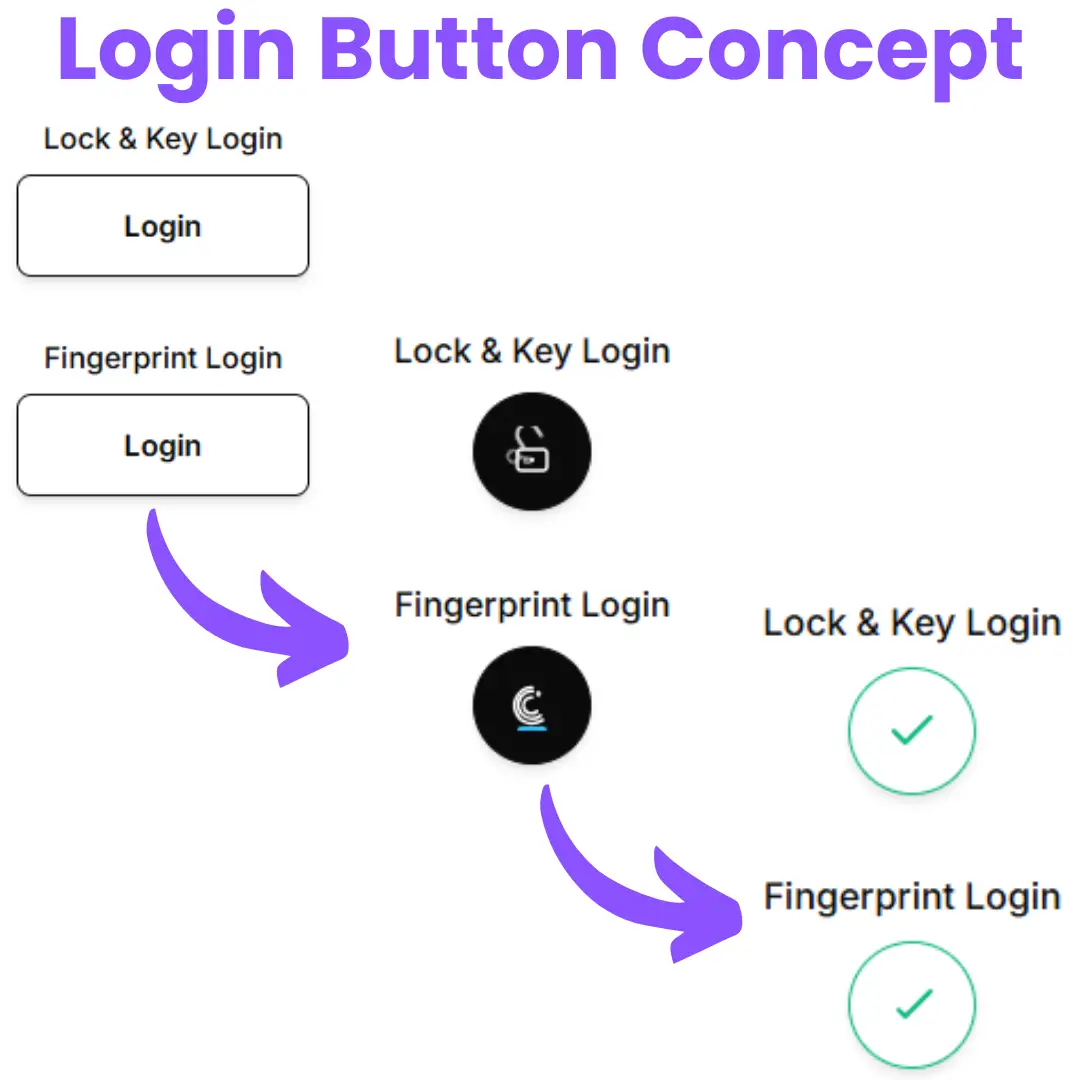
The animated login button is a stylish UI element built with HTML, CSS, and JavaScript that enhances user interaction on login forms. Instead of using a simple static button, this design adds smooth animations that grab attention and improve the overall user experience. Perfect for modern websites, it makes logging in feel more dynamic and engaging while remaining lightweight and responsive.