





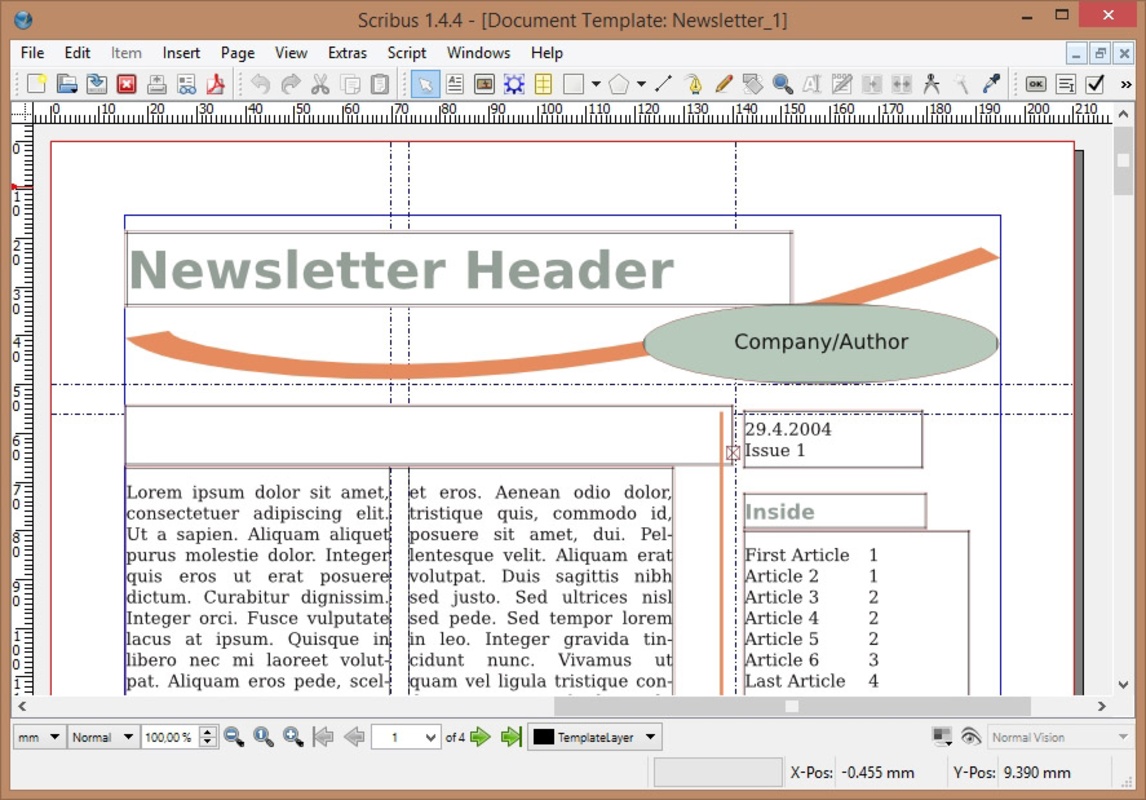

Scribus is a completely free and open-source layout and typesetting program, which is available for over a dozen different operating systems, including, of course, different versions of Windows and macOS. The first version of the app was made public in 2001, and since then, the program has been in active development, adding new features and improvements with each update and becoming a benchmark in terms of file preparation for professional-quality imaging equipment.
Get started easily with templates
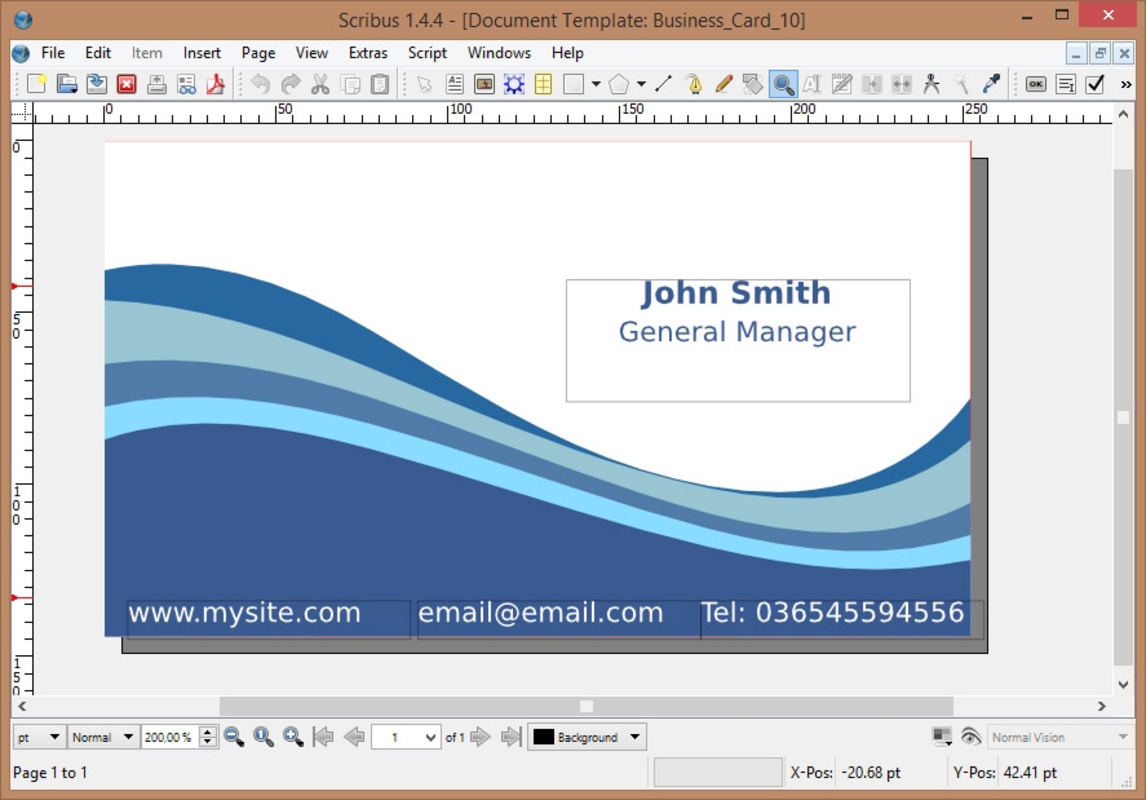
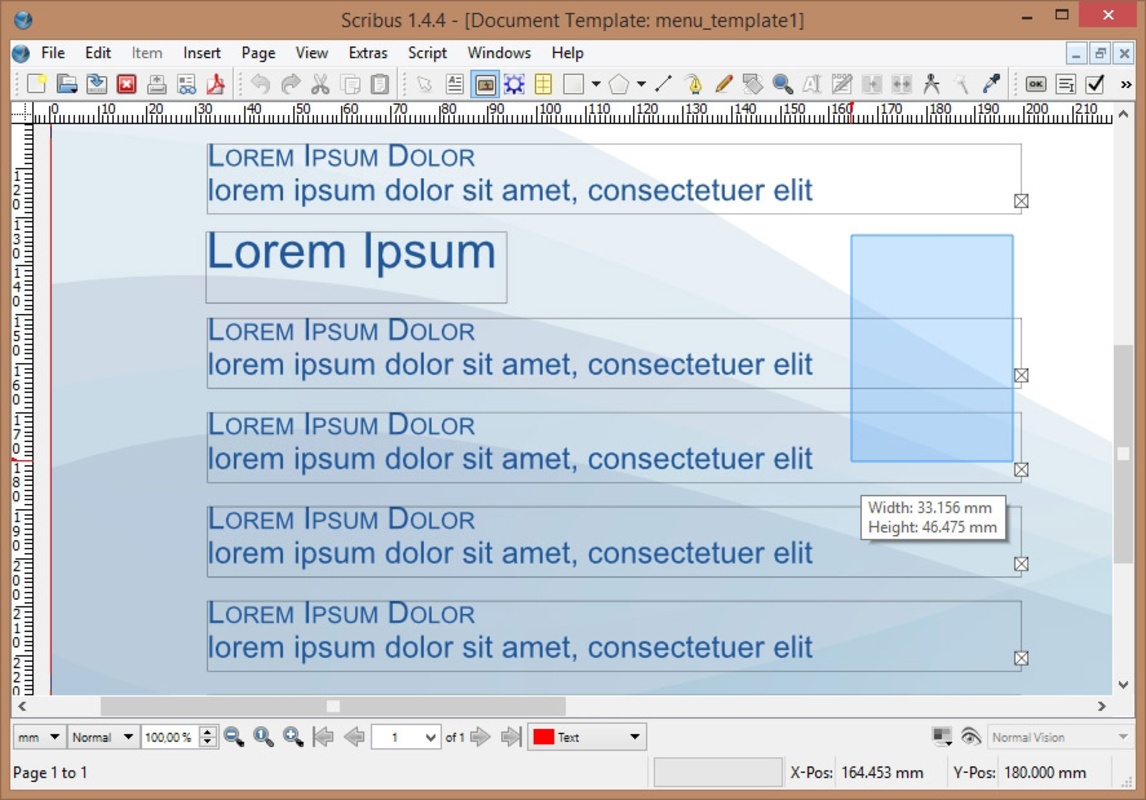
One of the easiest ways to get started with Scribus is to use any of the various available templates. Thanks to these templates, you can create business cards, presentations, newsletters, flyers, or posters in a matter of minutes. All you have to do is choose a template you like and replace all the generic information with your own. It's a very quick and easy way of completing any job if you're on a deadline.
Professional-quality services
Scribus includes all the necessary tools to carry out the layout editing and publication of professional documents, with a range of features that create creations every bit as good as those made with programs such as Freehand, QuarkXpress, or Adobe Indesign. The program includes support for professional features such as CMYK colors, PDF and EPS import/export, ICC color manager, a vector drawing tool, support for level 1, 2, and 3 OpenType fonts, and much more.
Loads of tutorials and manuals at your disposal
Learning to use Scribus isn't difficult, but it is a complex program with quite a few tools. Luckily, you'll find a direct link to the app's Wiki on the official website. On the Wiki, not only can you view the descriptions of every single feature, but you'll also find an entire series of tutorials to help you learn all the ins and outs of the program. Thanks to this, you can learn everything from how to use Ghostscript with Scribus to how to format a magazine.
An excellent layout design tool
Download Scribus and discover what is undoubtedly one of the best layout design alternatives to the ubiquitous Adobe Indesign. Both programs are rich in features and will give you professional-quality results, but only Scribus is free, cross-platform, and open source.


 7 reviews








Comments
Exporting and importing data in Scribus to an Excel, Firebird, MS-DOS database, or any compatible one.