


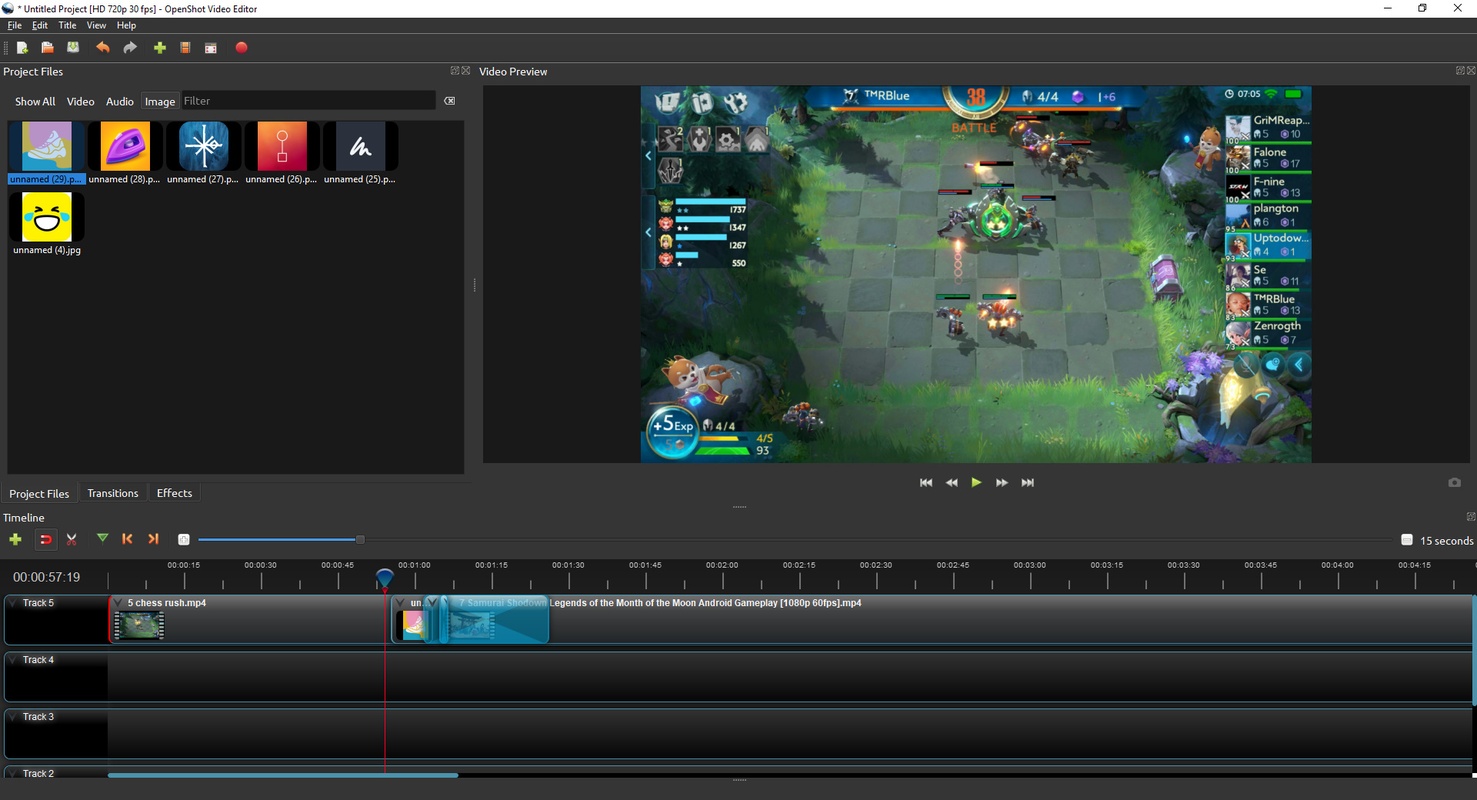
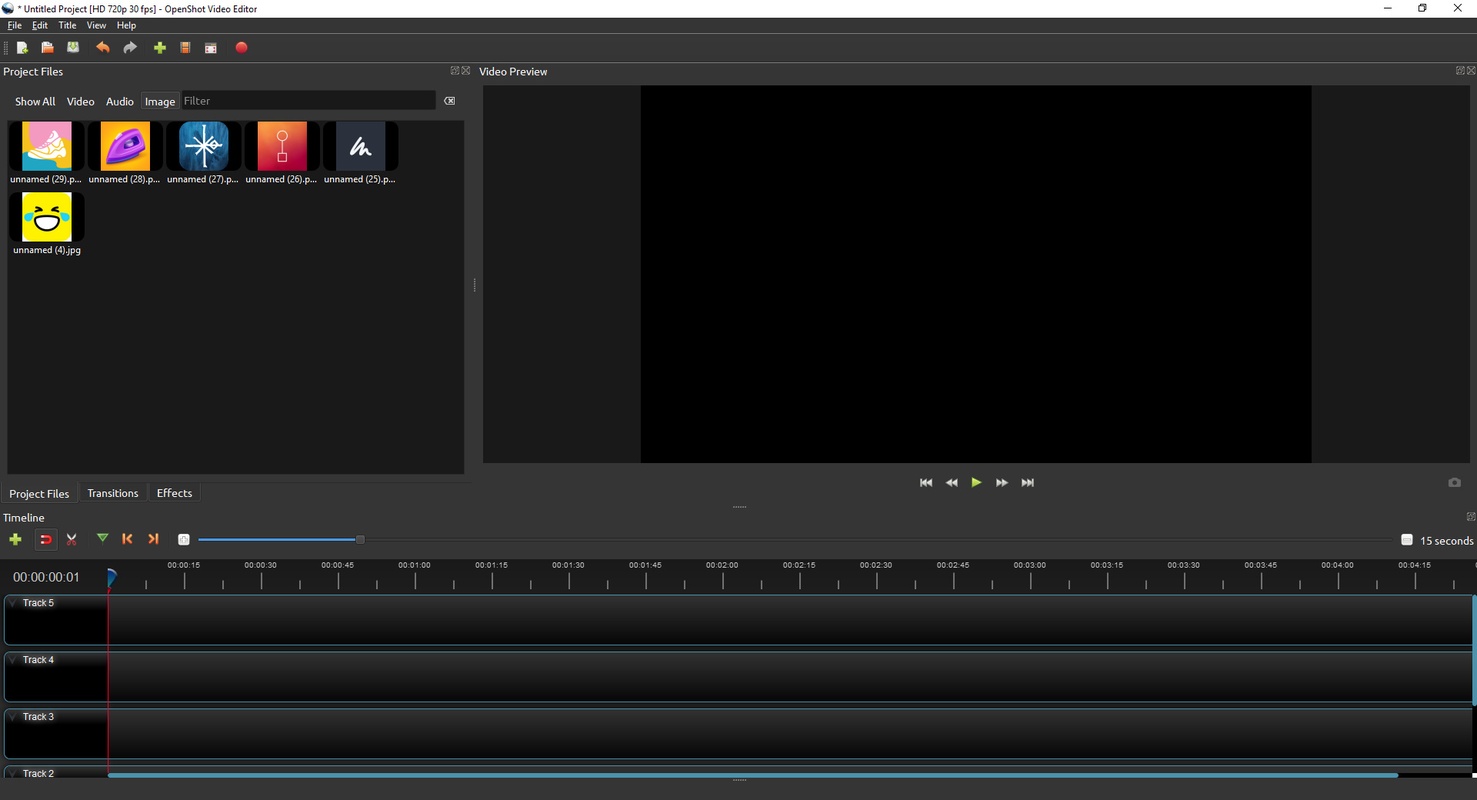
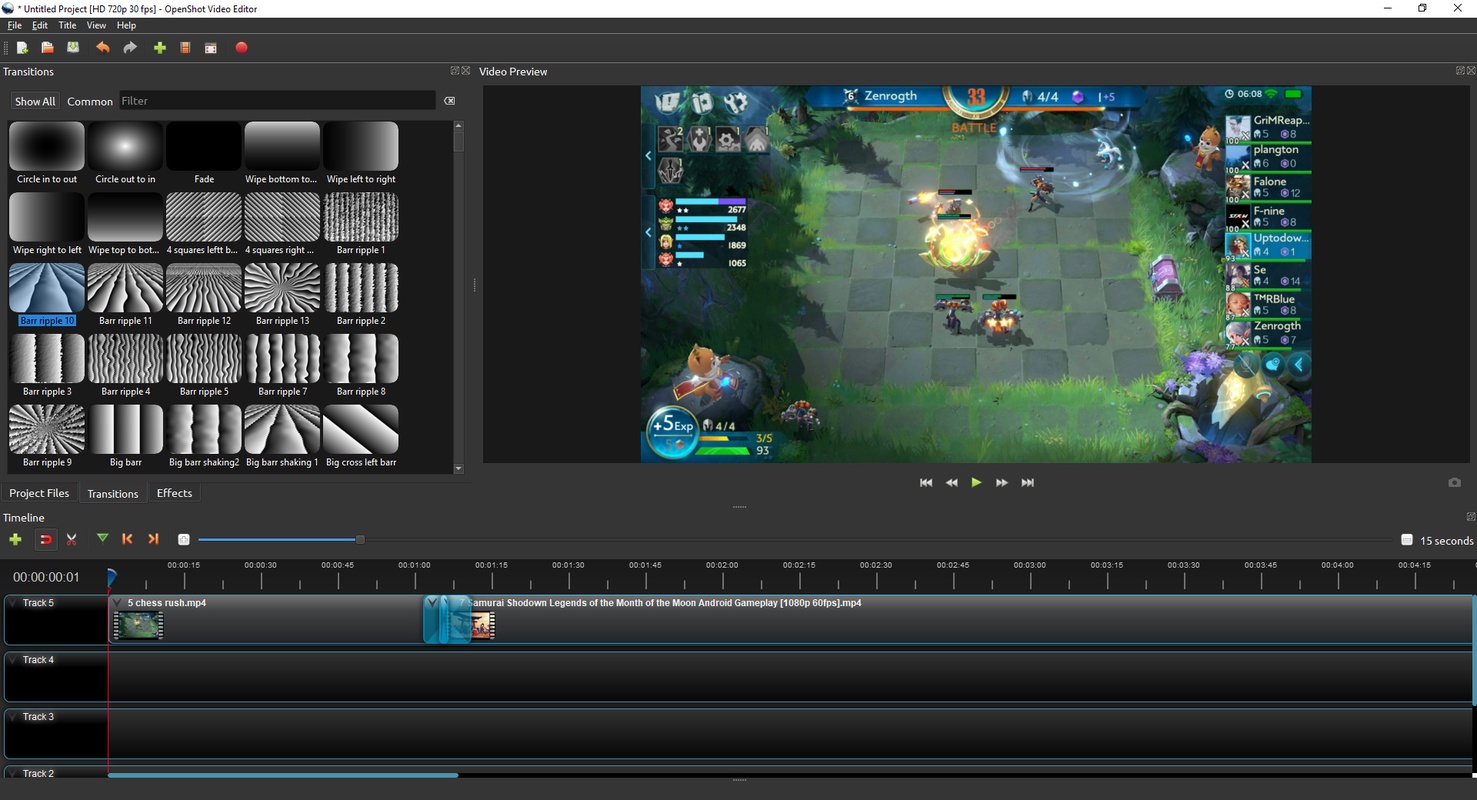
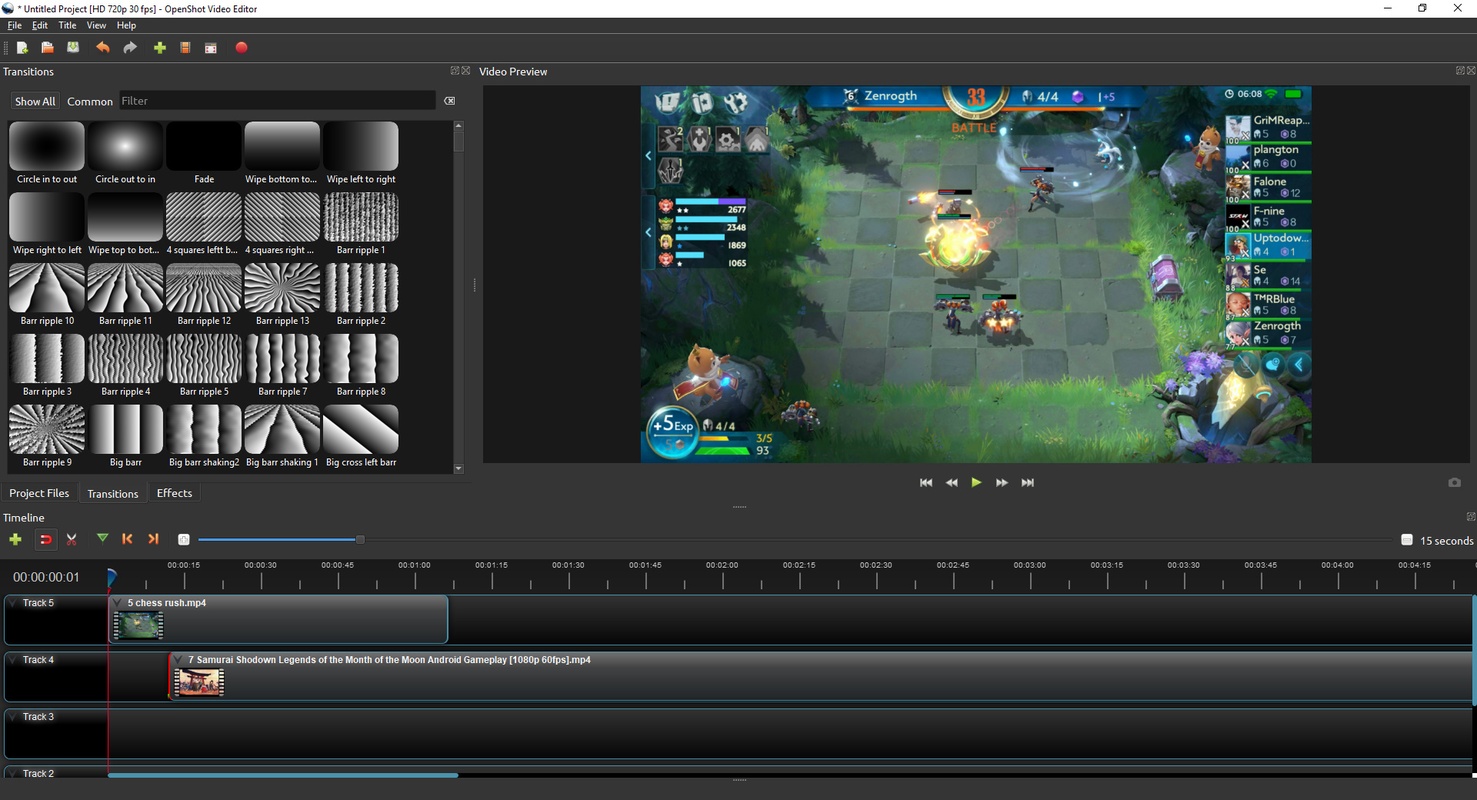
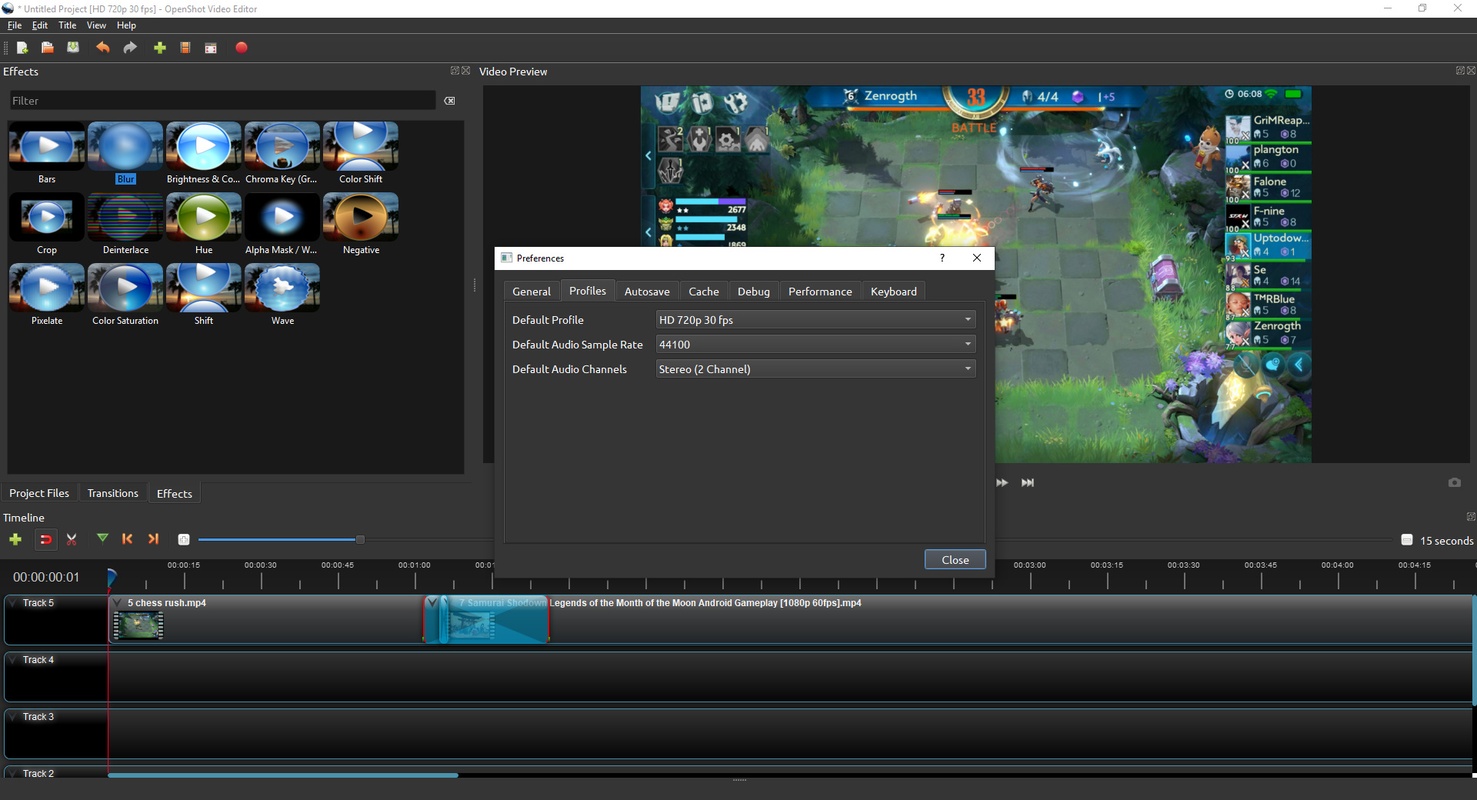


OpenShot Video Editor is a completely free and open source video editor that allows you to edit your own movies and long videos from a convenient and accessible interface. Unlike other similar programs, such as Adobe Premiere or Capcut, this one is completely free, so you won't have any unpleasant surprises when exporting your videos or trying to use paid features.
A simple tutorial right after opening the program
When you open OpenShot Video Editor for the first time, you will see a pop-up window with a short tutorial explaining the basics of this program. This tutorial, which can be very useful for anyone who is just starting to edit videos, is completely optional. So, if you've used this app before or know how to use other similar software, you can skip it without a problem. You can always come back to it at any time. On the official website, in fact, you will find a complete user guide, as well as several video tutorials that will cover everything you need.
Choose between standard or advanced mode
One of the first decisions you have to make when using OpenShot Video Editor is whether you want to use the advanced or standard interface. By default, this program will open with the standard interface, which has all the necessary tools for quality video editing: you can work with several files, cut and combine clips, separate audio tracks, add simple transitions, adjust the volume, and so on. However, if you want, you can use the advanced interface to unlock many additional tools, including the ability to add various filters and effects to any track.
Add as many tracks as you want
OpenShot Video Editor allows you to work with as many tracks as you need. This is especially useful if you are editing videos with subtitles, watermarks, or lots of transitions. In the case of subtitles, for example, you can use specific templates that allow you to dedicate an entire track to inserting subtitles in the most convenient way possible. What's more, you can not only import video files, but also images, songs, etc. Basically, you will be able to work with any multimedia file that's compatible with the FFmpeg library.
One of the best free video editors
Download OpenShot Video Editor if you're looking for a good video editing tool that doesn't cost anything. While it's true that some similar programs might offer very flashy features, these are almost always hidden behind paywalls. That won't happen to you with OpenShot Video Editor. This program is 100% free and allows you to create videos that are as good if not better than those made on most other paid apps.


 6 reviews





Comments
PROS: Easy to use. CONS: Huge 600MB for a 5min MP4 720p Version Tested: 2.4.4 LossLessCut is the best one I've used for trimming video and keeping original size and format
Still the best..
It's Good