





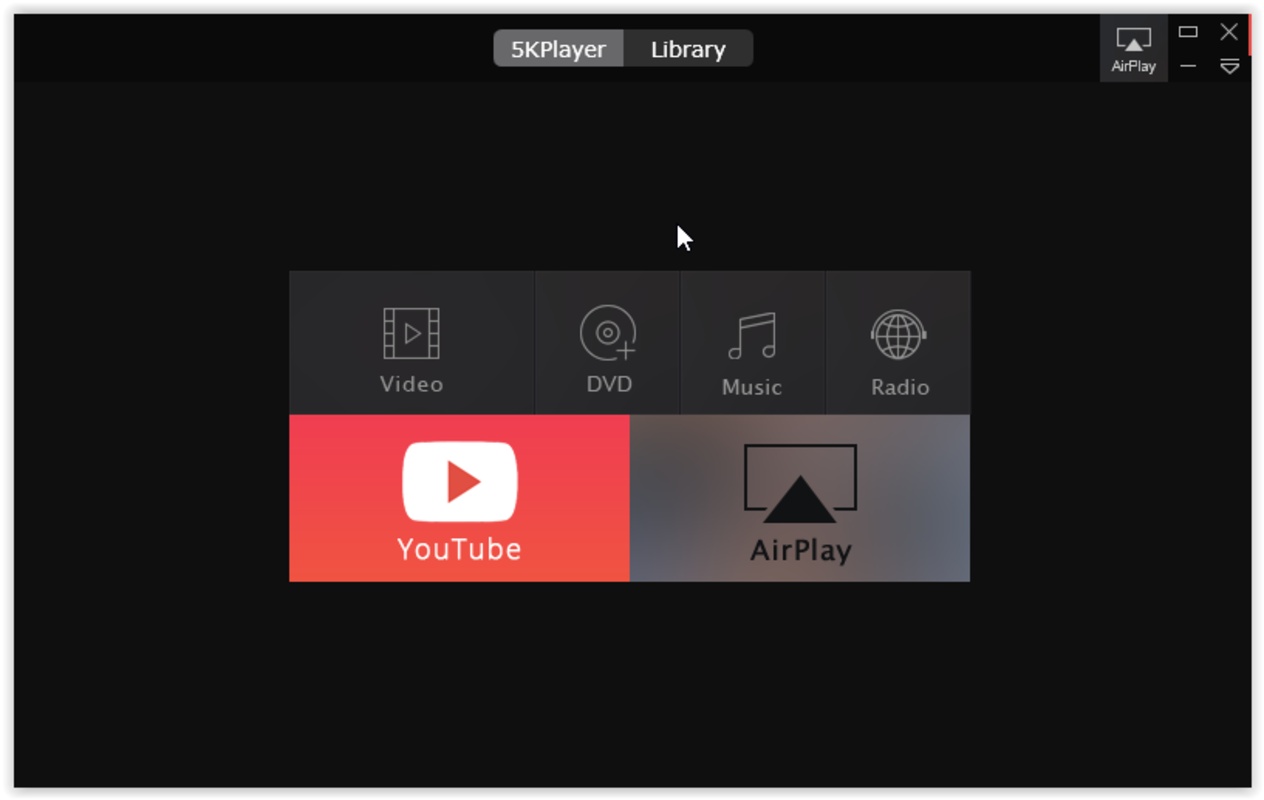


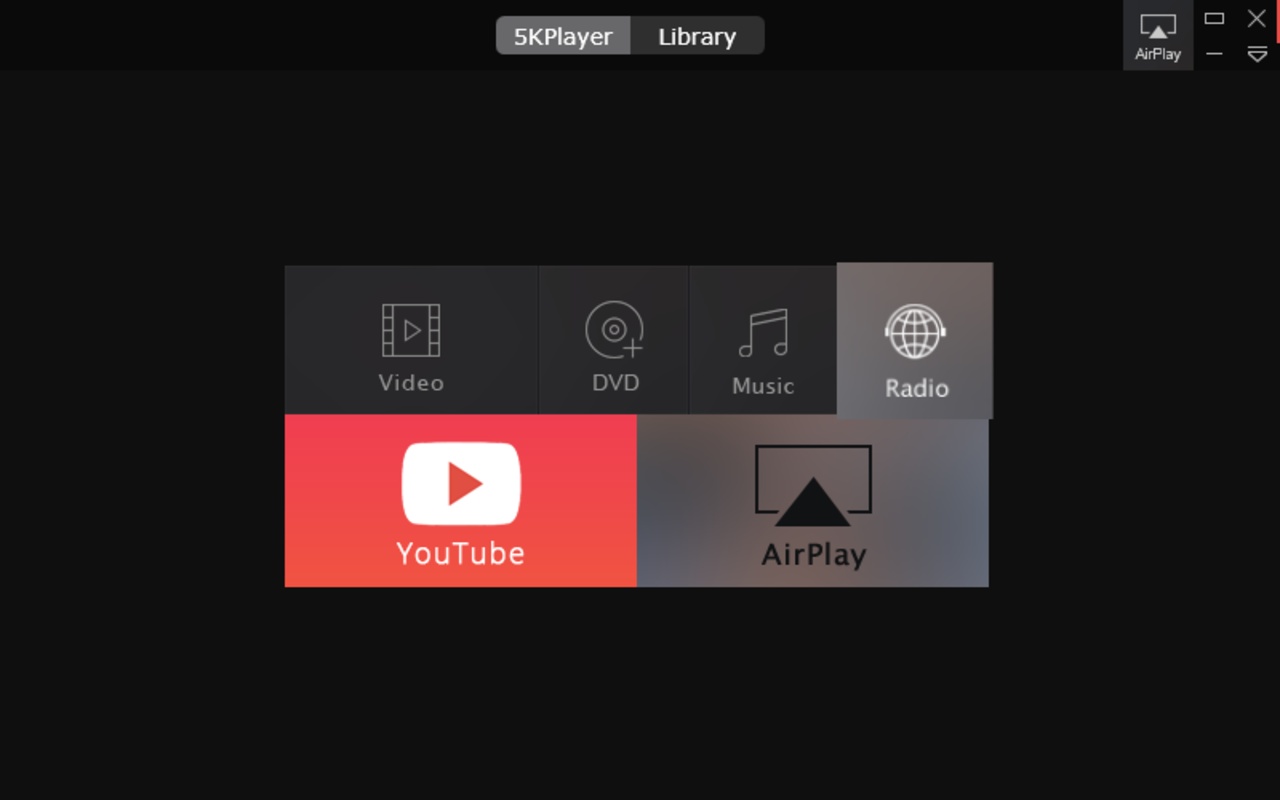

5KPlayer is an all-in-one multimedia player that offers way more than the typical movie-watching program experience. Designed to play large, high-resolution files with great fluidity, 5KPlayer can even handle 4K and 8K content without forcing you to download additional codecs. What's more, all content is displayed in a modern and minimalist interface where you have all the buttons at hand so you don't have to search through endless menus for basic options.
High-definition video playback
With 5KPlayer you can open practically any file that you download from the internet or record with your camera, including formats like MKV, MP4, and AVI, as well as typical codecs like H.264 and H.265, all without having to manually install external codec packs. If you still have a physical collection, the program also functions as a region-free DVD or Blu-ray player, allowing you to insert discs purchased abroad and play them on your PC, choosing different audio tracks and subtitles with complete freedom.
Built-in video downloader
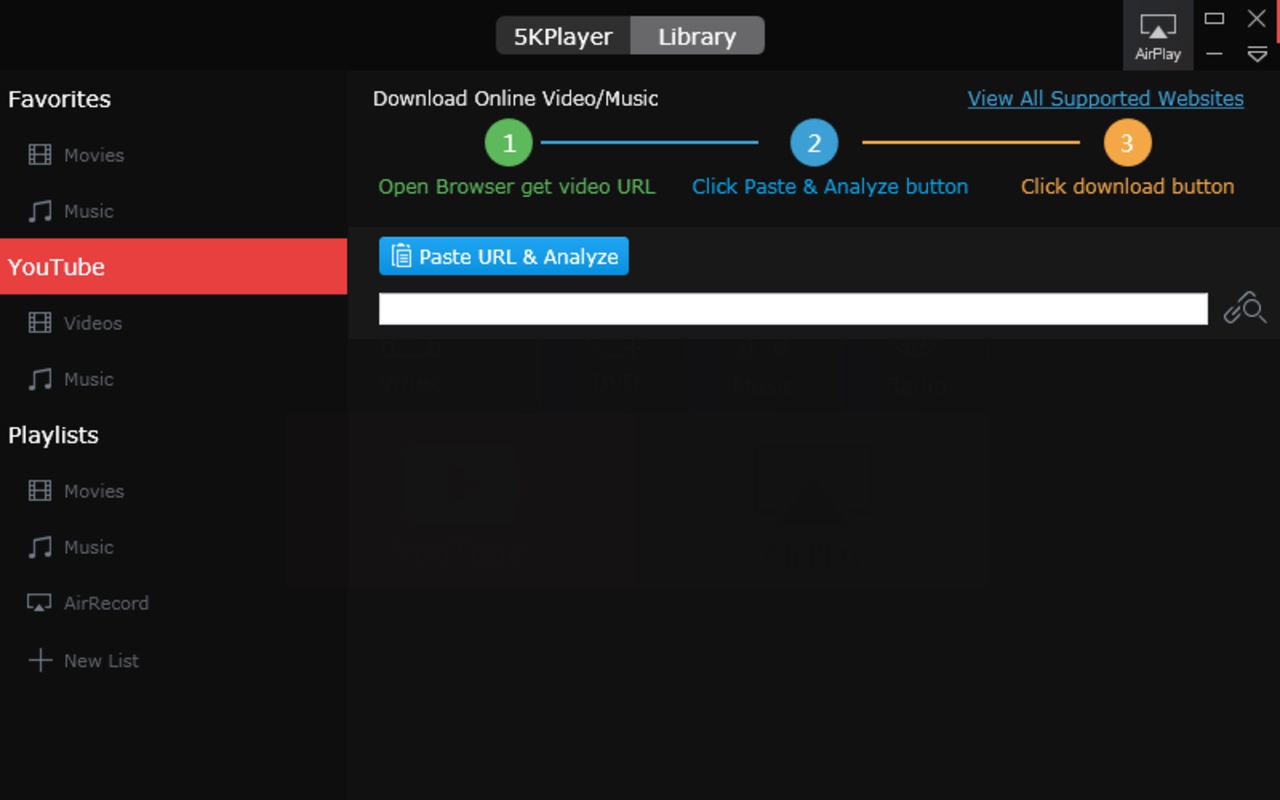
Instead of relying on websites plagued with ads to download a video, the app includes its own native download system. Simply copy the URL from YouTube, Dailymotion, Vimeo, or any of the other 300 compatible sites, paste it into the program, and it will take care of downloading the file directly to your hard drive. You can choose to save it in the highest original quality available (even in 4K) or, if all you want is to listen to a music video or a concert, tell it to extract just the audio and convert it to MP3.
Wireless streaming via AirPlay and DLNA
If you want to present your vacation photos or videos on a bigger screen in the living room, you can say goodbye to three-meter HDMI cables. The player supports the Apple AirPlay and DLNA protocols natively. This goes both ways: you can turn your PC into a receiver to send your iPhone or iPad screen directly to your PC monitor, or use the computer as a transmitter to send that 4K movie you just downloaded directly to your Smart TV or compatible wireless speakers.
Organization and multimedia library
To save you the hassle of having to search for videos and songs across a thousand different folders, the program features a highly visual library tab. Every time you play or download a file, it is automatically organized into a playlist that you can set to your liking. There's a section for your YouTube downloads, another for your music playlists, and quick access to your favorite online radio station in case you prefer to leave the program playing in the background while you do something else.
My experience with 5KPlayer
5KPlayer fulfills many of the functions I ask for in a player. First of all, it plays my smartphone's 4K and 8K videos without any problem. Plus, it allowed me to cast them to my TV via DLNA, so I didn't have to resort to screen sharing or experience any loss of quality when watching them on a large screen. Finally, I was able to download YouTube videos in the highest quality to watch them at any time on my TV, without depending on my Internet connection or them being removed from the platform.
What I liked most about 5KPlayer and what could be improved
· What I liked most: Having a YouTube video downloader built directly into the player, without using third-party websites, is really convenient.
· What could be improved: The user interface feels a bit rigid in certain settings windows and it doesn't allow you to customize the colors or visual appearance all that much.
Download 5KPlayer to watch high-resolution movies without interruptions, download videos, and send your multimedia files to your living room TV without the need for cables.
5KPlayer is for you if
✓ You want smooth 4K/8K playback of any video file, DVD, or Blu-ray without codecs
✓ You desire a built-in downloader to save online videos or extract MP3 audio in clicks
✓ You value wireless streaming and automatic library organization to enjoy media seamlessly across devices


 4 reviews
Comments
Great app
Be very careful with this program! Once installed, it does not allow you to uninstall it!!! Now I will have to go to the registry to delete all the files one by one.
I do NOT recommend it