
Go to Windows platform Display platforms icon
Go to Windows platform Go to Mac platform Go to Android platform
OpenProj icon

OpenProj

1.4
4 2 reviews
312.4 k downloads
security security

Fast and free project management

Advertisement
Remove ads and more with Turbo
Advertisement
Remove ads and more with Turbo
Álvaro Toledo icon
Reviewed by
Álvaro Toledo
Chief Content Officer
Álvaro Toledo is part of Uptodown's in-house Editorial Team. Translated by Uptodown Localization Team

If you have been looking for project management programs and organization apps, you have probably noticed that the majority of them are paid versions. Now you can have an application that helps you organize your projects and other things to do free with great usability.

OpenProj is a free and open source application that can help you manage your projects and other things that is well known for its good usability, and above all its price, totally free.

Advertisement
Remove ads and more with Turbo

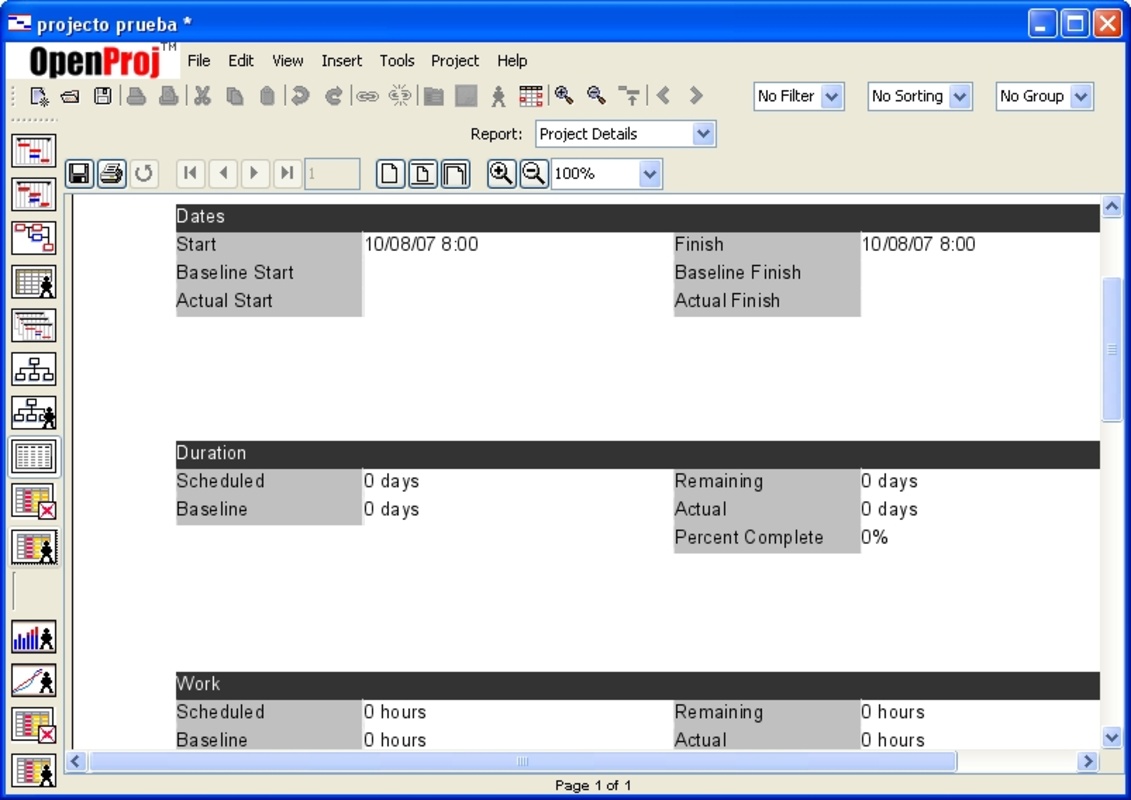
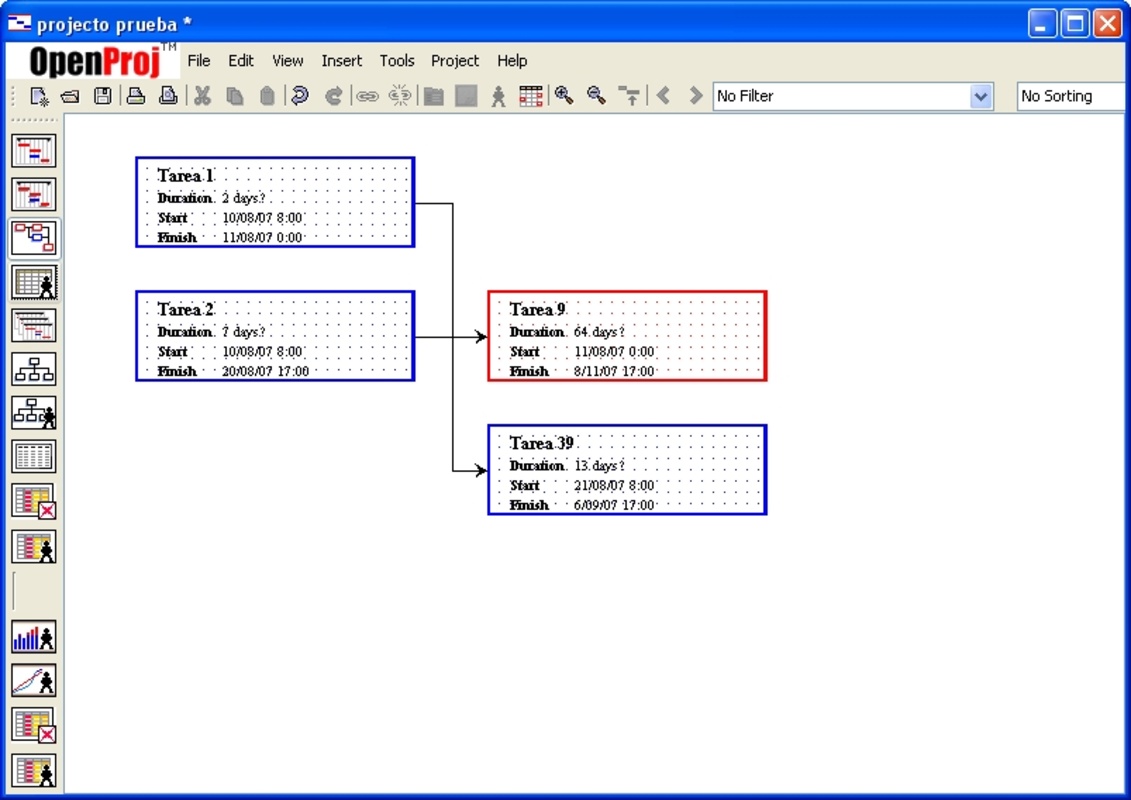
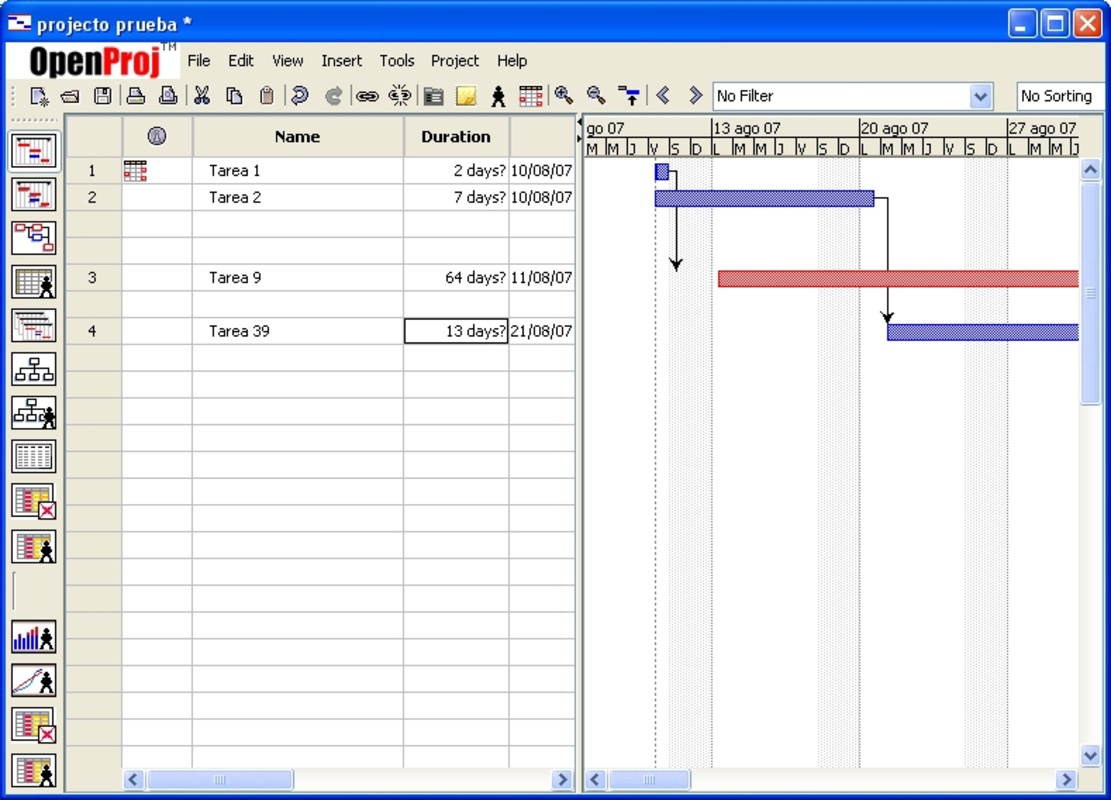
With this program you will be able to create as many projects as you need, it supports and unlimited number of them. You will be able to manage the duration of these tasks in a time line and assign completion priorities to them.

This way, OpenProj is a great alternative to the other project management applications that are at a higher cost.

Information about OpenProj 1.4

Basic information

Developer Projity Incorporated
License GNU
Category Administration
Rating Not specified
Languages English

Security and privacy

Required permissions Not applicable
Advertising Not specified
See security and antivirus report
Why is this app published on Uptodown? (More information)

Download info

Downloads 312,412
Date Oct 7, 2008
File type MSI
Size 6.51 MB
SHA256 5543e33d6007930987f71eb7d38f9a2f6fc6b0e632aaa5b85362bf174863c8ec
Advertisement
Remove ads and more with Turbo

Rate this App

Review the app
OpenProj icon

Rating

4.0
5
4
3
2
1
2 reviews

Comments

moderngreenduck68688 icon
moderngreenduck68688
in 2024

Thank you

Like
Reply
fot icon
fot
in 2015

I have created a calendar without being based on any pre-existing one and have set a workday exceeding 8 hours. If I go to Tools/Change Work Schedule/Options in the duration situation, if I change the...See more

24
Reply
Advertisement
Remove ads and more with Turbo
Binance icon
The official Binance desktop app
GanttProject icon
Create time diagrams for the phases of a project
Express Invoice Free Invoicing software icon
Simple tool to create customized invoices
Odoo icon
A great platform for managing your company
VisaJet icon
Vallés Informatica
Easy Grade Pro icon
Management tools for teachers
Quick Access Popup icon
Jean Lalonde
Recibos XL icon
IDESOFT
FormatFactory icon
Conversion between video, sound and image formats
VLC Media Player icon
A powerful media player and streaming server
Lively Wallpaper icon
Bring your desktop computer's wallpaper to life
OP Auto Clicker icon
Automate mouse clicks on your computer
Psiphon icon
Much more than just a VPN
AltSendme icon
Transfer files of any size with total convenience
livewinsize icon
Measure any interface in real time
No!! MeiryoUI icon
Change system fonts in Windows
IBM SPSS Statistics icon
Statistics software for all your business needs
Power BI Desktop icon
Visual representations of data for detailed analysis
Binance icon
The official Binance desktop app
TallyPrime icon
Easily manage your company
BlueOne icon
Use Bluetooth to send mobile promotions
Windows Calculator icon
The official Windows calculator
Notion icon
Organize various workspaces all in one place
Microsoft Whiteboard icon
Your own interactive whiteboard on Windows