
Go to Windows platform Display platforms icon
Go to Windows platform Go to Mac platform Go to Android platform Go to iOS platform
Ocenaudio icon

Ocenaudio

3.19.5
4.7 3 reviews
101.4 k downloads
security security

Simple, fast and free audio editor

Advertisement
Remove ads and more with Turbo
Advertisement
Remove ads and more with Turbo
Merche Contreras icon
Reviewed by
Merche Contreras
Content Editor
Merche Contreras is part of Uptodown's in-house Editorial Team. Translated by Uptodown Localization Team

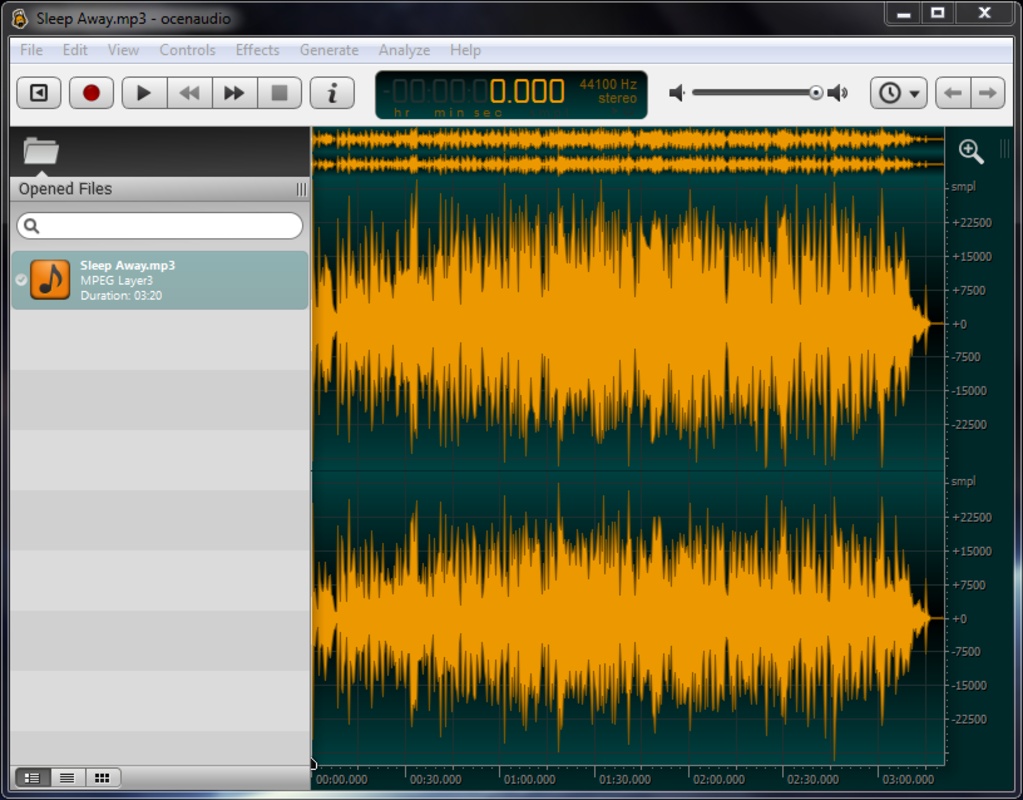
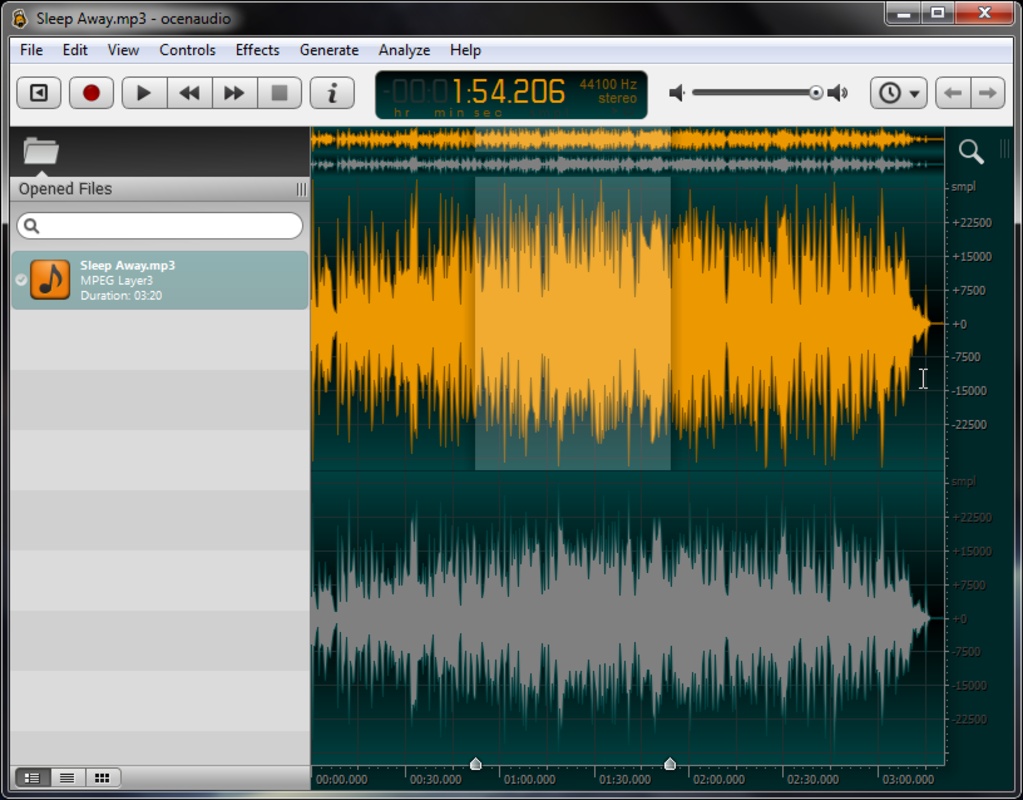
Ocenaudio is an app designed for simple and efficient audio editing with all the functions you need for any type of project. This tool is a very good option for amateurs looking to make quick adjustments to recordings or clips, and experienced users who want a lightweight and stable tool that takes away some of the complexity that comes with heavier editors.

Simple editing process

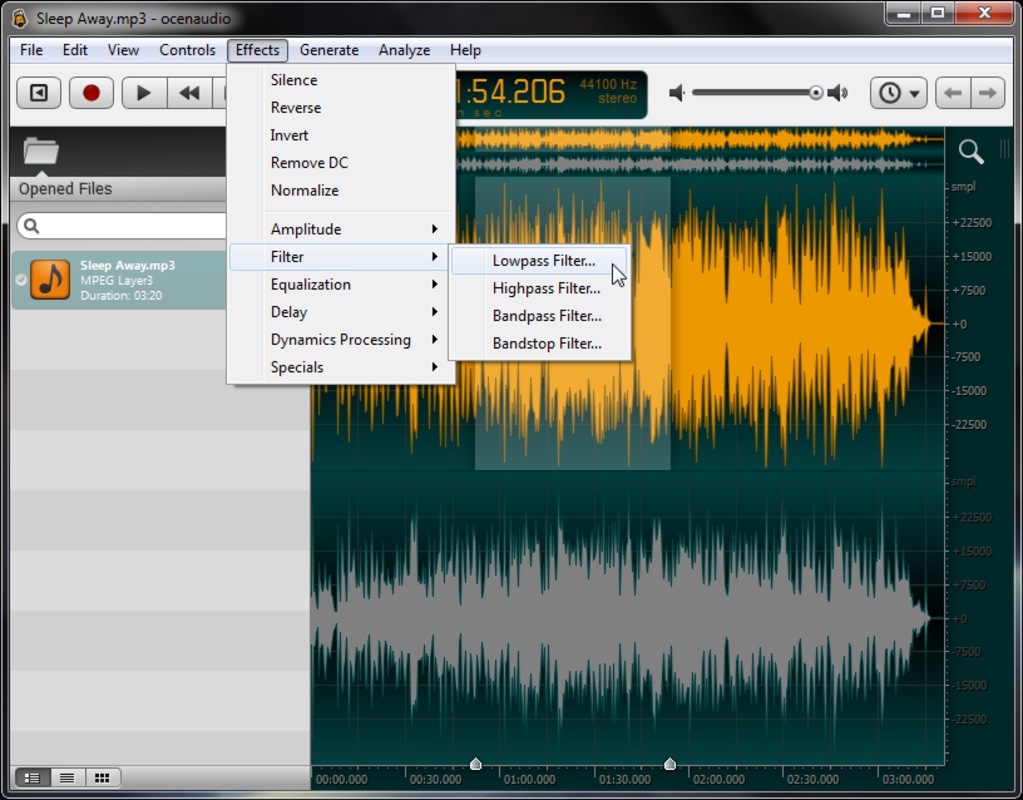
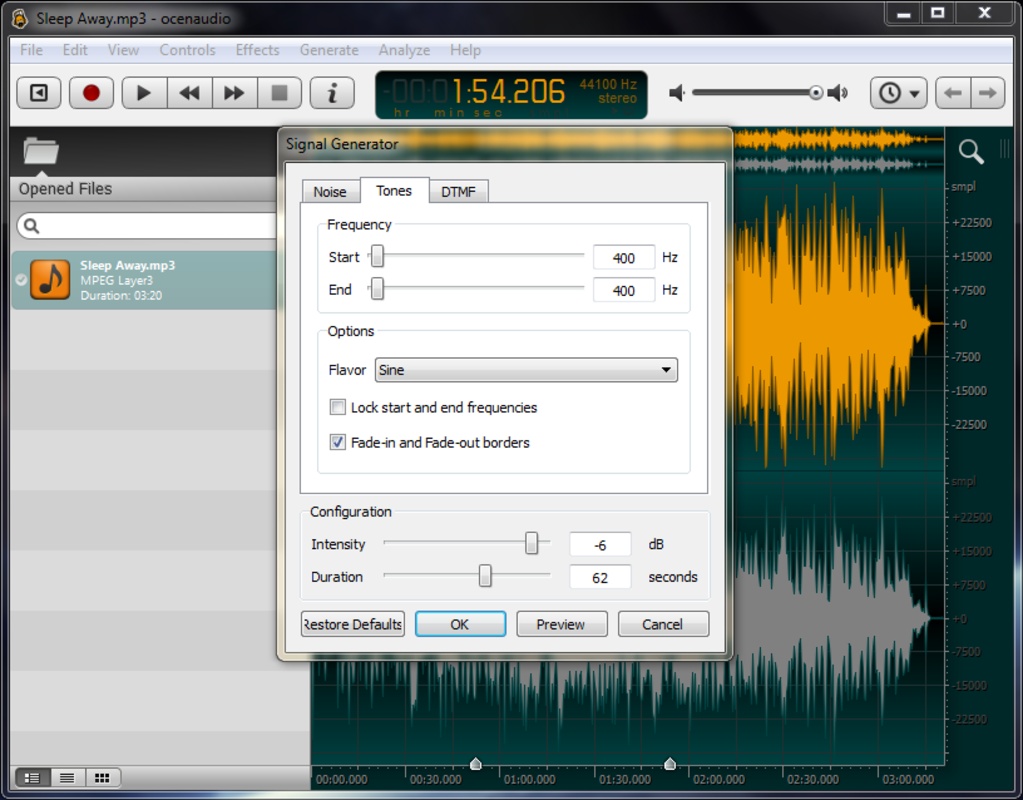
What makes Ocenaudio great is its simple and well-organized interface, which allows you to work with audio files without any steep learning curves. The menus are intuitively arranged and the incorporated tools are just a click away, making it easy to cut, copy, paste, normalize, clean up noise or apply basic filters. Unlike other editing programs that often require extensive training, this software is designed to be used from the get-go, even if you have never used any similar programs before.

Advertisement
Remove ads and more with Turbo

Edit in real time and see your changes on-the-fly

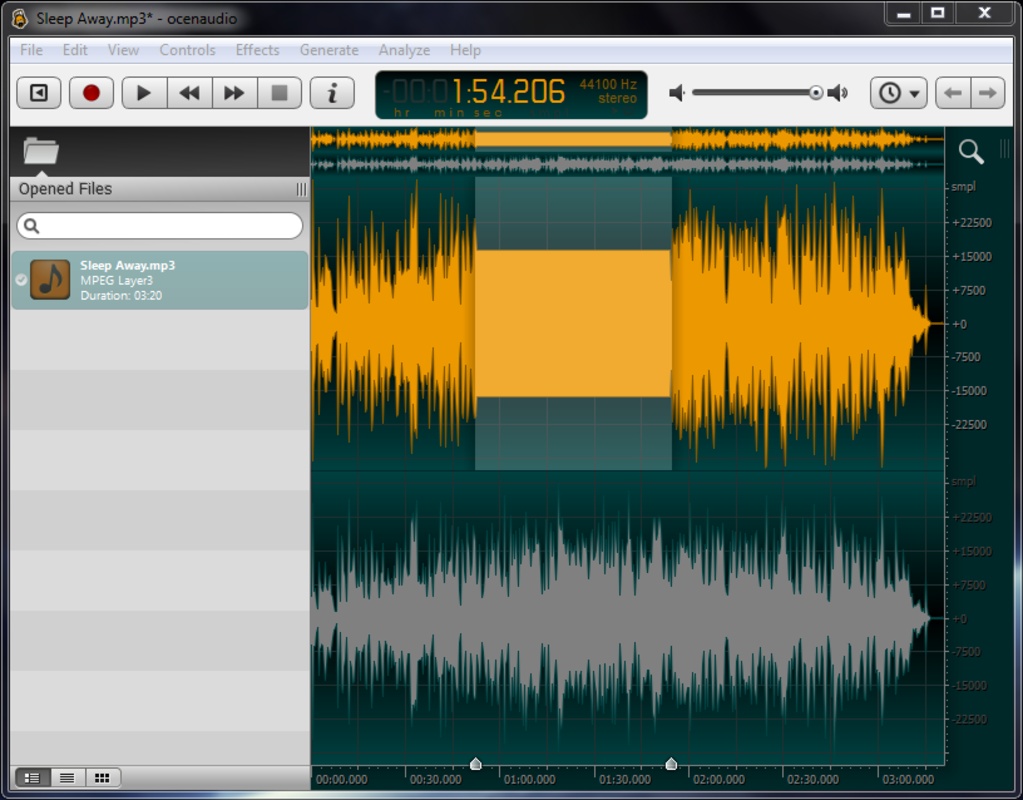
One of the program's most powerful features is real-time effects. Every change you make, whether equalization, reverb or gain adjustments, can be heard immediately without having to pre-process the file, streamlining your workflow and allowing you to experiment with different settings until you get the desired result.

Support for multiple formats and broad compatibility

Ocenaudio supports a wide range of the most common audio formats, allowing you to import and export recordings without the need for intermediate conversions. It is also compatible with macOS and Linux, so if you work with this Windows edition, you can rest assured that you can work in different environments without a hitch. This flexibility makes it a useful program for both personal projects and professional voice or music editing apps.

Download Ocenaudio for free and enjoy the perfect balance between ease of use and advanced audio editing tools.

Information about Ocenaudio 3.19.5

Basic information

Developer Ocenaudio
Category Editors
Rating All ages
Languages English
3 more

Distribution model

Pricing Free
License Proprietary
Copyright © 2026 Ocenaudio
Why is this app published on Uptodown? (More information)

Security and privacy

Required permissions Not applicable
See security and antivirus report

Download info

Downloads 101,407
Date Jun 27, 2026
File type EXE
Size 45.86 MB
SHA256 0ddb35b5275d8091fb03a9c21f3a0f5b4b2fea624478896fd90bd948db3ccfc3
Advertisement
Remove ads and more with Turbo

Older versions

See more
exe 3.19.4 Jun 20, 2026
exe 3.19.3 Jun 14, 2026
exe 3.19.2 Jun 9, 2026
exe 3.19.1 May 31, 2026
exe 3.18.2 Apr 27, 2026
exe 3.18.0 Apr 17, 2026
Available for other platforms

Rate this App

Review the app
Ocenaudio icon

Rating

4.7
5
4
3
2
1
3 reviews

Comments

juan2machado icon
juan2machado
in 2020

I will try it, by the way, a question: how long does it take for a file or APKs to be accepted on this page XD since I uploaded two files XD

121
1
Advertisement
Remove ads and more with Turbo
Cubase icon
Create your own music pieces in a comfortable way
Audacity icon
Record and edit all types of audio files
Cakewalk icon
A full recording studio on your PC
n-Track Studio icon
Transform your PC into a recording studio
Wavepad icon
Complete audio editor with professional results
Melodyne Editor icon
Amazing professional audio editor
Acoustica Mixcraft icon
Fabulous tool for creating and recording music
Free MP3 Cutter and Editor icon
Fast and easy-to-use audio edition tool
Spotify icon
Stream your favorite artists for free
VirtualDJ icon
Create great DJ sets and stream them online
iTunes icon
Apple's comprehensive multimedia player and online marketplace
Cubase icon
Create your own music pieces in a comfortable way
Apple Devices icon
Manage and update your Apple devices
QQPlayer icon
Play and capture songs and videos
Serato DJ icon
Professional software for DJs looking for the highest quality
Audacity icon
Record and edit all types of audio files