Localhost is one of the core concepts in networking and software development.
Whenever you type http://localhost into a browser or connect to
127.0.0.1 from an application, you are talking to your own machine
via a special network loopback interface.
What Is Localhost?
Localhost is a special hostname that always points back to the current machine. Technically, it maps to the loopback IP addresses:
127.0.0.1for IPv4::1for IPv6
When you connect to localhost, your network traffic never leaves the device.
The data goes from one process to another through the loopback interface only.
Typical entries in the hosts file look like:
127.0.0.1    localhost
::1          localhost
Key characteristics of localhost:
- Exists on all modern operating systems.
- Is extremely fast and stable for development and testing.
- Is not reachable from other machines unless specifically bridged.
- Can host multiple services using different ports on the same device.
What Can Be Established on Localhost?
Localhost acts like a private network just for your machine. You can establish almost any type of networked service on it.
Web & Application Servers
- HTTP/HTTPS servers such as Apache, Nginx, and IIS
- Application frameworks such as Node.js/Express, Django, Laravel, Spring Boot, and Rails
- GraphQL and REST APIs
python -m http.server 8000Databases and Storage Services
- MySQL / MariaDB on
localhost:3306 - PostgreSQL on
localhost:5432 - MongoDB on
localhost:27017 - Redis on
localhost:6379 - Elasticsearch / OpenSearch on
localhost:9200
Microservices and Internal APIs
You can run full local service layouts such as:
- Frontend UI at
http://localhost:3000 - Backend API at
http://localhost:8000 - Auth service at
http://localhost:9000 - Metrics or monitoring at
http://localhost:9090
DevOps and Infrastructure Emulators
- Local Kubernetes clusters with kind, minikube, or k3d
- Docker containers exposing ports only on localhost
- Message brokers such as RabbitMQ, Kafka, and NATS for async testing
What Can Be Installed on Localhost?
Essentially any server-side software supported by your OS can be installed and bound exclusively to localhost.
Local Web Stacks
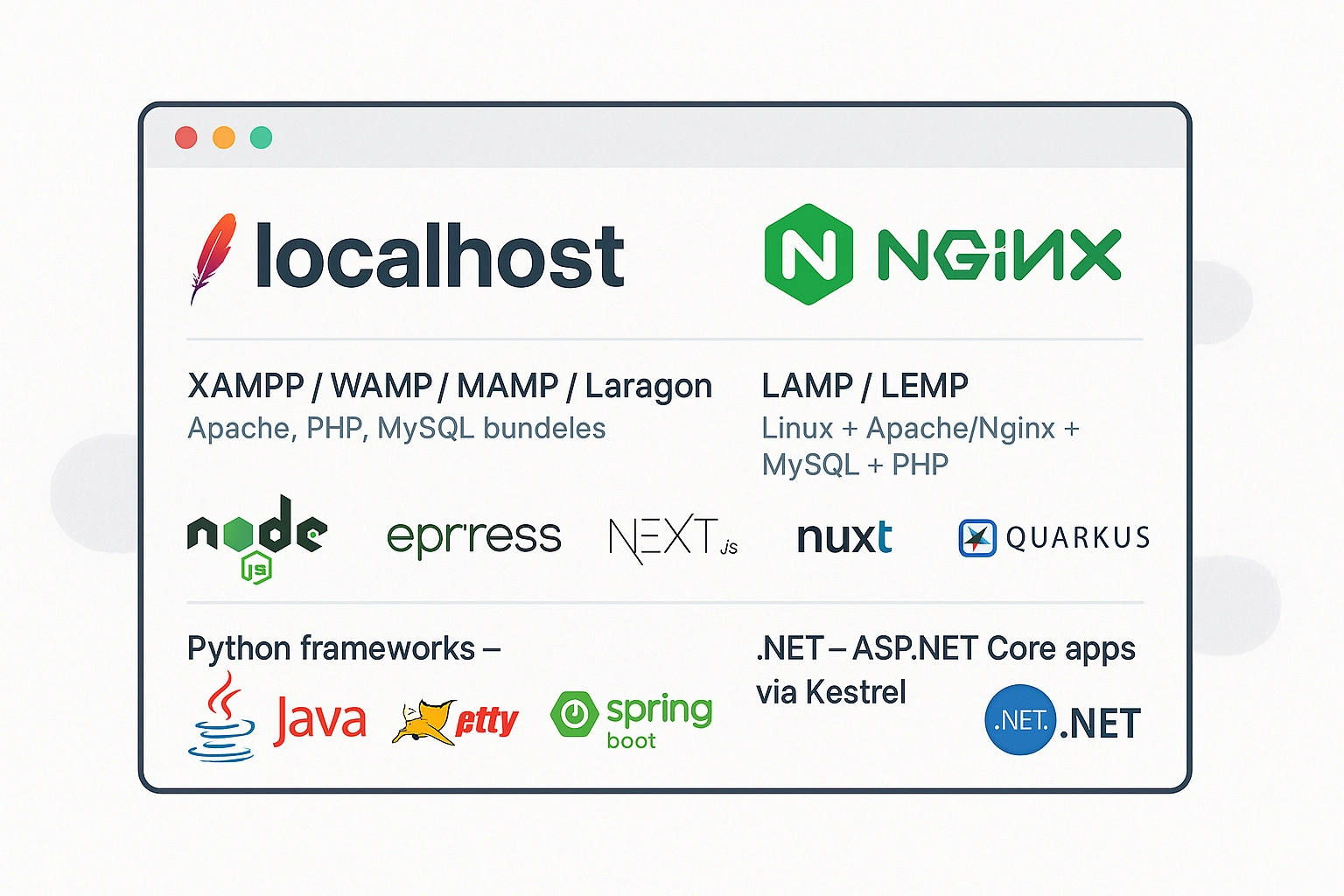
- XAMPP / WAMP / MAMP / Laragon for Apache, PHP, and MySQL bundles
- LAMP / LEMP for Linux + Apache/Nginx + MySQL + PHP
- Node.js with Express, Next.js, Nuxt, and similar frameworks
- Python frameworks such as Flask, Django, and FastAPI
- Java runtimes such as Tomcat, Jetty, Spring Boot, and Quarkus
- .NET apps via ASP.NET Core and Kestrel
Data and Messaging
- Relational DBs: MySQL, PostgreSQL, SQL Server developer edition
- NoSQL: MongoDB, Redis, Cassandra, CouchDB
- Search: Elasticsearch, Solr
- Queues: RabbitMQ, Kafka, ActiveMQ
Developer Tools and Dashboards
- phpMyAdmin, Adminer, pgAdmin, Mongo Express
- Grafana, Prometheus UI, Kibana dashboards
- Swagger and OpenAPI interfaces for API testing
- Local documentation servers such as Docusaurus and MkDocs
What Can Be Done on Localhost?
Localhost is a safe playground for almost all kinds of development and testing.
Application Development
- Build full-stack apps without deploying to a remote server.
- Debug complex flows such as authentication, payments, and webhooks.
- Simulate production-like setups using Docker Compose or local VMs.
Testing and QA
- Run unit, integration, and end-to-end tests against local services.
- Load test APIs before exposing them publicly.
- Experiment with failure scenarios and service restarts.
Learning and Training
- Practice web development with zero hosting cost.
- Learn databases and SQL queries locally.
- Study networking, reverse proxies, SSL, and security configurations.
Personal Tools
- Run private dashboards, notes, and self-hosted helpers.
- Host local-only services for privacy-focused workflows.
Which Programs Run on Which Port?
Ports are numbered channels for network data. Many services use well-known defaults, but most of them can be customized.
| Port | Typical Service on Localhost | Example |
|---|---|---|
| 80 | HTTP web server such as Apache, Nginx, or IIS | http://localhost/ |
| 443 | HTTPS web server | https://localhost/ |
| 3000 | React, Next.js, and Node dev servers | http://localhost:3000 |
| 4200 | Angular CLI dev server | http://localhost:4200 |
| 5000 / 8000 | Flask and Django dev servers | http://localhost:8000 |
| 8080 | Alternative HTTP and Java app servers | http://localhost:8080 |
| 8086 | InfluxDB HTTP API | http://localhost:8086 |
| 3306 | MySQL / MariaDB database | localhost:3306 |
| 5432 | PostgreSQL database | localhost:5432 |
| 6379 | Redis | localhost:6379 |
| 27017 | MongoDB | localhost:27017 |
To see what is currently listening on which port:
# Windows
netstat -aon | find "LISTEN"

# Linux / macOS
sudo lsof -i -P -n | grep LISTEN
Can I Broadcast to the World from Localhost?
Directly, no. Localhost is only visible to your own machine. However, you can reconfigure services so they are no longer bound only to localhost.
Typical binding options:
127.0.0.1for pure local-only access0.0.0.0for listening on all network interfaces- A specific LAN IP such as
192.168.1.10for local network access
app.listen(3000, '127.0.0.1');
app.listen(3000, '0.0.0.0');
To expose something beyond localhost you usually also need:
- Router port forwarding
- Firewall rules on both the OS and the router
- A domain if you want a stable public address
- Real security with HTTPS, authentication, and access control
For development, it is usually safer to keep services bound to localhost and use tunnel tools like ngrok or Cloudflare Tunnel when outside access is needed.
Operating Systems and Localhost
Localhost exists everywhere, but the related tools and config files differ.
Windows
hostsfile:C:\Windows\System32\drivers\etc\hosts- Loopback IPs:
127.0.0.1and::1 - Useful tools: Command Prompt, PowerShell,
netstat,netsh, and WSL
Linux
/etc/hostsdefines localhost mappings.- Services are commonly managed via
systemctlandjournalctl. - It is ideal for LAMP, LEMP, Docker, and local Kubernetes workflows.
macOS
- Also uses
/etc/hostsfor hostname resolution. - Works well for Node.js, PHP, Python, and container-based development.
- Can be extended easily with Homebrew.
Localhost Connection Problems
Even though localhost is simple conceptually, misconfigurations still cause problems. These are some of the most common ones.
This Site Can't Be Reached or Connection Refused
- No service is running on that port.
- The service crashed or failed to start.
- The service is bound to another interface.
Useful checks:
- Confirm the server process is actually running.
- Use
netstatorlsofto see whether the port is listening. - Make sure you are using the right protocol.
Accessing a Database Port in the Browser
Visiting http://localhost:3306 will fail because MySQL does not speak HTTP.
You need a proper client such as phpMyAdmin, MySQL Workbench, or the CLI.
Port Already in Use
- Check which process owns the port.
- Stop or reconfigure the conflicting service.
- Change your app to use another free port.
Firewall or Security Software Blocking Local Ports
- On Windows, check Windows Defender Firewall rules.
- On Linux, check
ufw,firewalld, or iptables. - On macOS, check the system firewall and any third-party security tool.
Wrong URL or Path
Sometimes the service is running but the path is wrong, such as
http://localhost:8000/ instead of http://localhost:8000/api.
Access & Security on Localhost
Localhost is safer than a public-facing server, but security still matters, especially once
a service leaves 127.0.0.1.
Who Can Access Localhost?
- Only processes on the same machine can connect to
127.0.0.1. - Other devices cannot access
localhostdirectly. - If you bind to
0.0.0.0or a LAN IP, others may reach that service.
Security Best Practices
- Keep sensitive development services bound to
127.0.0.1only. - Use real passwords for local databases too.
- Avoid running unknown software that opens random local ports.
- When exposing local services, use HTTPS and proper authentication.
Access from Other Devices on the Same Network
- Bind the service to
0.0.0.0or your LAN IP. - Find your LAN IP address.
- Open
http://YOUR-LAN-IP:PORTfrom the other device. - Make sure the firewall allows the port.
Localhost is still the safest, fastest, and most flexible place to build and test software. Once you understand ports, bindings, and access rules, you control the whole local setup far more confidently.