





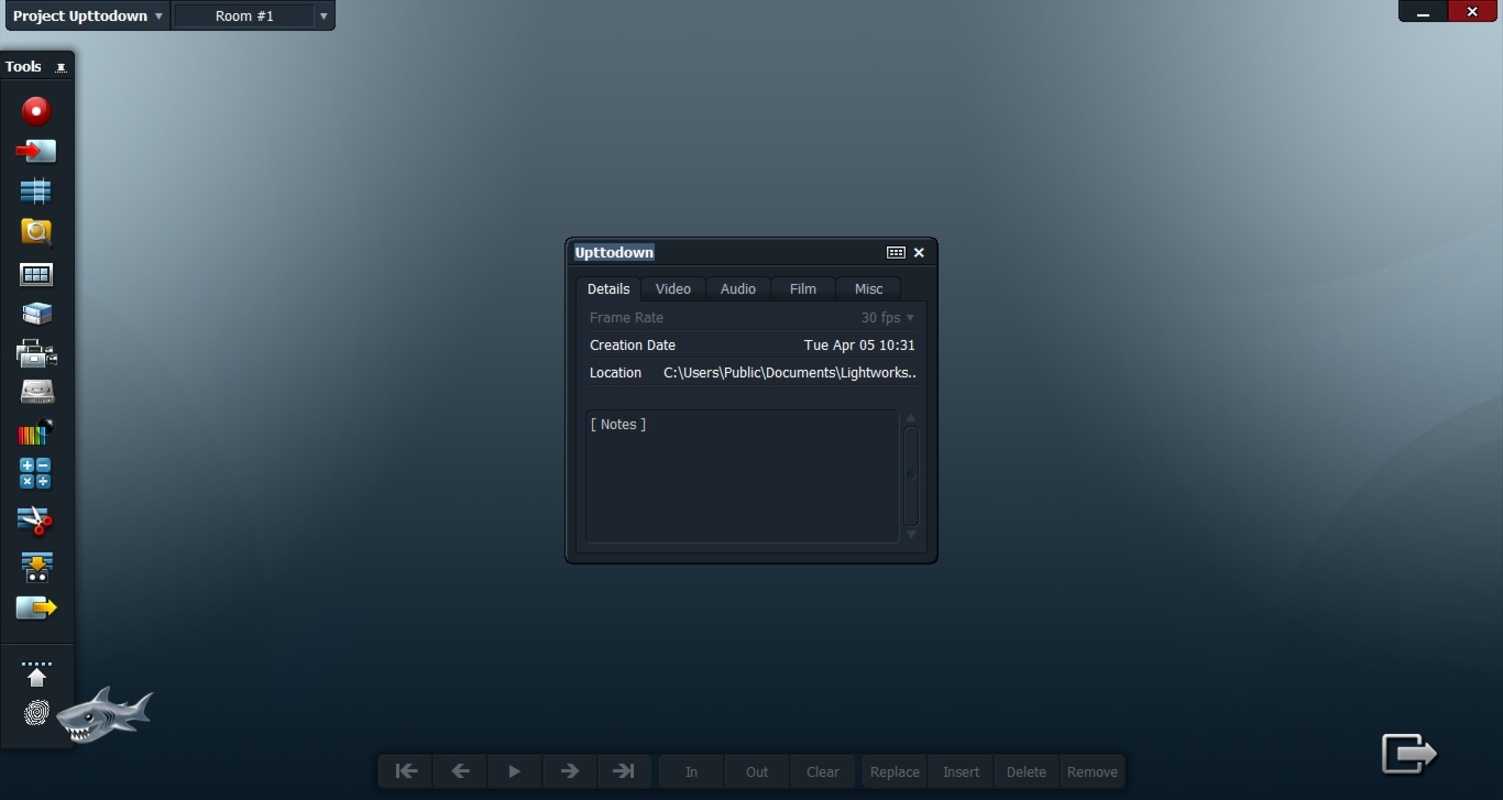
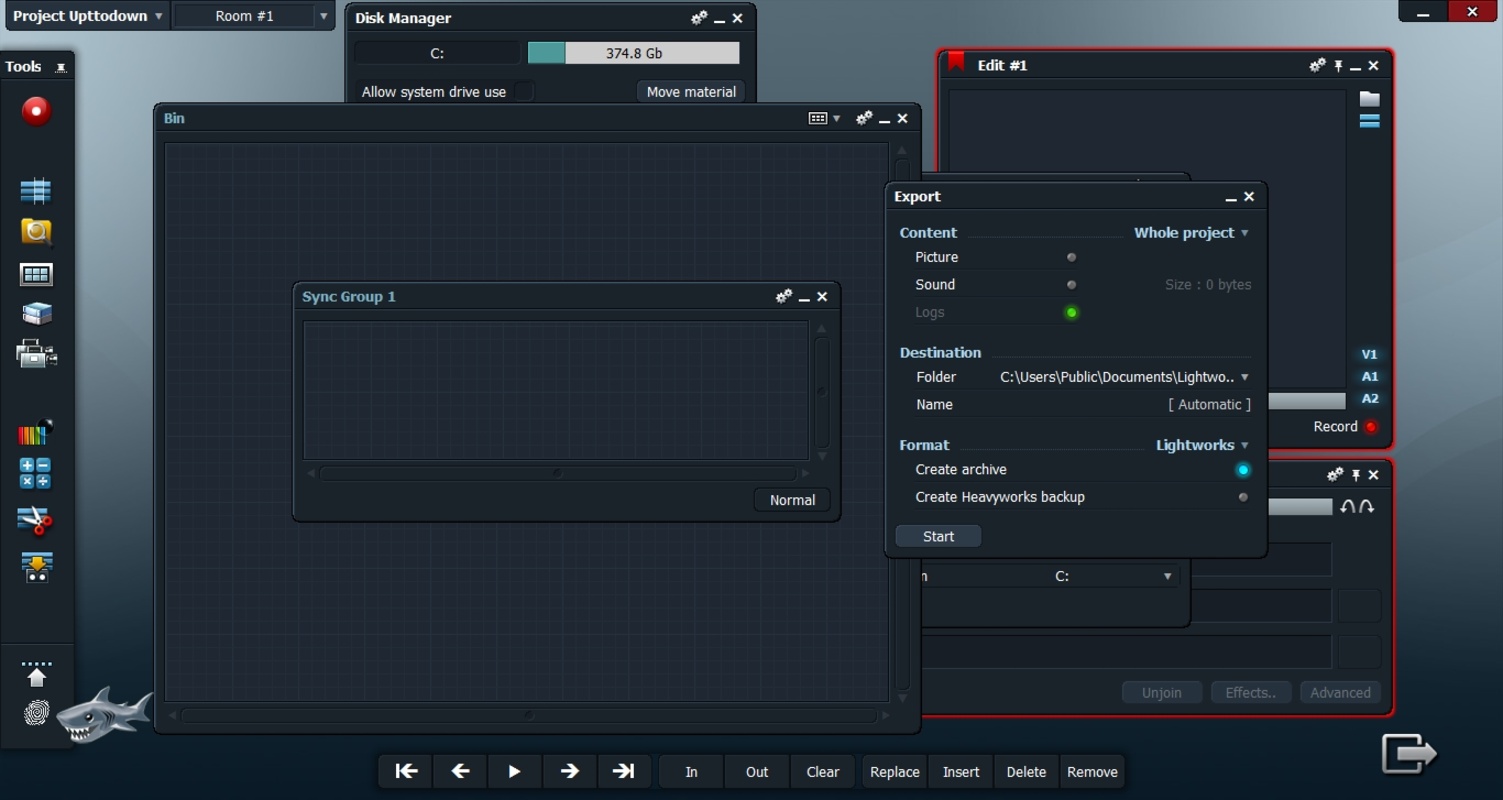
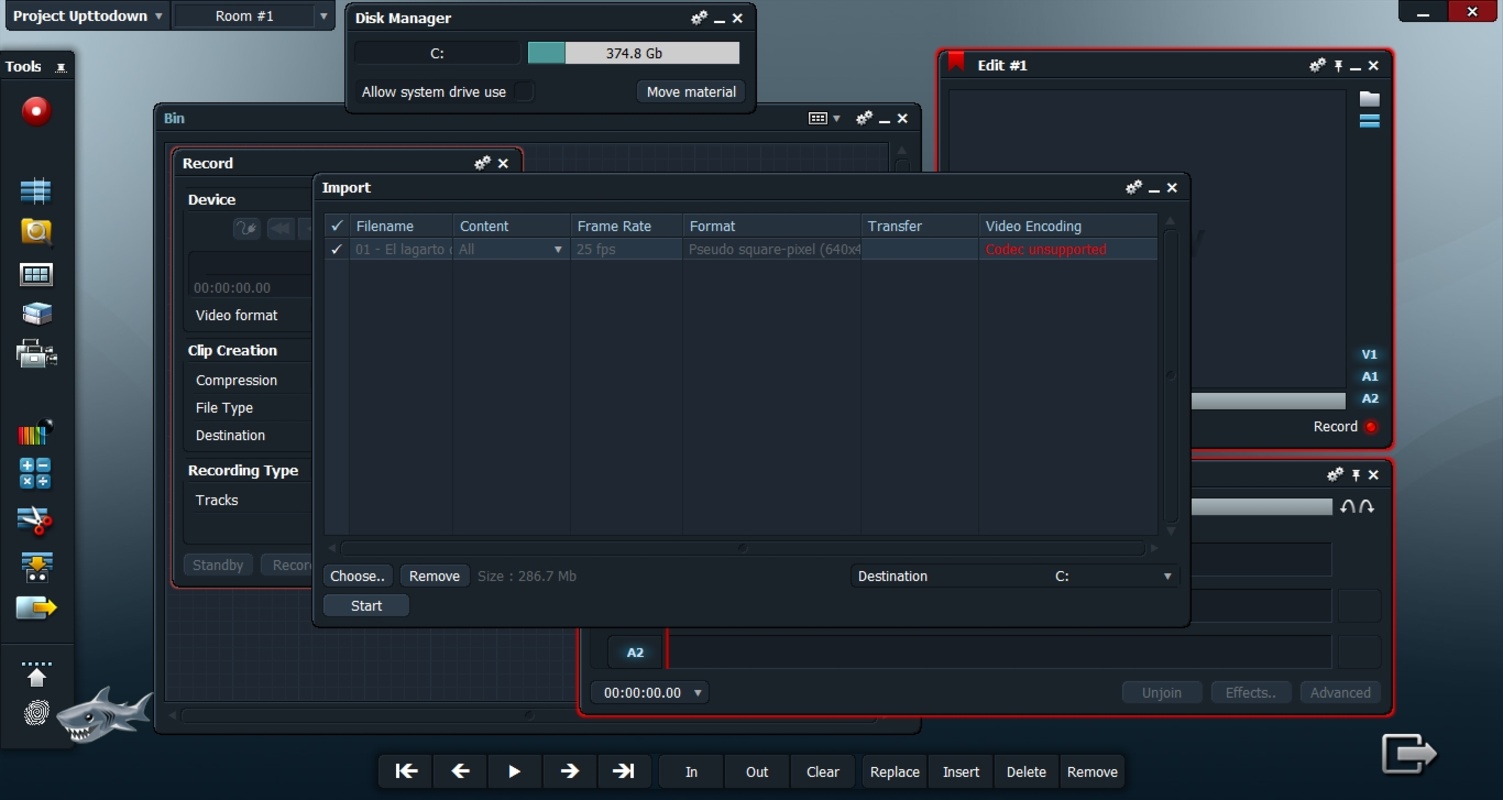
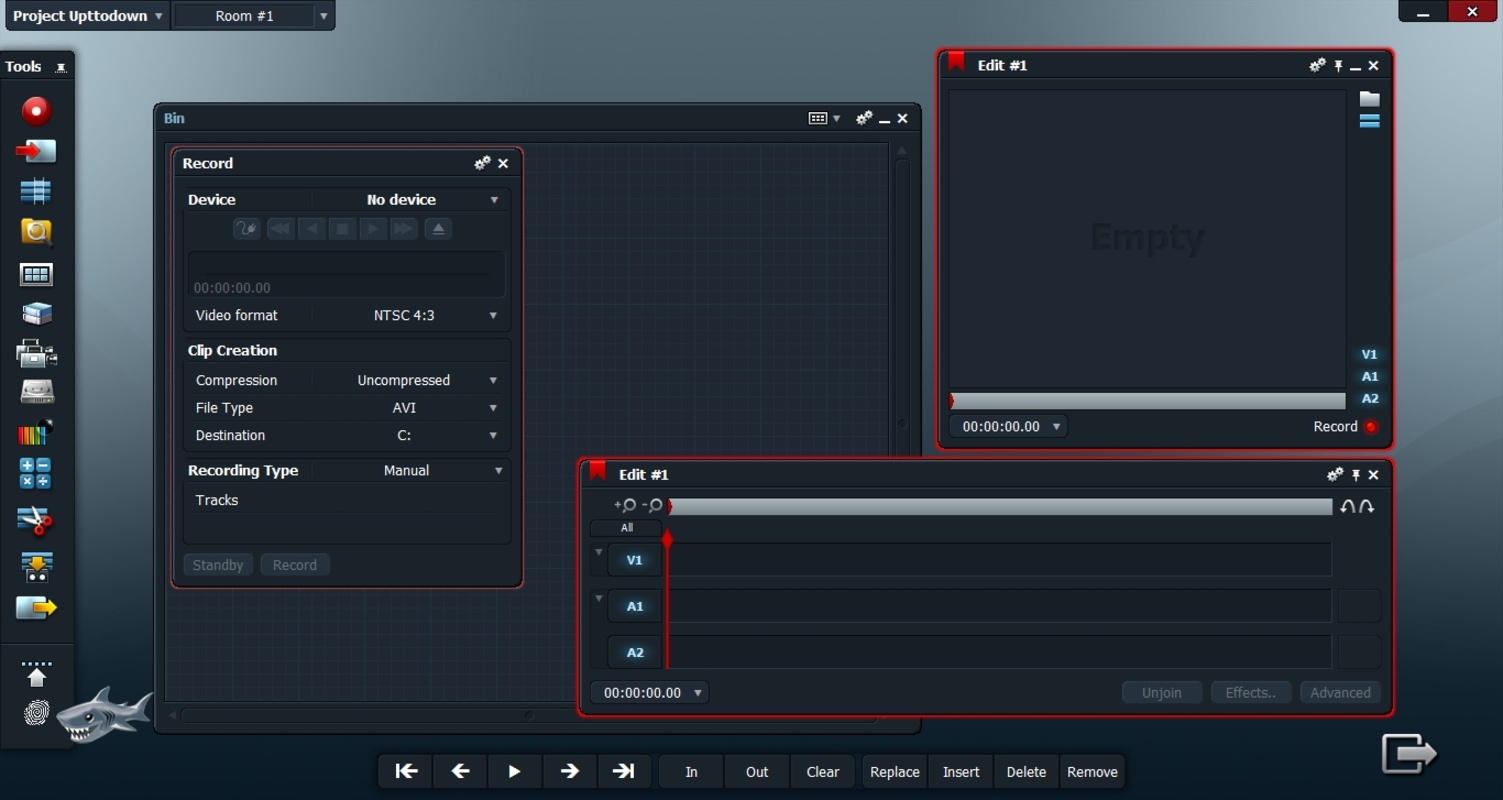

Lightworks is video editing software which allows you to get professional quality results without having to overcome all the typical obstacles that come with this kind of app. Since 1989, the program has been one of the leaders in this field, being updated and refreshed periodically to always offer the latest features. You will find a very clean interface that you can customize to your liking. You are the creative, so you choose your workspace: it's that simple.
Customize your editing experience
The first thing you can do after installing Lightworks on your PC is select what you want to get out of the software and how much previous experience you have with this kind of program. By doing so, the app will be able to make smart recommendations that you are sure to find really interesting. When you start using the app, for example, the tutorial will be activated by default. This tutorial will guide you through a series of basic and advanced concepts, but you can deactivate it at any time if you feel it is not helpful.
Three different versions for three different profiles
When you start using Lightworks you will find that there are three different versions of the software available: Free, Create and Pro. The Free version, as its name suggests, is completely free and allows you to edit videos in the usual way and export your movies in up to 720p. This version is ideal for beginners or users who only want to edit videos very occasionally. The Create version, on the other hand, is very affordable and allows you to export in up to 4K. It also offers a wide range of additional features, such as the possibility of using an advanced audio equalizer. Finally, the Pro version comes in at a slightly higher price, but offers even more features, including advanced video effects.
Everything you need to edit your movies
The default Lightworks interface will be familiar to anyone who has previously used other video editing programs. By default, at the bottom of the screen you will find the timeline, where you can quickly drag and drop all the multimedia material you are going to work with. You can import videos in different formats, images and, of course, audio tracks. Adding a transition, for example, is as easy as adding a new video clip: just drag it to where you want it. By clicking on any element you can modify its parameters or adjust it. The most important thing to keep in mind is that, if you don't know how to do something, you can always turn to the interactive tutorial for help.
One of the best video editing programs
Download Lightworks and start creating professional quality videos on your home PC. Thanks to this program you can turn a handful of videos that you have recorded with the camera of your mobile device into a movie worthy of the silver screen. And all thanks to the many features and tools you will have at your disposal. More than thirty years of experience in the highly competitive video editing industry shows.


 10 reviews
Comments
I loved the app, I think all other apps should be like this when it comes to free and paid resources. My satisfaction is that it managed to be very good regarding video editing, for those who have lim...See more
It is an excellent program, but I have a problem: it never saves my user data. I have already created about four different emails to log in. :(
Excellent, it's free; you just need to create a user account on Lightwork without cards or anything, just an email, then set it up when starting the program. The only downside is that it only supports...See more
Not bad
I didn't like the app; it claims to be free but charges for use. This is absurd and deceptive. I hated this product and advise against using if seeking something free!
Is the program free? I need a good editor so my videos can have more effects.