Go to Mac platform Display platforms icon
Go to Mac platform Go to Windows platform Go to Android platform
GIMP icon

GIMP

3.2.0
2.5 4 reviews
271.1 k downloads
security security

Free software to create and edit images

Advertisement
Remove ads and more with Turbo
Advertisement
Remove ads and more with Turbo
Carlos Martínez icon
Reviewed by
Carlos Martínez
Content Team Lead
Carlos Martínez is part of Uptodown's in-house Editorial Team. Translated by Uptodown Localization Team

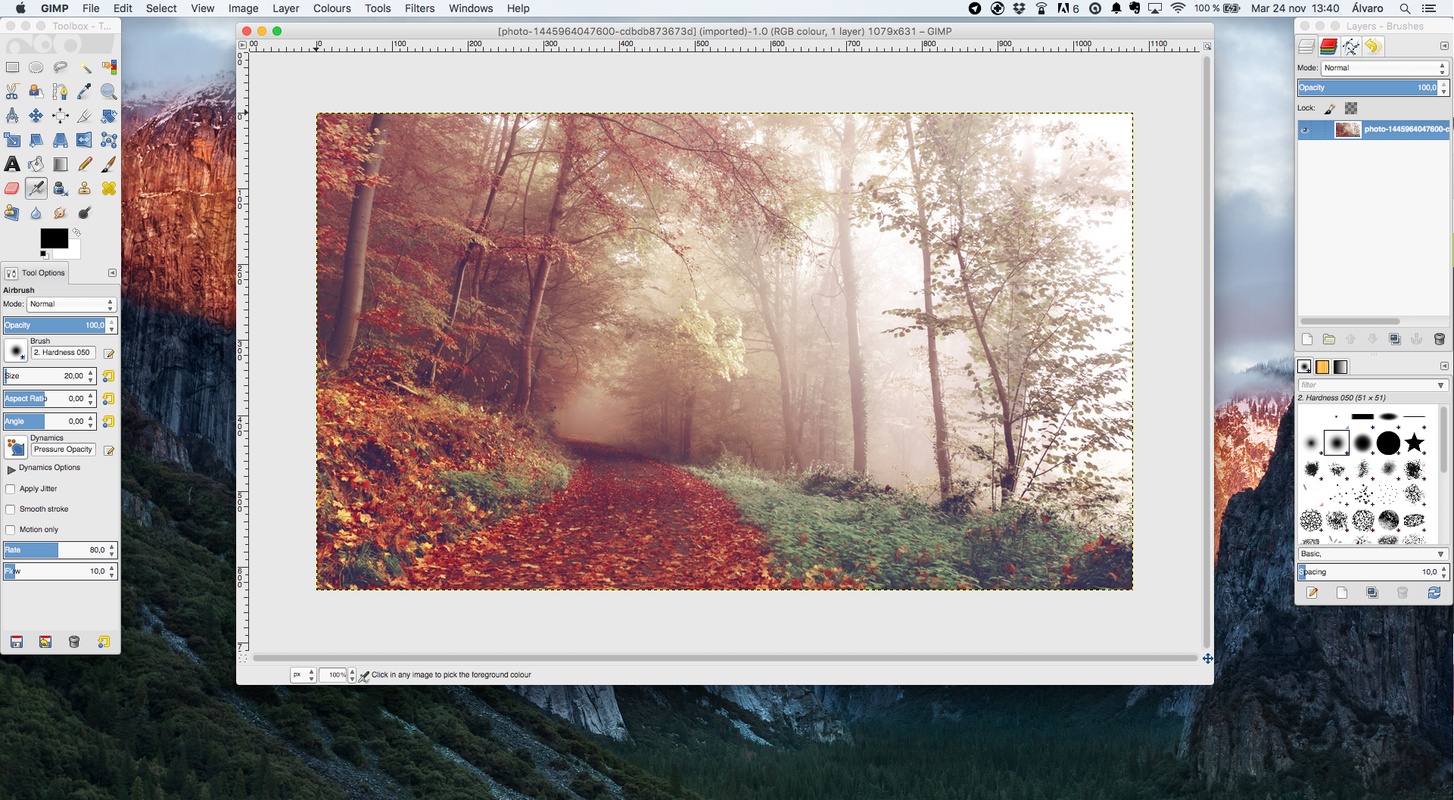
GIMP is a free and open-source image editor that will provide you with a wide range of features for getting the most out of each of your photos. You must navigate an intuitive interface to edit parameters or add new elements to your photos.

Edit photos like a pro

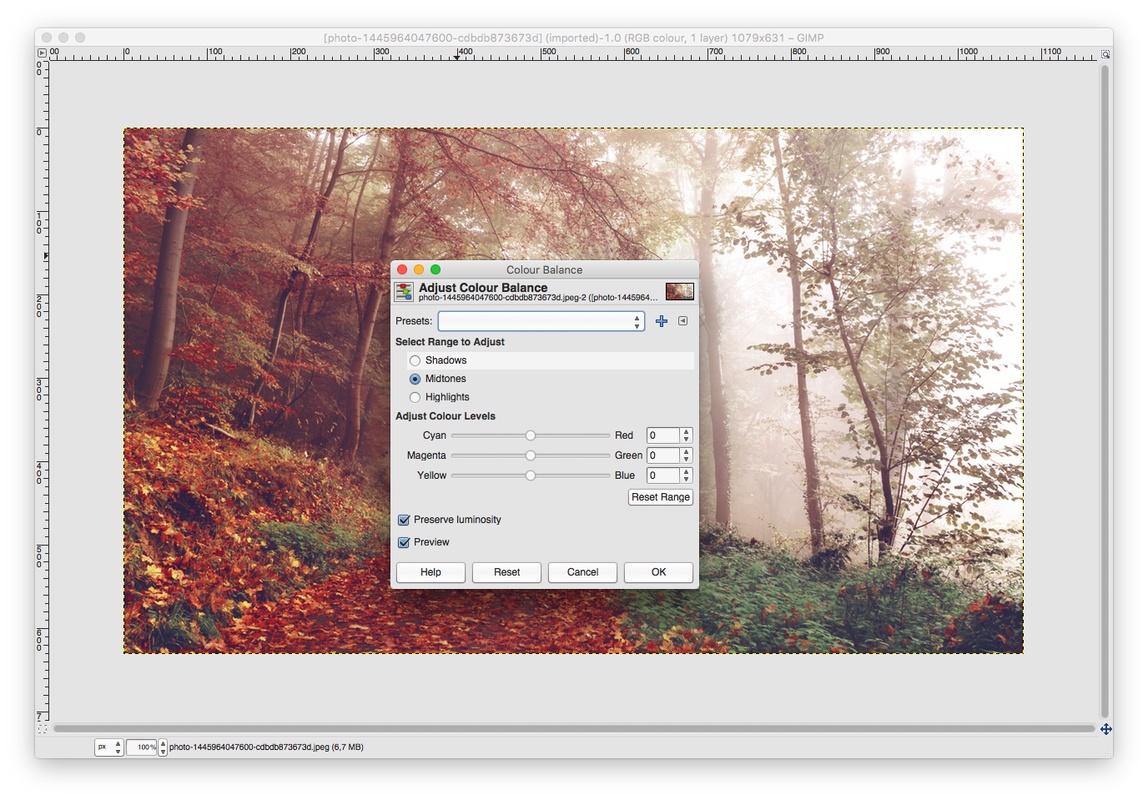
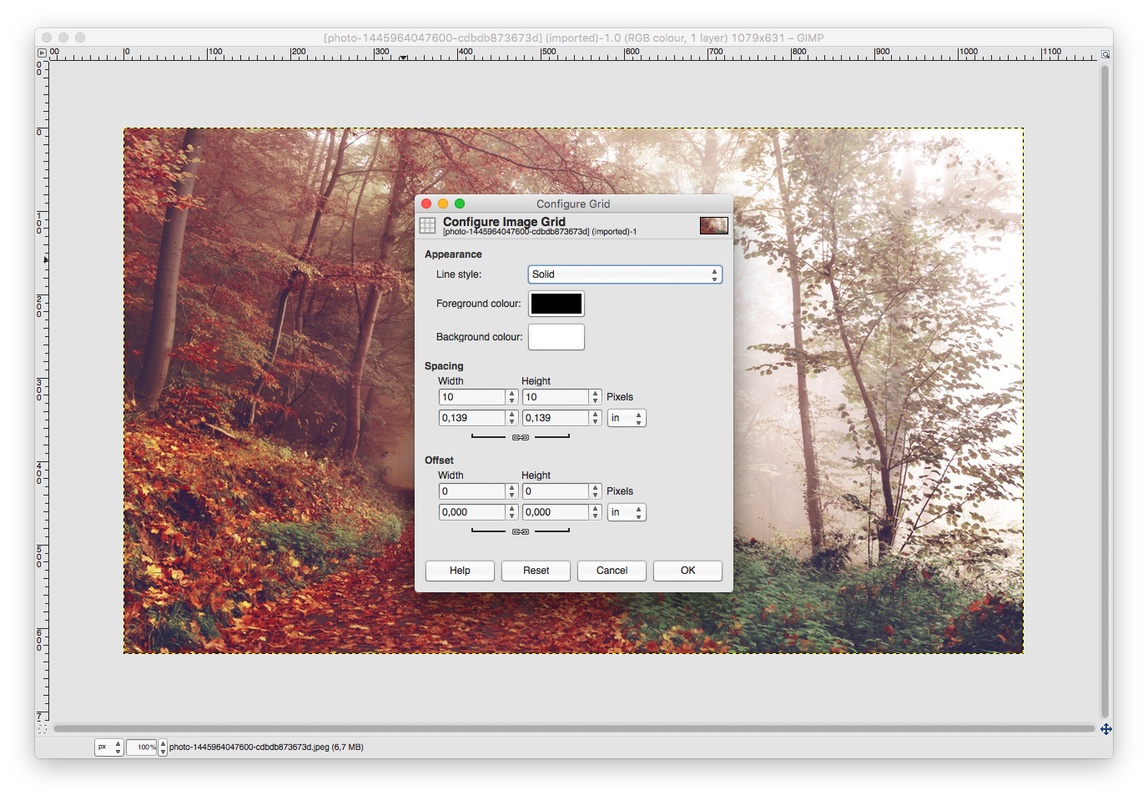
When you open GIMP for Mac OS, you'll see a main screen where you can import one or more photos you want to edit. After importing all the content you want, you'll be ready to start editing: retouching parameters, correcting colors, removing blemishes, deleting elements from free photos, and creating professional compositions. This way, by applying layers, masks, or custom brushes, you can enjoy a post-production that's fully adapted to your needs.

Advertisement
Remove ads and more with Turbo

Add plugins to GIMP for free

One of the things that makes GIMP one of the best alternatives to Photoshop for Mac is the addable community-created plugins. These added features will allow you to get even more use out of a program that will also allow you to create your own plugins in Python or Scheme.

Is GIMP better than Photoshop?

If you're wondering if GIMP is better than Photoshop on Mac, the answer will always depend on what you need at any given moment. Although Adobe's program has a greater number of advanced features and AI-integrated tools, when you install GIMP, you can enjoy a completely free program that doesn't require subscriptions to work and which will introduce you to an active community that will continue to provide you with new updates and plugins.

Download GIMP for Mac and enjoy this excellent, completely free image editing program, with which you can edit photos like a professional without having to resort to other paid alternatives.

Information about GIMP 3.2.0

Basic information

Developer The GIMP Team
License GNU
Category Capture & editing
Rating Not specified
Languages English
14 more

Security and privacy

Required permissions Not applicable
Advertising Not specified
See security and antivirus report
Why is this app published on Uptodown? (More information)

Download info

Downloads 271,147
Date Mar 14, 2026
File type DMG
Size 223.06 MB
SHA256 e987db0abdccfafe7a041c2c1eaa5312d53d948b3b24432b24a40871cd8638cd

Technical details

Package Name gimp
Advertisement
Remove ads and more with Turbo

Older versions

See more
dmg 3.0.8 Jan 26, 2026
dmg 3.0.6 Oct 6, 2025
dmg 3.0.4 May 19, 2025
dmg 3.0.2 Mar 25, 2025
dmg 3.0.0 Mar 18, 2025
dmg 2.10.38-1 Nov 6, 2024
Available for other platforms

Rate this App

Review the app
GIMP icon

Rating

2.5
5
4
3
2
1
4 reviews

Comments

zeraus icon
zeraus
in 2009

To perform most basic operations, Photoshop is not necessary, so GIMP is an excellent alternative to this program. It's also free, so you don't have to worry about licenses, patches, cracks, or anythi...See more

44
Reply
Advertisement
Remove ads and more with Turbo
Inkscape icon
Free software to create vector graphics
Kdenlive icon
Create and edit video projects with this open-source program
Olive icon
Edit videos with nodes
PhotoFlow icon
aferrero2707
Adobe Photoshop icon
The most famous image editor&creator, now for Mac
Adobe Photoshop Lightroom icon
An elegant tool to edit digital photos
Adobe Camera Raw icon
Now you can work with your photos in RAW format
Nik Collection icon
The number one photo editing toolkit for Photoshop
balenaEtcher icon
Create self-booting external disks on Mac
Mozilla Firefox icon
Cross-platform open-source web browser
Ollama icon
Access powerful language models locally
Citra icon
The best Nintendo 3DS emulator for Mac
Chromium icon
The open-source version of Google Chrome
Mole icon
Fully optimize your Mac
Lightpanda Browser icon
A browser designed for automation and AI
Cinny icon
Fast and modern Matrix client for Mac
Adobe Photoshop icon
The most famous image editor&creator, now for Mac
DaVinci Resolve icon
Comprehensive video and audio editor used in Hollywood
Canva icon
Create designs from hundreds of resources
Adobe Photoshop Lightroom icon
An elegant tool to edit digital photos
Blender icon
Free 3D Model application to create 3D images
Darktable icon
An incredibly powerful photo processing tool
Picasa icon
Upload images to Picasa and manage them
Adobe Camera Raw icon
Now you can work with your photos in RAW format