
Go to Windows platform Display platforms icon
Go to Windows platform Go to Mac platform Go to Android platform
FlashGet icon

FlashGet

3.7.0.1220
3.4 5 reviews
848.3 k downloads
security security

Speed up your downloads

Advertisement
Remove ads and more with Turbo
Advertisement
Remove ads and more with Turbo
Álvaro Toledo icon
Reviewed by
Álvaro Toledo
Chief Content Officer
Álvaro Toledo is part of Uptodown's in-house Editorial Team. Translated by Uptodown Localization Team

Are you tired of trying to download any file and when it's nearly finished, it crashes? FlashGet is a download manager that's here to help you.

FlashGet was created to speed up your downloads by optimizing your bandwidth (just be careful if you share your connection). How does it work? FlashGet creates a multiconnection on your PC and it joins them, so the download process is much faster (up to 300%).

Advertisement
Remove ads and more with Turbo

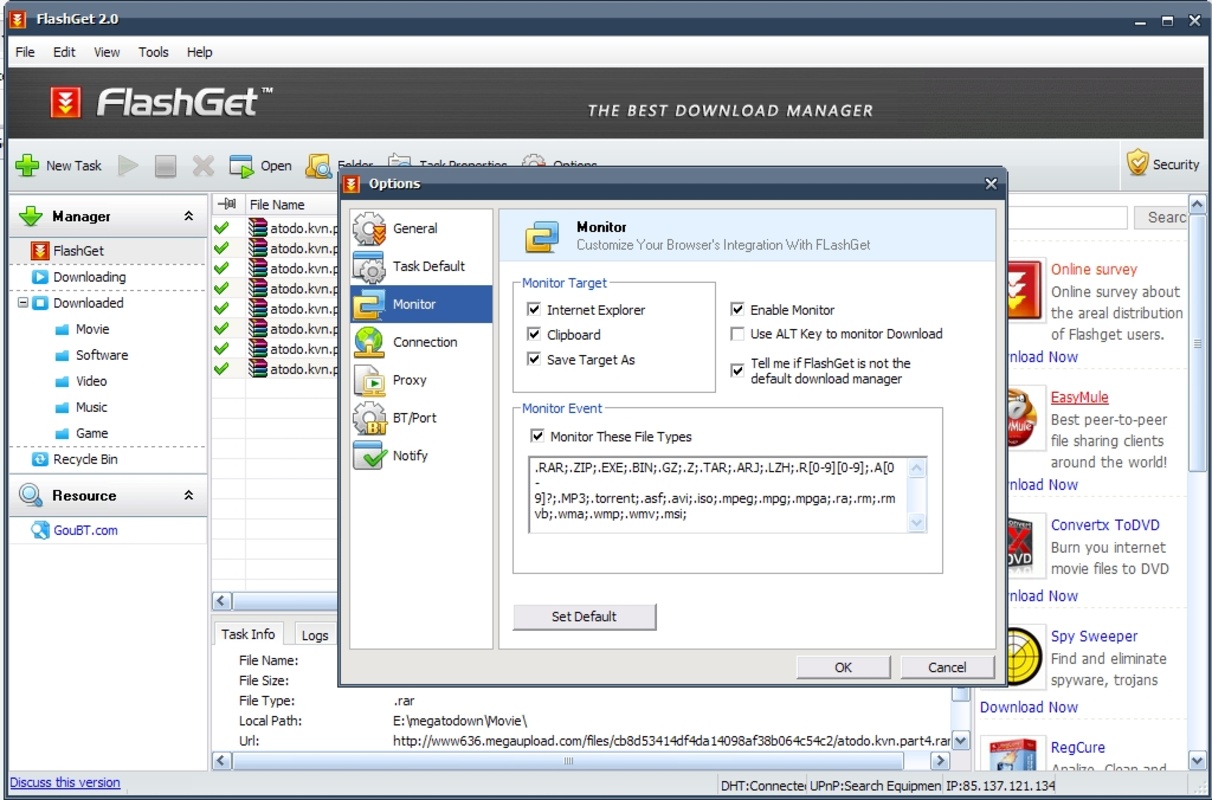
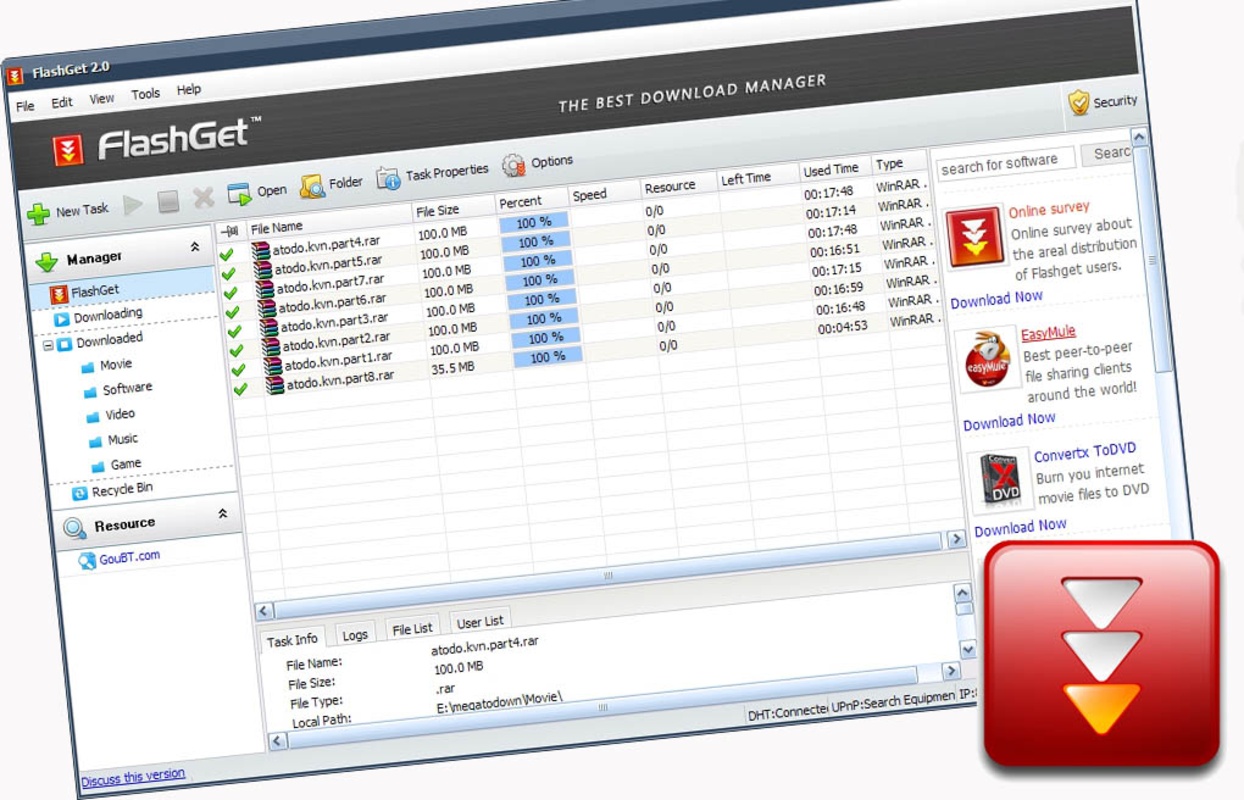
It also includes other options that are commonly found in other download managers such as categories, drag&drop, etc. It even supports customizable skins and settings. The program is totally free although it does display a banner in its main window.

Information about FlashGet 3.7.0.1220

Basic information

Developer AamazeSoft
License Free
Category Download Managers
Rating Not specified
Languages English

Security and privacy

Required permissions Not applicable
Advertising Not specified
See security and antivirus report
Why is this app published on Uptodown? (More information)

Download info

Downloads 848,308
Date Jun 19, 2013
File type EXE
Size 6.08 MB
SHA256 550a619015a3d74cc3a47c1347d67e251aeb5ea6d0af33bf1404a8ce1b4a148d

Older versions

exe 3.7.0.1218 Nov 13, 2012
exe 3.7.0.1203 Mar 23, 2012
exe 3.7.0.1195 Jan 19, 2012
exe 3.7.0.1156 Jan 7, 2011
exe 3.2.0.1060 Dec 22, 2009

Rate this App

Review the app
FlashGet icon

Rating

3.4
5
4
3
2
1
5 reviews

Comments

firefan icon
firefan
in 2010

Combine it with Firefox, use the FlashGot extension and get ready to download at full speed, you won't regret it, for sure.

3
Reply
GUDIEL icon
GUDIEL
in 2010

excellent

12
Reply
vincent73 icon
vincent73
in 2009

Excellent, one of the best I've used. You can remove unnecessary panels and leave only the download box, making it lighter and more useful. The bandwidth limitation is one of the best features it has.

74
Reply
Daniel etc icon
Daniel etc
in 2009

Very good manager especially for megaupload since you can pause and restart the download. With others it does not work that's why I love it I use it with Firefox and its Flashgot plugin and it's the b...See more

82
Reply
Advertisement
Remove ads and more with Turbo
Internet Download Manager icon
Accelerate your downloads with this powerful download manager
TubeMate Video Downloader icon
Download YouTube videos on your Windows PC
JDownloader icon
Multiple file downloads from any hosting service
Fast Video Downloader icon
Download videos from any website
AB Download Manager icon
Easily download multiple files
yt-dlp icon
Download videos and content from thousands of websites
4K Video Downloader Plus icon
Download HD videos from a host of different sites
Free Download Manager icon
Manage your downloads quickly and simply
Google Chrome icon
Fast, clean and easy web browsing courtesy of Google
WhatsApp Desktop icon
The official WhatsApp app for Windows
uTorrent icon
The simplest option to download torrents
Proton VPN icon
Powerful, free, secure and unlimited VPN
Uptodown App Store icon
Native Uptodown client for Windows 11
Internet Download Manager icon
Accelerate your downloads with this powerful download manager
Telegram Desktop icon
Talk to all your Telegram contacts from the desktop
SpeedTop icon
A Fast,Lightweight, and Secure VPN Solution Built for Your Windows PC.