





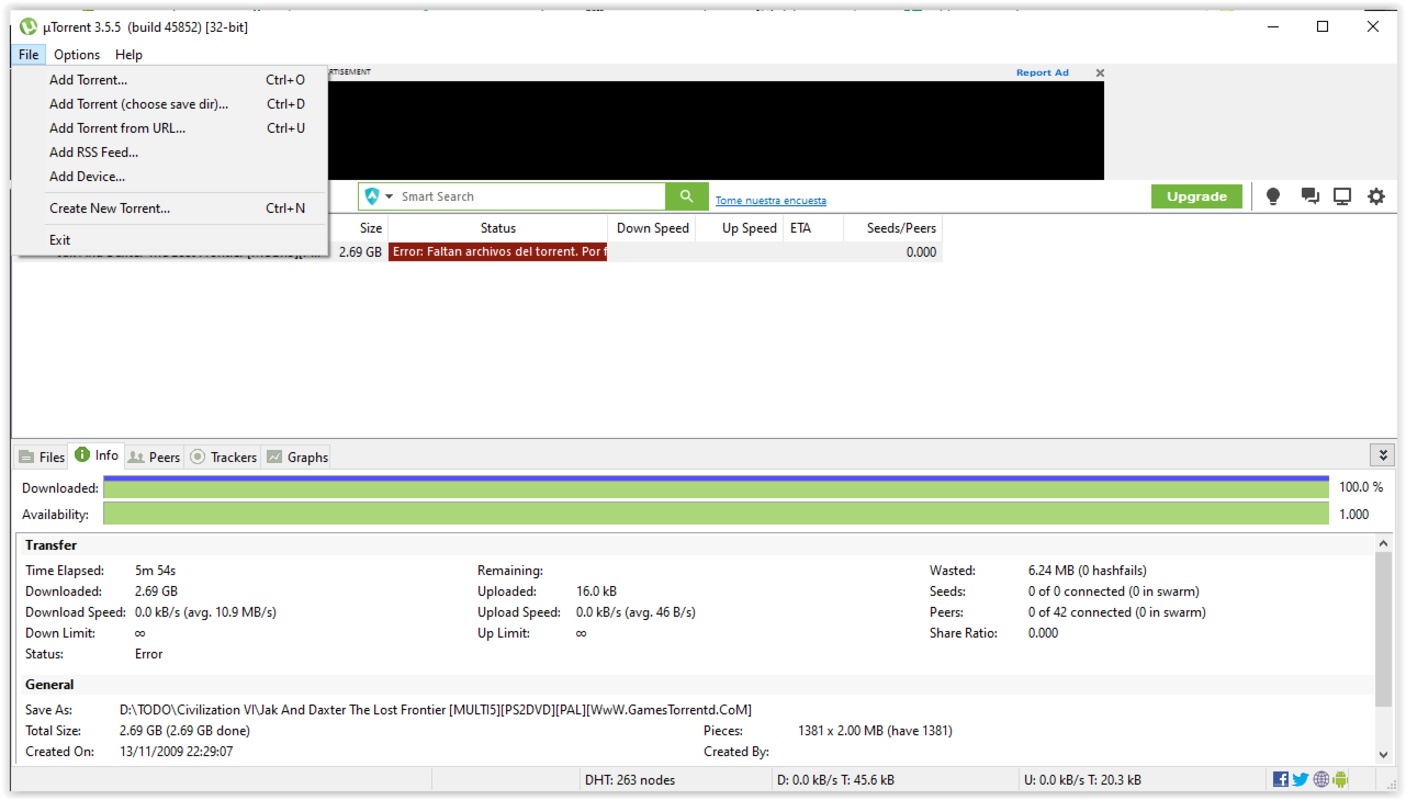
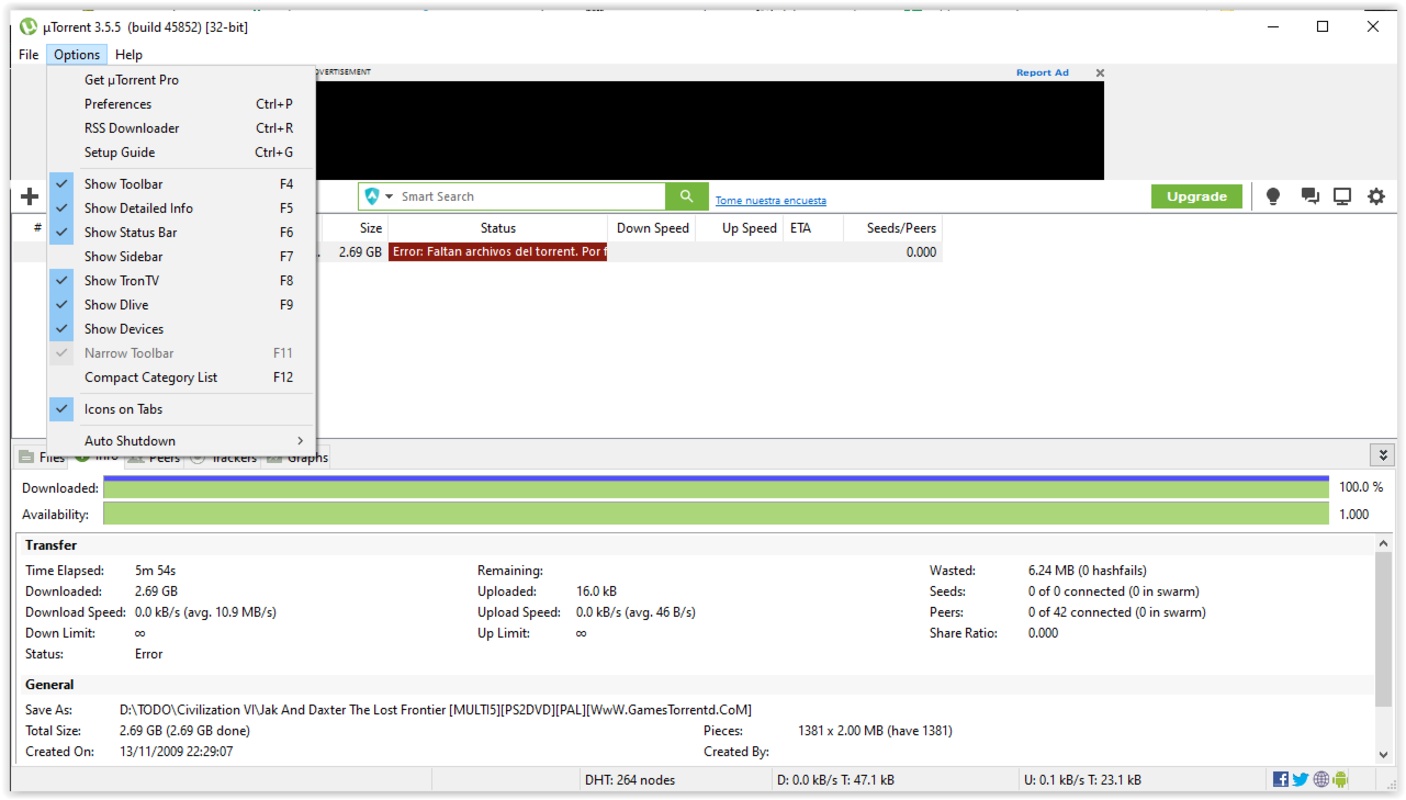
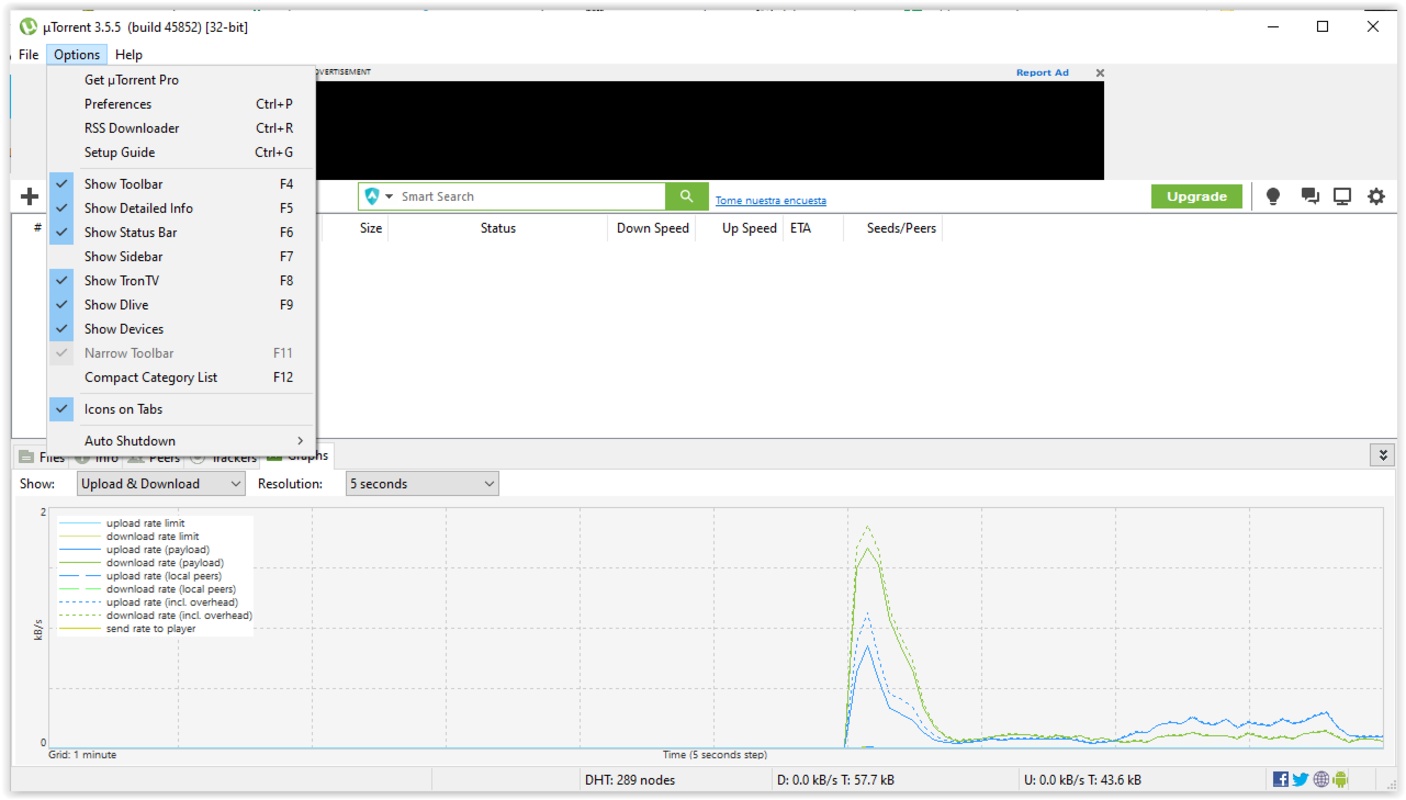

uTorrent, also known as µTorrent, is a popular torrent downloader. Launched in 2005, uTorrent stands out for its small size and low resource consumption. Thanks to this BitTorrent client you can download files in .torrent or magnet format. These two formats are the most common in P2P clients.
Customize the settings for each torrent
When you add a file for download, uTorrent allows you to customize various aspects of the download, including where you want it to be downloaded to. What's more, you can assign tags or choose which files you want to download and which you do not.
Manage uTorrent's network connection
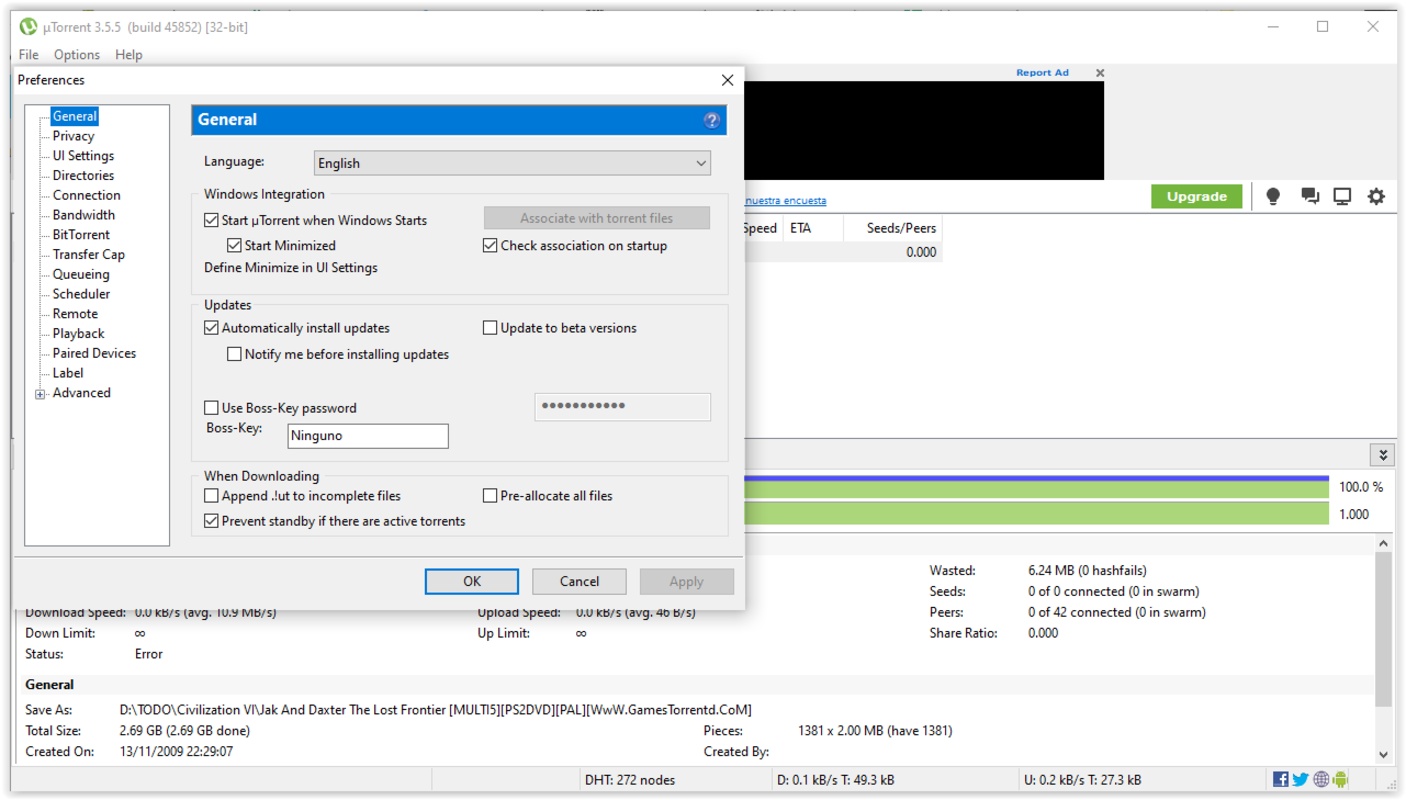
After adding a file for download, you can pause, resume or adjust its priority level. There is no limit to the number of torrents you can add, but you might eat up all your bandwidth if you start downloading too many. For this reason, you can also customize settings related to the use of network resources in the program settings. For example, you can limit the upload and download speed, as well as restrict the number of connections for each torrent.
Learn more about each torrent
When you add a torrent file, you can see a lot of information about it. You can see the number of seeds, the number of people downloading it, the upload and download speed, the date it was added, the size, the download percentage, etc. All this information can be viewed by clicking on the torrent, or you can also add it to informative tabs to see this information just by opening the program.
Access to torrent download trackers
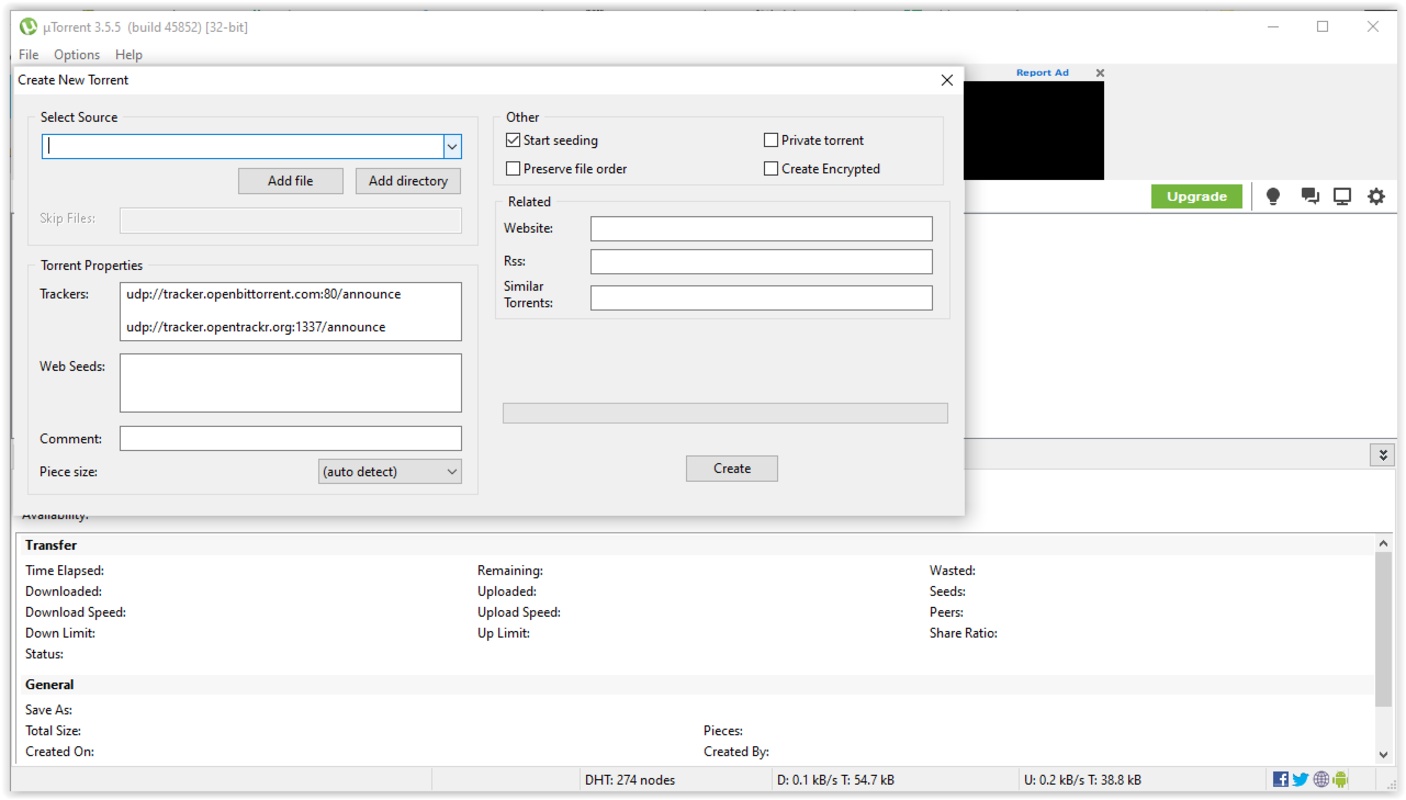
You can also see information related to the tracker for each torrent. A tracker keeps track of users who are downloading or sharing a file. Thanks to this, both parties can communicate and download the file. File downloads or uploads can be carried out between several users at the same time, so if many people have a torrent downloaded on their devices, you can download different parts simultaneously from each of those users. This increases the speed of the download and helps you get your files as quickly as possible. A torrent can be available on several trackers, which further increases the number of users who can download and share it.
Automatically download content
uTorrent also allows you to add torrent file searches directly into the program. Thanks to this, you can search for content from platforms that you have previously added. You can also synchronize RSS feeds so that content is added automatically. To protect you from malicious files, uTorrent comes equipped with a malware detection system.
Download uTorrent to enjoy one of the best programs for downloading torrents.


 72 reviews
Comments
It is the only decent torrent client. It is light, beautiful, and highly customizable, even in the free version. It's the kind of app that's worth paying for the paid version. I miss having an option ...See more
It's very good
Formidable
I hear that it's a good app.
super
legit. thanks