
What is Email Parser?
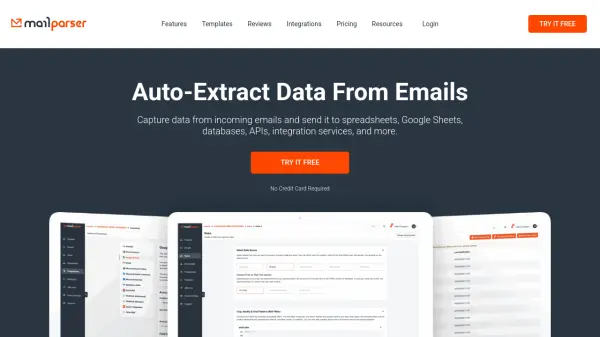
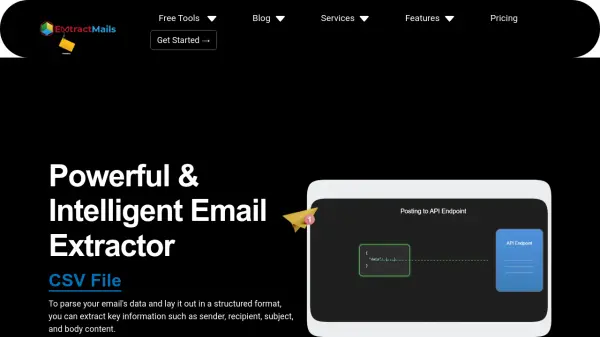
Email Parser is a specialized tool designed to automate the extraction of text from incoming emails, eliminating the need for manual copying and pasting. It continuously monitors email inboxes and processes new messages, capturing relevant data through various parsing rules including line-column text capturing, regular expressions, and scripting. The tool supports multiple email systems such as Gmail, Exchange, POP, and IMAP, and can work with attached documents in formats like PDF, Excel, XML, TXT, and CSV.
Available as both a Windows App and a Web App, Email Parser offers flexibility for different use cases. The Windows App provides privacy and full control over the automation process, allowing integration with local files and internal tools. The Web App delivers a managed solution that operates unattended in the cloud. Beyond data extraction, it can automate tasks such as sending replies, saving attachments, and forwarding emails based on filter rules, making it a comprehensive email automation solution.
Features
- Email Monitoring: Continuously monitors inboxes and processes new incoming emails automatically
- Text Extraction: Captures text from emails using parsing rules like line-column text capturing, regular expressions, and scripting
- Attachment Support: Works with data stored in attached documents in formats such as PDF, Excel, XML, TXT, and CSV
- Integration Options: Sends extracted data to spreadsheets, databases, APIs, Google Sheets, Zapier, and other services
- Automation Capabilities: Automates tasks like sending replies, saving attachments, and forwarding emails based on filter rules
- Platform Flexibility: Available as a Windows App for local control and a Web App for cloud-based operation
- Email System Compatibility: Works with Gmail, Exchange, POP, IMAP, EML, and MSG files
Use Cases
- Exporting emails to Google Sheets or Excel spreadsheets
- Parsing Amazon dispatch notifications for order tracking
- Capturing data from attached PDF or CSV files and saving to databases
- Filtering incoming emails and writing parsed data to Excel files
- Automatically saving attachments from incoming emails
- Forwarding emails based on specific filter rules
- Integrating email data with APIs or services like Zapier and IFTTT
- Using regular expressions to parse and extract specific email data
FAQs
-
What email systems does Email Parser support?
Email Parser works with Gmail, Exchange, POP, IMAP, EML, and MSG files. -
Can Email Parser process attached documents?
Yes, it can work with data stored in attached documents in formats such as PDF, Excel, XML, TXT, and CSV. -
What are the differences between the Windows App and Web App?
The Windows App provides privacy and full control for local integration, while the Web App offers a managed, cloud-based solution that operates unattended. -
What types of parsing rules does Email Parser use?
It uses parsing rules including line-column text capturing, regular expressions, and scripting. -
Can Email Parser automate tasks beyond data extraction?
Yes, it can automate tasks such as sending replies, saving attachments, and forwarding emails based on filter rules.
Related Queries
Helpful for people in the following professions
Email Parser Uptime Monitor
Average Uptime
100%
Average Response Time
307.47 ms