






All-in-one community tool
Your all-in-one solution to build communities, support ticketing, and live chat
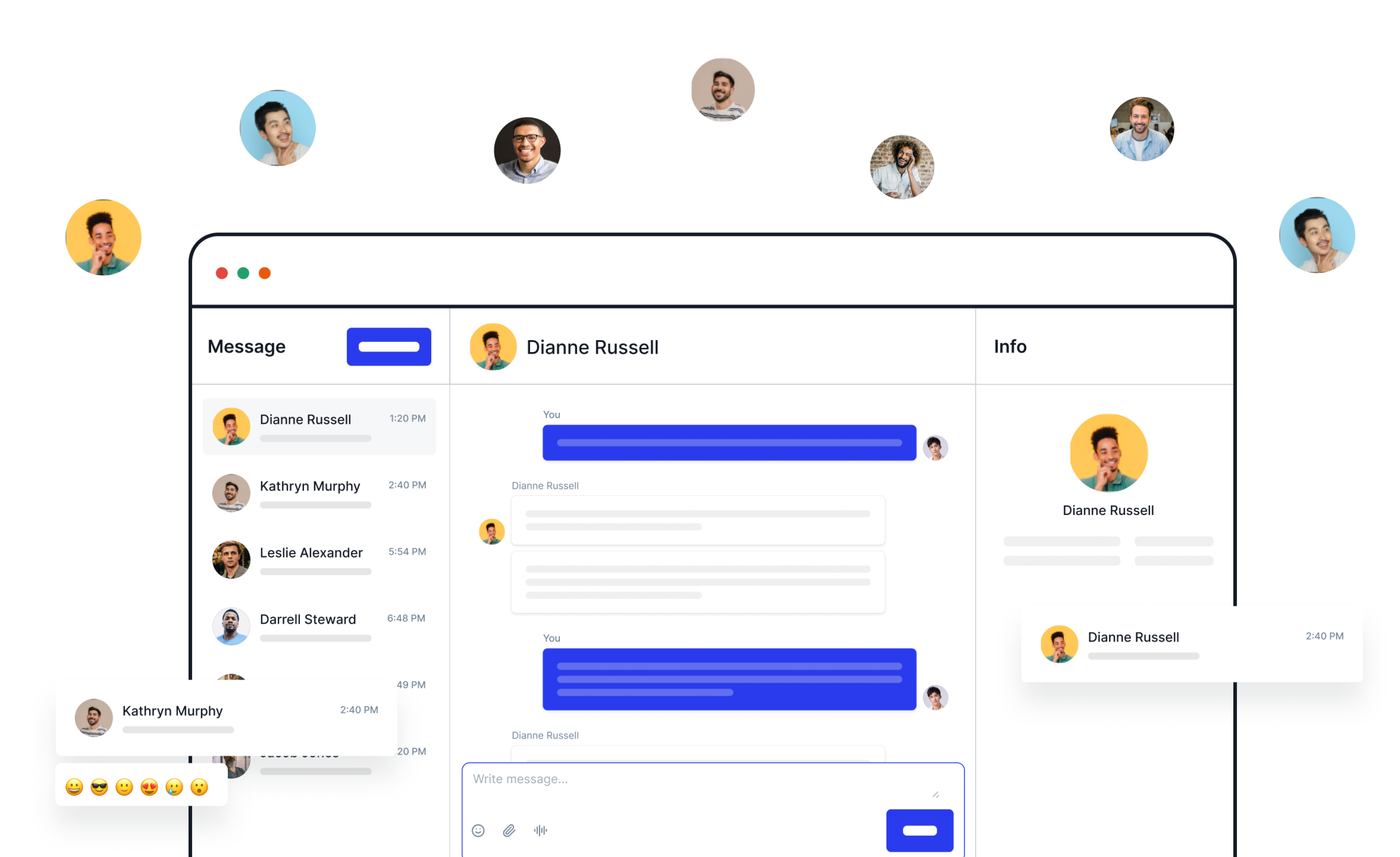
ZenCommunity is the first WordPress plugin that combines community building, group chats, private messaging, support tickets, and live chat. It makes connecting easy for everyone.

Communities

Discussions

Chat

LMS Integration

User Profiles

Private Groups

Activity Feed

Engagement

Live Chat

Support Ticket


Community, chat & support

time communication

Money Back Gurrentee
Create, connect, and support all in one place
Bring all your community needs together with a simple, powerful setup. Encourage growth, smooth chats, and easy support!




ZenCommunity + Academy LMS: your elearning powerhouse
Create, manage, and sell courses with Academy LMS and use ZenCommunity for building an interactive student community for group discussions, private chats, and instant support—all in one place.

Empower your community with one simple solution
Transform your site into a lively hub where you can grow communities, streamline support, and offer instant help

Build your communities
Create your own customized community where you have full control

Easy setup
Build your community in just a few minutes

Interactive posts
Let members share ideas and join lively discussions

Member control
Manage who joins and what they can do with ease
Dynamic chat options
Enjoy group chats and private talks with ease
Streamline support tickets
Transform help posts into organized tickets for quick, efficient resolutions.

Post conversion
Turn community posts into tickets instantly.

Status tracking
Monitor progress and assign tasks easily.

Team responses
Reply and collaborate within the system.

Insight analytics
Analyze trends to improve support.


Deliver website live chat
Help visitors right away with quick answers and friendly guidance

Instant support
Answer questions, guide visitors, and build trust

Multi-session handling
Manage several chats at once without any hassle

Quick visitor response
Reply fast to users visiting your site anytime

Easy chat setup
Add chat boxes to your site with simple, customizable options
What our user say about our product
Hear from happy users of our trusted products who enjoy easy tools and great support. Their stories show how we help build connections and solve problems—join the fun community today
I switched from tutor lms to academy lms. The reason was problems with support response time. But after switching to Academy lms, I was surprised to see the support work. I wrote about the problem and after reviewing it, the problem was resolved within 1 day.

(@bakhodirov)
Academy LMS is an incredibly well designed learning management system, clean, modern, and intuitive right out of the box. Pages load fast, and the user experience feels seamless whether you’re an instructor or a student.

(@mikefury)
Academy LMS works well and has lots of functionality. They are continuously improving the product with continuous updates and releases. As a result, there are occasional bugs but support is very responsive and quick to fix these.

(@canadianeslteacher)
I’m genuinely impressed by how sleek and lightweight aBlocks is. The design flexibility is outstanding, blocks are beautifully crafted and fully responsive out of the box. What sets it apart is the blazing fast performance even on content heavy pages, everything loads smoothly without bloated scripts.

(@mikefury)
This plugin offers awesome features and performs significantly better and faster than any other plugin I’ve used for building websites. Keep up the great work!

(@anisur8294)
I absolutely love designing websites with Gutenberg thanks to aBlock. It’s super easy to use, lightweight, and smooth. Feels like Elementor but made just for Gutenberg! From now on, it’s my go-to tool for every web project. Highly recommended!

(@bayukuncoro)
I have been running my small online business for past 2 years and was always struggling with WooCommerce. Too many plugins needed, site became slow, and setup was very complicated. Then I found StoreEngine and decided to give it a try.

(@prashant27)
I am very happy with this great support. I had a few challenges with the installation and display of the products. The support is really excellent, and I’d like to thank Arafat Hossain again. Everything was resolved quickly, and I’m very satisfied with Storeengine.

(@mediagenta)
StoreEngine is a game changer for WooCommerce users. It’s lightweight, lightning fast, and packed with smart features that actually improve conversion and user experience.The UI is clean and modern, and everything just works no bloat, no unnecessary gimmicks.

(@mikefury)
Frequently asked questions
Empower your community with a complete set of tools designed to foster engagement, streamline communication, and provide seamless support
What is a WordPress community plugin?
A community plugin lets you create groups, discussions, and member interactions on your site. ZenCommunity goes further by adding group chat, private chat, and support tools in one place.
How do I create a community in ZenCommunity?
Install the plugin, create a community group, and add members. You can set roles, allow discussions, and enable group or one-to-one chat instantly.
Can ZenCommunity replace Facebook Groups?
Yes. Unlike Facebook groups, ZenCommunity keeps your members on your site, gives you full control, and integrates support tickets and chat features.
Is ZenCommunity beginner-friendly?
Absolutely. The setup is simple, and the interface is designed for both admins and members, even if English isn’t your first language.
Does ZenCommunity support private chats between members?
Yes. Members can send direct one-to-one messages without needing an external app.
Can I use ZenCommunity with Academy LMS?
Absolutely! ZenCommunity is built to work seamlessly with Academy LMS. You can create a thriving community around your courses, offer real-time support, and manage student queries — all inside your WordPress site.
How will ZenCommunity benefit my Academy LMS site?
ZenCommunity helps you boost engagement and retention on your Academy LMS site. You can build a student community, provide instant live and group chat support, and manage support tickets — turning your LMS into a fully interactive learning hub.
What is a WordPress support ticket system?
A support ticket system helps you organize and track customer or student requests. ZenCommunity includes this natively, so you don’t need a separate plugin.
How do I convert a post into a ticket in ZenCommunity?
With one click, any community post or question can be turned into a support ticket for better tracking and resolution.
Can I assign tickets to different team members?
Yes. You can assign tickets, track their status, and collaborate with your support team inside ZenCommunity. ( Under Development)
Does ZenCommunity send email notifications for tickets?
Yes. Both admins and users get email updates whenever a ticket is created or updated. ( Under Development)
Is the support ticket feature free?
ZenCommunity includes a free ticketing system, with advanced customization options available in the premium plan.
How do I add live chat to my WordPress site with ZenCommunity?
Simply activate the live chat feature, customize the widget, and place it on your site. Visitors can then chat with you instantly.
Does ZenCommunity support multiple chats at the same time?
Yes. You can manage multiple live chat sessions without any third-party tools.
Can I customize the live chat widget?
Yes. You can change colors, position, welcome messages, and more to match your site’s branding.
Is ZenCommunity live chat better than Crisp or Tawk.to?
Yes—because it’s native to WordPress, doesn’t require monthly fees, and integrates directly with community + ticketing features.
Can I connect ZenCommunity live chat with chatbots?
Yes. ZenCommunity supports basic automation for common questions, helping you reduce response time.