


Learn how to design a strategic LinkedIn banner or let our branding team design one (or an entire carousel) that positions you instantly at a higher level.
Your LinkedIn background image is prime real estate.
It sits at the top of your profile and frames your headline. It shapes perception before anyone reads a single word.
Most professionals either ignore it or treat it like decoration.
Strategic professionals use it to signal authority.
Let’s elevate yours.
Dimensions, Safe Areas, and Best Practices
Everything you need to know
Download Ready-to-Use Designs
Have Our Team Create It For You


Your LinkedIn background image does not display the same way across devices.
It is responsive and certain areas can become partially obstructed. And for Premium members, it can rotate as a carousel.
If you want your background to work strategically, you must design for all of that.
Recommended size: 1584 x 396 pixels
Minimum display size: 798 x 192 pixels
File types: JPG or PNG
Maximum file size: 8MB

You can see how the LinkedIn Background image is hidden by the profile picture depending on the different displays by looking at the following screenshots:

Desktop: The background image is only one size ever, no matter what size you make your desktop browser window, no matter which browser you see it on, no matter what device: it’s 798 by 192 pixels, though they (and we) recommend you double up on those pixels — 1584 by 396 — because many desktops and laptops, and most devices, have twice the pixel density than usual.
iOS app (iPhone, iPad) and Android app: Depending on whether the device is in portrait or landscape mode, the profile picture cloaks more of the background photo. Additional cropping occurs on the top on mobile. This means anything placed too high or too far left near the profile photo may be hidden.
So whatever composition you use, be sure you put the important part of the image in the center right.
TIP: If there’s anything in the picture you wouldn’t want to see cut off, keep it away from the profile picture area!
The question isn’t whether to use a background photo: it’s what to put in it. Here’s what works, what doesn’t, and how to make the right choice for your professional goals.
Your background should do ONE job well. Choose your lane:
Best for: Consultants, coaches, speakers, entrepreneurs, anyone building a personal brand
What it is: A clear statement of what you do or the value you deliver, positioned in the center-right area of the banner.
Examples that work:
What makes it work:
What makes it cringe:
Pro tip: Your tagline should answer “What do you help people do?” not “What are you passionate about?”
Best for: Executives, senior leaders, professionals in traditional industries (finance, legal, healthcare)
What it is: Your name and professional title, cleanly designed
Examples that work:
What makes it work:
What makes it cringe:
Pro tip: This works best when paired with a strong headline below. The background reinforces, the headline sells.
Best for: Real estate professionals, architects, designers, photographers, anyone in a visual field
What it is: A high-quality photo that instantly signals what you do
Examples that work:
What makes it work:
What makes it cringe:
Pro tip: If you use a photo of your work, make sure it’s YOUR best work, not just something that fills the space.
Best for: Coaches, speakers, authors, HR professionals, anyone in transformation/development work
What it is: A quote that reflects your philosophy or approach
Examples that work:
What makes it work:
What makes it cringe:
Pro tip: If the quote could apply to literally anyone in any industry, it’s too generic. Make it specific to your lane.
Best for: Company employees who want to show organizational pride, brand managers, startup founders
What it is: Your company logo, brand colors, or branded graphics
Examples that work:
What makes it work:
What makes it cringe:
Pro tip: If you work for a well-known company, a subtle logo can add credibility. If you’re building a personal brand or consulting practice, your own brand should take priority.
Best for: Executives, anyone in conservative industries, people who want polish without statement
What it is: Clean, professional design with minimal elements—think subtle gradients, geometric patterns, or simple color blocks
Examples that work:
What makes it work:
What makes it cringe:
Pro tip: Sometimes less is more. A simple, elegant background can elevate perception without saying a word.
Carousels are powerful—but only if you have a strategy. Here are proven frameworks for what to include:
(Note: Carousel backgrounds require LinkedIn Premium)
Best for: Consultants, coaches, speakers, thought leaders
Structure:
Example:
Why it works: Establishes expertise, shows methodology, builds credibility, invites action
Best for: Career changers, personal brand builders, entrepreneurs with compelling journeys
Structure:
Example:
Why it works: Creates emotional connection, shows you’ve lived it, positions you as guide
Best for: Industry experts, technical professionals, anyone teaching something
Structure:
Example:
Why it works: Identifies with pain point, positions your solution, creates curiosity
Best for: Executives, board members, industry veterans building multi-faceted brands
Structure:
Example:
Why it works: Shows breadth without overwhelming, signals multiple value propositions
Best for: Agencies, consultants, fractional executives, anyone with multiple offerings
Structure:
Example:
Why it works: Clear menu of what you do, easy to understand value, invites conversation
Use a tagline or positioning statement
Tagline + product/service value proposition
Utilize a carousel with expertise framework
Company branding elements or logo
Your personal value proposition or specialties
Carousel with educational or story framework
Here is a library of LinkedIn Background photos you can grab right now, free of charge.
All images have been sized correctly and optimized for your LinkedIn profile. Download for your own personal use on LinkedIn, please!
Strategic, custom LinkedIn background design built around your role, reputation, and goals.
Stop worrying about safe zones, cropping, layout balance, or visual hierarchy!
We can design a background image that reinforces your positioning and elevates how your profile is perceived.
Choose the level of support that fits you.
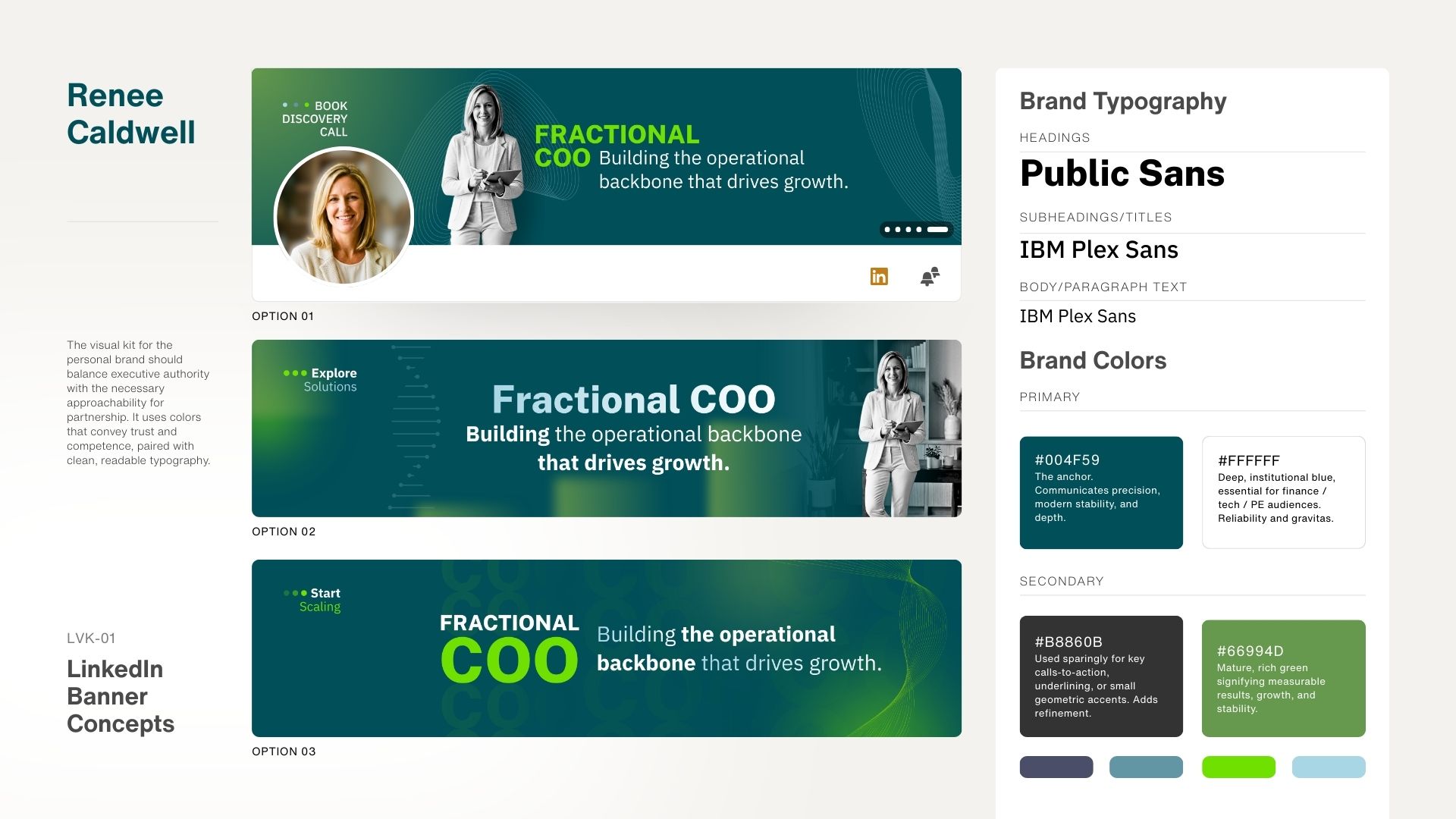
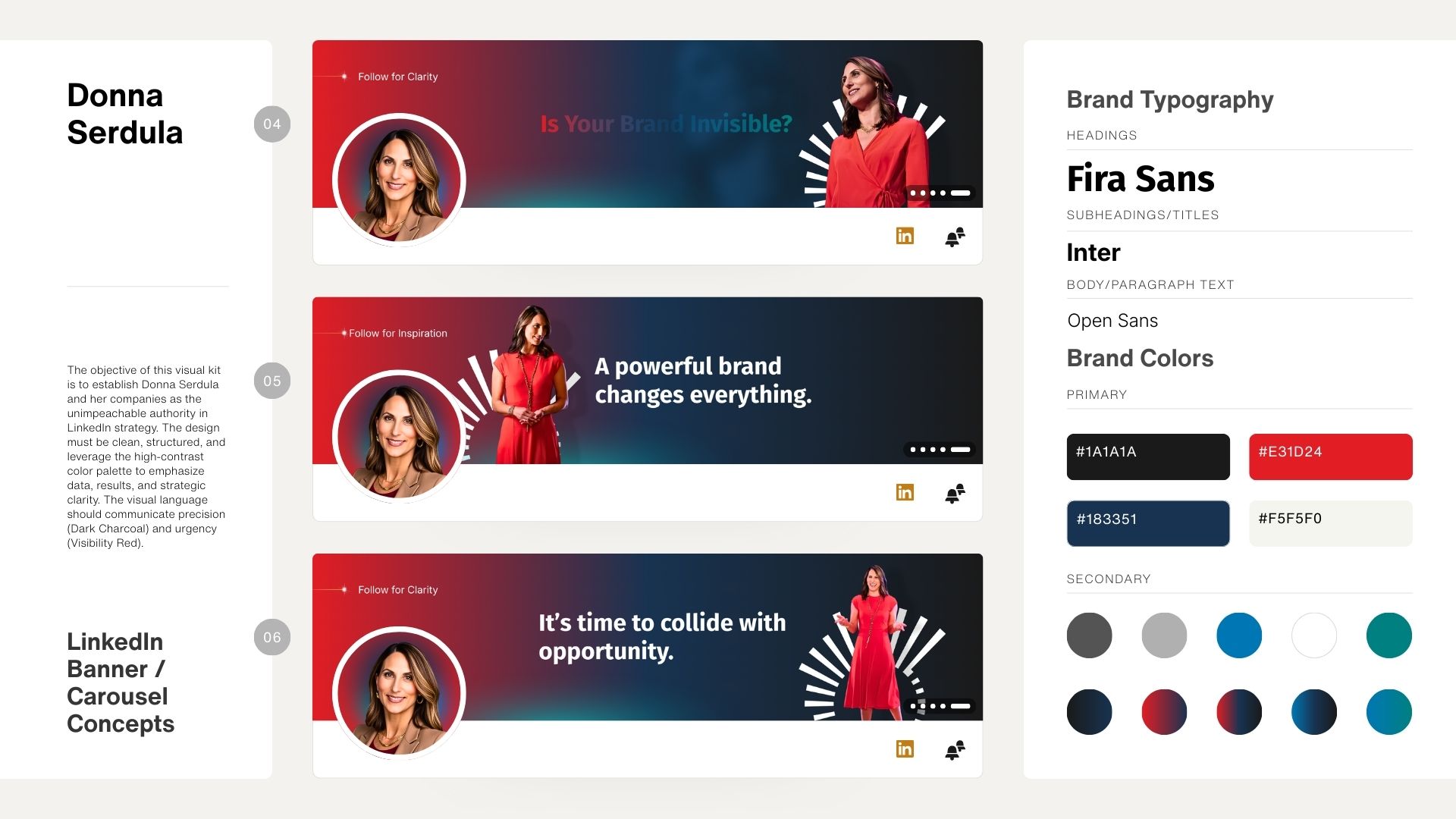
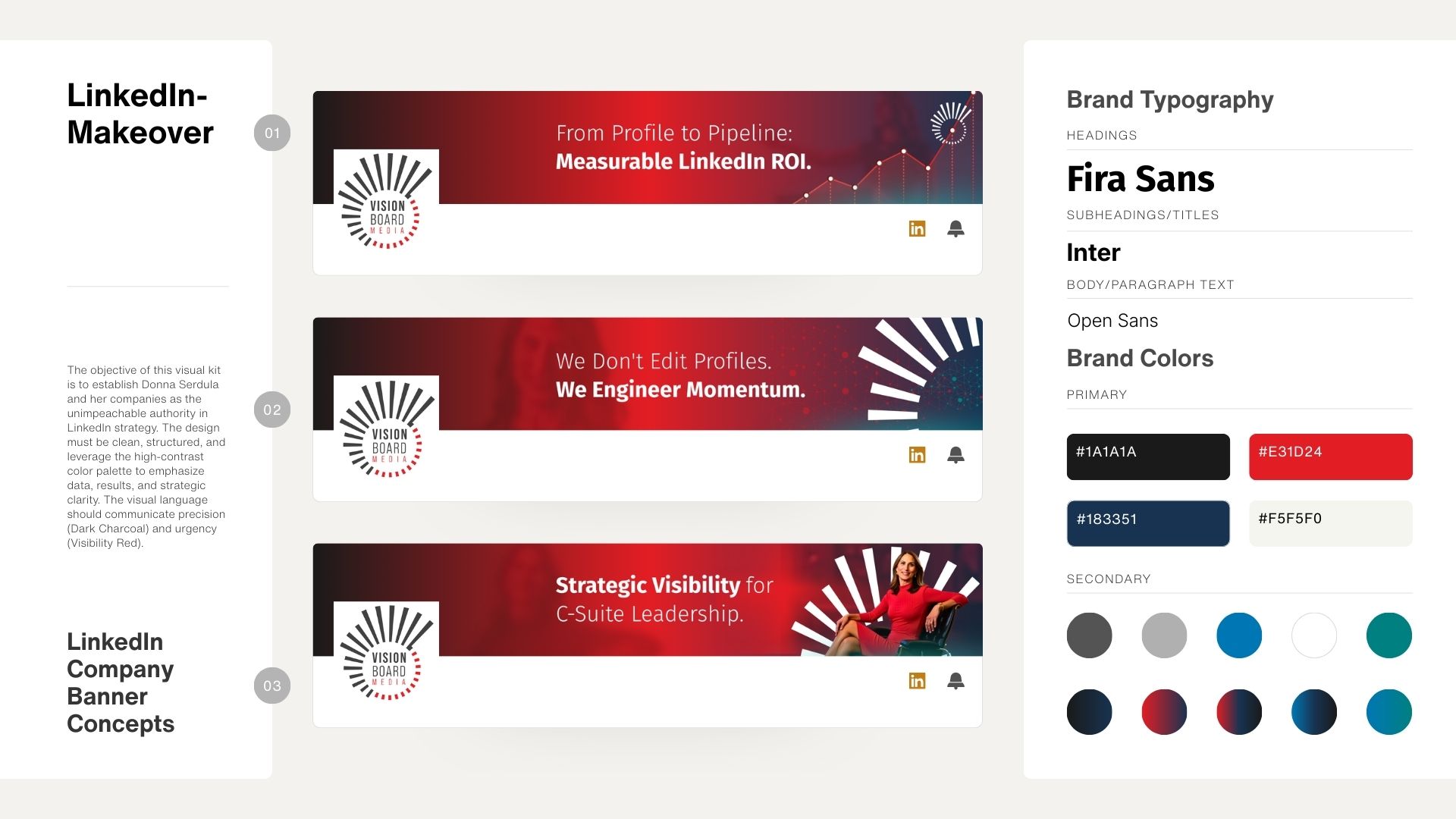
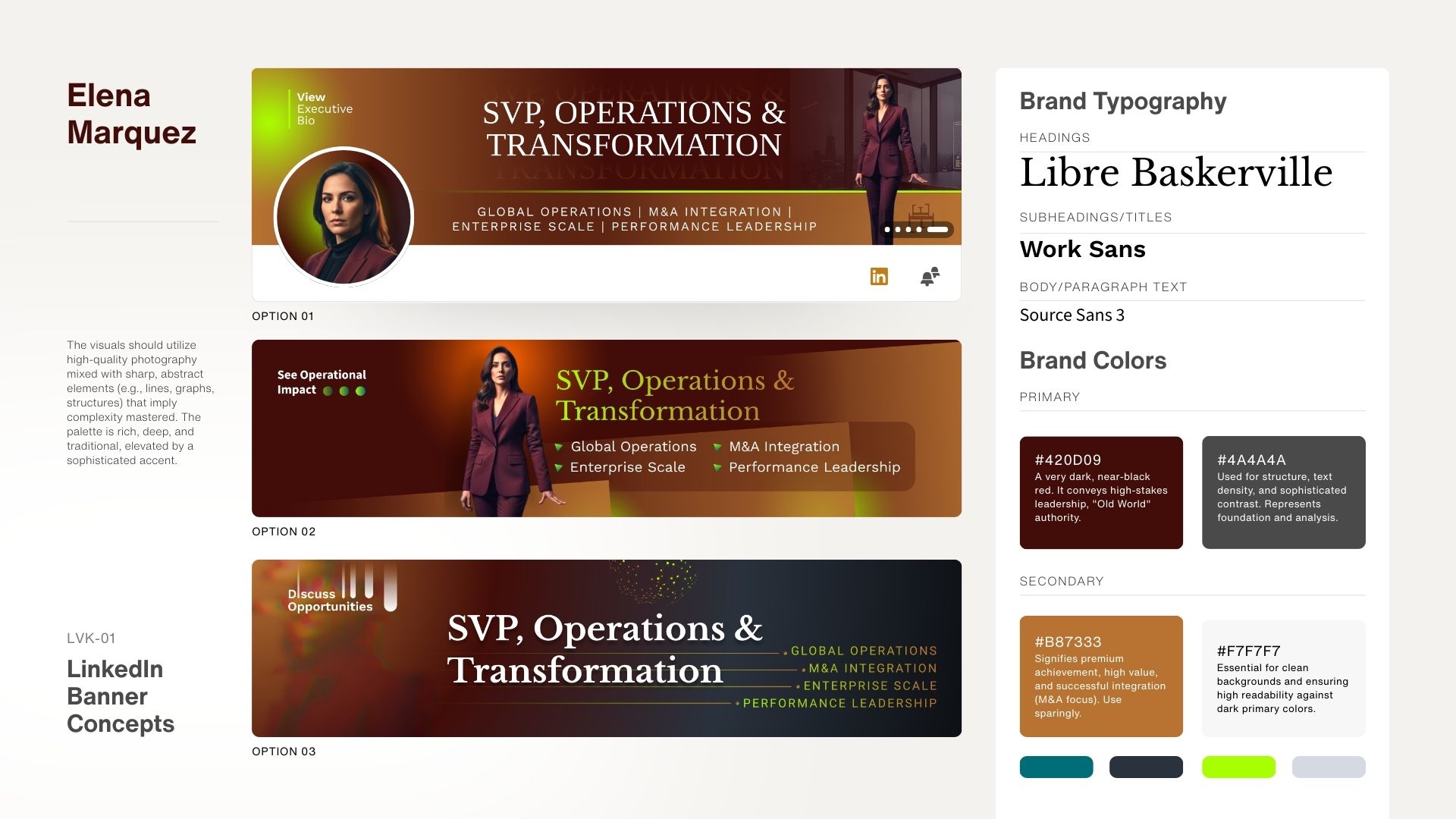
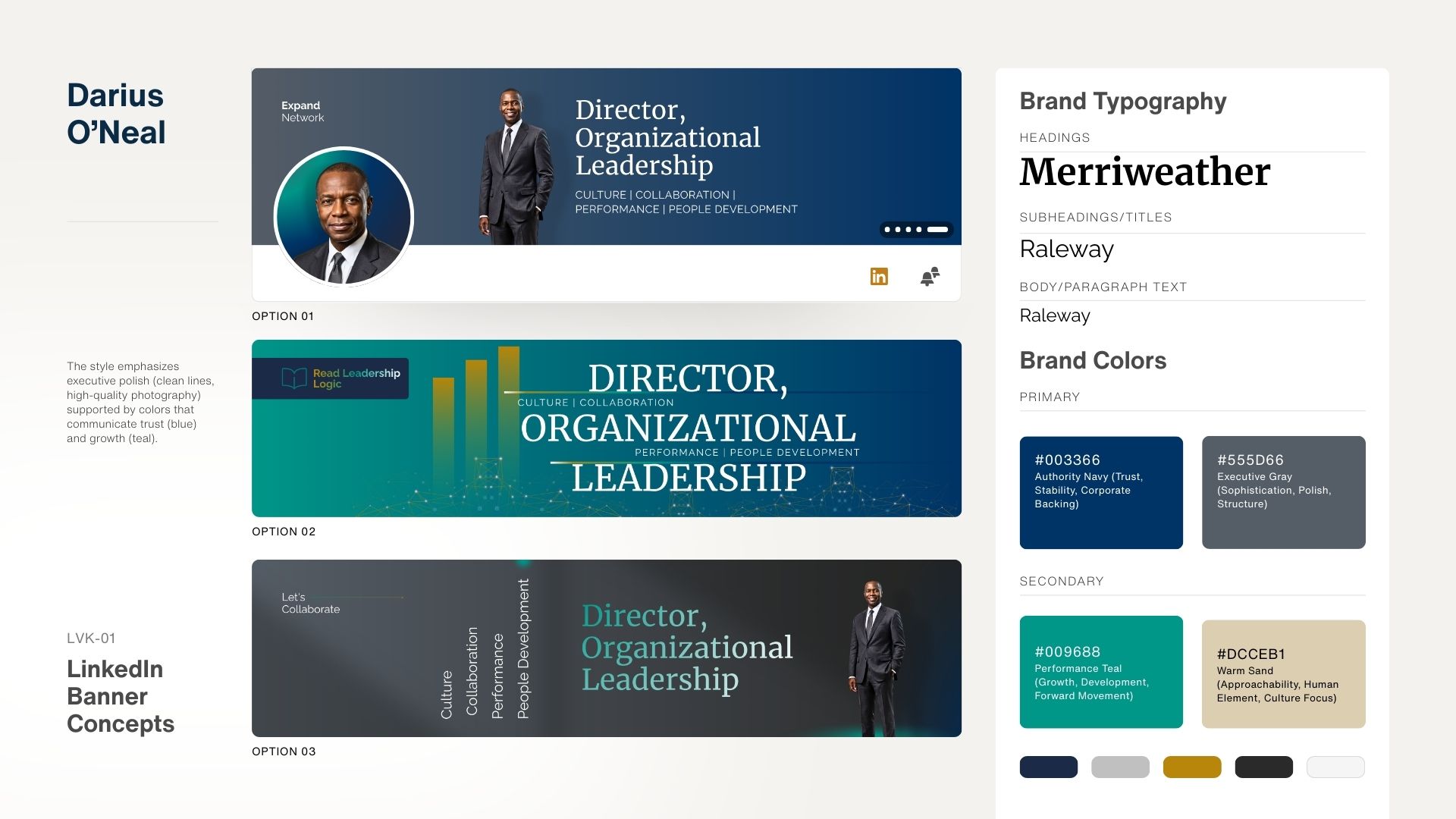
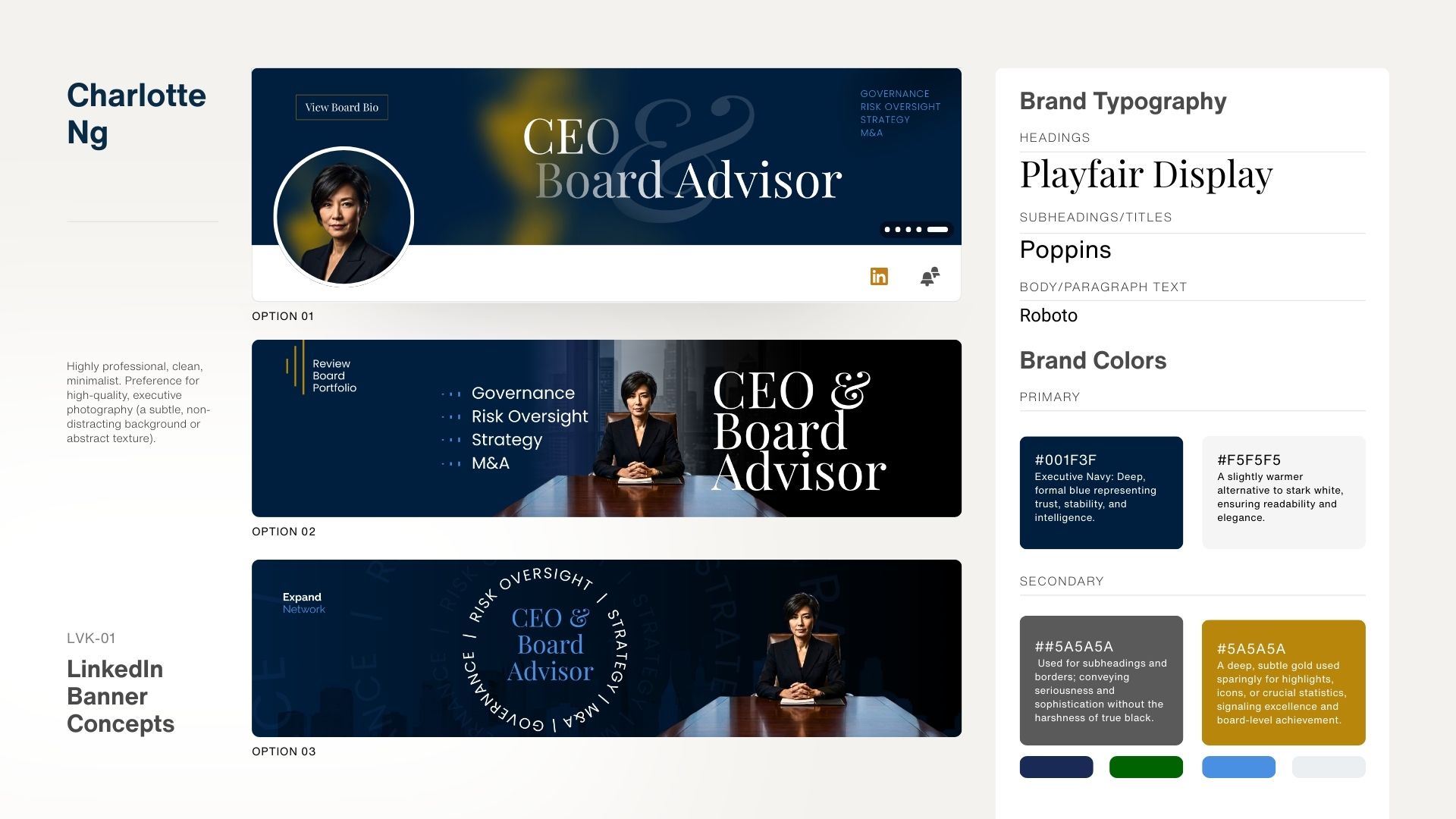
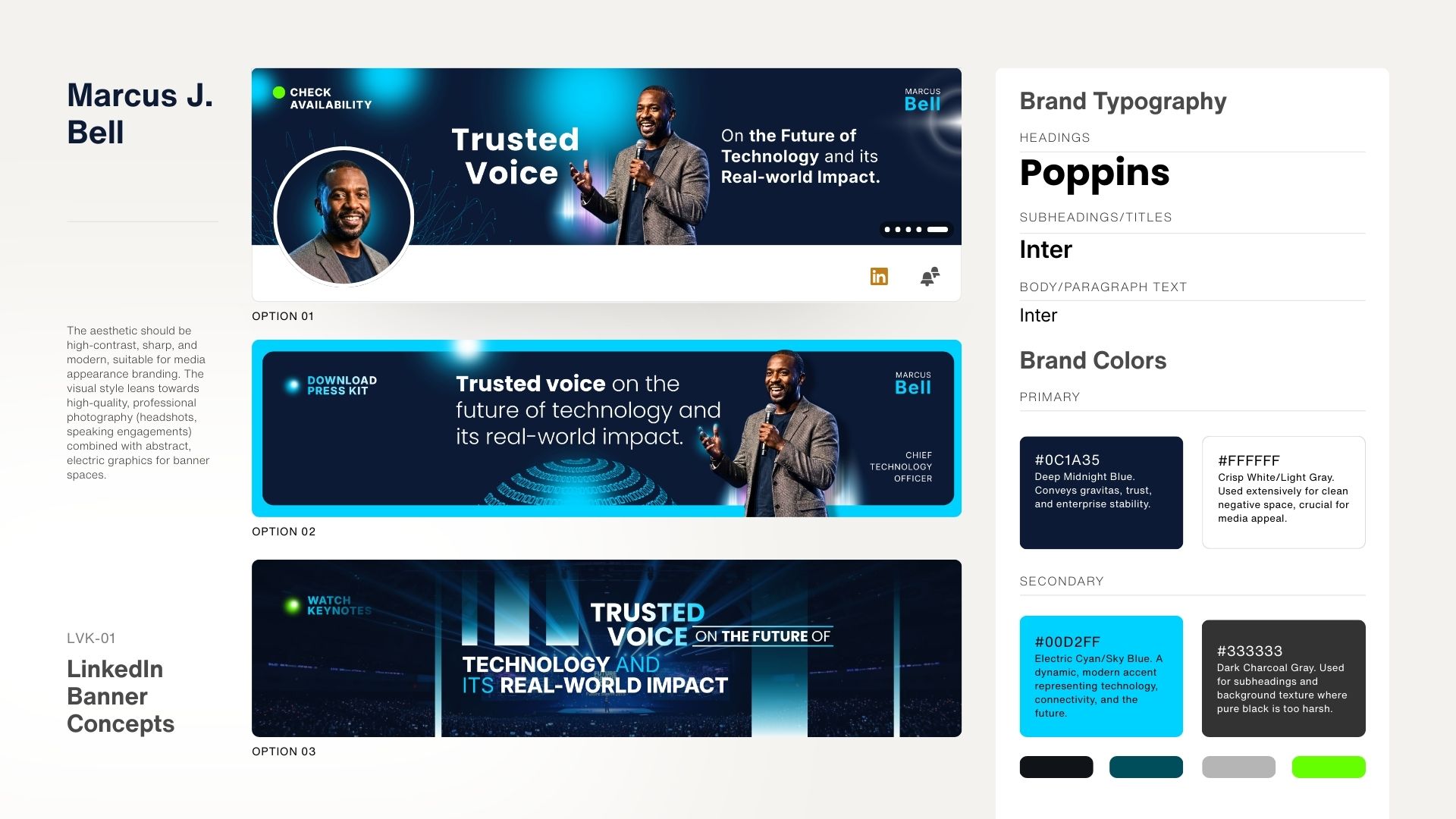
Since 2009, we’ve helped more than 8,000 professionals elevate how they show up on LinkedIn. The backgrounds below are just a sampling. Each one was designed strategically and tailored to the client’s role, goals, and desired perception.
I hope this page gave you clarity and direction.
If you’d like guidance or just want to talk through your options,
call me at 215-839-0008 or schedule a time to connect. I’m here to help.

–Donna Serdula
Now that you have a POWERFUL LinkedIn Headline, it’s time to optimize the rest of your profile. Whether you want to do it yourself OR you would rather hire someone to do it for you, I can help!

Instant Profile is my guided video course designed to help you create a LinkedIn profile that represents you. With step-by-step instruction, built-in AI prompts, and plenty of examples, you’ll have everything you need to write a profile that impresses.

My team of Branding Specialists have written THOUSANDS of LinkedIn profiles. We work directly with you to create a professional presence that brands you as a high achiever and collides you with the right opportunities
Input your search keywords and press Enter.


