Copyright © 2026 WPCode. WPCode® is a registered trademark of WPCode, LLC

Compress every image on every site you manage.
No credits, no monthly limits, nothing sent off your server.
*Exclusive to the WPCode Bundle plan: includes Image Optimizer, Search & Replace Everything Pro, and every other WPCode tool.
Covers everything from a single site to a full client portfolio.
Why Image Optimizer by WPCode is different.
With other WordPress image optimizers, you get a monthly limit. Once you cross it, you either pay for more credits or wait for the reset. Run more than one site, and that limit disappears fast.
Image Optimizer by WPCode works differently. It runs on your own server, so there's no meter to run out of. One WPCode Bundle license covers every site it's installed on, at no extra cost per image.
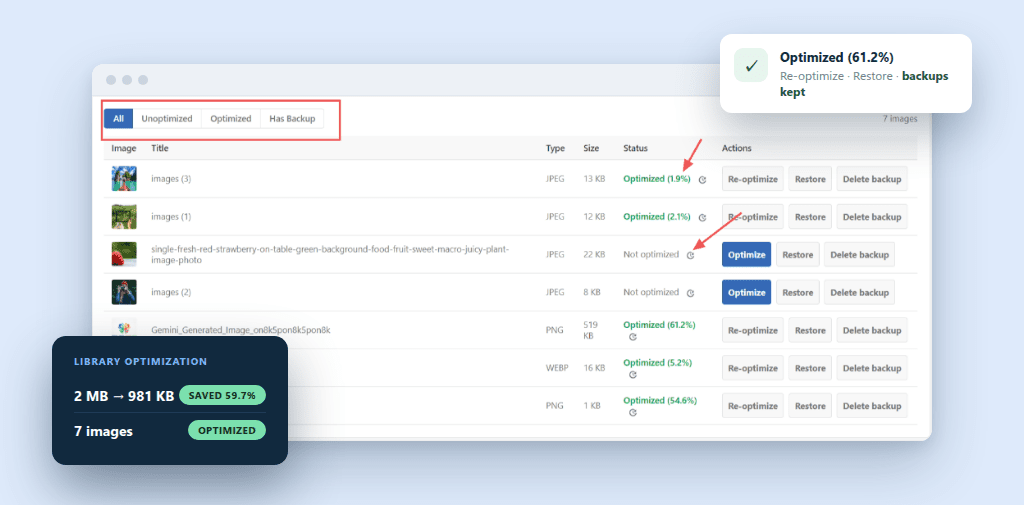
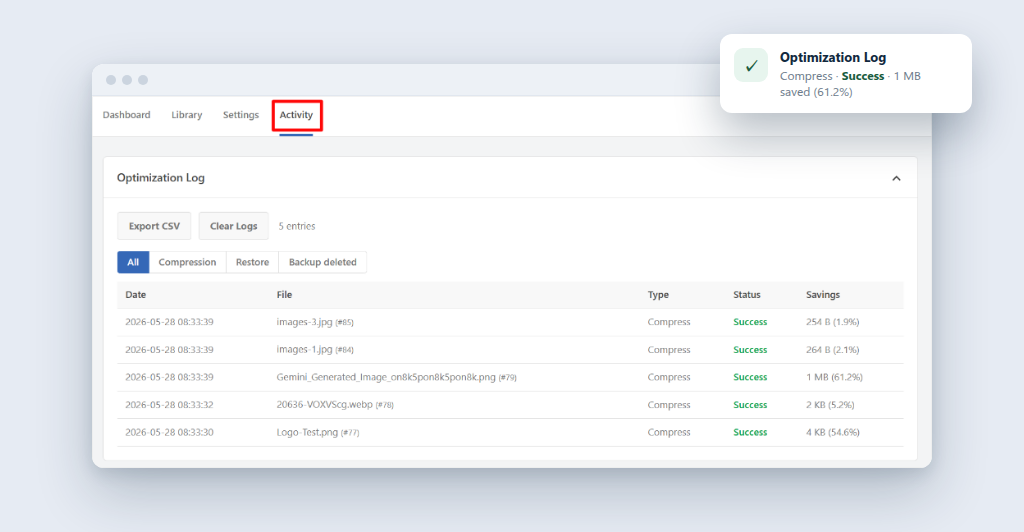
No uploads, no credits, no waiting on a quota
Your images never leave your site. Compression happens on your own hosting.
No per-image fees, and no monthly cap that resets and slows you down.
WebP and AVIF without any extra setup
Image Optimizer creates lighter WebP and AVIF copies of your images automatically.
The dashboard tells you right away if your server supports AVIF, so there's no guessing.


Turn it on once, then forget about it
Every image you upload from today compresses in the background automatically.
No extra clicks and no separate optimization step before you publish.
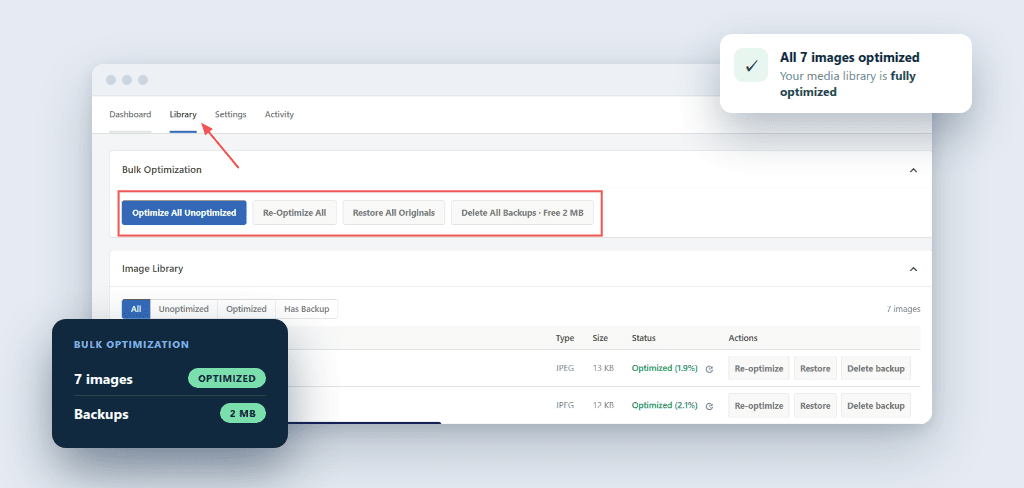
Clean up years of uploads in one pass
Run your entire media library through Image Optimizer at once.
Works the same whether your library has 50 images or 50,000.
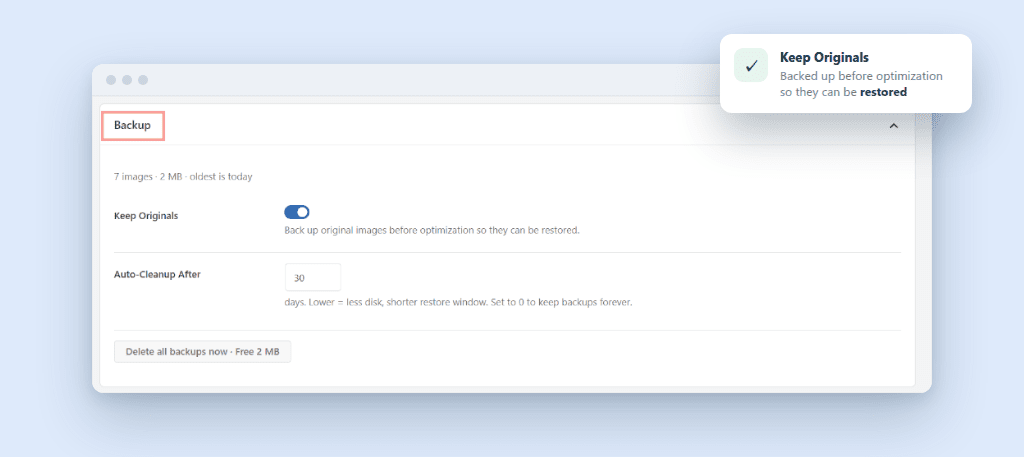
Undo any optimization with one click
Image Optimizer saves your original file before it compresses anything.
Change your mind? Restore the original in a single click. No separate backup plugin needed.
Checks what your server can run, then adjusts
Image Optimizer detects what your server supports and adjusts automatically, no manual config.
Every optimization is logged, so you can see exactly what ran and when.

You're set. No upgrade, no extra purchase.
Image Optimizer is only in the Bundle plan. You get:
Image Optimizer runs on your server, so your Bundle plan covers every site it's installed on, with nothing extra to pay per image.
Copyright © 2026 WPCode. WPCode® is a registered trademark of WPCode, LLC


The WordPress® trademark is the intellectual property of the WordPress Foundation. Uses of the WordPress®, names in this website are for identification purposes only and do not imply an endorsement by WordPress Foundation. WPCode is not endorsed or owned by, or affiliated with, the WordPress Foundation.