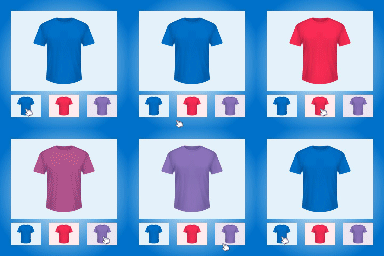
Remove main product image from gallery
-
Hi,
I’ve found a bug with your settings. Under the Advanced Options, you have the following configuration option…
Hide Main Product Image [checkbox] Remove main product image from gallery
This is selection works as two options?
1. Hide Main Product Image
2. Remove main product image from gallery
I need to hide the main product image from gallery when a variation selection has been made. If you choose this option, sure, it removes the main image from the gallery. However, the main default product image is also hidden?Can you please let me know what is going on here, or if this option can be split into two options?
Cheers!

Viewing 2 replies - 1 through 2 (of 2 total)

Viewing 2 replies - 1 through 2 (of 2 total)
You must be logged in to reply to this topic.