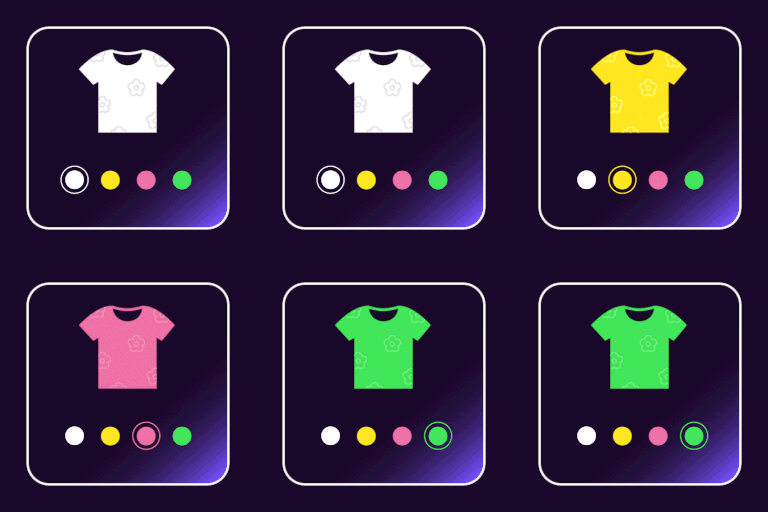
We could see that the plugin’s CSS file is not loading when we click on the Quick View button. This is the reason why you are facing this issue. We believe that it is a compatible issue with the theme or some other plugin installed on your website. Could you please raise a ticket through our website? We hope our technical team will be able to help you.
Thank you!
On the changelog of latest version of plugin you write “Added OceanWP quick view compatibility”. Is it still a problem with the theme?
More details that i found. The swatches does not work on the general product list page(https://anteos.gr/%cf%80%cf%81%ce%bf%cf%8a%cf%8c%ce%bd%cf%84%ce%b1/) or the frontpage(https://anteos.gr) BUT if you go to a single product page (like https://anteos.gr/shop/%ce%b3%cf%85%ce%bd%ce%b1%ce%b9%ce%ba%ce%b5%ce%af%ce%b1/%ce%b1%ce%bd%ce%b1%cf%84%ce%bf%ce%bc%ce%b9%ce%ba%ce%ac-%ce%b3%cf%85%ce%bd%ce%b1%ce%b9%ce%ba%ce%b5%ce%af%ce%b1/%ce%b3%cf%85%ce%bd%ce%b1%ce%b9%ce%ba%ce%b5%ce%af%ce%b1-%ce%bc%cf%80%ce%bf%cf%84%ce%ac%ce%ba%ce%b9%ce%b1-tamaris-1-25114-25-001-black/) and you select the quickview of a related product at the bottom of the page, swatches appear as expected!!! This is weird.
We have checked in our local environment with the theme OceanWP and could see that the swatches are showing without any issue in QuickView. There may be some custom code added on your theme which is causing this issue. Or another 3rd party plugin installed on your site is the cause of this issue. For debugging, we need to check your site in detail.
Could you please raise a ticket through our website? We hope our technical team will be able to help you.
Thank you!
We hope your issue is resolved.
We are going to mark this thread as resolved.
Thank you!