@manwlios The internal server error you are encountering could be caused by a number of reasons, web server, plugin conflicts or PHP related. Can you please attempt the steps below in order to get Analytics and Page Speed Insights connected:
1. Reset Site Kit (Site Kit > Settings > Admin Settings > Reset Site Kit)
2. Update to the last version of the plugin (if not already done)
3. Temporarily deactivate any caching plugins you might have active, along with any of the plugins listed on the “known limitations” section of the plugin website
4. Install Site Kit in a new [incognito window](https://i.imgur.com/ALzgiHp.png).
5. Activate Page Speed Insights and after Analytics.
If the above fails to resolve your issue can you please share the following:
– Any [console errors](https://i.imgur.com/KyLAzgH.png) that appear
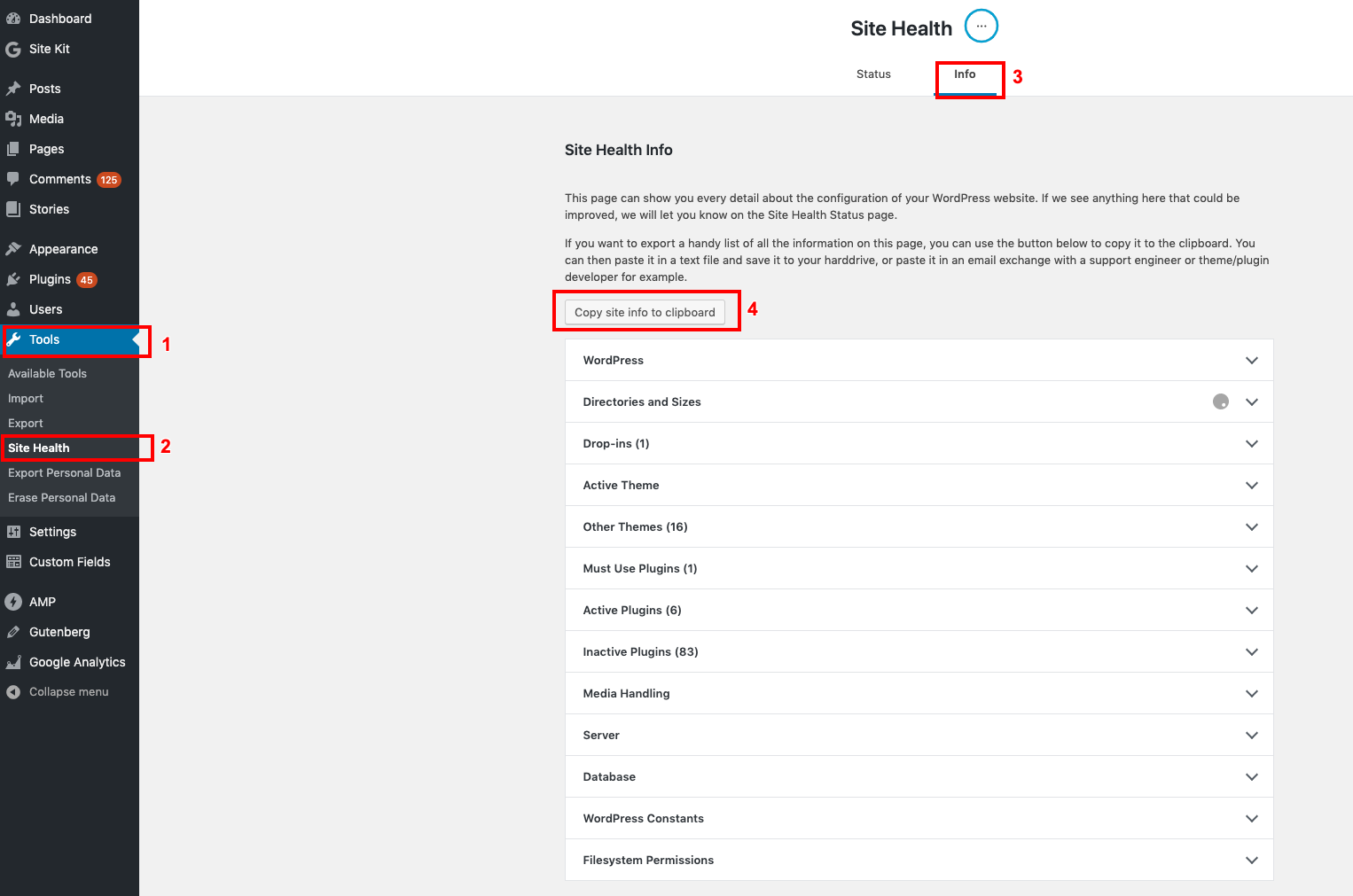
– Your WordPress [Site Health information](https://i.imgur.com/Rtkmsba.png)
– Any security plugins or software in use (ModSecurity, iThemes, WordFence etc)
@manwlios I am checking if you had further questions about the issue or if it has been resolved? If so, send a reply to let me know and I will update your support topic accordingly.
@manwlios we’ve just released version 1.1.0 and advise updating. If your issue is resolved, update your topic status or reply with any further information.
@manwlios we’ve just released version 1.1.2 which improves the way the plugin makes requests and should resolve this issue. I will mark this topic as resolved. If the issue still persists, don’t hesitate to reach out to us again.