• Resolved jhnpldng

    (@jhnpldng)


    Start ordered list and first item is #1

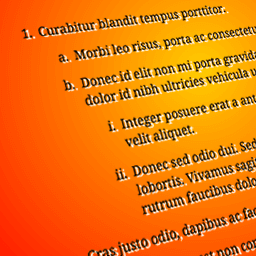
    Figured out on my own that hitting Shift+Enter starts a second level with A. Hitting Shift+Enter from there does not start a third level.

    What now?

    Any chance you could create a FAQ tab here on the plugin page and write a couple of sentences on How To Use?

    thx

Viewing 2 replies - 1 through 2 (of 2 total)
  • Plugin Author cubecolour

    (@numeeja)

    This plugin was created for a project before the block editor existed.

    The best way to use lists in 2022 is to use a list block and use the indent and outdent buttons in the block controls.

    Plugin Author cubecolour

    (@numeeja)

    The plugin does not change the default behaviour of the editor.

    To create a new list item one level up use [enter][tab]

    To Create a new list item one level down use [enter][enter]

    To go multiple levels down, hit [enter] as many times as required

    • This reply was modified 3 years, 5 months ago by cubecolour.
Viewing 2 replies - 1 through 2 (of 2 total)

The topic ‘Basic usage instructions please?’ is closed to new replies.