Blog Archives

Custom Post Feed plugin
Download the plugin under the link and follow the rules given below
1.Custom_post must be created and registered.
2.Should be atleast one post under that custom-post-type.
3.Should create feed for each custom post in feeds.feedburner.com
4.Login with your google account here…
5.Enter your site address here in the text box before next button 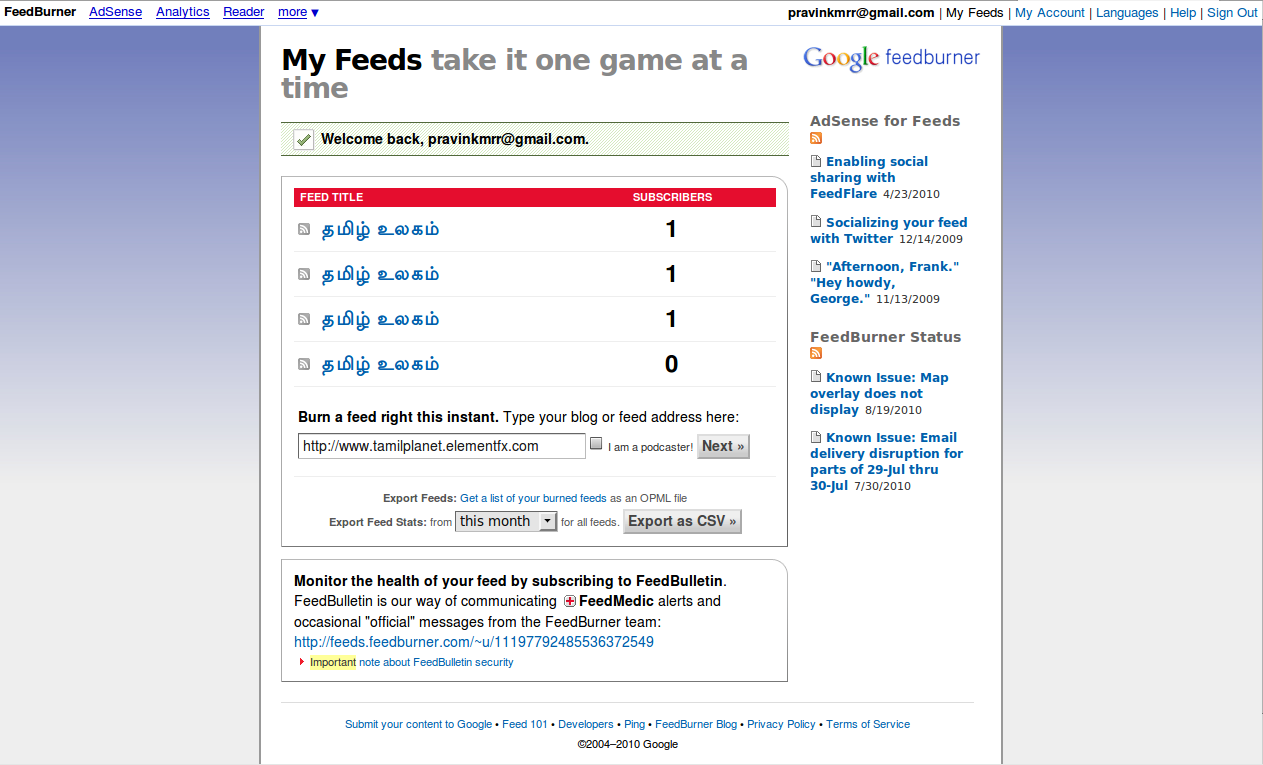
6.Hit next button it will navigate here.. select user custom post type feed here.. if more than one custom post create another feed address..

7.Hit next and Enter your feed address here…

8.click on skip to feed management..

9.click on button shown and see your feed

10.here you will be shown by your feed..


 Web Development