About TMVMI Client
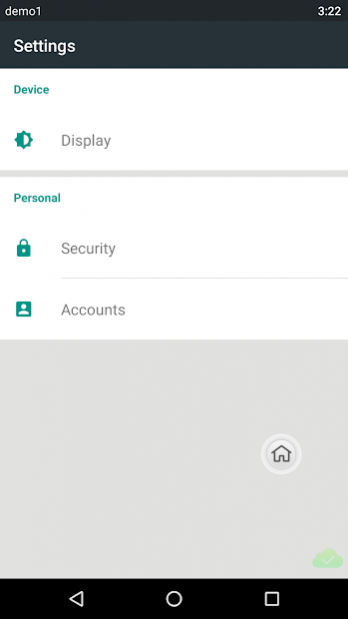
Virtual Mobile Infrastructure is a solution that allows IT managers to host corporate apps and data within a secure mobile operating system on centralized servers. This client application is used to provide users with...
Virtual Mobile Infrastructure is a solution that allows IT managers to host corporate apps and data within a secure mobile operating system on centralized servers. This client application is used to provide users with secure access to a separate securely managed environment on their mobile device.
To get started, all you need is the Trend Micro Virtual Mobile Infrastructure server address provided by your IT administrator.
Trend Micro Virtual Mobile Infrastructure app features:
- Simple and familiar user experience for accessing your corporate workspace provided to you by your company.
- Take advantage of apps provided by your company, without needing to install and manage them.
- Back up and sync your files across your mobile devices and computers, and use the built in tools to securely share files.
- Sign in to the app, and you can access your corporate emails and all your files, without needing to configure or install apps.
- Your data is secure so if you lose your mobile device, your corporate data would still be under protection and available from the Virtual Mobile Infrastructure server.
Previous Versions
Here you can find the changelog of TMVMI Client since it was posted on our website on 2016-12-23 17:13:37.
The latest version is 5.5.1258 and it was updated on 2026-06-21 09:53:28. See below the changes in each version.
TMVMI Client version 5.5.1258
Updated At: 2018-08-17
Changes: Bug fixes.
TMVMI Client version 5.5.1190
Updated At: 2018-01-29
Changes: Bug fix.
TMVMI Client version 5.1.2017
Updated At: 2016-11-02
Changes: TMVMI 5.1 GM build
Disclaimer
Official Google Play Link
We do not host TMVMI Client on our servers. We did not scan it for viruses, adware, spyware or other type of malware. This app is hosted by Google and passed their terms and conditions to be listed there. We recommend caution when installing it.
The Google Play link for TMVMI Client is provided to you by apps112.com without any warranties, representations or guarantees of any kind, so access it at your own risk.
If you have questions regarding this particular app contact the publisher directly. For questions about the functionalities of apps112.com contact us.