What is Chat?
Chat is a real-time conversations space for the Stack Overflow community. Think of Chat as a dynamic extension of Stack Overflow that allows users to interact in a less formal way beyond the traditional question-and-answer format. This space offers an open environment where you can instantly connect with fellow members to forge new connections and engage in real-time.
Getting started with Chat
To participate in Chat, you must be a registered user of Stack Overflow or the Stack Exchange network. After logging into your account, select the “Chat” button on the left side navigation. The chat for this site is at:
https://chat.stackoverflow.com/
Reputation requirements to participate in Chat
Stack Overflow chat rooms require 1 reputation to participate. Users with any reputation can enter and read the conversation in any chat room across the network.
The Stack Overflow Lobby and Stack Exchange Lobby are chat rooms open to all users, regardless of reputation. It’s a friendly space to start the chat experience and begin connecting with users of the platform.
Some chat rooms, also known as Gallery Rooms, are designed for only specific users to talk in the room, as determined by the room owner, but the room is still visible to all users.
Behavior expectations in Chat
We value a welcoming and supportive community. While engaging in Chat, please remember to be kind, considerate, and respectful of your fellow members. Messages that are abusive or spam can be reported and deleted by a Moderator. Please review our Code of Conduct for more information.
How do I know if others are online in a chat room?
Active users in a room have brighter avatars that appear at the top of the active participants list. Quieter users' avatars become more transparent, indicating less recent activity.

How can I see where I left off reading in a chat room?
A dotted line in the chat marks the first unread message. Everything below it is new. The page title also shows the number of new messages and a * if you've been mentioned.
Human verification
To maintain Stack Overflow chat rooms as a platform dedicated to genuine, real-time human interaction, accounts with a lower reputation score may be required to complete a one-time human verification module per Chat server (chat.stackoverflow.com, chat.stackexchange.com, and chat.meta.stackexchange.com).
This process requires no user action, but is designed to:
- Verify that the account attempting to chat or create a new room is genuinely human-owned
- Enhance platform security by actively preventing unauthorized use by automated bots or scripts.
Once verification is complete, users can seamlessly participate in chat activities.
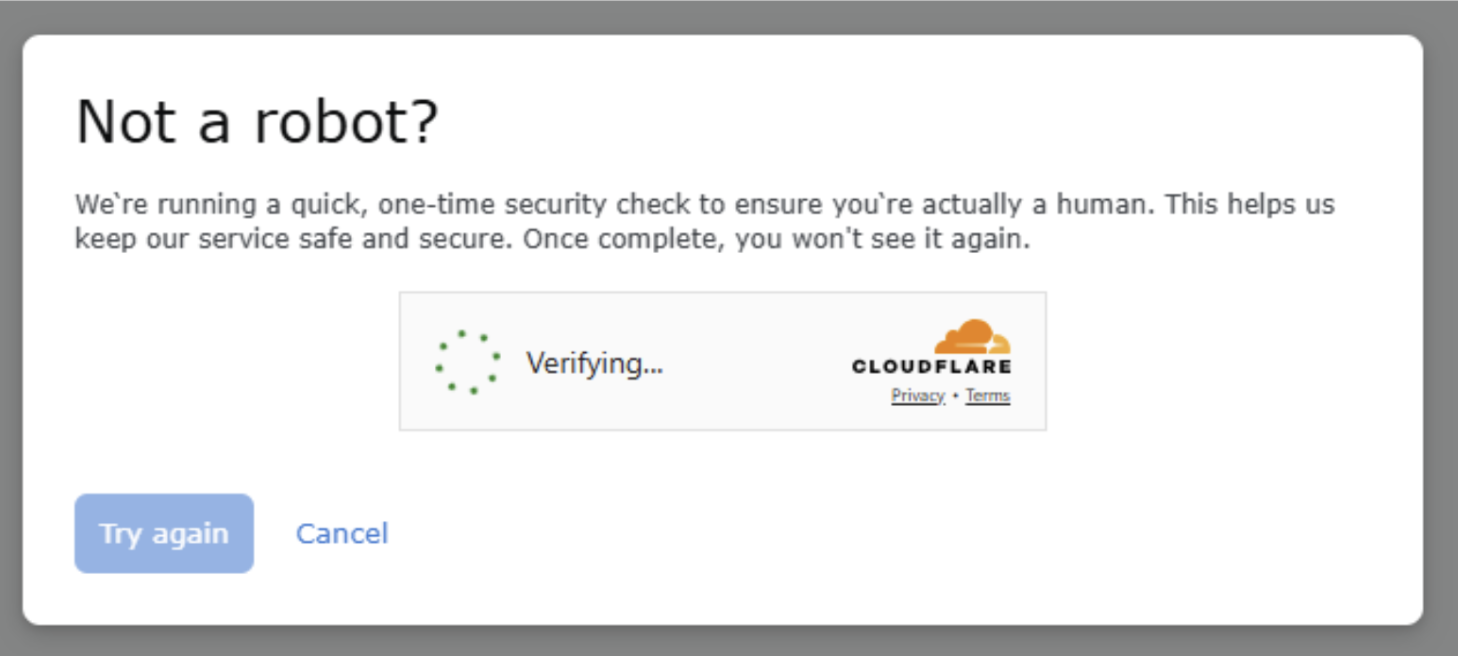
If you would like to see if you have already gained validation, you can review at /users/not-a-robot on all chat servers (e.g. this page, for this site's chat). This page shares whether you need to verify or whether you are exempt, and a link to the verification module.