
Go to Mac platform Display platforms icon
Go to Mac platform Go to Windows platform Go to Android platform
rEFIt icon

rEFIt

0.14
5 1 reviews
108.9 k downloads
security security

Startup and maintenance menu for Intel chipset powered Macs

Advertisement
Remove ads and more with Turbo
Advertisement
Remove ads and more with Turbo
Álvaro Toledo icon
Reviewed by
Álvaro Toledo
Chief Content Officer
Álvaro Toledo is part of Uptodown's in-house Editorial Team. Translated by Uptodown Localization Team

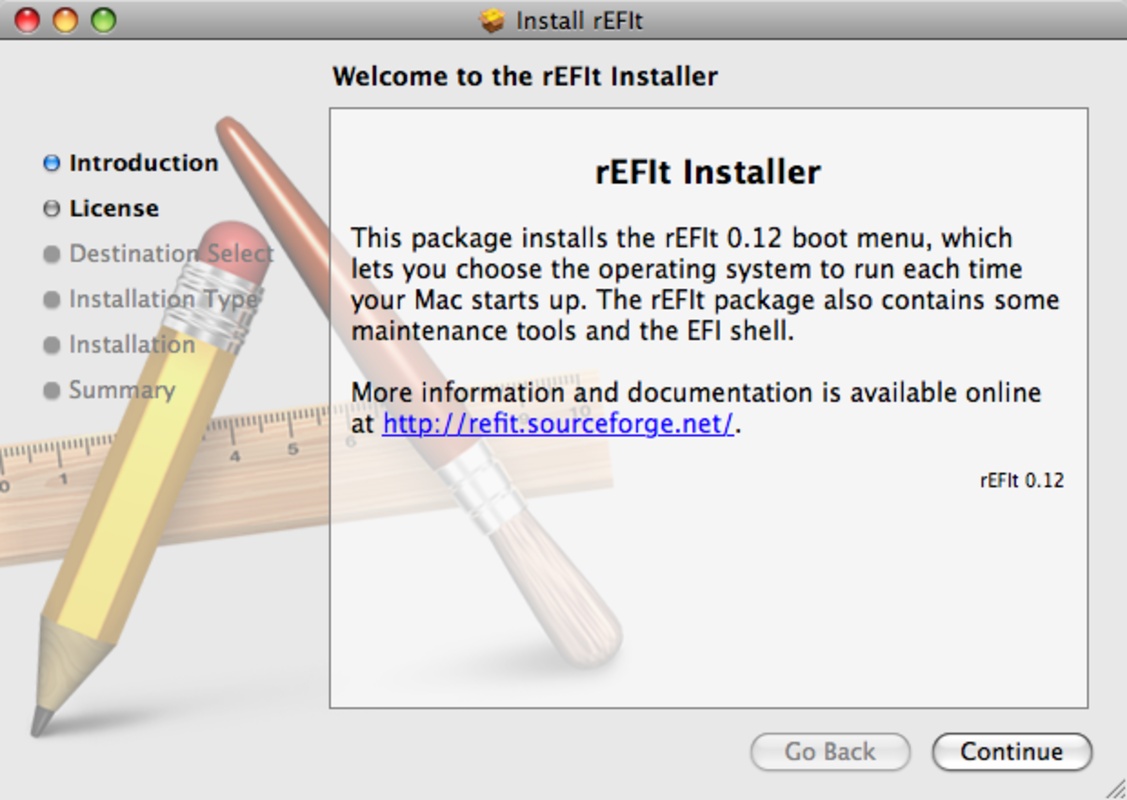
rEFIt is a graphic startup menu for MAc computers according to EFI Standard (those ones powered by Intel chipsets) that allows you to run any Operating System installed in the machine.

It's compatible with BootCamp, and rEFIt features an icon of each OS it detects. Use the arrows and 'Enter' key to select the one you want to run. Press F2 or ' ' to access settings of each volume. You can also use the initial letter of each OS to run that Operating System, we mean, M for MAc, W for Windows and L for Linux.

Advertisement
Remove ads and more with Turbo

The installation is pretty easy, although it can be done in several ways. It's recommendable to use the installer. Be careful, Mac OS updates can disable rEFIt, so you'll have to enable it again.

If you are using Leopard and rEFIt Menu doesn't appear, you chould execute the file named 'enable-always.sh' you'll find in the following folder: uptodown -> efi -> refit. Execute it using Terminal by typing ./ right before the filename.

Information about rEFIt 0.14

Basic information

Developer Christoph Pfisterer
License GNU
Category System
Rating Not specified
Languages English

Security and privacy

Required permissions Not applicable
Advertising Not specified
See security and antivirus report
Why is this app published on Uptodown? (More information)

Download info

Downloads 108,949
Date Oct 19, 2011
File type DMG
Size 6.51 MB
SHA256 ece465b78fd4f73c9f4a15a8b36a2ca6c9e7ce25505ffd858270a636b8c50abb
Advertisement
Remove ads and more with Turbo

Older versions

dmg 0.13 Mar 24, 2009

Rate this App

Review the app
rEFIt icon

Rating

5.0
5
4
3
2
1
1 reviews

Comments

There are no opinions about rEFIt yet. Be the first! Comment

Advertisement
Remove ads and more with Turbo
OpenCore Legacy Patcher icon
Install recent versions of macOS on your old Mac
Disk Drill icon
Recover any deleted or damaged file
Macs Fan Control icon
Take control over your Mac's system fans
WineBottler icon
Run Windows programs on your Mac
AnyTrans icon
Manage all the media content on your iPhone with your Mac
UNetbootin icon
Install a Linux distribution on a USB or other partition
WinDiskWriter icon
Create bootable drives with Microsoft Windows on your Mac
ReiBoot icon
The solution for all your iOs problems
balenaEtcher icon
Create self-booting external disks on Mac
ChatGPT icon
The official app of OpenAI's popular chatbot for Mac
OpenCore Legacy Patcher icon
Install recent versions of macOS on your old Mac
Android File Transfer icon
Transfer files from an Android device to Mac
CrossOver icon
Run Windows apps and games on Mac
Logi Options+ icon
Conveniently manage your Logitech peripherals
WinRAR icon
An ideal app for managing ZIP or RAR files
Parallels Desktop icon
Perfect Virtualization of Windows operating systems