
Skildring
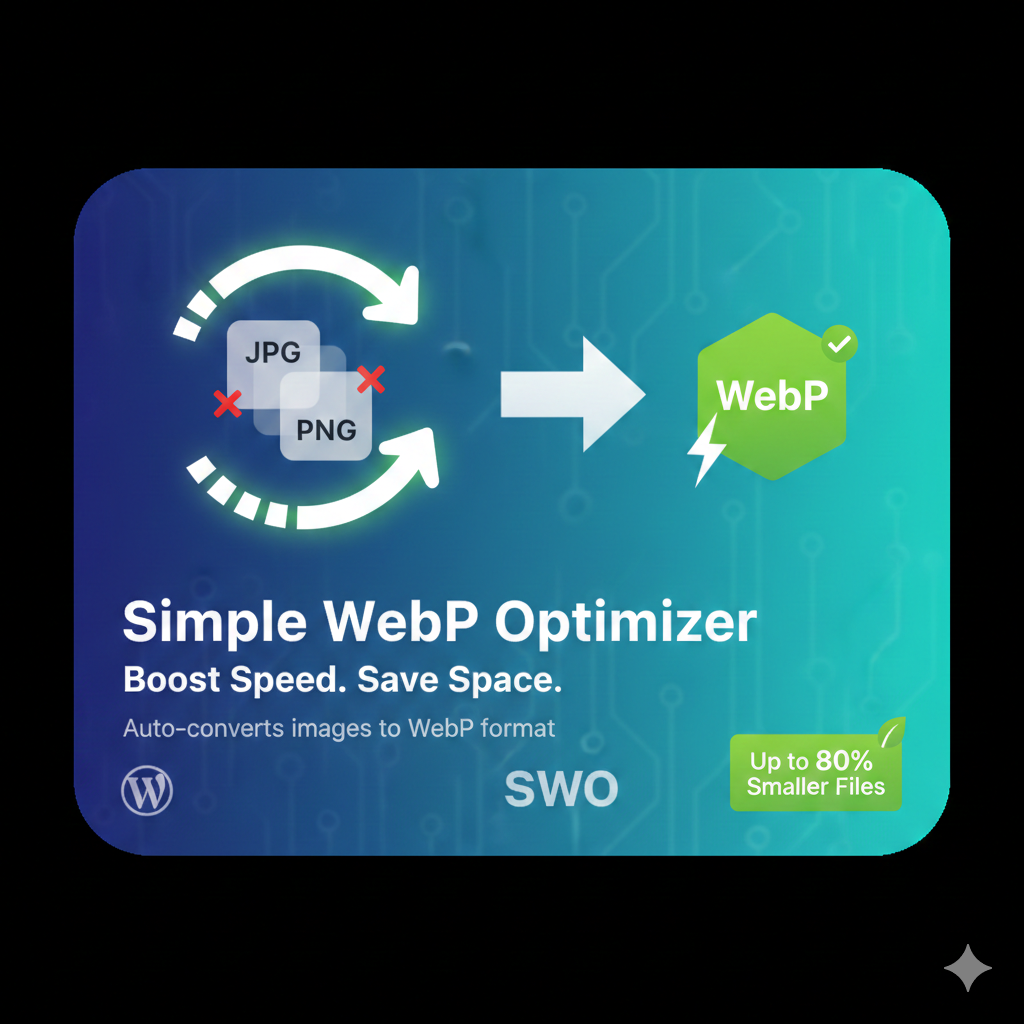
Automatically converts your JPEG and PNG uploads into Google’s WebP format. This plugin reduces image file sizes by up to 80% without sacrificing visual quality.
Installasjon
- Upload the
simple-webp-optimizerfolder to the/wp-content/plugins/directory. - Activate the plugin through the «Plugins» screen in WordPress.
- Go to Settings -> WebP Optimizer to configure.
Omtalar
There are no reviews for this plugin.
Bidragsytarar og utviklarar
“Simple WebP Optimizer” is open source software. The following people have contributed to this plugin.
Contributors
Omset “Simple WebP Optimizer” til ditt eige språk.
Interested in development?
Les kjeldekoden, sjekk SVN-lageret eller abonner på utviklingsloggen med RSS.
Endringslogg
2.0
- Initial public release with bulk optimization support.