Learn english4.0
Publisher Description
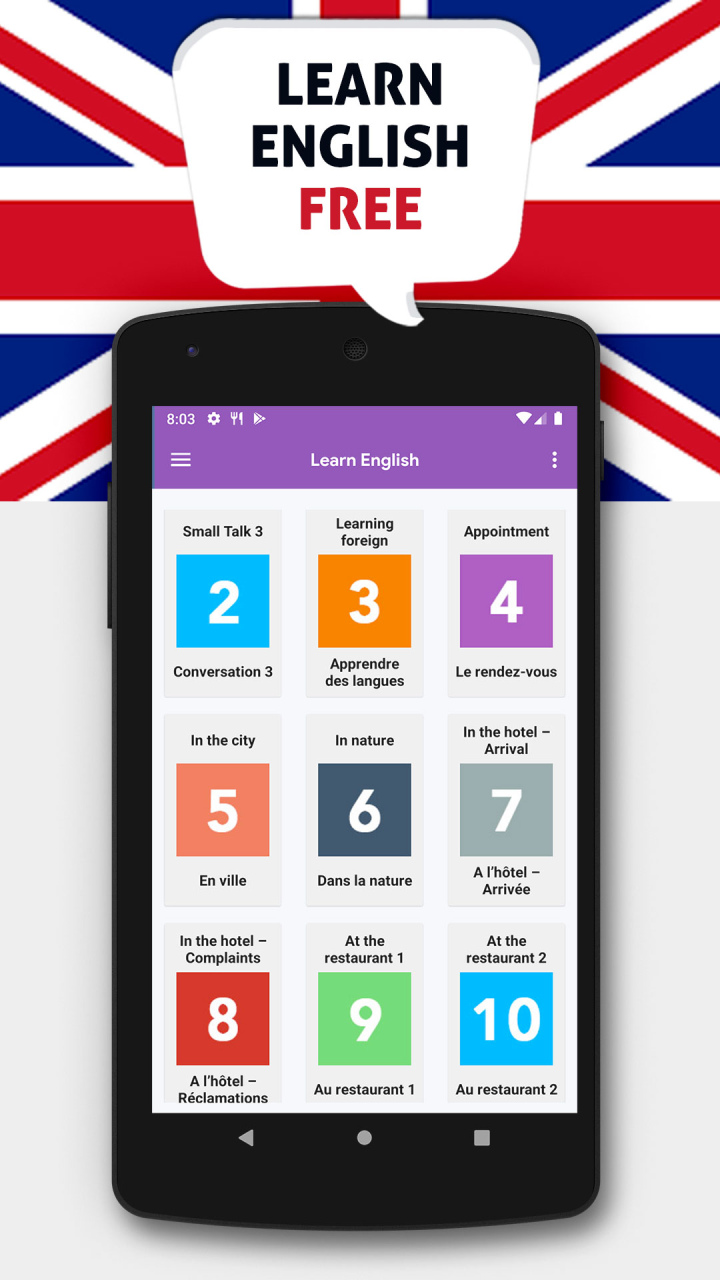
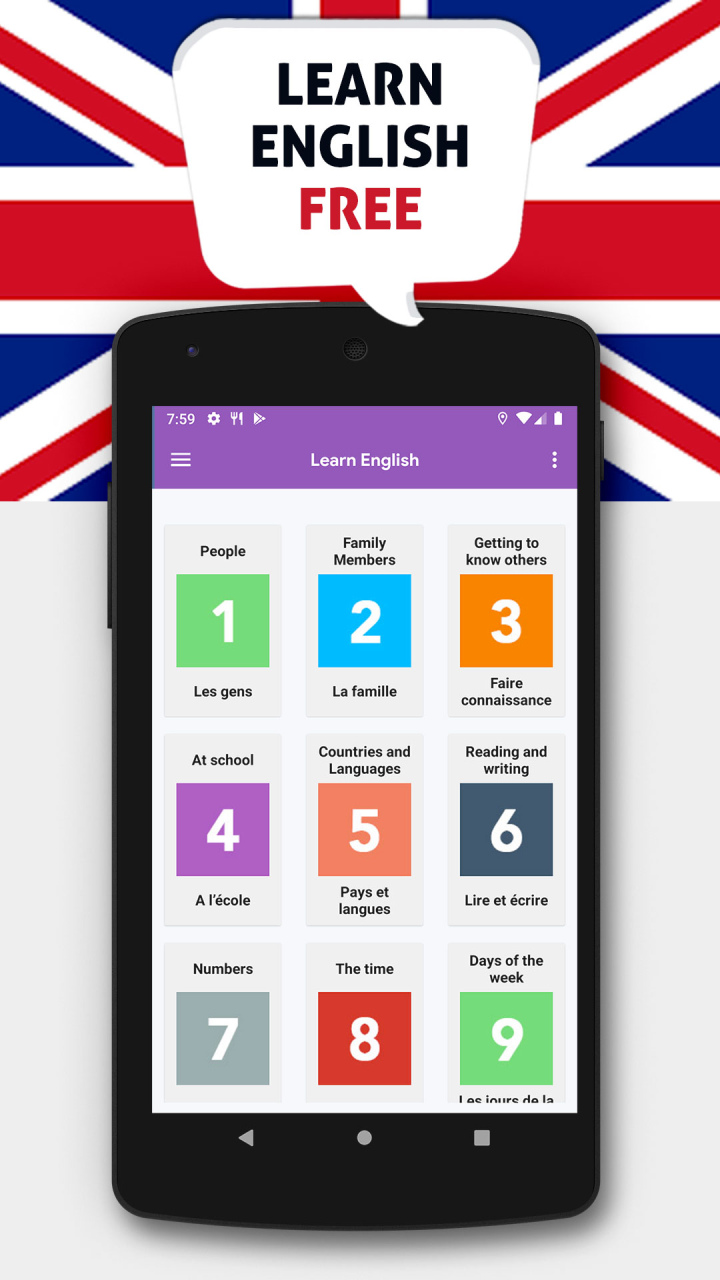
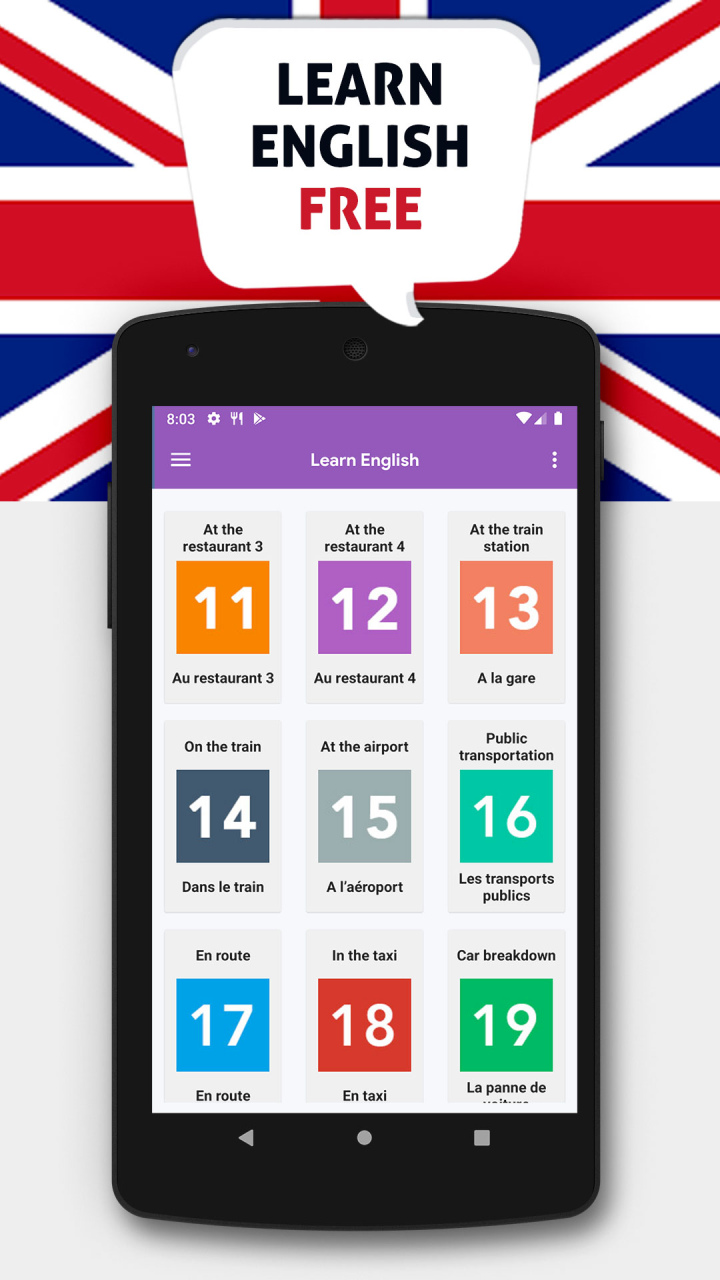
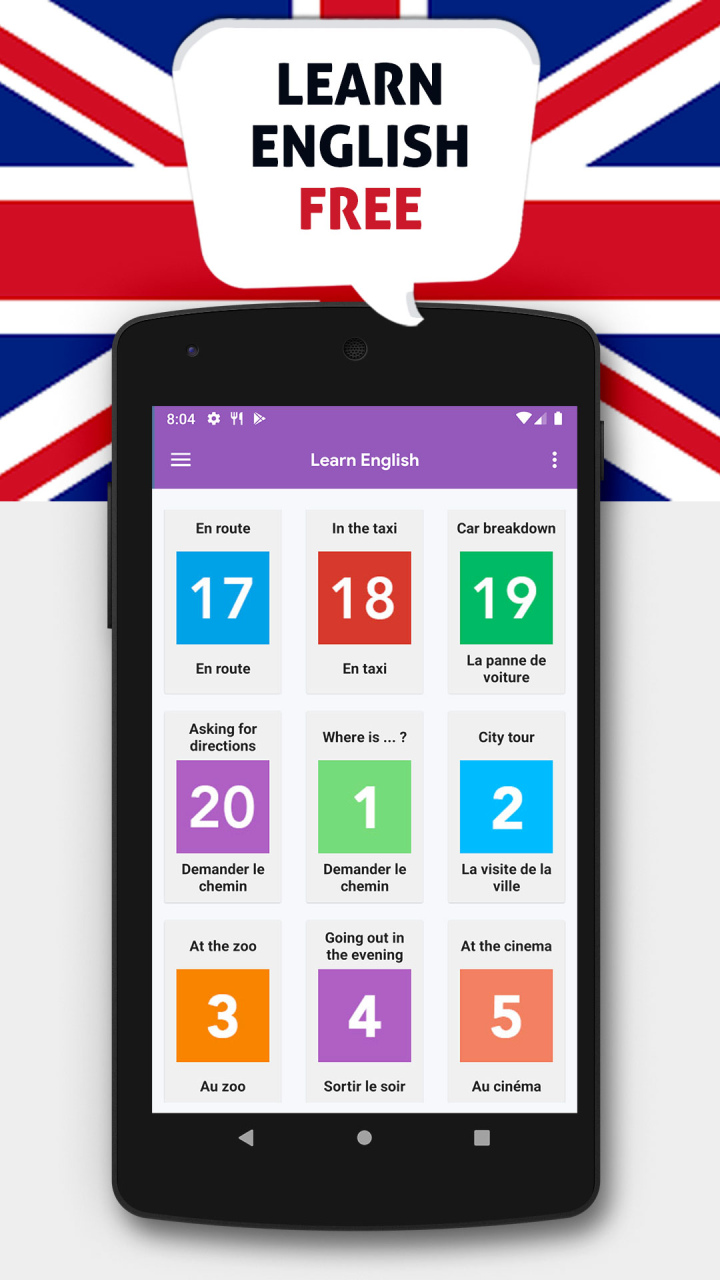
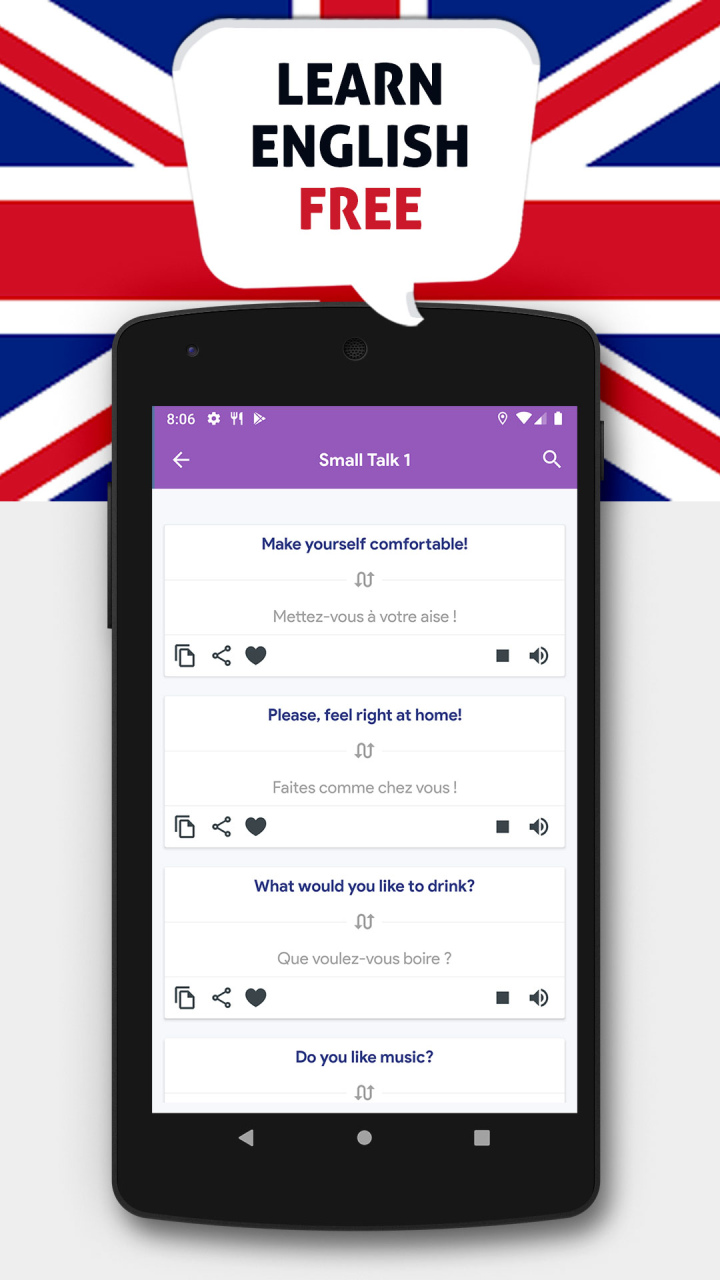
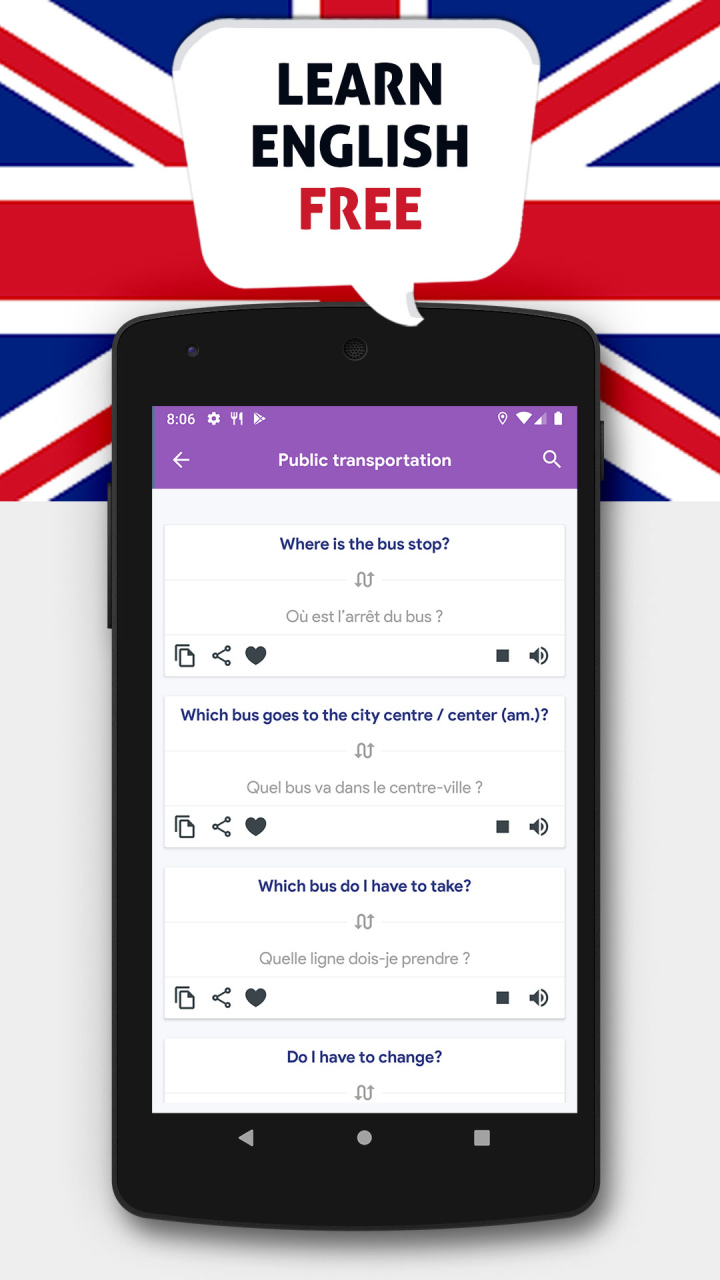
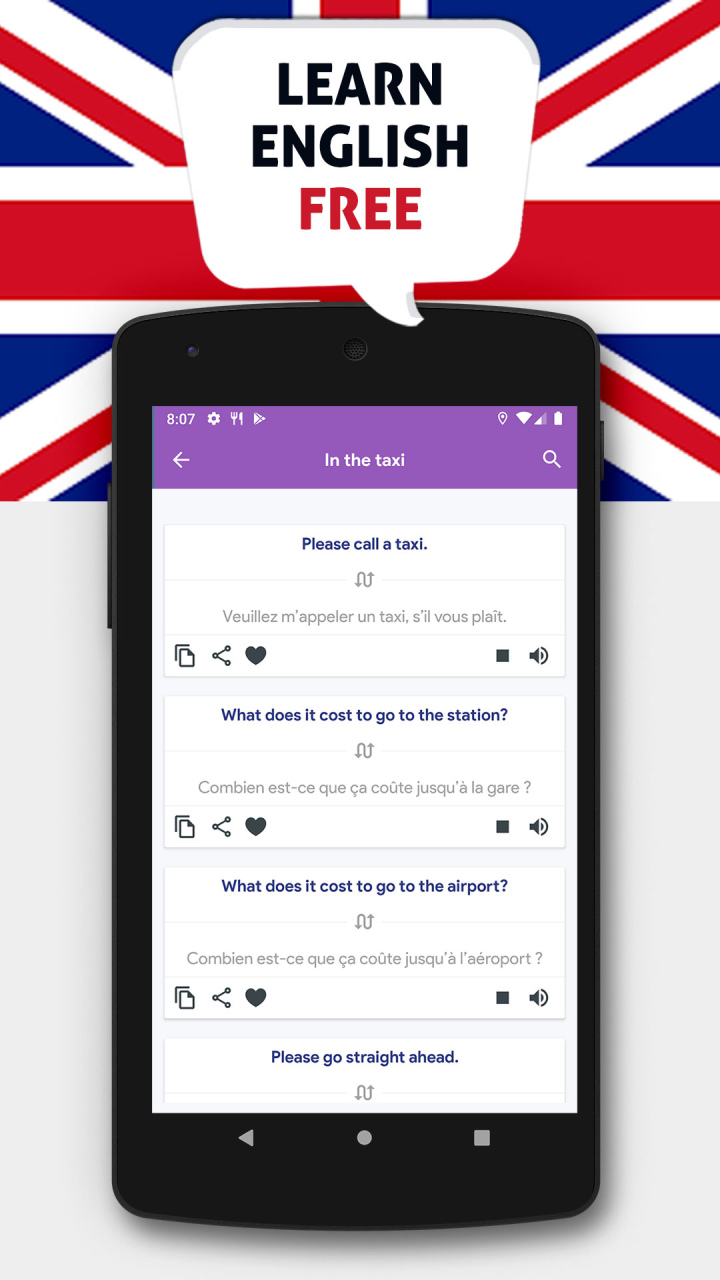
Learn English Free offline : Build your English language skills to better convey your ideas. You will get better at communicating in casual and professional settings.
Our App Learn english free for Beginners offer for you method to learn vocabulary, useful expressions and you will gain a good pronunciation in English. Learn to read, write, and express yourself through the English language.
Learn English language: courses are designed to make it easy for you to learn the universal language, helping you expand your social circle and give your career a boost. Learning English can often seem difficult and overwhelming but not with US. We have training courses focusing on English for hotels, travel and tourism as well as for those in the restaurant industry. More importantly, our basic English classes include important vocabulary and phrases for business and tourism. Whether for personal or professional reasons, our offline courses are here for you.
In our App Learn English , you will:
- improve your reading, grammar, and writing skills.
- expand your vocabulary and write effectively in Standard American English.
Learn, practice and improve your english with our Learn English Offline App. Enjoy
About Learn english
The company that develops Learn english is BrainTrivia. The latest version released by its developer is 4.0.
To install Learn english on your Huawei device, just click the green Continue To App button above to start the installation process. The app is listed on our website since 2022-01-10 and was downloaded 1 times. We have already checked if the download link is safe, however for your own protection we recommend that you scan the downloaded app with your antivirus. Your antivirus may detect the Learn english as malware as malware if the download link to C102838795 is broken.
How to install Learn english on your Huawei device:
- Click on the Continue To App button on our website. This will redirect you to Huawei Store.
- Once the Learn english is shown in the Huawei Store listing of your Huawei device, you can start its download and installation. Tap on the Install button located below the search bar and to the right of the app icon.
- A pop-up window with the permissions required by Learn english will be shown. Click on Accept to continue the process.
- Learn english will be downloaded onto your device, displaying a progress. Once the download completes, the installation will start and you'll get a notification after the installation is finished.