Go to Windows platform Display platforms icon
Go to Windows platform Go to Mac platform Go to Android platform Go to iOS platform
KoPlayer icon

KoPlayer

1.4.1056
Dev Onboard
3.9 75 reviews
6.1 M downloads
security security

A powerful Android emulator that's easy to configure

Advertisement
Remove ads and more with Turbo
Advertisement
Remove ads and more with Turbo
Andrés López icon
Reviewed by
Andrés López
Content Editor
Andrés López is part of Uptodown's in-house Editorial Team. Translated by Uptodown Localization Team

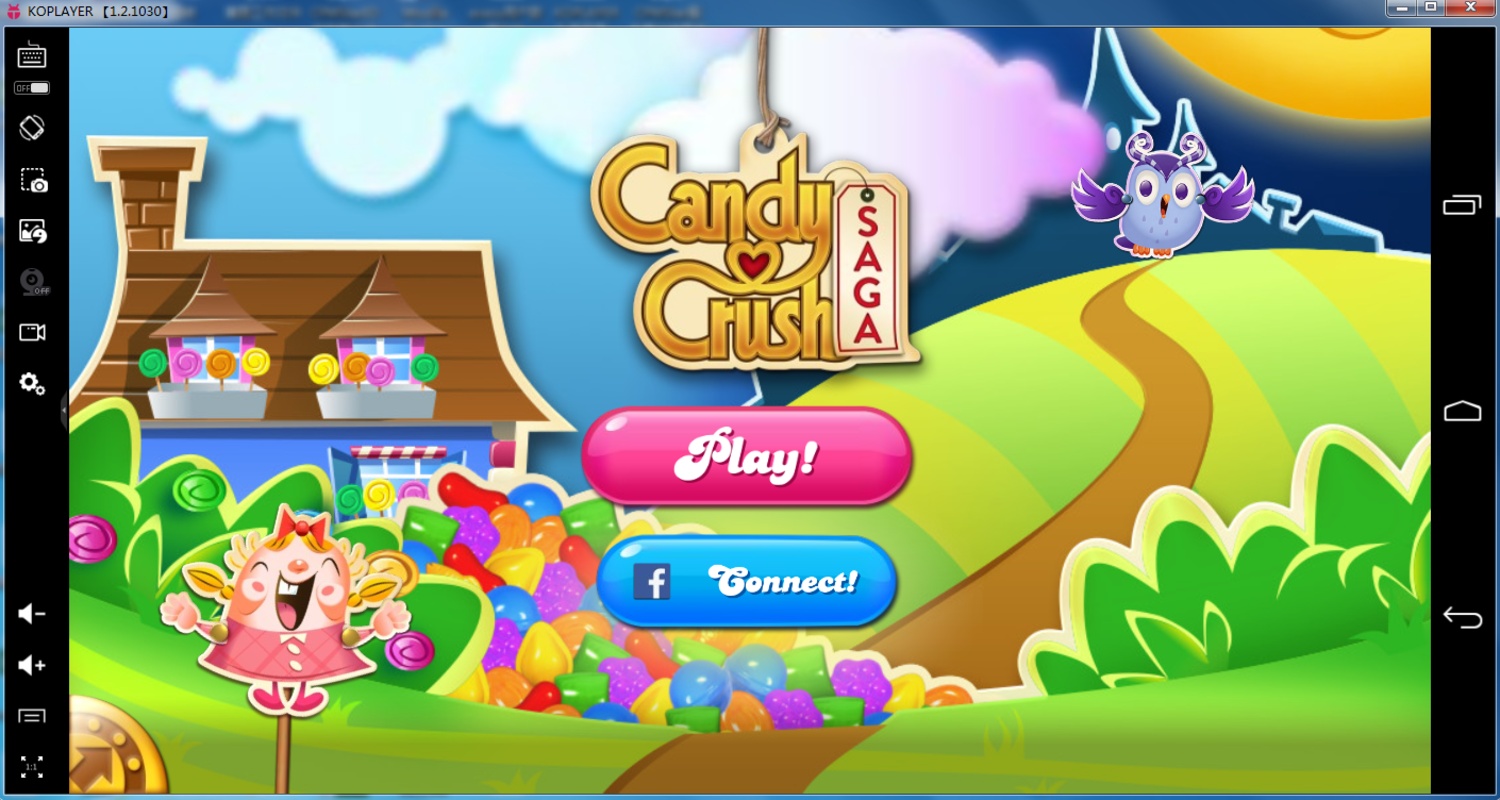
KoPlayer is a powerful Android emulator that lets you enjoy all kinds of apps and videogames from the smartphones’ and tablets’ favorite operating system, directly from your PC. The best part is that you can do so with a pretty surprising ease.

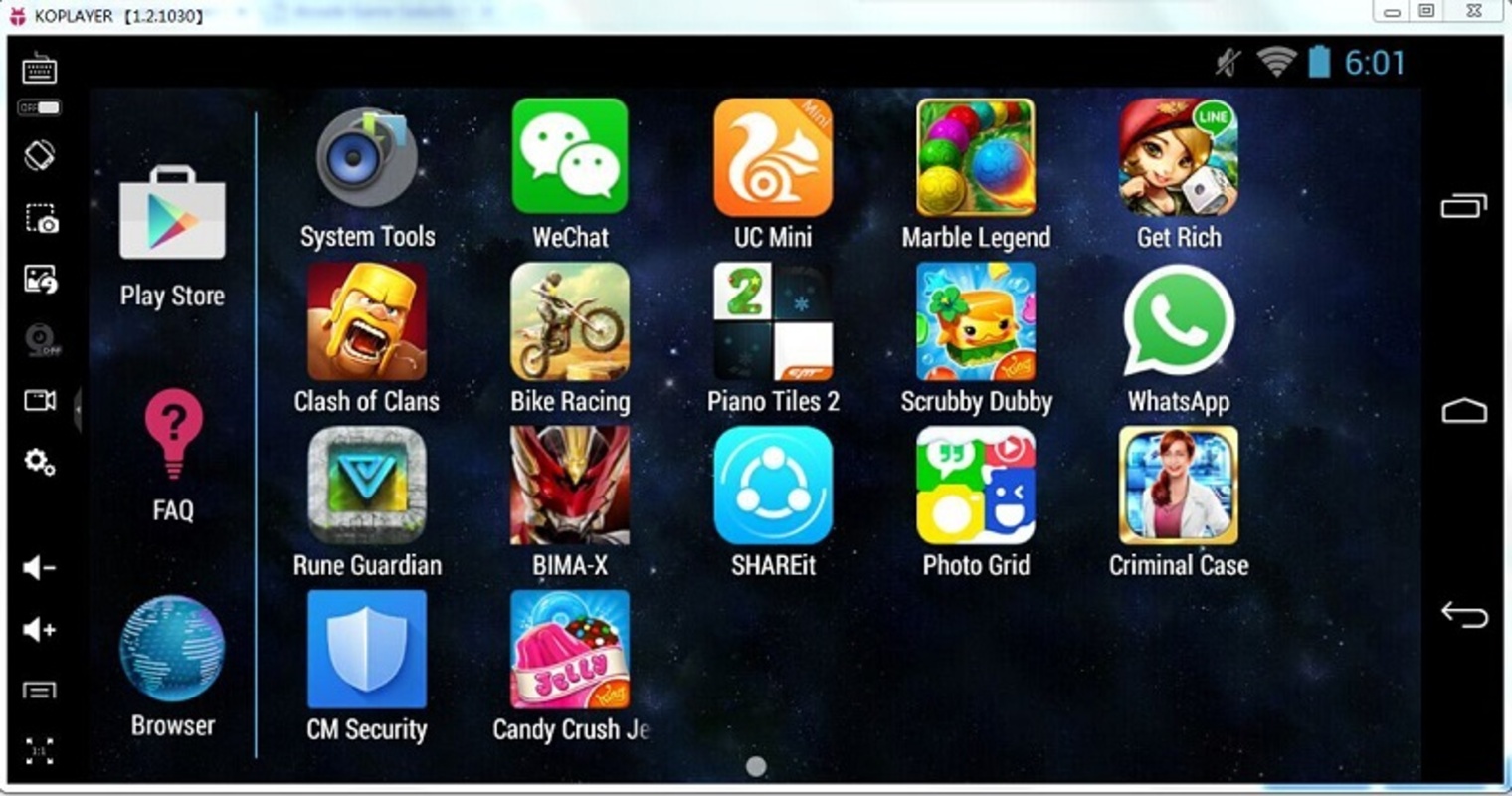
One of KoPlayer’s best features is that you don’t need to configure anything. When the installation is done, you just have to open the emulator for the first time and everything will be ready to be used: you can start downloading apps, browse the internet from the emulator, play any videogame, etc.

Advertisement
Remove ads and more with Turbo

KoPlayer also makes installing apps super simple. The emulator comes with Google Play by default which makes it really easy to download apps. However, you can also download any app from Uptodown and even drag APK files to the emulator window in order to install them.

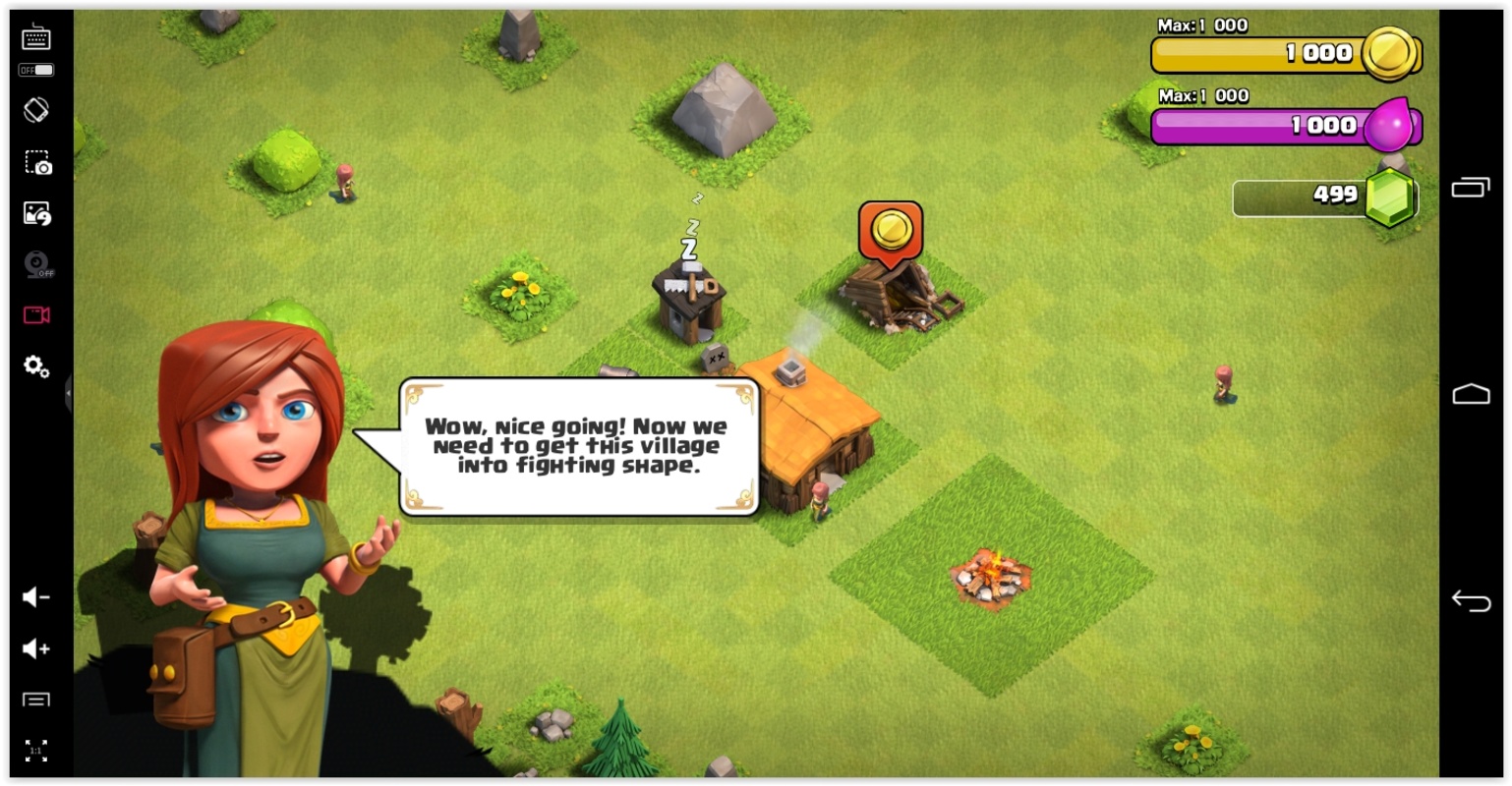
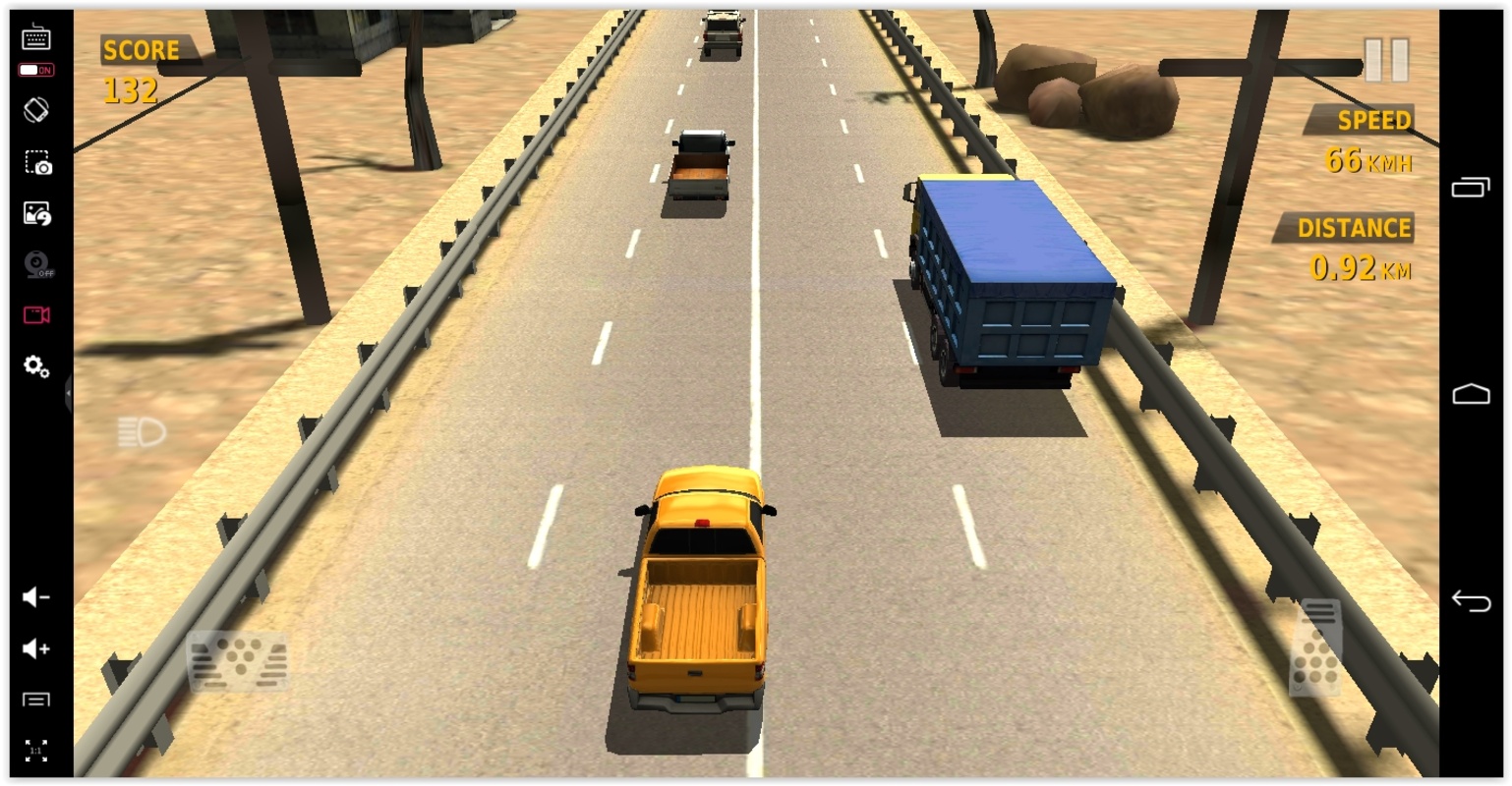
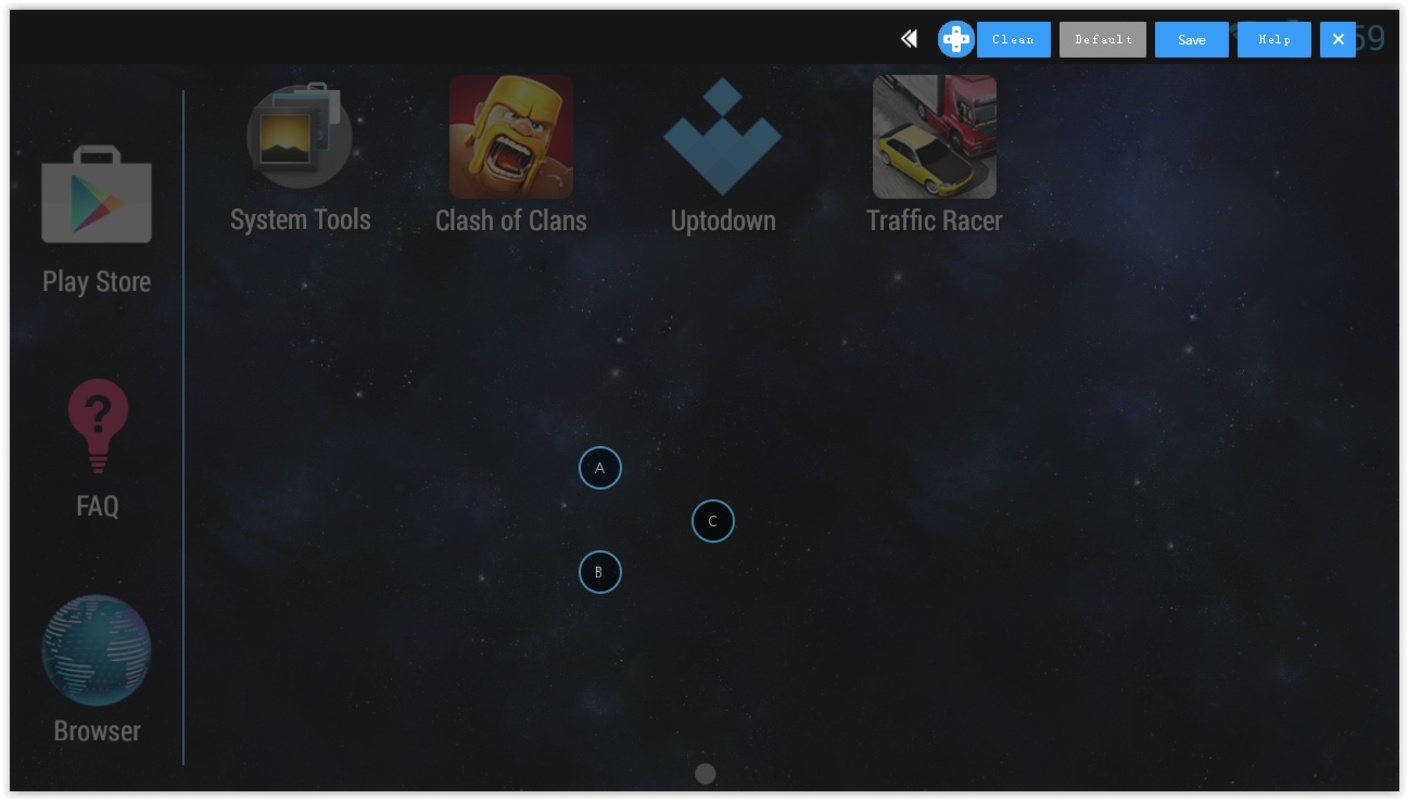
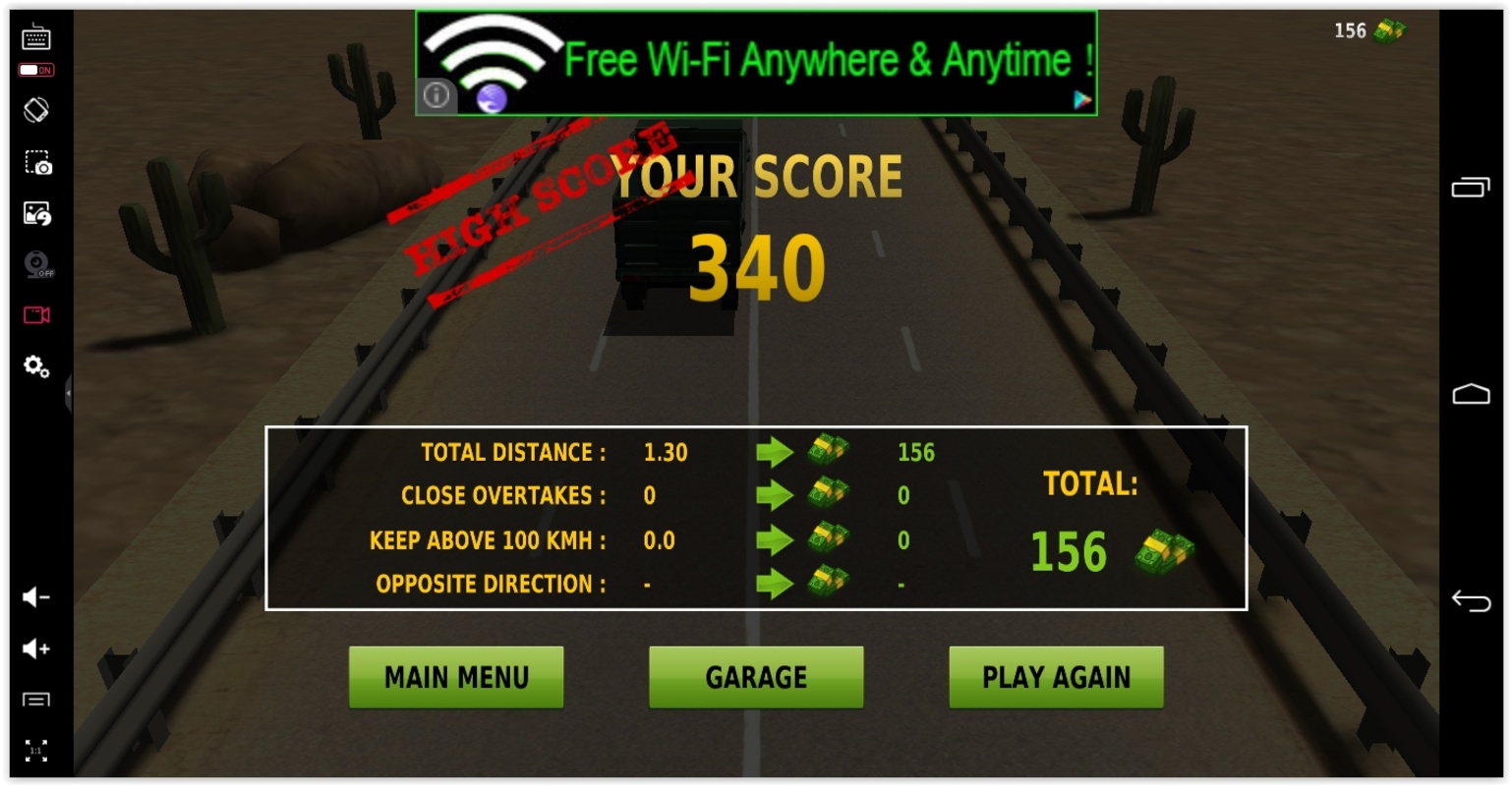
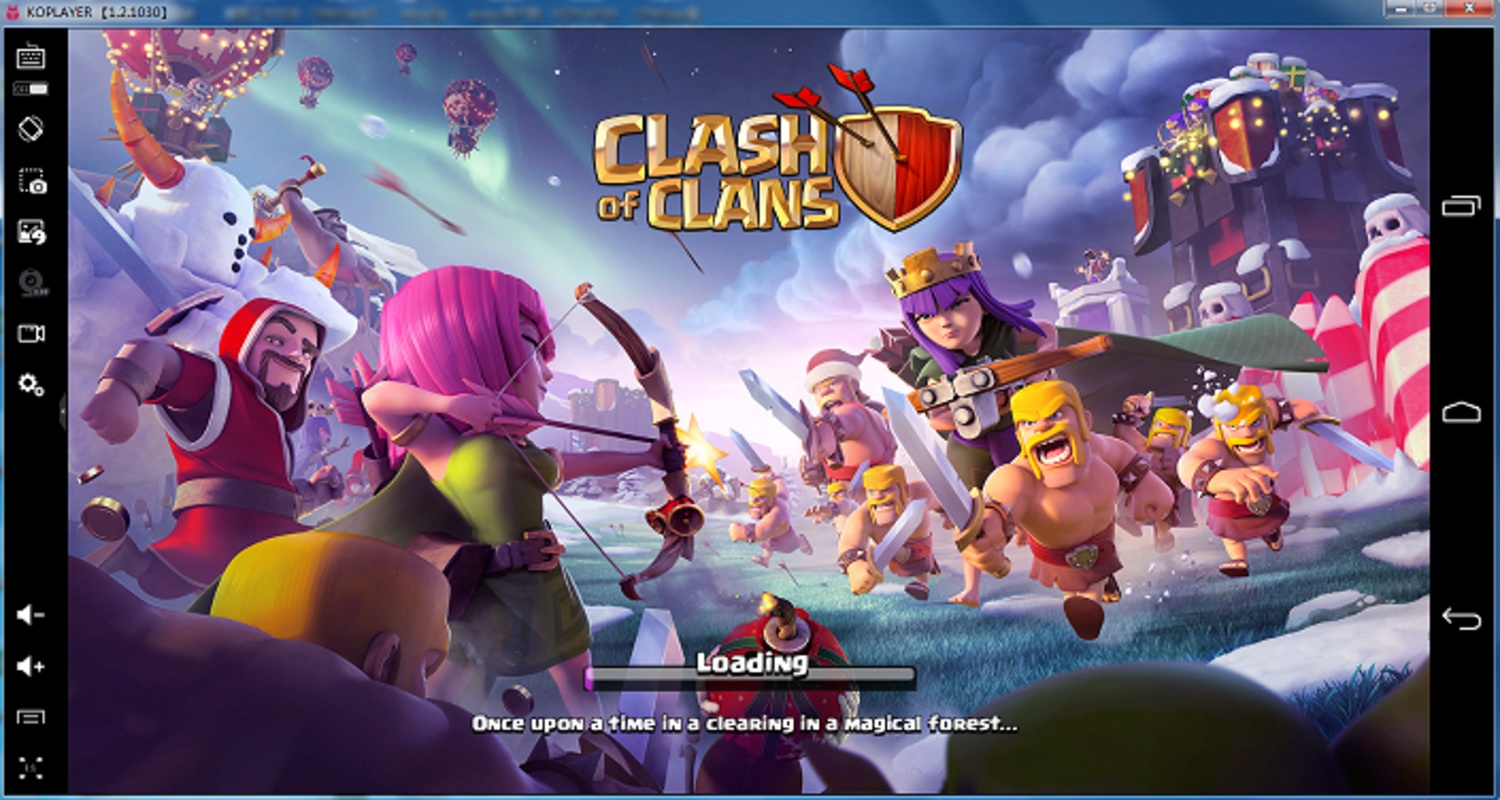
Another great feature is the huge amount of possibilities that KoPlayer offers you when you want to configure your controls. This emulator is specially designed to play videogames so it lets you easily and intuitively configure your controls. In a matter of seconds you can configure your keyboard, mouse and even the ‘gamepad’. You can play Angry Birds or Clash of Clans with your mouse and Asphalt: Nitro or Dead Trigger with your gamepad.

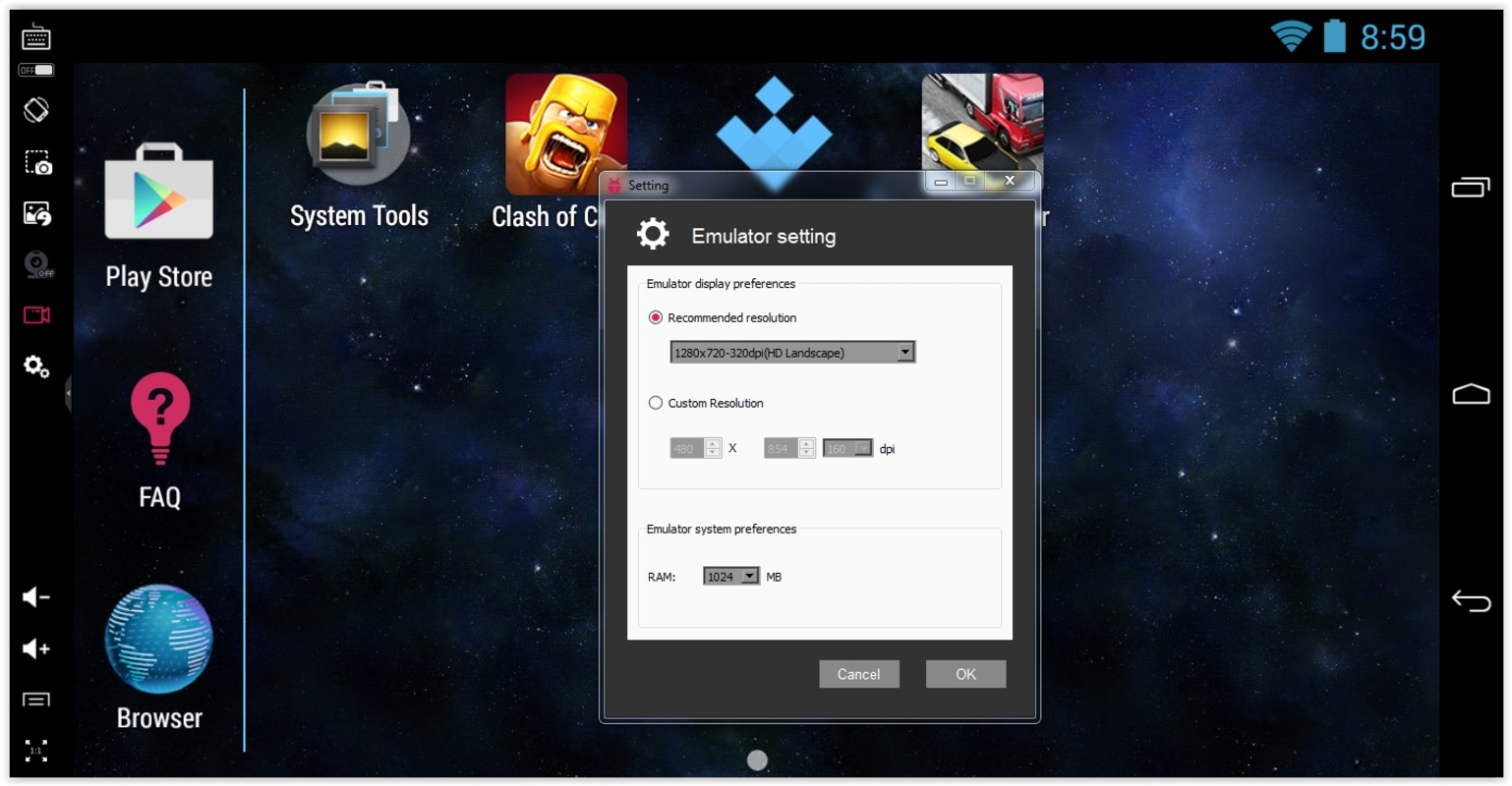
Other interesting features include being able to comfortably capture images or videos as well as setting your screen’s resolution. In other words, you can make your virtual Android screen smaller or bigger at any given moment.

KoPlayer is a spectacular Android emulator that offers you an overwhelming amount of high-quality features. This emulator lets you enjoy a long catalog of Android videogames directly from your PC with outstanding video quality and audio.

Information about KoPlayer 1.4.1056

Basic information

Developer KOPLAYER team
License Free
Category Emulators
Rating Not specified
Languages English

Security and privacy

Required permissions Not applicable
Advertising Not specified
See security and antivirus report
Why is this app published on Uptodown? (More information)

Download info

Downloads 6,056,034
Date Aug 17, 2023
File type EXE
Size 368.37 MB
SHA256 b9cbdc249032715deffb457f457d672d679fb0d11f9263a833934e886090d714
Advertisement
Remove ads and more with Turbo

Older versions

exe 1.4.1055 Jan 23, 2017
exe 1.4.1049 Oct 10, 2016
exe 1.3.1040 Apr 5, 2016
exe 1.2.1030 Feb 10, 2016

Rate this App

Review the app
KoPlayer icon

Rating

3.9
5
4
3
2
1
75 reviews

Comments

See more
hotbluegorilla4072 icon
hotbluegorilla4072
in 2024

I love playing Free Fire because it is from the best company in the world, Garena, after the company Mojang.

1
Reply
oldsilvercat57901 icon
oldsilvercat57901
in 2024

best app

Like
Reply
nursomad icon
nursomad
in 2021

Excuse me, I want to ask, I'm playing a Disney+ Hotstar movie using the KoPlayer emulator. The video time progresses, but there is no picture or sound. Please provide a solution, thank you.

15
Reply
eliet icon
eliet
in 2020

Very good app, if it works, it works :) It's everything I was looking for.

12
2
wildvioletpapaya7476 icon
wildvioletpapaya7476
in 2020

I have been using KoPlayer for a long time, but I still can't activate its Bluetooth function. I ask for a solution, thanks.

4
Reply
amazingblueacacia28009 icon
amazingblueacacia28009
in 2020

It's very good, but some applications run slow on it.

9
Reply
See more
Advertisement
Remove ads and more with Turbo
BlueStacks icon
Emulate any Android app on your PC
Uptodown GameLoop icon
The official Tencent emulator
LDPlayer 9 icon
Enjoy all your Android games on PC
MEmu icon
An Android emulator specially for video games
LDPlayer 4 icon
A fantastic Android 7.1 emulator
NoxPlayer icon
Powerful Android emulator that's fully compatible
MuMuPlayer icon
MuMuPlayer: Best Android Emulator For PC to Play Mobile Games and Apps
LDPlayer 3 icon
A powerful Android 5.1 emulator
LDPlayer 9 icon
Enjoy all your Android games on PC
BlueStacks icon
Emulate any Android app on your PC
Uptodown GameLoop icon
The official Tencent emulator
Android Studio icon
The best environment for developing Android apps
MEmu icon
An Android emulator specially for video games
Tencent App Store (腾讯应用宝) icon
Download APKs and games for Windows in the Tencent Store
NoxPlayer Beta icon
Emulate the latest version of Android on your PC
BlueStacks X icon
Run your Android games with this cloud emulator
Minecraft icon
Build, create and give free rein to your imagination.
Need for Speed Most Wanted icon
Can you become the Most Wanted?
GTA IV: San Andreas icon
San Andreas is back to life in GTA IV
Tekken Tag Tournament icon
The PlayStation 2 classic, now on your PC thanks to MAME
eFootball 2026 icon
Feel the magic of soccer on PC
Ryujinx icon
A Nintendo Switch emulator with excellent compatibility
Free Fire MAX icon
Play Free Fire Max, now on PC
Yandere Simulator icon
Stealth and murder in a Japanese high school