Go to Mac platform Display platforms icon
Go to Mac platform Go to Windows platform Go to Android platform Go to iOS platform
Joplin icon

Joplin

3.5.12
5 1 reviews
2.1 k downloads
security security

Take notes comfortably from your Mac

Advertisement
Remove ads and more with Turbo
Advertisement
Remove ads and more with Turbo
Merche Contreras icon
Reviewed by
Merche Contreras
Content Editor
Merche Contreras is part of Uptodown's in-house Editorial Team. Translated by Uptodown Localization Team

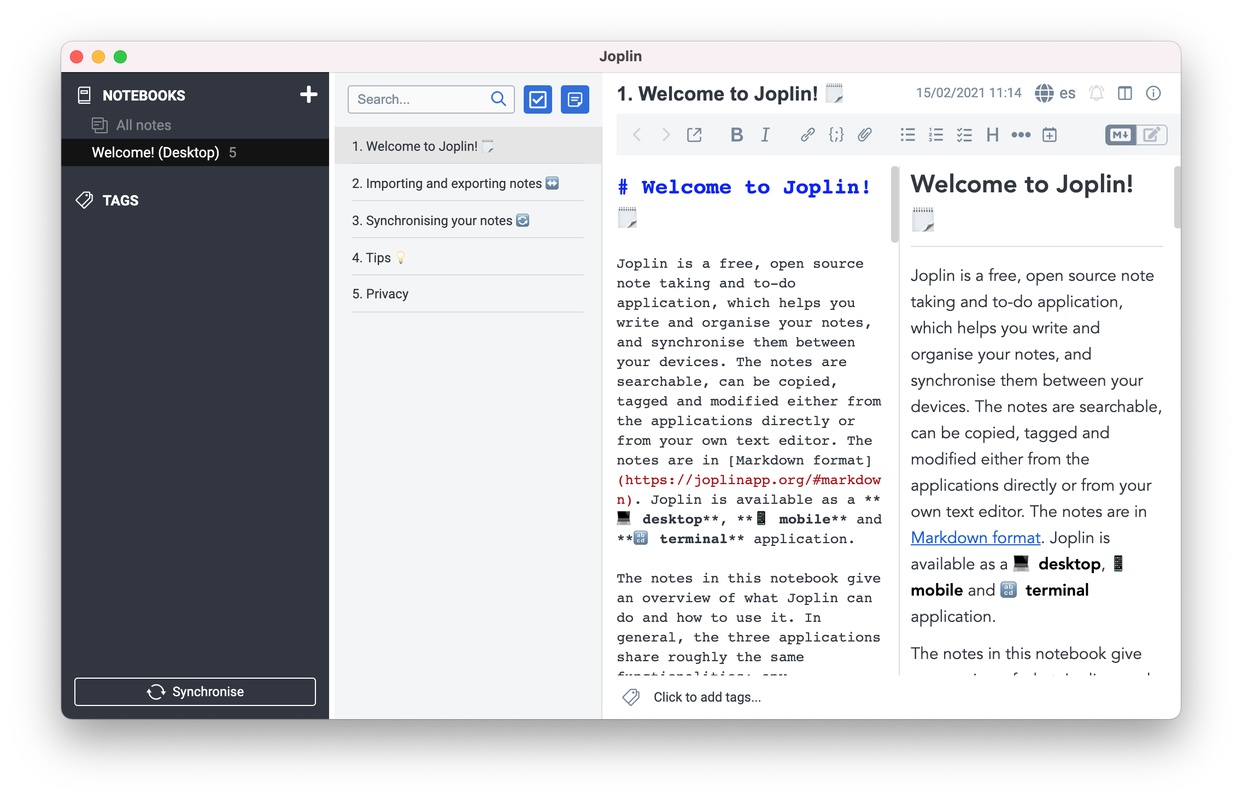
Joplin is the perfect tool for making quick and easy annotations. This open source utility lets you open as many tasks as you need and organize them into folders that will make your life easier. If you're looking for a good option to work with your notes, this tool has everything you need on a daily basis.

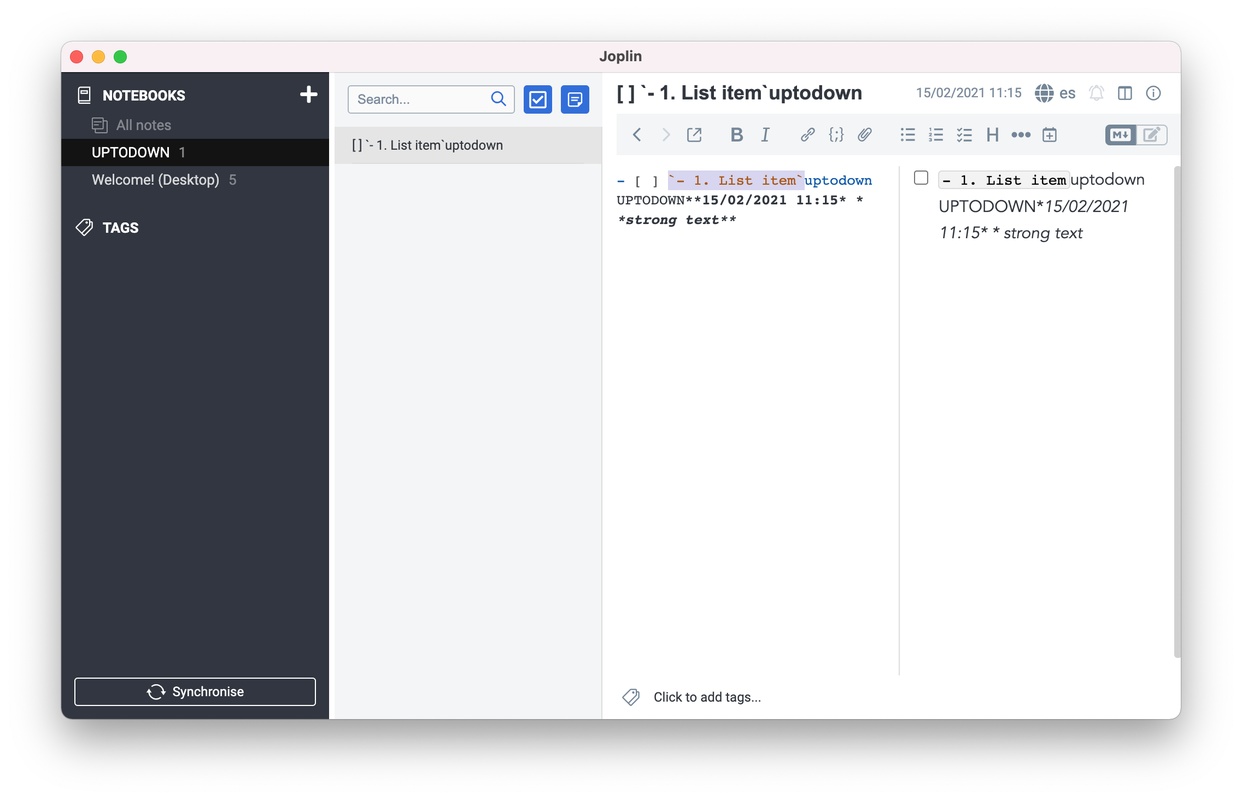
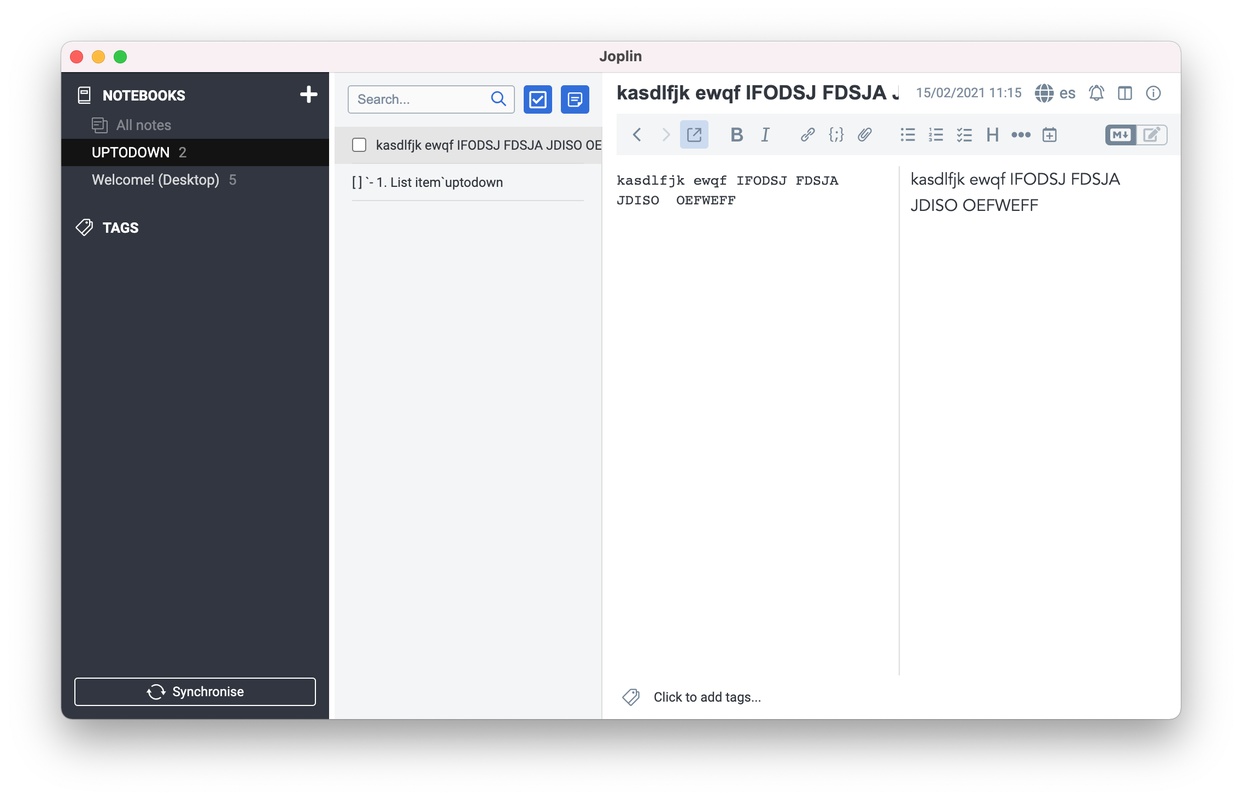
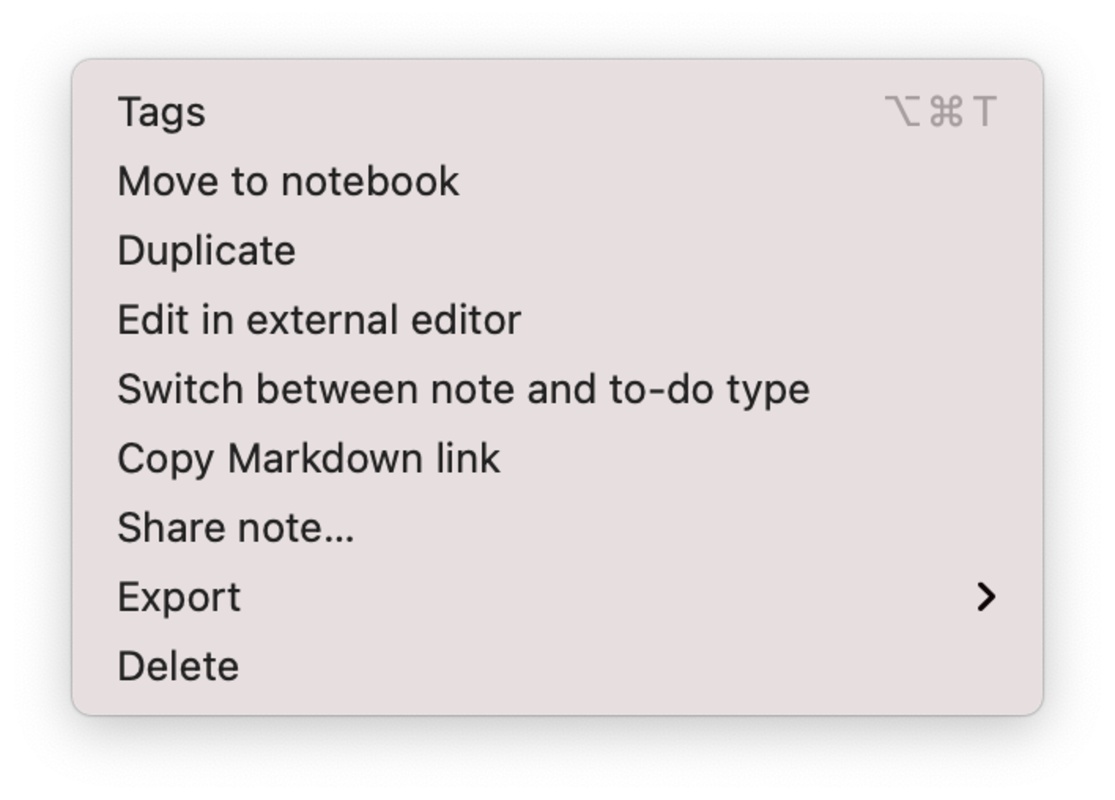
One of the advantages of Joplin is its convenient interface. Thanks to its ease of use, you can open, edit, delete, and move your notes or folders with a simple click. To start working on a task, just create it by pressing the '+' button located at the top of the screen; after that, you can write anything you want and modify the font as you wish. Joplin lets you change the font size and typography, plus add indentations, insert links, attach elements, and, in short, modify anything you want to create a beautiful and personalized note.

Advertisement
Remove ads and more with Turbo

Another advantage of this tool is the use of tags. When you create a note, you can add as many tags as you want to locate it later on with a quick search. Thanks to this system, you can locate your notes quickly and organize them into special folders.

Finally, Joplin makes your life much easier by connecting your account with the mobile app and desktop tool that you can also download from Uptodown. Thanks to these options, you can write your notes on your Mac and read them on your Android, for example. Keep track of your notes wherever you are and access your content from any platform.

Information about Joplin 3.5.12

Basic information

Developer Laurent Cozic
License Free
Category Text & documents
Rating Not specified
Languages English
1 more

Security and privacy

Required permissions Not applicable
Advertising Not specified
See security and antivirus report
Why is this app published on Uptodown? (More information)

Download info

Downloads 2,102
Date Feb 25, 2026
File type DMG
Size 146.71 MB
SHA256 ed0295b7e664acc043ec7dcaf7a7f9330b0065d7842a279a07ba4b86e742ed07

Technical details

Package Name joplin
Advertisement
Remove ads and more with Turbo

Older versions

See more
dmg 3.5.11 Jan 13, 2026
dmg 3.4.12 Dec 10, 2025
dmg 3.4.10 Sep 1, 2025
dmg 3.4.7 Aug 25, 2025
dmg 3.4.6 Aug 21, 2025
dmg 3.3.13 Jun 10, 2025
Available for other platforms

Rate this App

Review the app
Joplin icon

Rating

5.0
5
4
3
2
1
1 reviews

Comments

There are no opinions about Joplin yet. Be the first! Comment

Advertisement
Remove ads and more with Turbo
Microsoft Office 2019 icon
Install Word, Excel and PowerPoint with Office 2019
Claude icon
Anthropic's AI assistant for macOS
Microsoft Office 365 icon
Microsoft Office suite for Mac
Kindle icon
Read Amazon Kindle books on your Mac
Adobe Acrobat Reader DC icon
The most popular PDF reader out there
LibreOffice icon
One of the best alternatives to Microsoft Office
Obsidian icon
Take notes with multiple options on Mac
OpenOffice icon
The finally native, open-source, quintessential productivity suite
Citra icon
The best Nintendo 3DS emulator for Mac
Mozilla Firefox icon
Cross-platform open-source web browser
balenaEtcher icon
Create self-booting external disks on Mac
Ollama icon
Access powerful language models locally
Suyu icon
Emulate Nintendo Switch games on Mac
Lockbook icon
A safe for your text files
Open Generative AI icon
Create images and videos with AI by choosing from hundreds of models
Karabiner-Elements icon
Customize your Mac's keyboard layout
Microsoft Office 2019 icon
Install Word, Excel and PowerPoint with Office 2019
Claude icon
Anthropic's AI assistant for macOS
Microsoft Office 365 icon
Microsoft Office suite for Mac
Kindle icon
Read Amazon Kindle books on your Mac
Adobe Acrobat Reader DC icon
The most popular PDF reader out there
LibreOffice icon
One of the best alternatives to Microsoft Office
Obsidian icon
Take notes with multiple options on Mac
OpenOffice icon
The finally native, open-source, quintessential productivity suite