
Go to Windows platform Display platforms icon
Go to Windows platform Go to Mac platform Go to Android platform
GameMaker Studio icon

GameMaker Studio

2024.14.3.217
3.9 24 reviews
1.3 M downloads
security security

Create you own videogames for any platform

Advertisement
Remove ads and more with Turbo
Advertisement
Remove ads and more with Turbo
Raúl Rosso icon
Reviewed by
Raúl Rosso
Communications Specialist
Raúl Rosso is part of Uptodown's in-house Editorial Team. Translated by Uptodown Localization Team

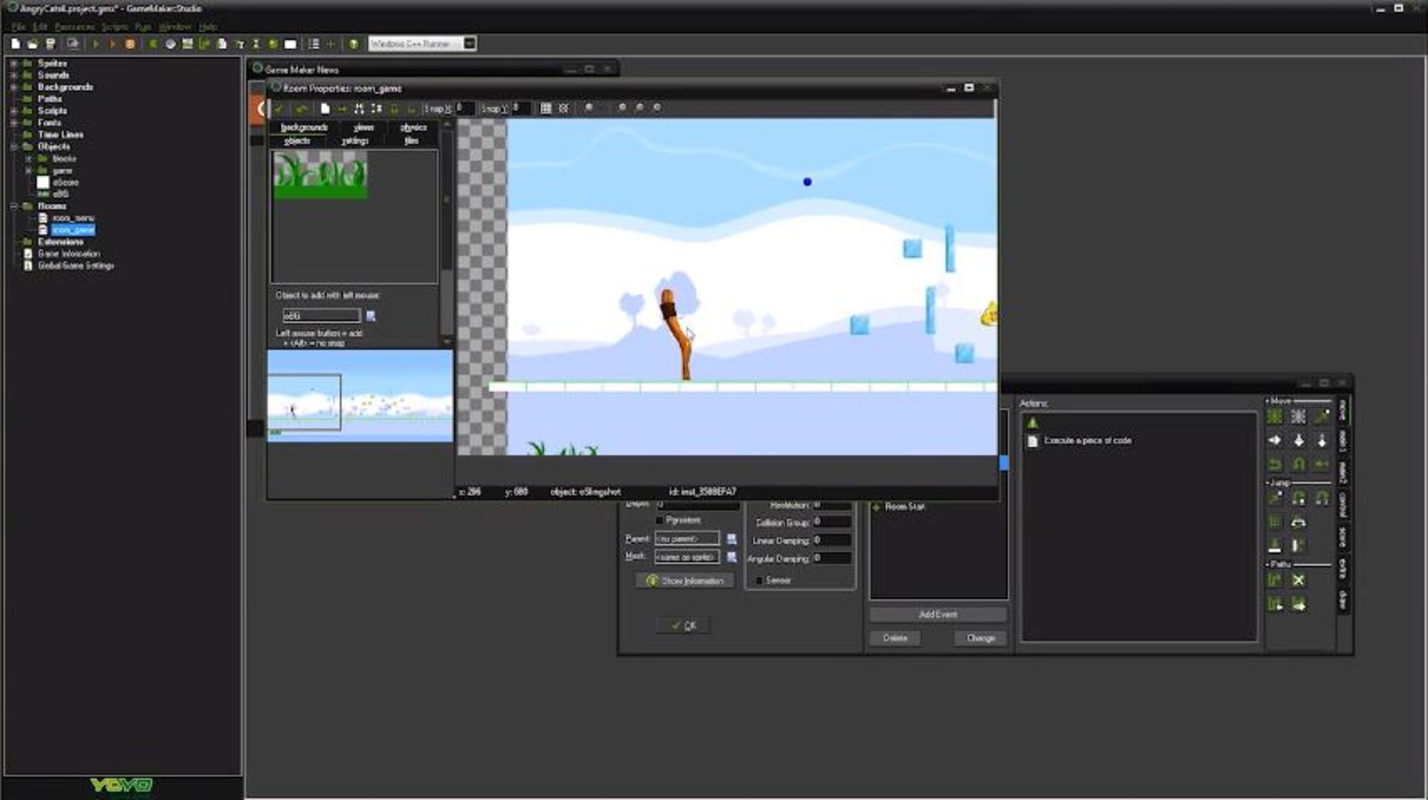
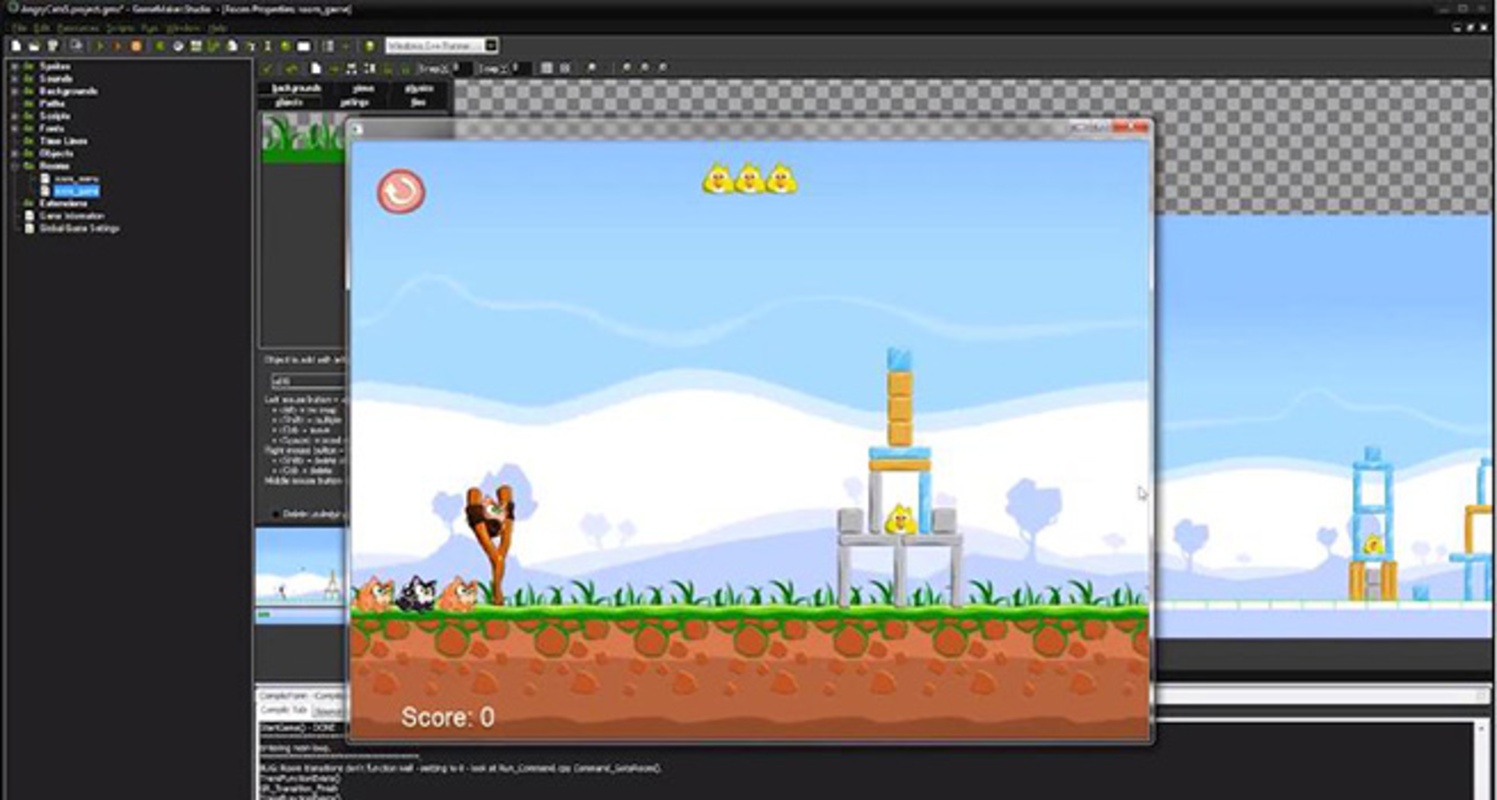
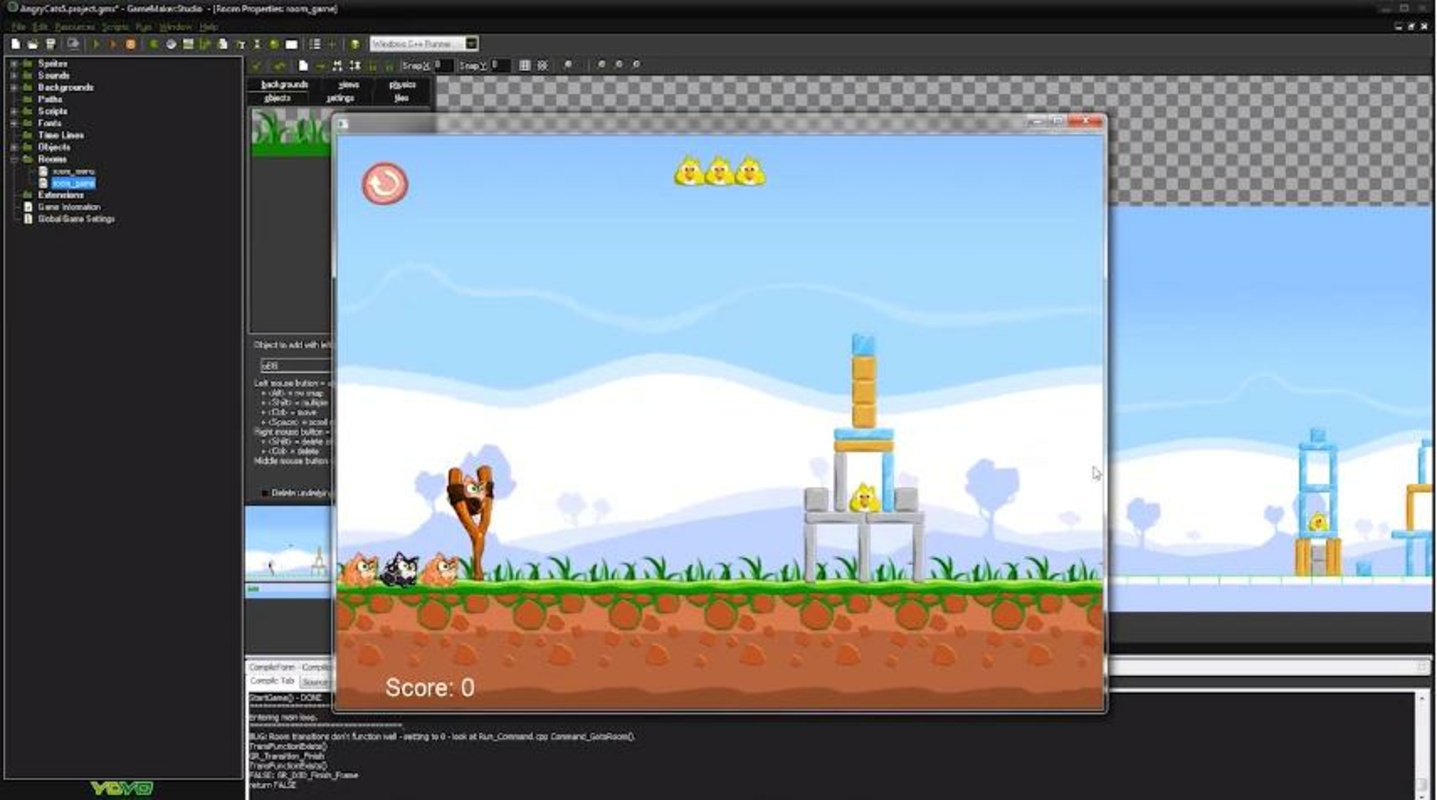
Game Maker: Studio is a complete videogame creating tool, thanks to which its users will be able to develop complex games perfectly playable in different operating systems like Windows, Mac, iOS, Android or HTML 5. These last three, will be only available for the paid version of the application.

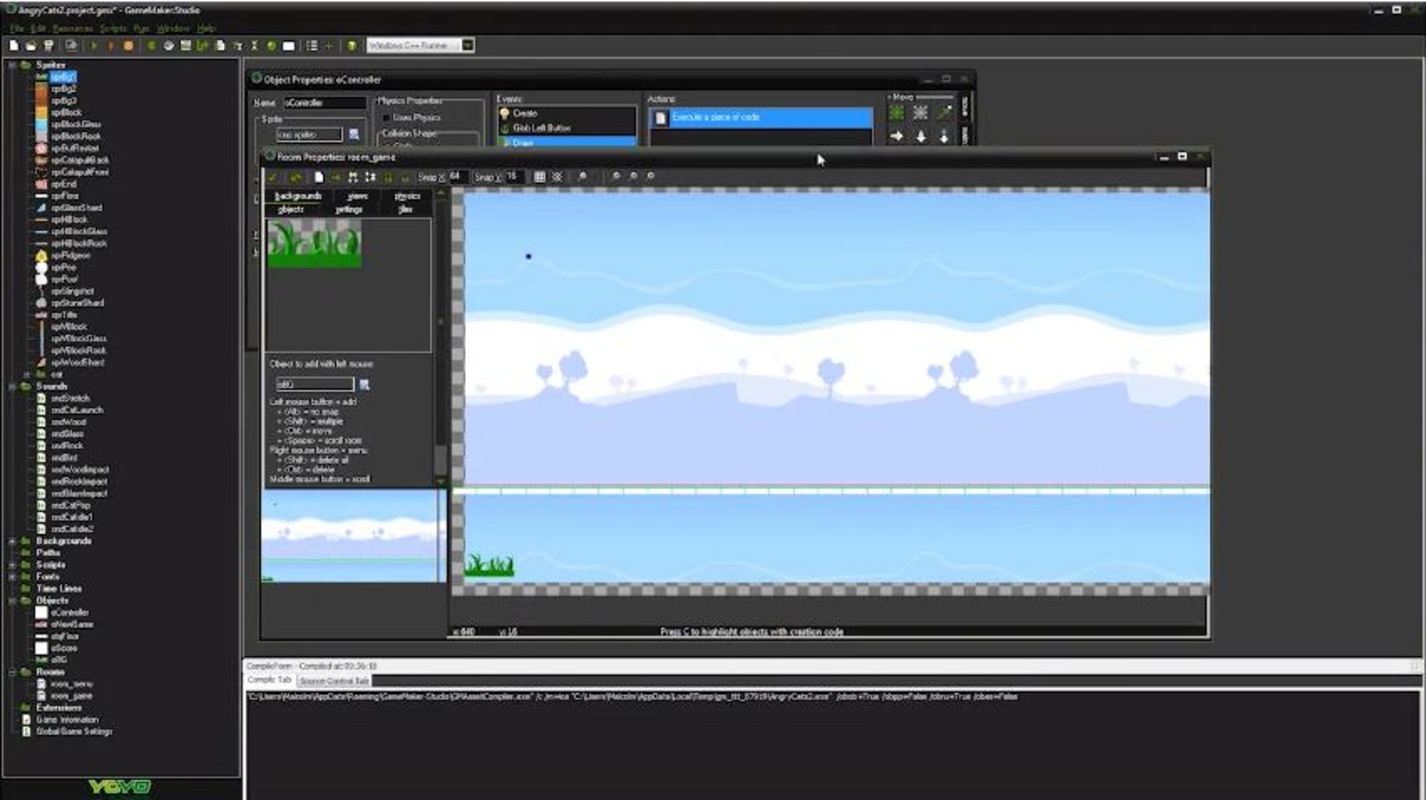
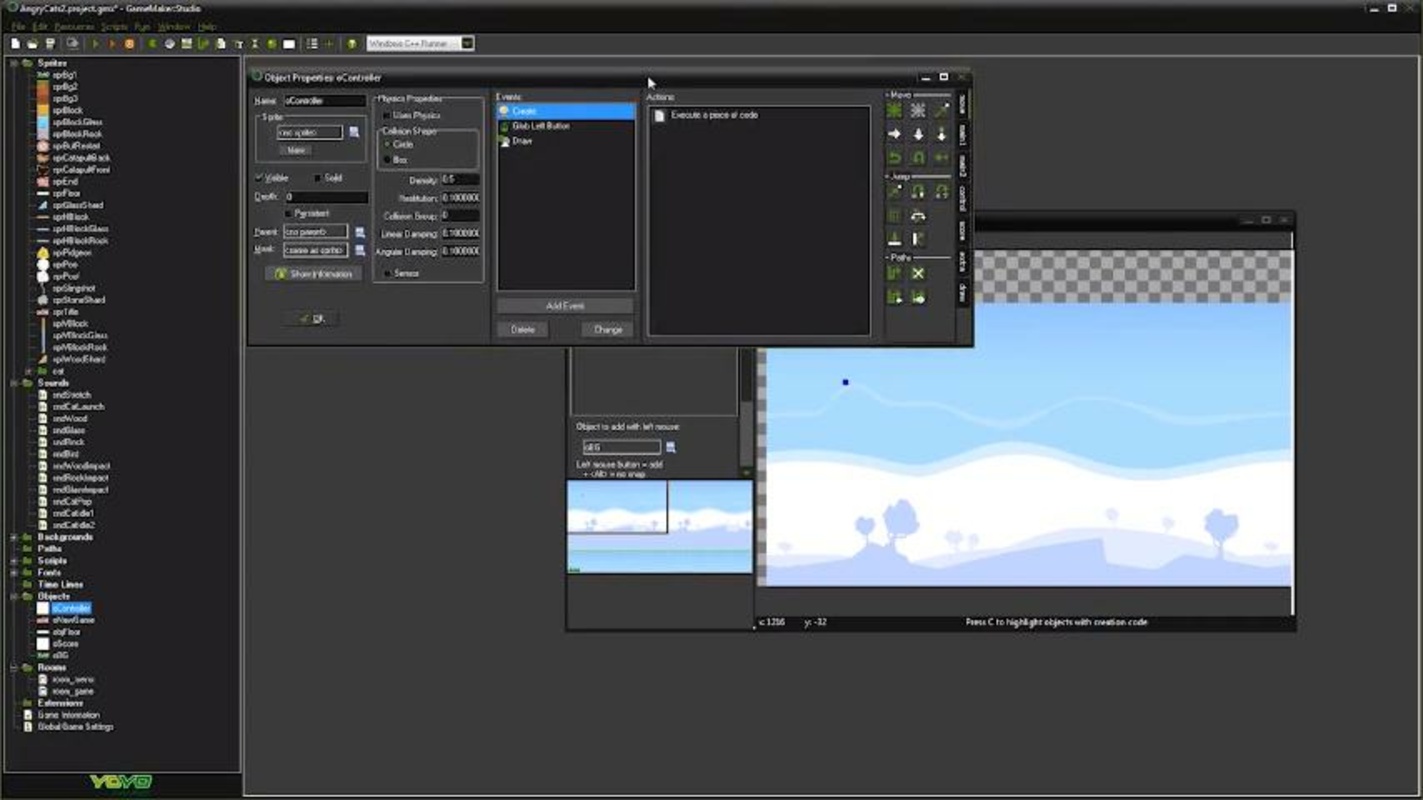
The program has a very intuitive interface from which we will be able to manage all phases of the development of our videogame. To be able to use this program, we will of course have to use a tutorial first, but once we know all the options, developing a game will be a question of minutes.

Advertisement
Remove ads and more with Turbo

GameMaker: Studio includes a series of fundamental differences that separate it from the normal GameMaker. For example, `Studio´ includes its own physics and collisions motor (BOX2D). Although maybe the major difference between these two programs is the facility that this version has for the publication of our game in any of the many distribution platforms and operating systems that are available.

GameMaker: Studio is a very complete videogame creating tool that despite the huge range of possibilities and options that it offers, it allows the creation of videogames in a simple and intuitive way.

Information about GameMaker Studio 2024.14.3.217

Basic information

Developer YoYo Games
License Free
Category Video Games
Rating Not specified
Languages English
47 more

Security and privacy

Required permissions Not applicable
Advertising Not specified
See security and antivirus report
Why is this app published on Uptodown? (More information)

Download info

Downloads 1,269,003
Date Mar 6, 2026
File type EXE
Size 177.69 MB
SHA256 5379a1f22ba4e87fa41324f1253e3cf7db3becc0aed84552a64e215b16fe5384
Advertisement
Remove ads and more with Turbo

Older versions

See more
exe 2024.14.2.213 Jan 9, 2026
exe 2024.14.1.210 Nov 28, 2025
exe 2024.13.1.193 May 9, 2025
exe 2024.13.0.190 Apr 11, 2025
exe 2024.11.0.179 Dec 17, 2024
exe 2024.8.1.171 Sep 13, 2024
Available for other platforms

Rate this App

Review the app
GameMaker Studio icon

Rating

3.9
5
4
3
2
1
24 reviews

Comments

See more
happygreenrabbit53164 icon
happygreenrabbit53164
in 2020

I didn't find the Russian language, although it seems to be stated that it is available.

11
Reply
kelvin1122 icon
kelvin1122
in 2020

After finishing the game, can you just go ahead and play it?

9
Reply
hackerdeleter icon
hackerdeleter
in 2020

Everyone. Keep In Mind That Making Games Are Kinda Challenging. And You need to get some skills of scripting.

18
1
wildbluepanther114 icon
wildbluepanther114
in 2020

Does this application work on 32-bit systems?

12
Reply
billmyn icon
billmyn
in 2019

The price and licensing are the crucial points with GameMaker. YoYo has changed its pricing policy over the years multiple times. Currently (2019), you can try GameMaker (GM) for free for 30 days. Aft...See more

14
Reply
greensenman icon
greensenman
in 2019

Could I get some help? I usually enjoy using Studio but now WHY CAN'T I open the program?

29
1
See more
Advertisement
Remove ads and more with Turbo
Unity icon
The definitive tool for creating video games
Scratch icon
Learn to program by creating small educational projects
Aseprite icon
Create pixel art animations
M.U.G.E.N icon
The basis to create your own fighting games
Unreal Engine icon
A powerful and professional tool for creating video games
Godot Engine icon
Comprehensive open-source suite for game development
RPG Maker icon
The creation of whole fanatasy worlds is in your hands
GDevelop icon
Create video games in HTML5 without knowing how to program
Python icon
Accessible multi-paradigmatic programming language
Blender icon
A great 3D modeling and animation tool
Borderless Gaming icon
Play your favorite games in full screen, without any problems
Unity icon
The definitive tool for creating video games
Scratch icon
Learn to program by creating small educational projects
CryEngine icon
Develop games with one of the most advanced graphics engines
Defold icon
Free, efficient, cross-platform game engine
Cocos Creator icon
A visual game engine for multiplatform creation
GNS3 icon
Design and build virtual networks
Android Studio icon
The best environment for developing Android apps
Dev-C++ icon
Development environment for C and C++
Visual Studio Code icon
Microsoft's cross-platform code editor
Microsoft Visual C++ Redistributable icon
Component required to run Visual C++ applications
Python icon
Accessible multi-paradigmatic programming language
Microsoft Access icon
Create and manage databases in Windows
Microsoft Visio icon
Transform data into visual diagrams