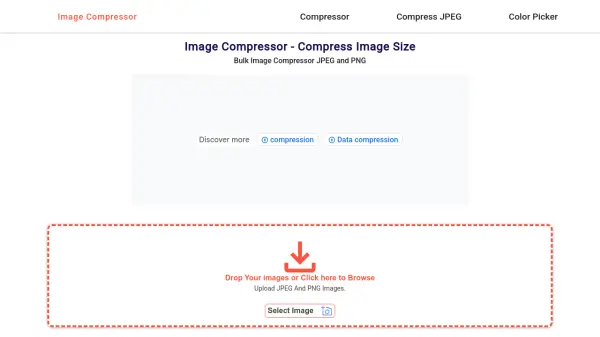
What is Secure Image Tools?
Secure Image Tools provides a comprehensive suite of image editing functions directly within your web browser. Users can compress, resize, crop, convert, and rotate or flip images without any uploads, ensuring that all data remains on their device. The tool is designed for privacy and security, with no tracking, data collection, or storage of images or information.
This platform is free forever with no signups, paywalls, or usage limits, making it accessible for personal, business, or educational purposes. It operates offline after loading, offering lightning-fast performance and transparency in its secure design, ideal for handling sensitive or confidential images.
Features
- Compress: Reduce image file size without uploading
- Resize: Adjust image dimensions locally in the browser
- Convert: Change image formats without data leaving the device
- Crop: Trim images with privacy-focused processing
- Rotate/Flip: Modify image orientation securely
Use Cases
- Reducing image file sizes for web optimization
- Adjusting image dimensions for social media posts
- Cropping photos for personal or professional use
- Converting image formats for compatibility
- Editing confidential images without privacy risks
Related Queries
Helpful for people in the following professions
Secure Image Tools Uptime Monitor
Average Uptime
99.58%
Average Response Time
93.83 ms