
What is LiteImage?
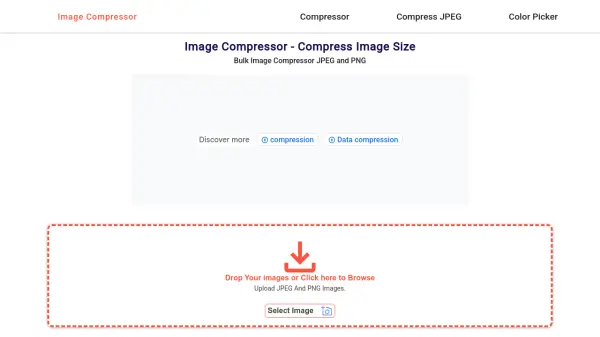
LiteImage offers a streamlined solution for optimizing images to enhance website performance. The tool supports multiple image formats including JPEG, JPG, PNG, TIFF, and WEBP, allowing users to upload files via drag-and-drop or file selection. An intelligent algorithm analyzes and compresses images while preserving visual quality, resulting in significant file size reductions.
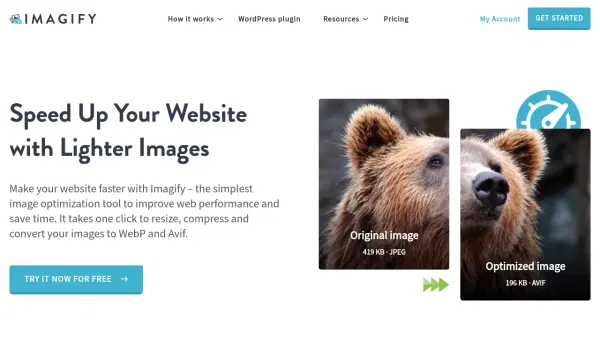
Users can download optimized images individually or as a ZIP file, making it efficient for batch processing. The tool demonstrates practical results, such as reducing a 3.2 MB file to 320 KB, achieving up to 90% size reduction. This optimization helps improve loading times and overall site efficiency without sacrificing image integrity.
Features
- Image Compression: Reduces file sizes by up to 90% without losing visual quality
- Multiple Format Support: Handles JPEG, JPG, PNG, TIFF, WEBP, and more
- Batch Processing: Allows downloading optimized images individually or in a ZIP file
- Drag-and-Drop Interface: Enables easy upload of images via drag-and-drop or file selection
- Intelligent Algorithm: Uses AI to analyze and compress images while preserving quality
Use Cases
- Optimizing website images to improve loading speed and performance
- Reducing image file sizes for email attachments or storage efficiency
- Preparing images for online portfolios or social media to maintain quality with smaller files
- Batch compressing multiple images for web development or design projects
FAQs
-
What image formats does LiteImage support?
LiteImage supports JPEG, JPG, PNG, TIFF, WEBP, and more formats for optimization. -
How much can LiteImage reduce image file sizes?
LiteImage can reduce image file sizes by up to 90% while maintaining visual quality. -
Can I optimize multiple images at once with LiteImage?
Yes, LiteImage allows batch processing where you can download optimized images individually or in a ZIP file. -
Is LiteImage free to use?
Yes, LiteImage is a free tool for optimizing images without any cost.