
Go to Windows platform Display platforms icon
Go to Windows platform Go to Mac platform Go to Android platform Go to iOS platform
DS4Windows icon

DS4Windows

3.3.3
4.2 16 reviews
2.5 M downloads
security security

Use DualShock 4 controllers on your PC

Advertisement
Remove ads and more with Turbo
Advertisement
Remove ads and more with Turbo
Andrés López icon
Reviewed by
Andrés López
Content Editor
Andrés López is part of Uptodown's in-house Editorial Team. Translated by Uptodown Localization Team

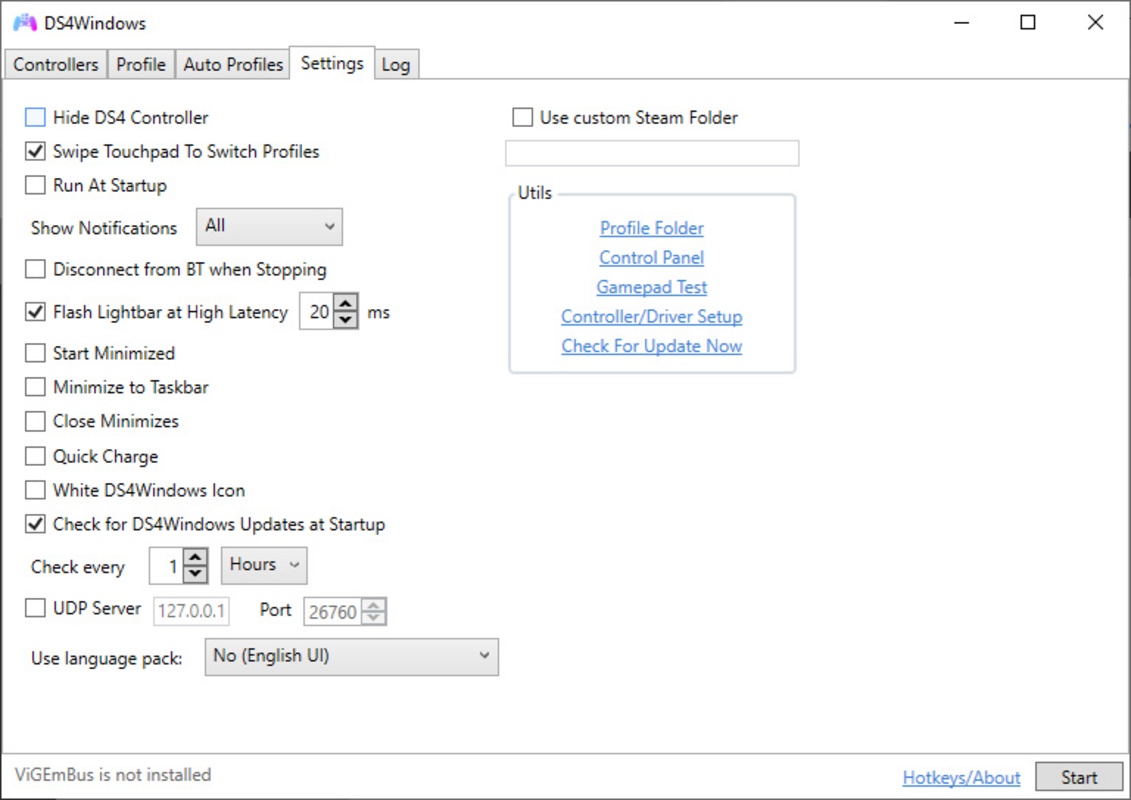
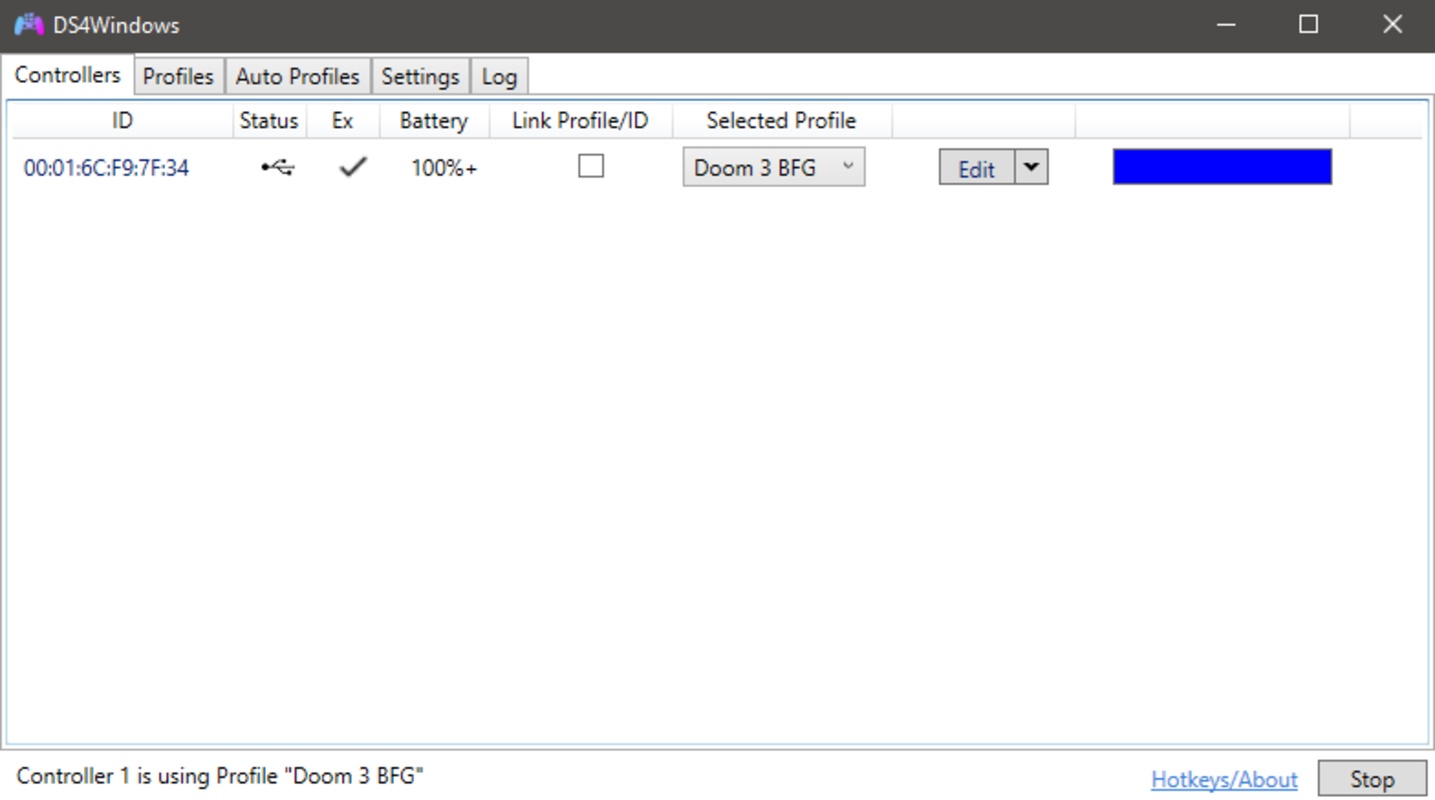
DS4Windows is an easy-to-use application that lets you use your Playstation 4 controller (the DualShock 4) on your PC. All you need to do beforehand is install the drivers for the Xbox 360 controller and connect your DualShock to the PC with a micro USB cable, Bluetooth 4.0 connection, or something similar.

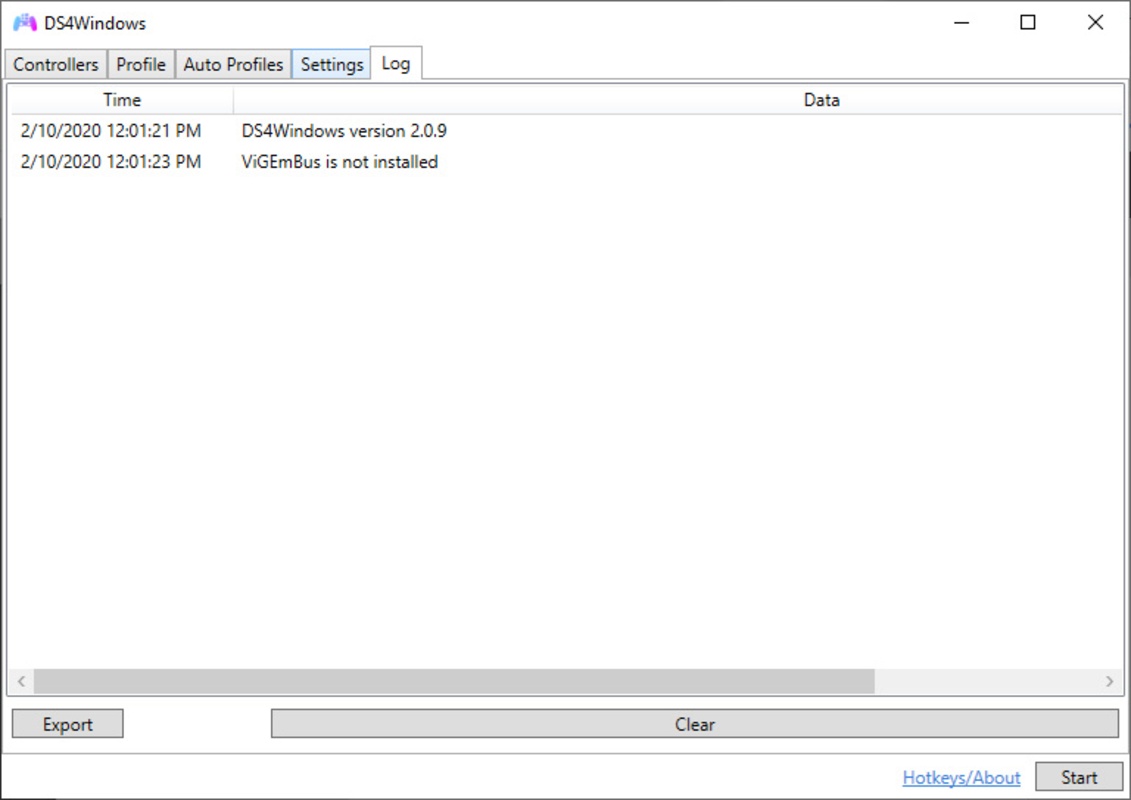
The first time you open DS4Windows on your computer, you can install all the necessary drivers right away. Once you've done that, this application basically tricks games into thinking that your DualShock 4 is actually an Xbox 360 controller (which is standard for most video games on Windows).

Advertisement
Remove ads and more with Turbo

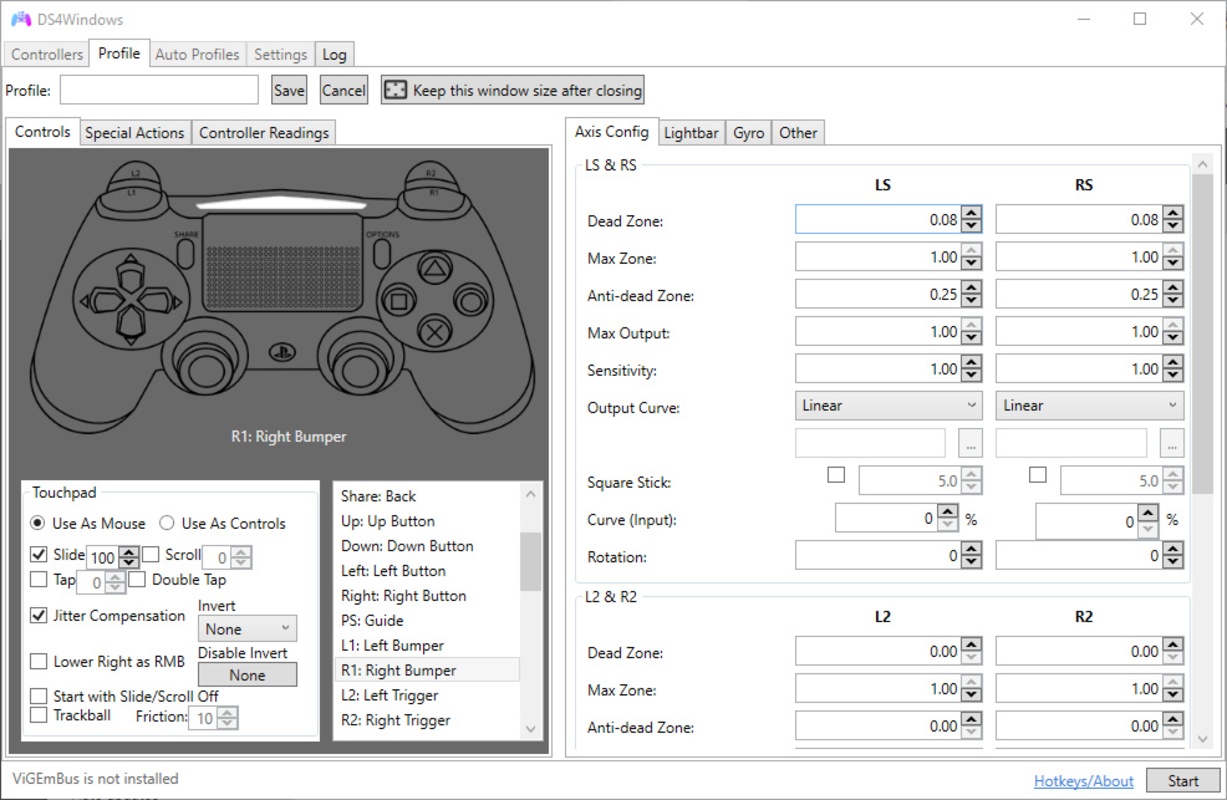
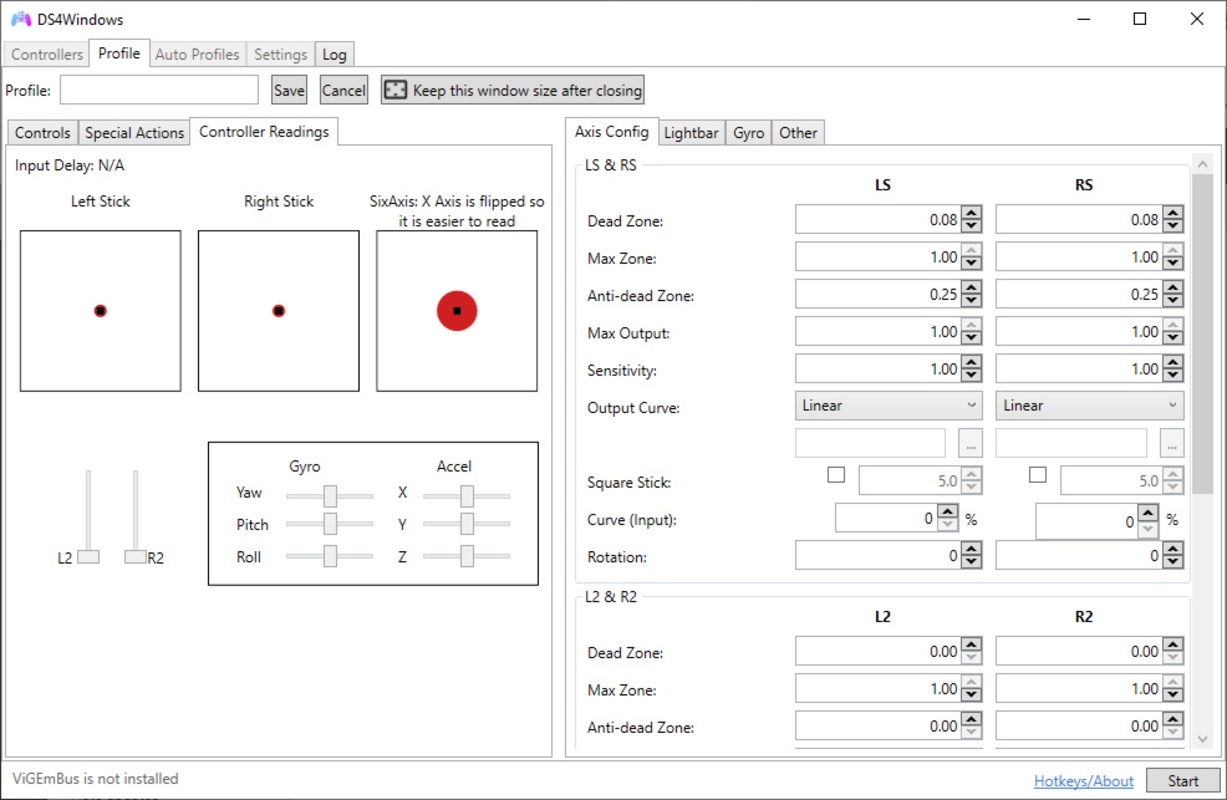
DS4Windows lets you create as many game profiles as you want, customizing the controls to adapt them to different games. This is a must-have application for Playstation 4 and PC gamers who love using DualShock 4 even when they play on Windows.

Information about DS4Windows 3.3.3

Basic information

Developer Ryochan7
License Free
Category Utilities
Rating Not specified
Languages English

Security and privacy

Required permissions Not applicable
Advertising Not specified
See security and antivirus report
Why is this app published on Uptodown? (More information)

Download info

Downloads 2,481,609
Date Jan 5, 2024
File type ZIP
Size 4.11 MB
SHA256 cf5619bcb51b82e4e1765276e9f67fb1e2d23dff968a653657acf35bafff8bf4
Advertisement
Remove ads and more with Turbo

Older versions

See more
zip 3.3.2 Dec 26, 2023
exe 3.3.1 Dec 21, 2023
zip 3.3.0 Dec 18, 2023
exe 3.2.21 Dec 5, 2023
zip 3.2.20 Nov 27, 2023
zip 3.2.19 Nov 6, 2023

Rate this App

Review the app
DS4Windows icon

Rating

4.2
5
4
3
2
1
16 reviews

Comments

See more
fancyyellowpartridge56613 icon
fancyyellowpartridge56613
in 2023

It does not detect the controller, the drivers do not install correctly, and it doesn't recognize it even when installed manually.

11
1
awesomepurpleorange42493 icon
awesomepurpleorange42493
in 2022

I started using it in mid-2022. Towards the end of the year, I believe an update occurred because it is no longer working on Windows 11. I've tried everything, but nothing is working. When I manage to...See more

12
Reply
maradonagames icon
maradonagames
in 2022

The new version does not open on Windows 11

36
2
emmanuel28443896y icon
emmanuel28443896y
in 2020

Wow, it's cool!

27
Reply
See more
Advertisement
Remove ads and more with Turbo
Script Hook V icon
The library for installing mods and scripts in GTA V
GTA: San Andreas Liberty City icon
Play GTA 3 with benefits of San Andreas
PS Remote Play icon
Control your PlayStation 4 or 5 from your PC
TLauncher icon
The best launcher for Minecraft
Zandronum icon
The best way to enjoy Doom in all its splendor
Roblox Studio icon
Create and distribute content for Roblox
Steam icon
Essential software for the best games
NVIDIA App icon
The official NVIDIA app for your graphics card
Minecraft icon
Build, create and give free rein to your imagination.
Need for Speed Most Wanted icon
Can you become the Most Wanted?
GTA IV: San Andreas icon
San Andreas is back to life in GTA IV
Tekken Tag Tournament icon
The PlayStation 2 classic, now on your PC thanks to MAME
eFootball 2026 icon
Feel the magic of soccer on PC
Ryujinx icon
A Nintendo Switch emulator with excellent compatibility
Free Fire MAX icon
Play Free Fire Max, now on PC
Yandere Simulator icon
Stealth and murder in a Japanese high school