
Updating WordPress websites is a challenge that many prefer not to take up. There are several reasons why you may not choose to update WordPress plugins, but ignoring them can cause multiple problems and an increase in unnecessary hassle and expense.
This article will discuss the consequences of outdated WordPress and how you can learn about updating a WordPress site safely and easily.

Drawbacks Of An Outdated WordPress Website
WordPress is the first choice for website designers as it powers over 33% of all web pages. Due to its prevalence, WordPress is a popular target for cybercriminals. They can cause the most damage by exploiting a security flaw in any of the WordPress websites that have been installed. The top three risks to WordPress websites are vulnerability exploitation attacks, nullified plugin malware, and unauthorized login attempts.
WordPress Security
The biggest threat that arises with an outdated WordPress website is the huge security risk. Hackers have started targeting WordPress sites that are running earlier versions of WordPress to spread malicious phishing advertisements. Security experts discovered an unlawful money-making operation used to breach hundreds of WordPress sites that are running older versions of the software or don’t have the necessary security plugins installed.
When security problems in WordPress software are uncovered, the technical WordPress team resolves the issues with a “security update” and distributes an updated version. When the owner of a website installs the updated version, the security problem will be fixed.
What happens when the update is not installed is that everybody in the world (including cybercriminals) now knows that the outdated version has a security issue. Hackers employ scanners to scour the internet for WordPress sites still functioning on the older version. It’s simple for them to hack your site once they find it, as they know about the security flaws of the older versions.
The same procedure applies to WordPress plugins and themes. Regular updates to themes and plugins are made to improve the performance of the software, address any security flaws, add new features, and assure compliance with the WordPress core software.
Many other drawbacks of outdated WordPress include compatibility issues, slower website, navigating issues, website malfunctions, dropped SEO ranking, loss of essential business information, and many more.
Hassle-free WordPress Update
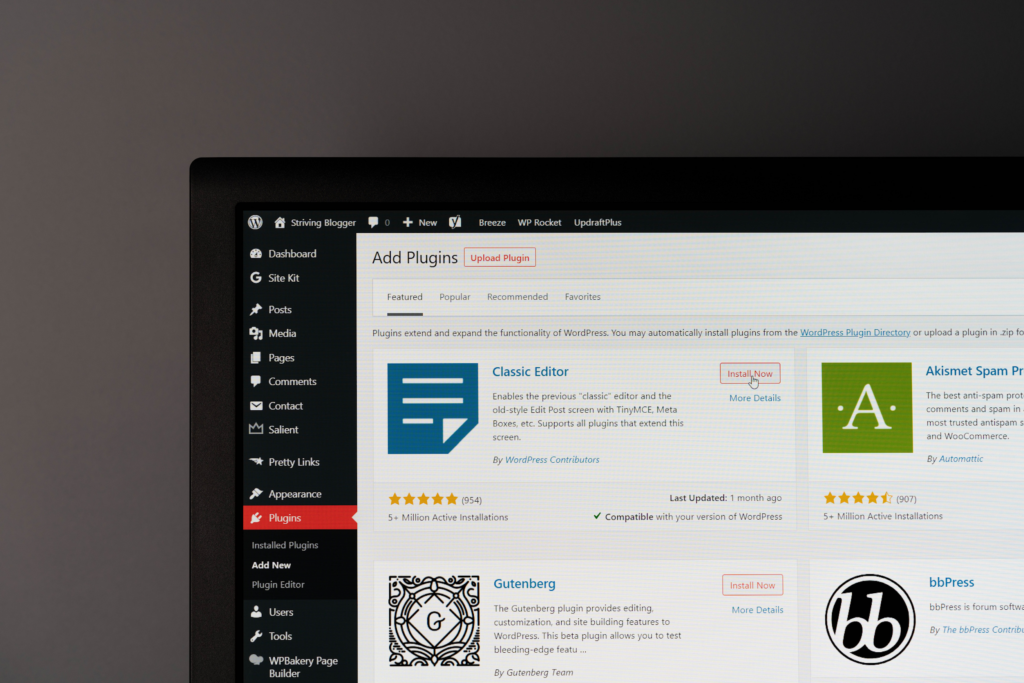
To avoid any errors in your website after installing recent WordPress updates, make a backup of your website. If anything goes wrong, you can restore your backup and go back to the initial state of your website.
The best way to keep your WordPress site updated is to host with a company that provides Managed WordPress Hosting. Some Managed WordPress services offer guarantees further limiting your cost and potential exposure.
Updating WordPress to Increase WordPress Security Conclusion
WordPress security is extremely important on your website. Security is important, not just for your own teams safety, but the cyber safety for your clients and customers. For more information on keeping your WordPress website updated and safe contact CourseVector to talk about our hosting and update plans.
