





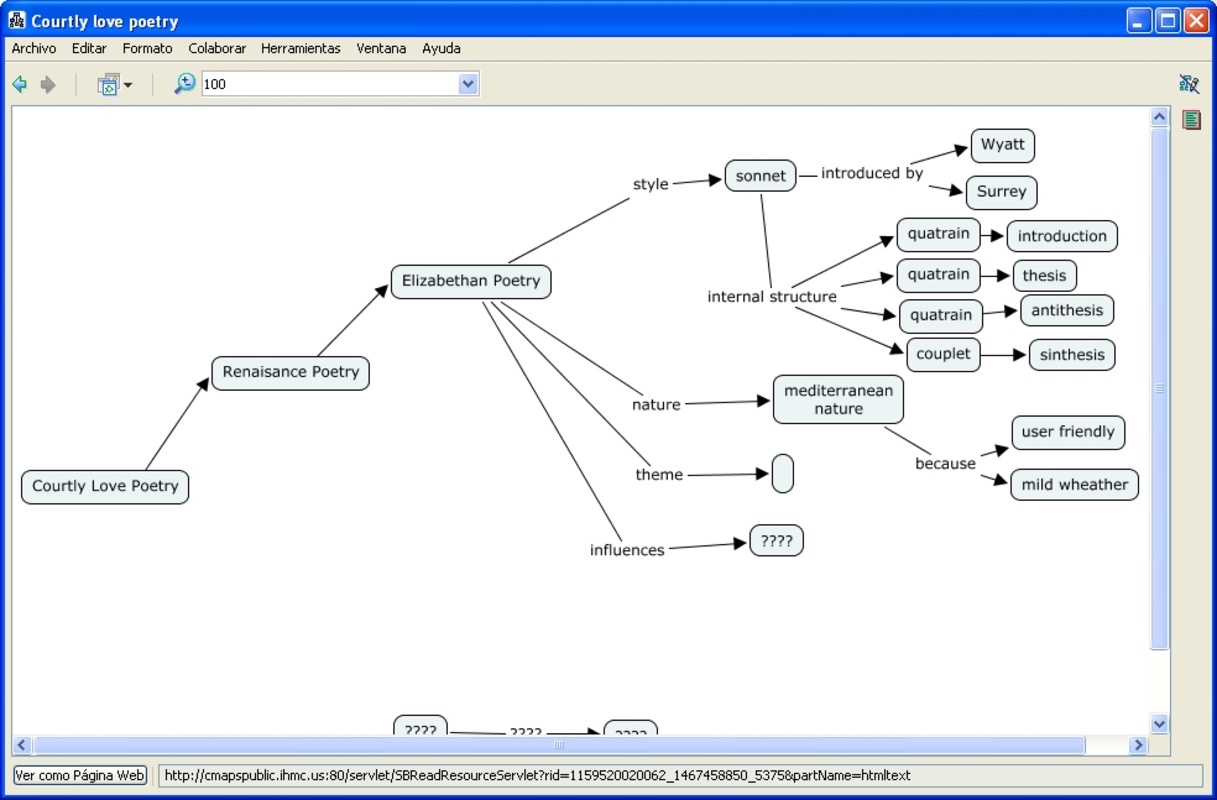
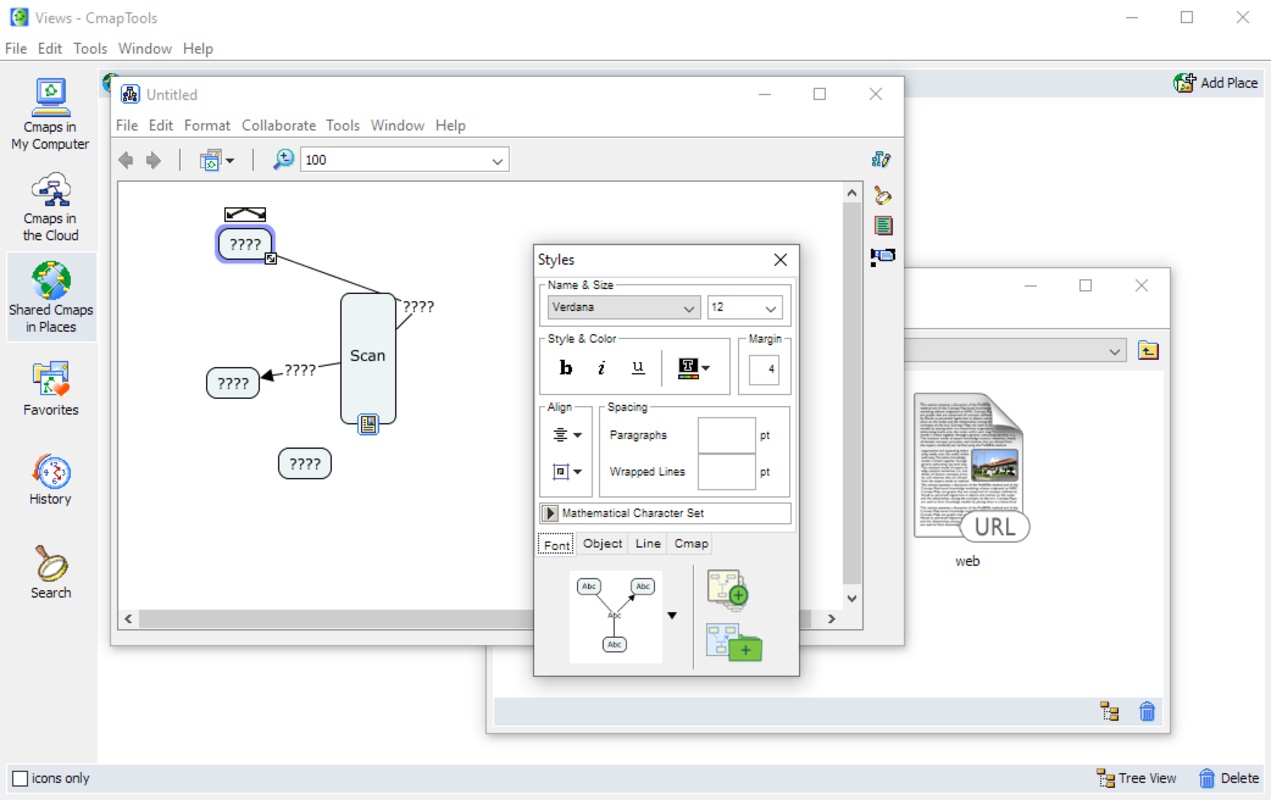
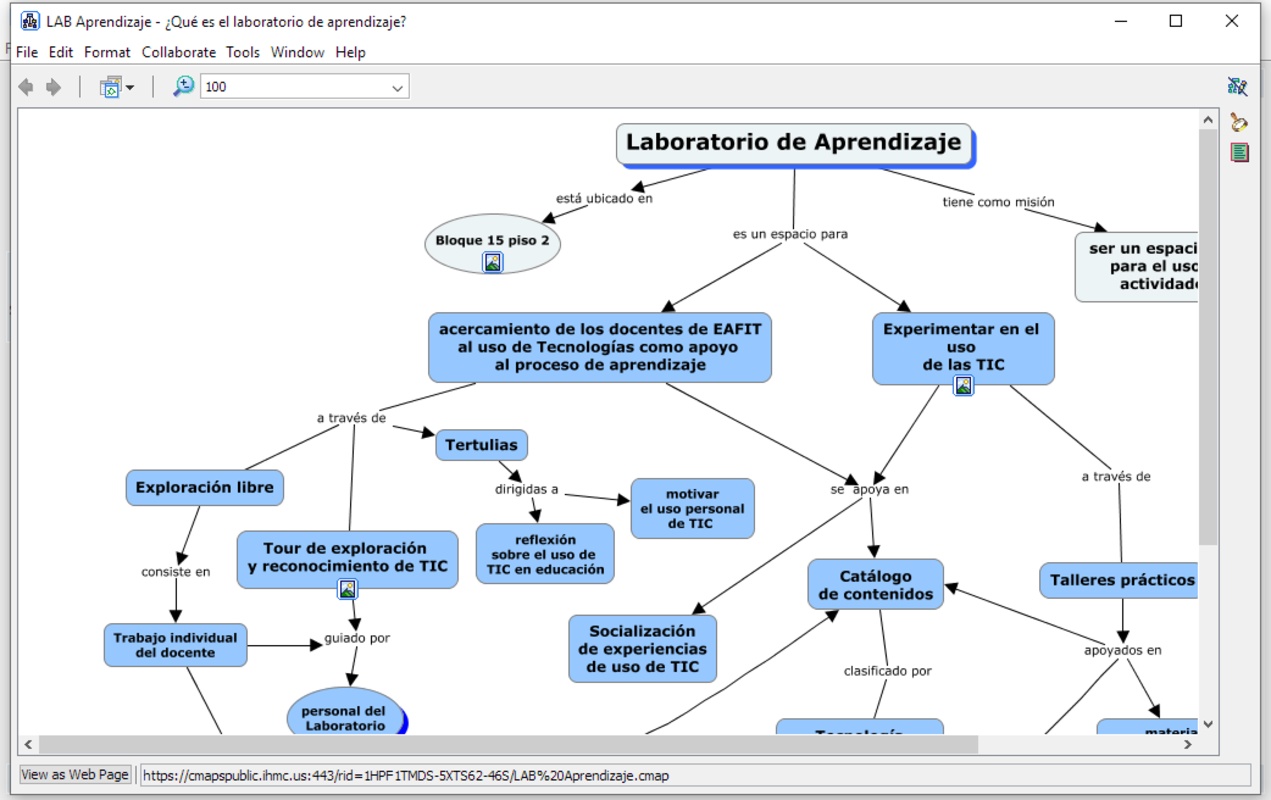
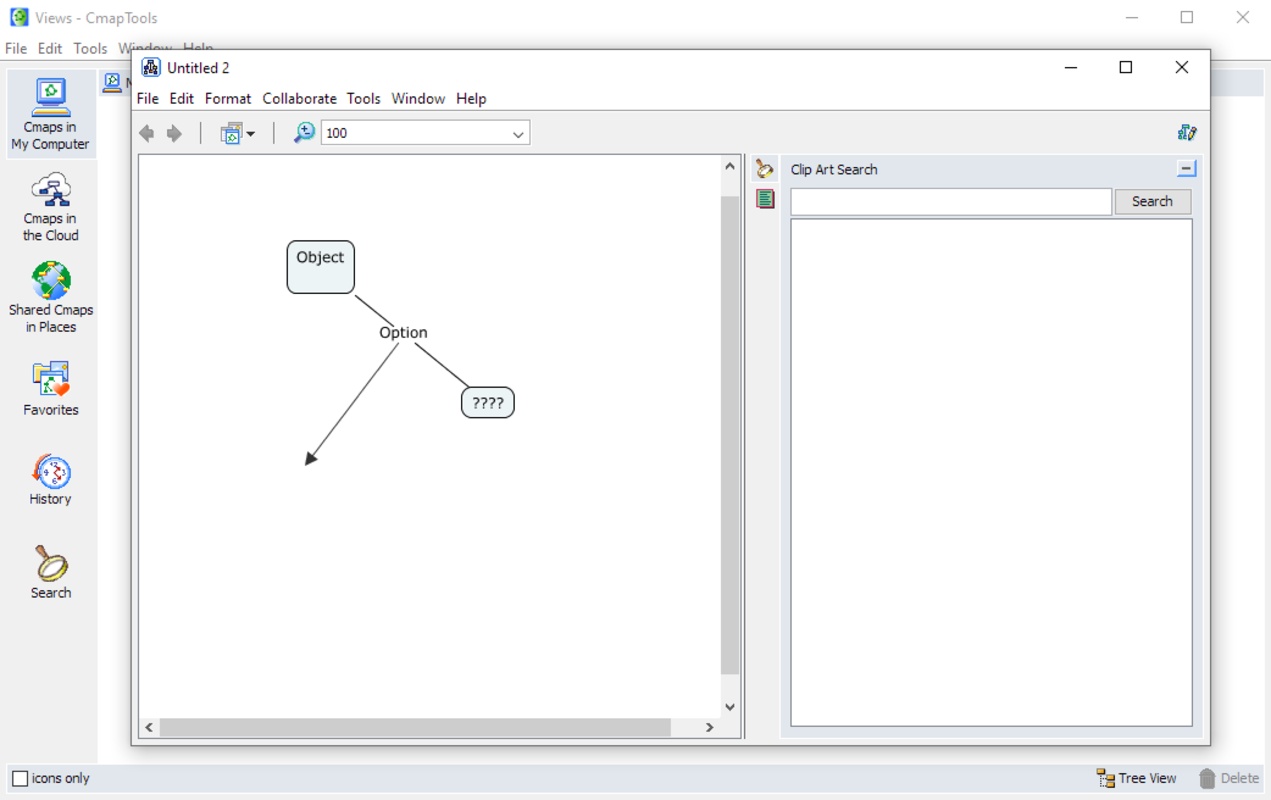

CmapTools is an app designed to help you build, navigate, and share knowledge through concept maps. It is especially useful if you want to represent connected ideas, structure knowledge, and collaborate with others simply, clearly, and visually. Thanks to this software, you can write concepts within boxes, connect them with arrows, and add linking words that explain how they are related. It also gives you the option to insert images, links, and other resources within each concept to complement the information and explain everything you need to explain.
Link external resources to go deeper with each map
One of the best parts of CmapTools is that it is not limited to text: You can attach all kinds of external resources, like images, graphics, videos, tables, web pages, or other concept maps directly to your concepts or links. It works with a simple drag and drop system, and those resources will automatically appear as icons under the nodes for easy access.
Real-time collaboration
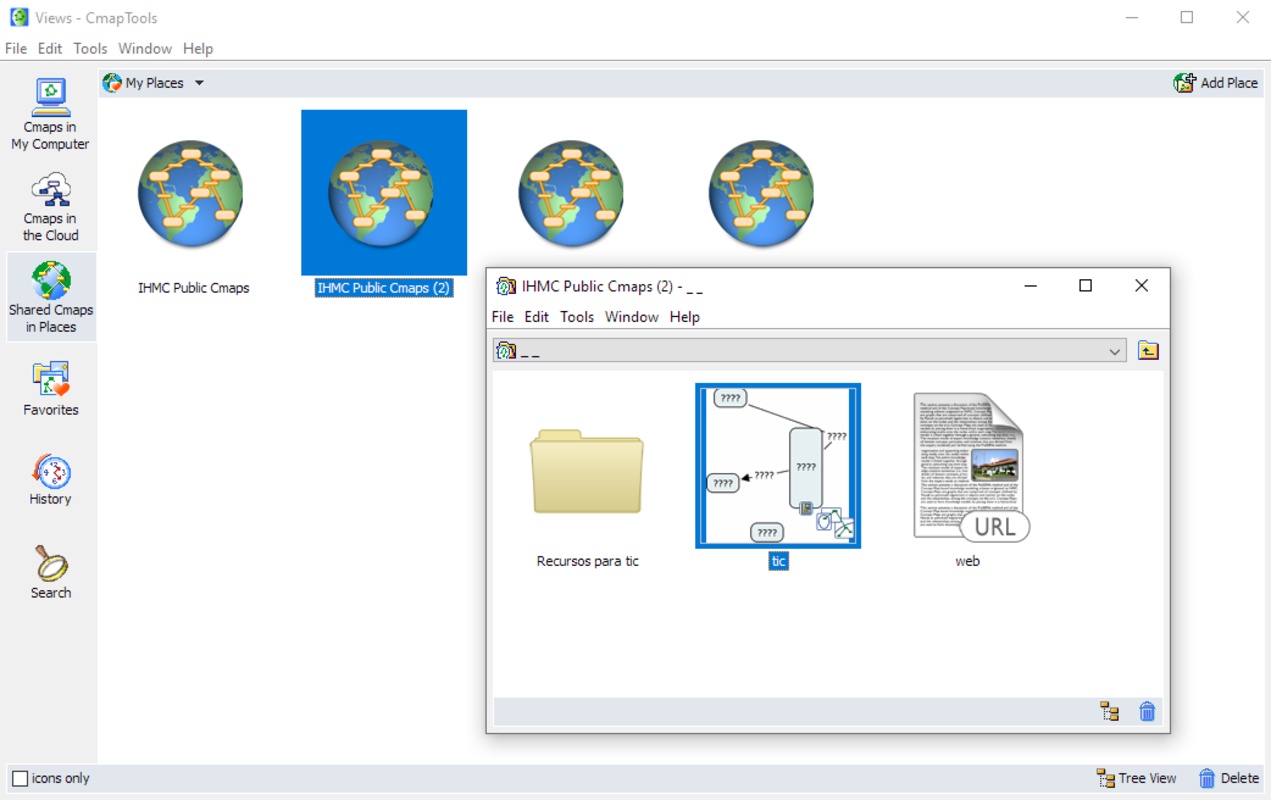
CmapTools has collaborative features that allow you to work with your team. You can upload your maps to servers called CmapServers where multiple people can work on the same map, either simultaneously or at their own pace. Moreover, you will find discussion threads and annotations to comment on specific concepts without directly modifying the content, so if you have questions or suggestions, you can leave them there instead of making changes.
If you are looking for a free tool to design mind maps, download CmapTools and make the most of this platform for structuring, sharing, and building knowledge collaboratively.


 37 reviews
Comments
Excellent
excellent
Spectacular
excellent
Sensational
Very good tool