
My friend and colleague Jennifer Keenan (@keenanjenn) asked me recently on Twitter:
I had not, but we both requested invites for early (beta) access. When I had a few minutes I started to play around with it, and I’m really impressed.

It’s still in beta, so not everything worked perfectly (but nearly so!). Overall it’s pretty awesome.
I wrote a short story (originally published here) and so I tried making an ePub file using Liberio.
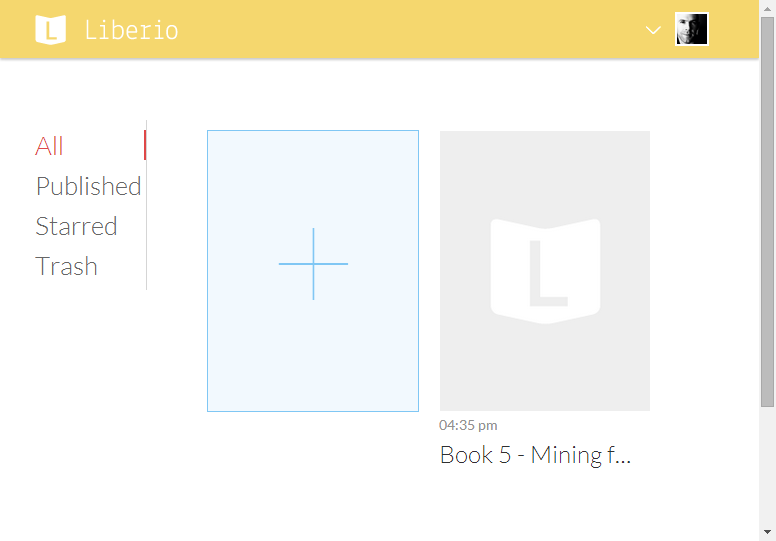
You have a library of your own stuff. When you click/tap on the “plus” item, you can either select a Document from your Google Drive or upload a file from your computer. I grabbed a Google Document, and it was ready in seconds.
You have some control over the settings in your published book. Here are the basics:

Expanding “More Options” gives you these choices:

I especially liked the License and Rights section, which gives you “All Rights Reserved” and then a half dozen Creative Commons choices.
Pro features aren’t available yet. Also, I’m not a pro :)
I didn’t try uploading a cover image (because I have neither mining photos nor pictures of silver), but the option is there.
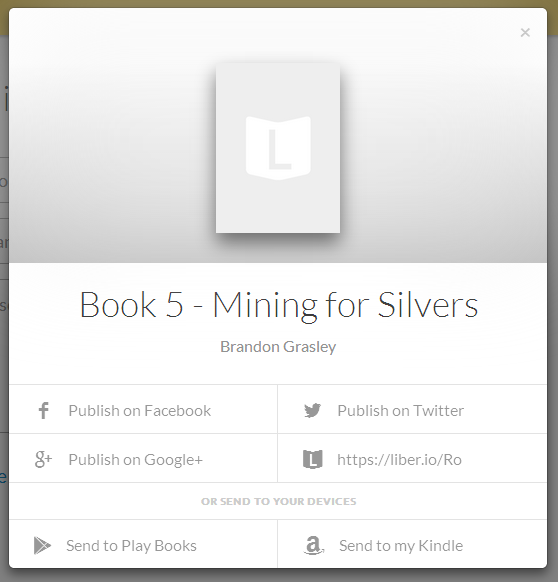
When you’re ready to publish, you save your changes and then choose a sharing method. Just saving will upload an ePub file to your Google Drive. You can download to preview the file in your reader of choice (the site doesn’t display for you, but that’s hardly a problem these days), and you can share via email or social media.
For comparison, here are the versions produced by Calibre and by Liberio as viewed on my iPad Mini. Note that publishing in Calibre provided more control but was rather finicky. I think I like the Liberio default better, and being thoughtful as I create my Google Doc would give more control, I imagine.

Produced by Calibre.

Produced by Liberio.
The site looks great on my iPad and iPhone both, although there were a few intermittent browser issues. Some problems may have to do with the wifi here, I’ll admit. Being mobile-friendly makes it much more useful in then K-12 context, I think.

Liberio also gave me an email address to send feedback to, and they’re very responsive so far (both by email and on Twitter at @LiberioApp). I’m looking forward to a few tweaks and updates, and I’m hoping this could be an easy way for students to publish online. This is one to watch, for sure.

 Brandon Grasley's Blog