
About World Cup 2026:
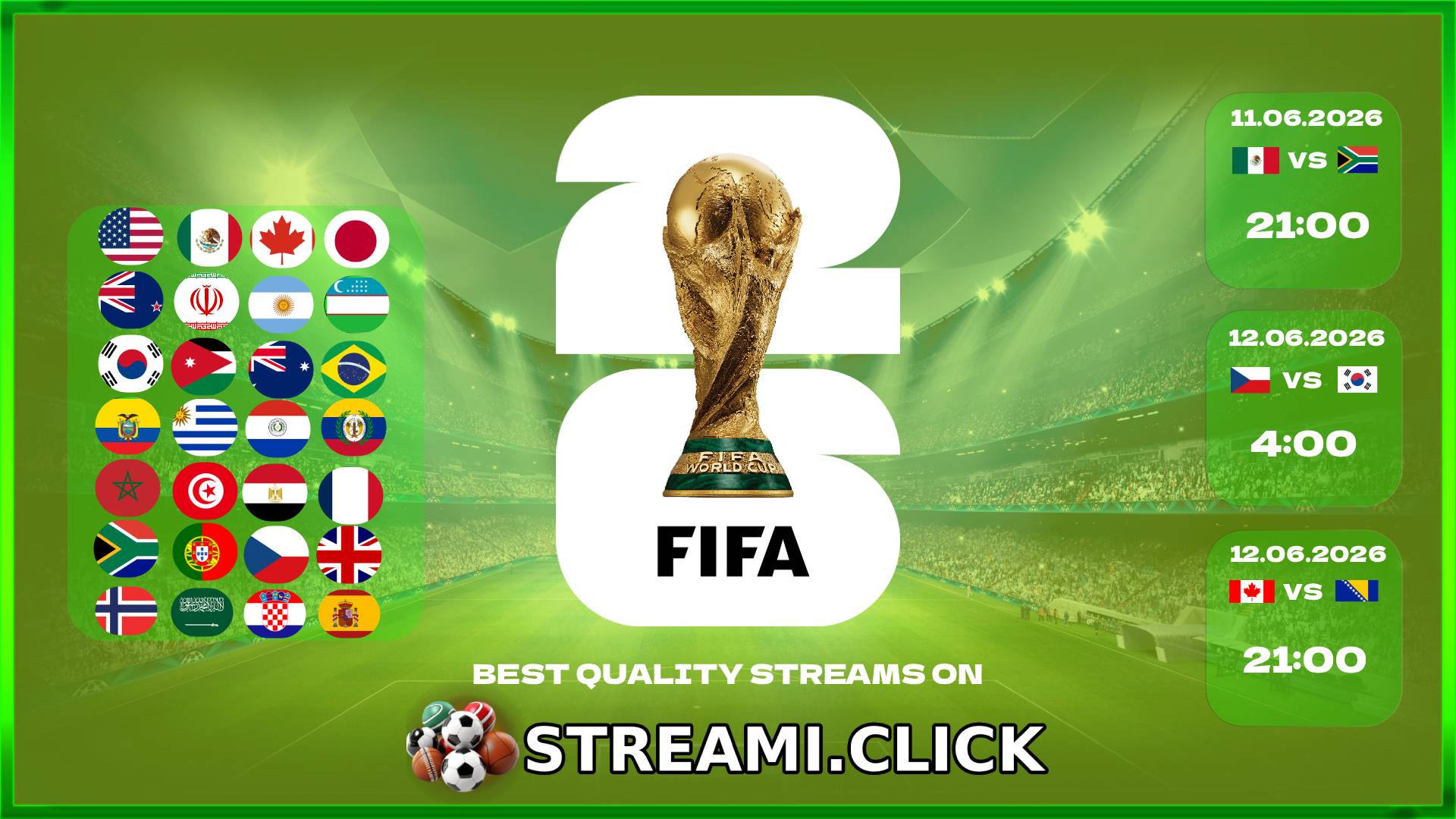
Hey everyone, the World Cup 2026 starts today! Please share this site with friends, write messages on the chat (from now there aren't any censorship) and Enjoy watching.

Chat rules
1. Don't spoil it for others in the chat. No one gives a damn that you launched an Indian stream with the lowest lag. You'll be telling people quickly that there's a goal, and they'll be pissed at you. Yes, that's a ban.
2. No spamming: do not send the same message over and over again, do not insert long strings of characters that do not make sense.
3. Don't post advertising content. Don't post links to your websites or other Discords; the chat is not the place for your advertising.
Statements posted in the chat express the opinion of the user, who is fully responsible for their content.
Moderator Rules
1. These rules only apply to chat moderators.
2. Try not to say exactly how many people are in the chat (including screenshots), regardless of whether you are talking about an approximate number or the exact number.
3. Only the moderator who banned a given user can unban them! (Or the owner).
Starting the stream
On the left, you'll find a schedule of current events. After selecting a broadcast, an embed should launch in the center of the page. Below the player, you'll find additional sources with different quality or language.
No voice what to do?
Depending on the player I'm using, the volume control should usually be at the bottom.
Simply click the speaker and the sound should start. If any windows pop up, close them and click the speaker again.
Another player may have the following inscription in the upper left corner:

Click on it a few times and the sound should start.
Stream not working?
Most often, an event is active about 10 minutes before it starts. If there's still no stream after it starts, try selecting a different source in the player. If you see in chat that the stream is working fine for others, your internet provider is likely blocking access to the selected stream. You can try connecting via VPN or on a phone with mobile data. Sometimes disabling adblock or antivirus software also helps.
Ads on stream
Unfortunately, we have no control over pop-up ads in the player. If this is particularly bothersome, enabling full-screen mode may be a solution. Play the stream and then click the full-screen icon at the bottom. The ads should no longer pop up.