None of the Answers above have correct info for Windows Android Studio 3.1.2.
On Mac, apparently this works: go to Android Studio > Preferences > Editor > Colors & Fonts > General, but we Windows folk don't have an Android Studio tab or option and Preferences isn't an option anywhere.
We have File > Settings > Editor. Here's the screen with the only conceivable next links to click highlighted:

But here's what I see when I click General. I can select this background:
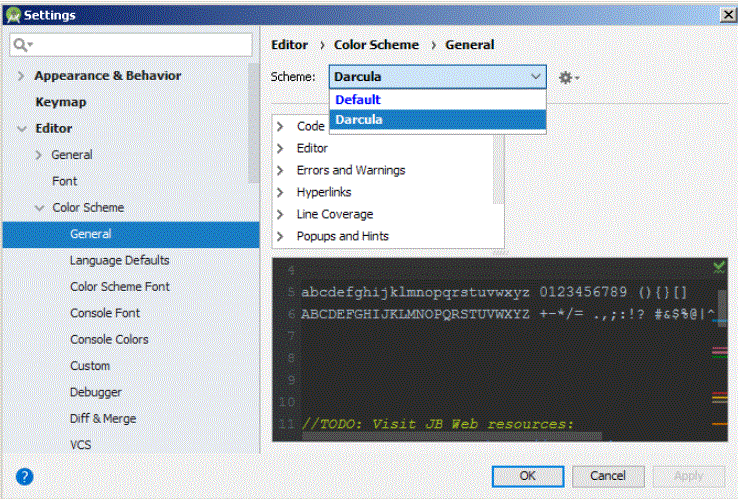
But I can't live with that.
In Windows 7, AS 3.1.2 the menu sequence--File > Settings > Editor > Color scheme > General > Text > Default text--takes you to a screen where you can set the foreground and background colors via a "color circle" or by typing in your favorite RRGGBB code(s).

I was pleasantly surprised by how an error in an xml file showed up (and the current line):


