Copy That
Quickly transfer verified copies of your media to multiple storage devices and locations.


Quickly transfer verified copies of your media to multiple storage devices and locations.

Once you have captured your footage you need to quickly and accurately disperse your hard work to backups, editors, producers, and directors. Copy That is OWC’s latest workflow tool built to accomplish this task. Copy That streamlines the ingest process with lighting fast, verified copies of your files to single or multiple destinations.

Select the camera, card or drive where your media is located.

Select a single or multiple locations where you need to copy the files.

Set a name for the copy and choose verification and report options.
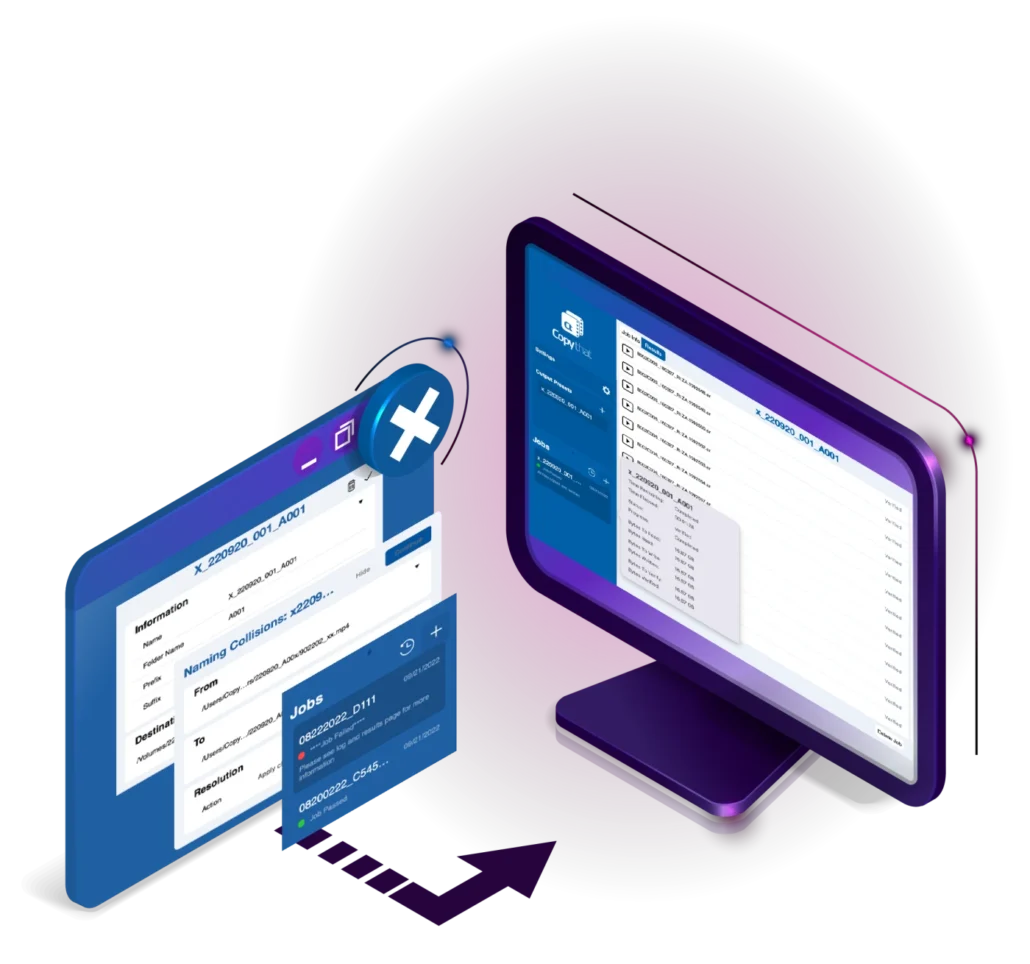
Copying files from cameras, camera cards, and other storage media is a simple task. Select the files and in a few clicks or drag-and-drop your files to start offloading. But there are times when the simple copy process is not enough. Sometimes you need more – more speed, more destinations, more reporting, and more verification that the copy is not only completed but completed with an exact data match.
Copy That’s intuitive interface handles everything in the ingesting process. From performing quick copies from your cameras and storage devices to verified reporting letting you know the duplication process finished as expected.
Copy That is built on speed, optimized to complete the copy process whether you are copying a full card/disk or simply move select files. Save even more time with the ability to pick a or multiple destinations to offload your content.
Copying files quickly is great, but when you are moving a full day’s worth of footage or once-in-a-lifetime photos, data integrity isn’t a nice add-on – it is vital.
Copy That features robust checksum options that ensure your data is always copied correctly. The checksum process uses a small block of data to determine the integrity of copied files. It is used, and sometimes required for many processes to ensure everything makes it from source to destination 100% as expected.
Copy determines the checksum data -> Data is copied with checksum -> After copy data and checksum are compared
Choose from multiple checksum options including XXHash-64, MD5, SHA-1, SHA-2 256, SHA-2 512, as well as file size verification, so you know your data is always intact.

Once you’ve moved your media, you need to know exactly where it’s located at a moment’s notice. Copy That builds detailed reports (PDF, TXT, CSV), that include all relevant information such as naming, file status, checksum verification, start and finish dates, and more. Reports also include thumbnails so you can find the shot you need in seconds.
Copy That also creates MHL (Media Hash List) files for post verification, an XML formatted file, that catalogs the copy metadata without altering the source file.
Copy That is packed with additional features to save you time and safeguard your data.

Automate the folder organization when creating several backups for the same project, helping you streamline your workflow and reducing mechanical tasks

Historical list of previous offloads so you can review and keep track of tasks that have been completed.

Prevents any file to be overwritten with any other file that happens to have the same name

Alerts you if a media card that was inserted when the transfer was scheduled has been changed

If an error is detected during the transfer, the copy and Copy That will alert you that something went wrong, and files may have not been copied correctly

Safe ejection of your media after a copy is automatically handled by Copy That
Streamline your ingest process with lighting fast, verified copies of your files to single or multiple destinations today.
Copy That for Mac is available for download from the OWC Software Store.

Quickly transfer verified copies of your media to multiple storage devices and locations.

Quickly transfer verified copies of your media to multiple storage devices and locations. The 30-day project license give you full Copy That access for 30-days.