
Sharraxaad
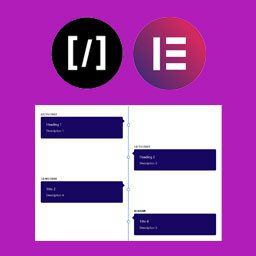
A Vertical Timeline Responsive is a very simple plugin to show vertical timeline to your website. It support shortcode and elementor page builder.
Sawir-shaashado

Shortcode 
Frontend 
Using with Elementor
Rakibaad
Step 1. Upload “A Vertical Timeline Responsive” folder to the /wp-content/plugins/ directory
Step 2. Activate the plugin through the Plugins menu in WordPress
Step 3. There is a menu named “V Timeline”.
Step 4. Create timelines as more as you can.
For Elementor, just install, activate and use it in the page builder.
Dibu-eegisyo

22 Luulyo, 2018
Thanks for this plugin. It was exactly what I was lookin for. I try all the others but they are too invasive, I need something simple that I could custom.
I hope you read this!

4 Diseembar, 2016
Need Little more update though
Ka-qaybgalayaasha & Horumariyayaasha
“A Vertical Timeline Responsive” waa softiweer il furan. Dadka soo socda ayaa wax ku biiriyay kaabahan.
Ka-qaybgalayaasha
Ku tarjun “A Vertical Timeline Responsive” luqaddaada.
Ma xiisaynaysaa horumarinta?
Baadh koodka, fiiri bakhaarka SVN, ama iska qor diiwaanka horumarinta adigoo adeegsanaya RSS.
Isbeddellada
2.0.1
- Change of readme file and re-arranged the folders
2.0.0
- Improved design, native metaboxes, Elementor support
1.0.2
- Design fix
1.0.1
- Massive design change
1.0.0
- First stable release