
Aprašymas
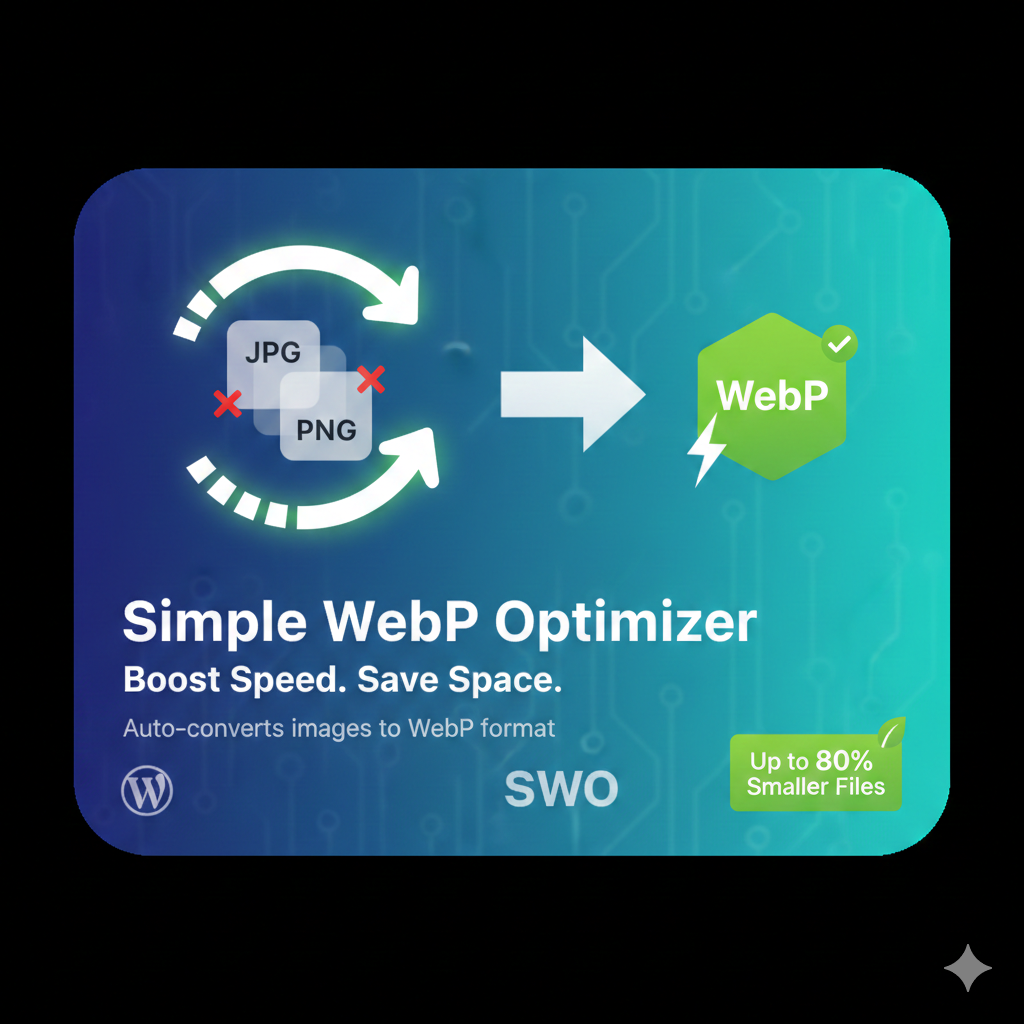
Automatically converts your JPEG and PNG uploads into Google’s WebP format. This plugin reduces image file sizes by up to 80% without sacrificing visual quality.
Diegimas
- Upload the
simple-webp-optimizerfolder to the/wp-content/plugins/directory. - Activate the plugin through the ‘Plugins’ screen in WordPress.
- Go to Settings -> WebP Optimizer to configure.
Atsiliepimai
Įskiepis neturi atsiliepimų.
Programuotojai ir komandos nariai
“Simple WebP Optimizer” yra atviro kodo programa. Prie jos sukūrimo prisidėję žmonės surašyti toliau.
Autoriai
Išverskite “Simple WebP Optimizer” į savo kalbą.
Domina programavimas?
Peržiūrėkite kodą, naršykite SVN repozitorijoje, arba užsiprenumeruokite kodo pakeitimų žurnalą per RSS.
Pakeitimų istorija
2.0
- Initial public release with bulk optimization support.