

Notes: This post of understanding new features in full site editing (FSE) interface. This learning post is still in active development and updated regularly. In my recent CSS-Tricks article, I discussed adding box shadow property in the theme.json to style buttons elements. Then, the shadow property was not defined in the Gutenberg plugin, we had custom define the […]
Part 2: JSON Elements: Using JSON Elements
Notes: This post is part 2 of my proof-of-concepts learning note post for CSS-Tricks article on the JSON elements. Some screenshot images used here are credited to the CSS-Tricks. In the previous section, we briefly overview the JASON elements and discussed how they are used in a theme.json file. In this section, let’s expand JSON […]
Deep-dive Into WordPress 6.1 Restructured Layout Types
Notes: This post is part 2 of two parts series about understanding new features in full site editing (FSE) interface. This learning post is still in active development and updated regularly. In a previous posts in this series, an overview of the recently modified layout structure of WordPress site editor was discussed. In this proof […]
CSS-Tricks: Managing CSS Styles in a WordPress Block Theme
Exactly one month after my previous article, here yet another article Managing CSS Styles in a WordPress Block Theme is live to-day.
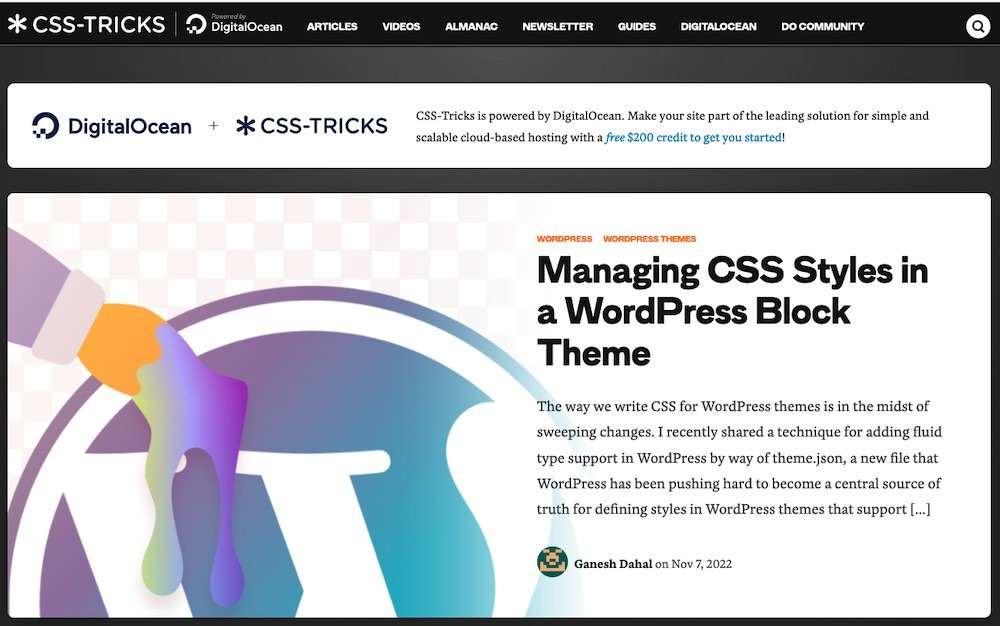
The article covers the new WordPress 6.1 added “JSON elements” which are low-level components for themes and blocks that do not need the complexity of blocks. They are representations of HTML primitives that are not defined in a block but can be used across blocks, like buttons, links, headings, cite and forms, etc.
Ganesh Dahal wrote about Managing CSS Styles in a WordPress Block Theme and took a deep dive into the migration from
styles.cssfiles totheme.json. “One of the major benefits of moving CSS to JSON is that JSON is a machine-readable format, which means it can be exposed in the WordPress Site Editor UI by fetching an API, thus allowing users to modify default values and customize a site’s appearance without writing any CSS at all.” he wrote. Gutenberg Times, Weekend Edition #236.
The article was covered by Gutenberg Times, a website covering “Curating News and Community Voices about the WordPress Block Editor, codenamed Gutenberg“.
Recently WordPress 6.1 “Misha” was released with many useful features including fluid typography, layout consistency tools, locking blocks, starter patterns and many more.
The following site editor features, that under discussion at GitHub that keeping an close eye on for the next 6.2 release.
This GitHub issues #44720 lists the layout related discussions slated for WordPress 6.2. Some features being considered include:
- (i) sticky position support, including fixed position for headers and footers,
- (ii) layout class names to inner block wrapper,
- (iii) align footer to the bottom of page when the page has no/little content by adding minimum height support.
There is also a proposal to add constrained/flow layout to cover block, which is detailed in this GitHub issues #45326.
Understanding Alignments And Full Width Layout: An Overview
Notes: This post is part 1 of two parts series about understanding new features in full site editing (FSE) interface. This learning post is still in active development and updated regularly. One of the main goals of the Gutenberg site editor is to move the core block style CSS to JSON files. JSON files are […]