


A Xmake integration in IntelliJ IDEA/Clion.
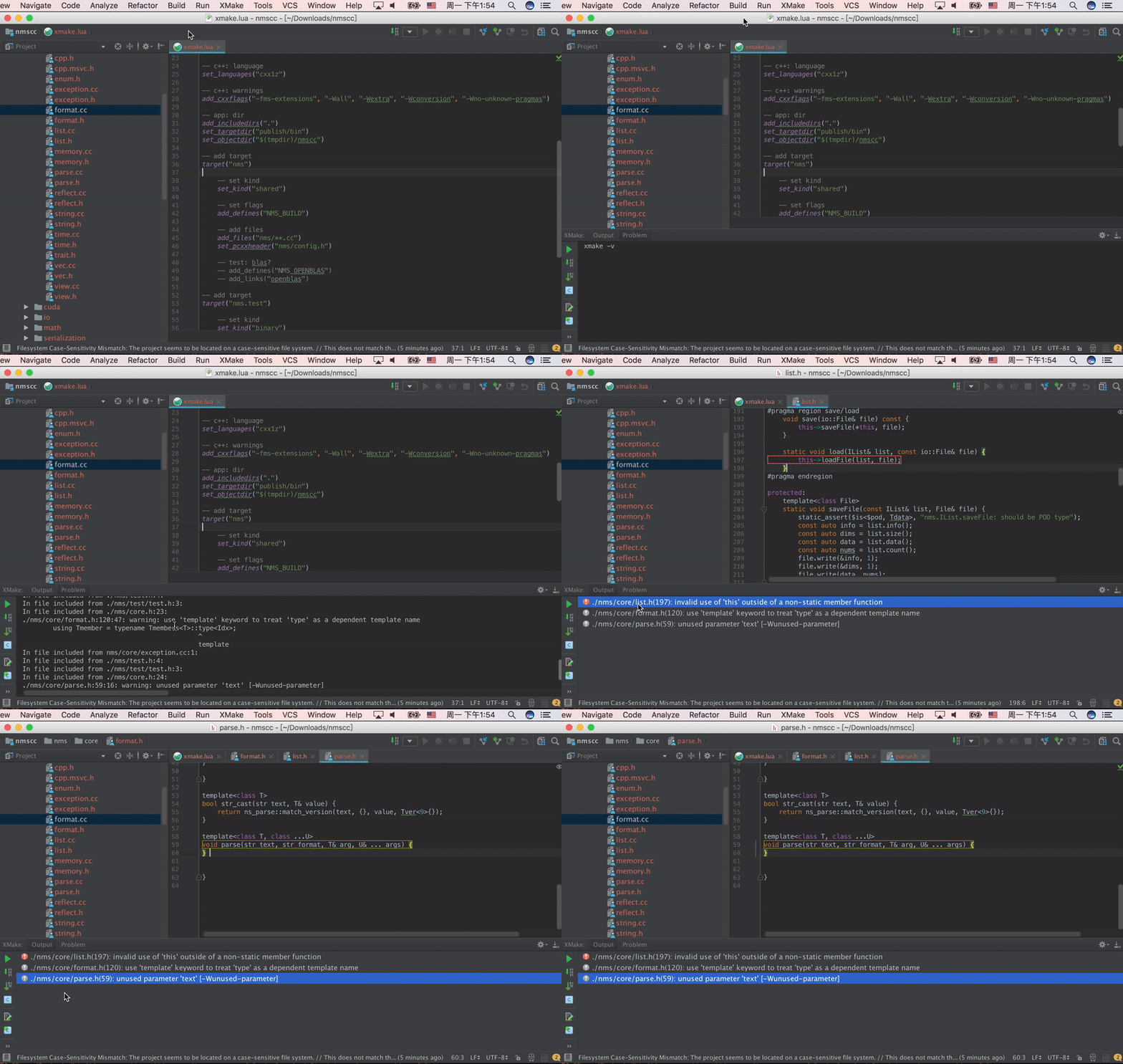
It is deeply integrated with xmake and Intellij-IDEA to provide a convenient and fast cross-platform c/c++ development and building.
And It also support other Intellij-based platform, like Clion, Android Studio and etc.
You need install xmake first and a project with xmake.lua.
Please see xmake-github and website if you want to known more about xmake.
- Quickstart
- Create project
- Project configuration
- Run configuration
- Menu tools
- Tool windows
- Build and run
- Parse errors and goto file
- C/C++ intellisense
- Debug



You can configure Xmake path, build settings, and Intellisense options in Settings > Build, Execution, Deployment > Xmake.


Only support CLion (>= 2020.1)
- The plugin generates
compile_commands.jsonfor project code completion and navigation. - You can configure the output path and auto-update behavior in
Settings > Build, Execution, Deployment > Xmake. - To manually generate it, click
Update compile commandsin the main menu or context menu. - CLion should automatically detect
compile_commands.json. If not, you can open it viaFile > Open....
Only support CLion (>= 2025.3)
XMake now supports native debugging via the Debug Adapter Protocol (DAP). This allows you to debug your XMake targets directly without generating CMakeLists.txt.
- Install
lldb-dap(recommended) orgdb-dapon your system. - Open the "Run Configuration" for your XMake target.
- In the "Debug Configuration" section, you can:
- Enable "Auto-detect DAP driver" to let the plugin find the driver automatically.
- Or manually select/input the path to your DAP driver executable (e.g.,
/usr/bin/lldb-dap).
- Click the Debug button to start debugging.
Support CLion (>= 2020.1)
- Click "Update CmakeLists" to create or update "CmakeLists.txt" file.
- Click "File > open..." to choose this file.
- Choose "Run > Debug..." or "Run > Debug 'project name'" into debug mode.
Due to limited personal time, I cannot maintain this plug-in all the time. If you encounter problems, you are welcome to download the plug-in source code to debug it yourself and open pr to contribute.
Use IDEA Intellji open this project source code, and click Build button.
Open and edit Run configuration, and add a gradle run configuration, then write run arguments: runIde --stacktrace and save it.

Select this run configuration and click run button to load it.

For more details, please visit: CONTRIBUTING
