---
title: Install Simple Analytics on WordPress
menu: WordPress
category: integrations
permalink: /install-simple-analytics-on-wordpress
last_modified_at: 2024-10-25
---
You can embed our script in WordPress using a plugin. On this page we will explain how to download this plugin and help you installing the Simple Analytics plugin on WordPress.
We created a video showing how to install Simple Analytics on a WordPress website. [Here you go](https://www.youtube.com/watch?v=x_w0uiWlNwM)
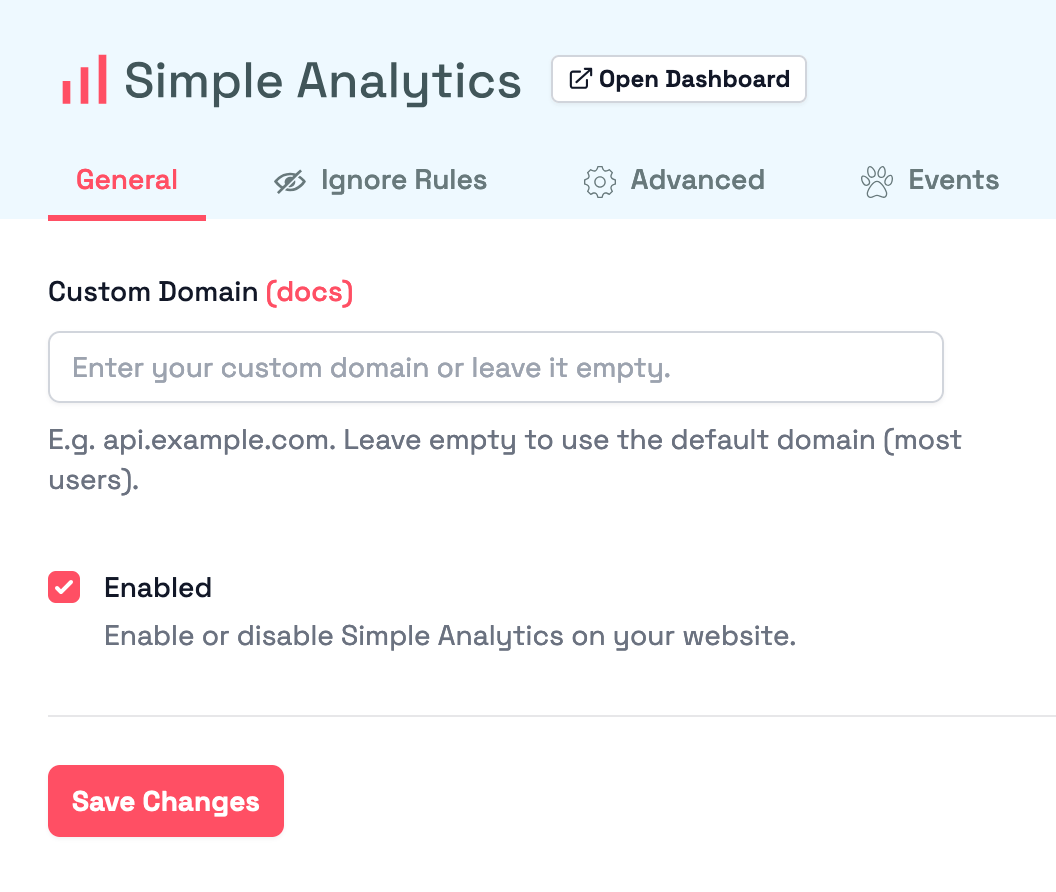
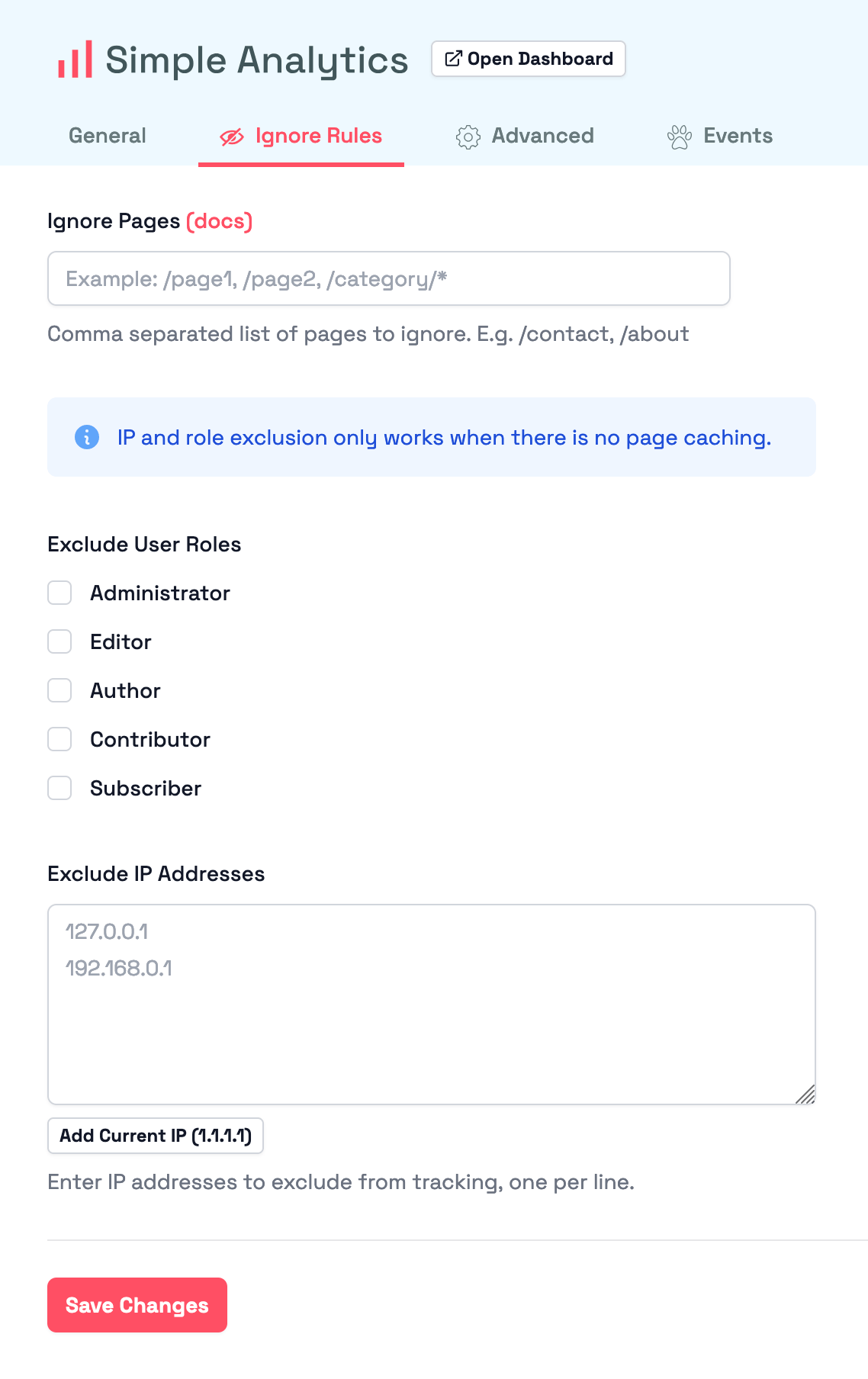
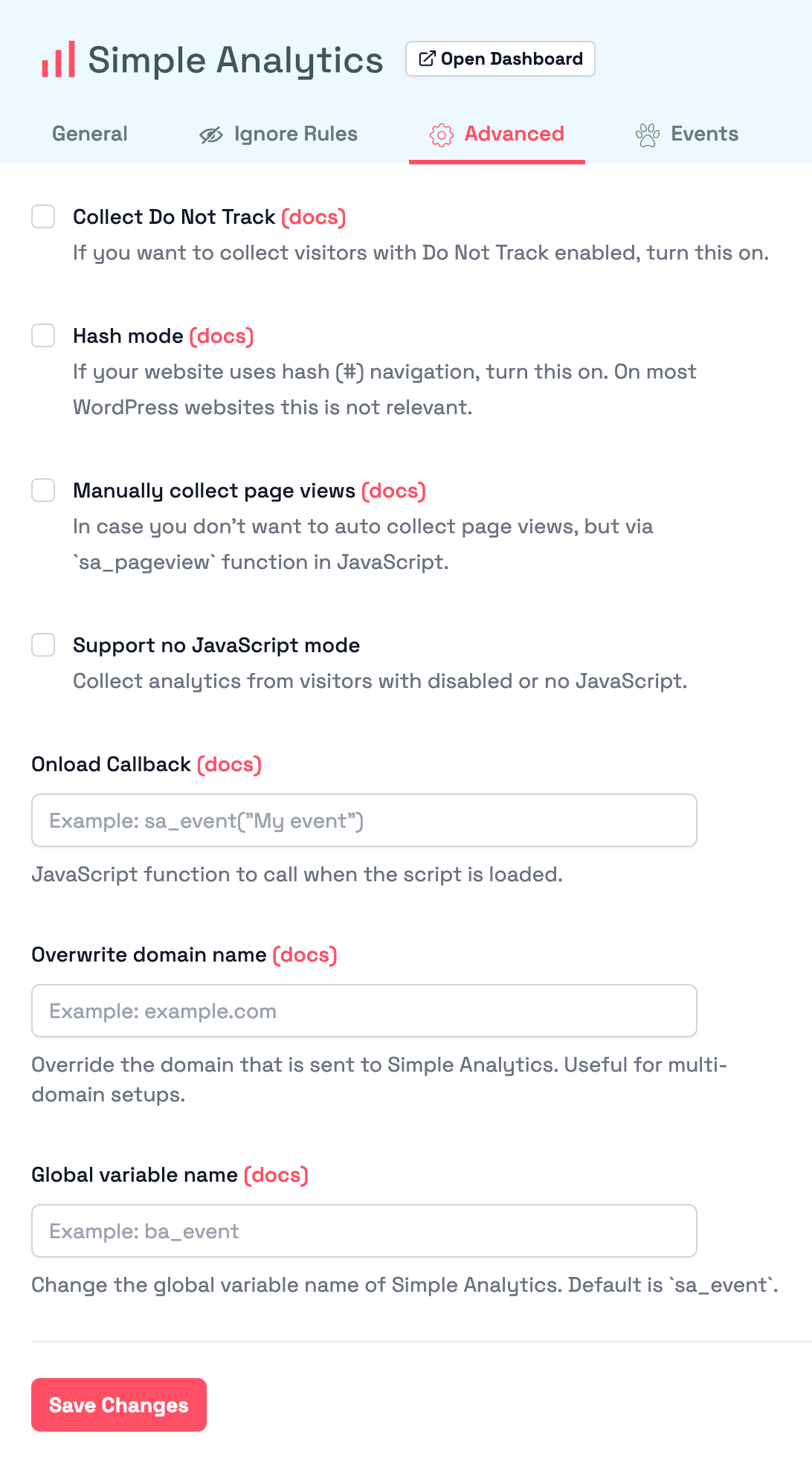
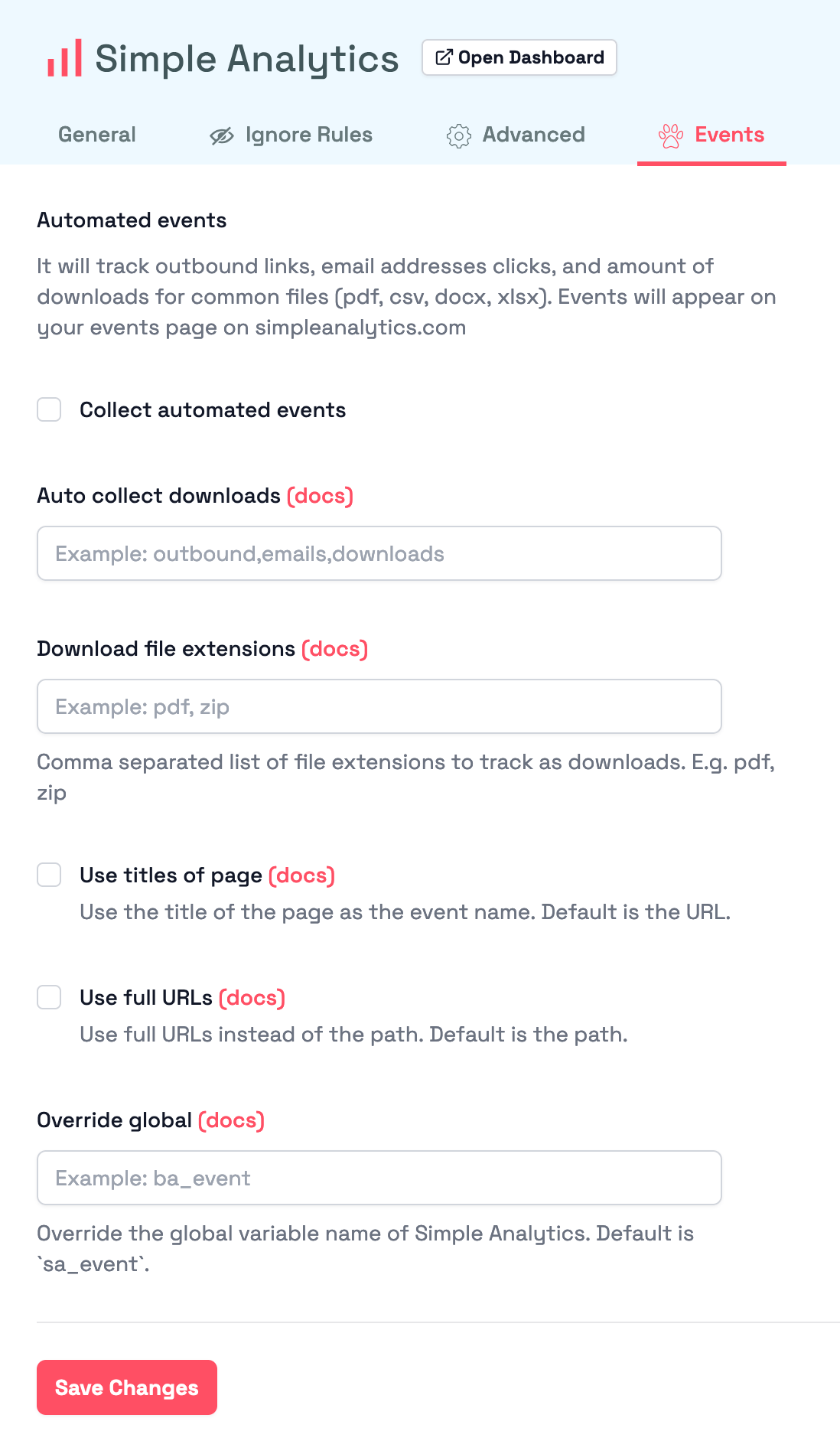
The WordPress plugin is ready to roll right from install—no setup needed. But for the adventurers out there:
Explore and customize every setting to make it yours!
| General | Ignore Rules |
|:-------:|:------------:|
|  |  |
| Advanced | Events |
|:--------:|:------:|
|  |  |
## Install official plugin via WordPress dashboard
1. Go to your WordPress admin (likely on /wp-admin or [wordpress.com/log-in](https://wordpress.com/log-in))
1. Go to plugins in your WordPress admin and click on **Add new**:

1. Click on Search Plugins and type `simpleanalytics` _(do not use a space)_
1. Click on **Install Now**
1. After this click on **Activate** and our plugin is installed
Manual installation
Follow these steps to add Simple Analytics to your WordPress website:
1. First download our plugin via WordPress: [wordpress.org/plugins/simpleanalytics](https://wordpress.org/plugins/simpleanalytics/)
1. Go to your WordPress admin (likely on /wp-admin or [wordpress.com/log-in](https://wordpress.com/log-in))
1. Next click on **Plugins** > **Add New** in the sidebar menu:

1. Click on the **Upload Plugin** button:

1. Click on **Browse** to select a file _(this button can have different text depending on your browser)_:

1. Browse and select the file that you downloaded in the first step:

1. Click on the button **Install Now**:

1. Click on **Activate Plugin**:

1. If the Simple Analytics plugin is successfully installed it shows a screen like this:

## Others
> See our plugin in action by [creating a temporary Wordpress website on tastewp.com in one click](https://tastewp.com/new?pre-installed-plugin-slug=simpleanalytics&redirect=plugins.php&ni=true). Do note that by default we don't collect from logged in admins, log out to see the requests to Simple Analytics.
Non-official plugins
There are two non-official plugins made by others:
- [WordPress plugin by Refined Practice](/wordpress-plugin-by-refined-practice)
- [WP Full Picture plugin](/wordpress-full-picture-plugin)
If you encounter issues, don't hesitate to contact us via [our support channels](https://simpleanalytics.com/contact).