Steps to reproduce: 1) Click on the Service Map tab 2) It shows two nodes with severities `warning` and `minor/major` 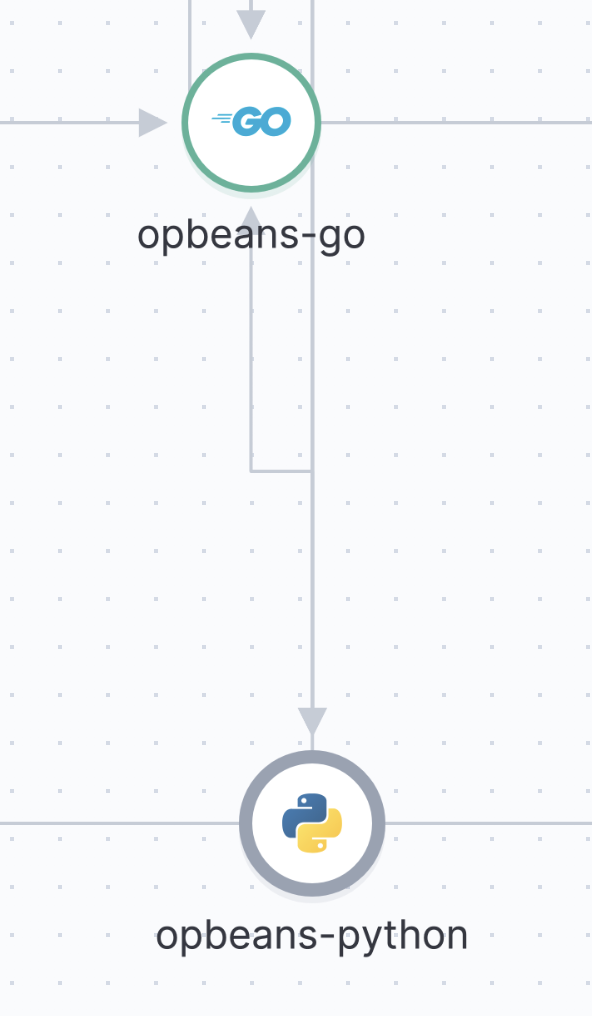 3) When clicking on the node with `warning` severity, it keeps the green color around it, that's the correct behavior. 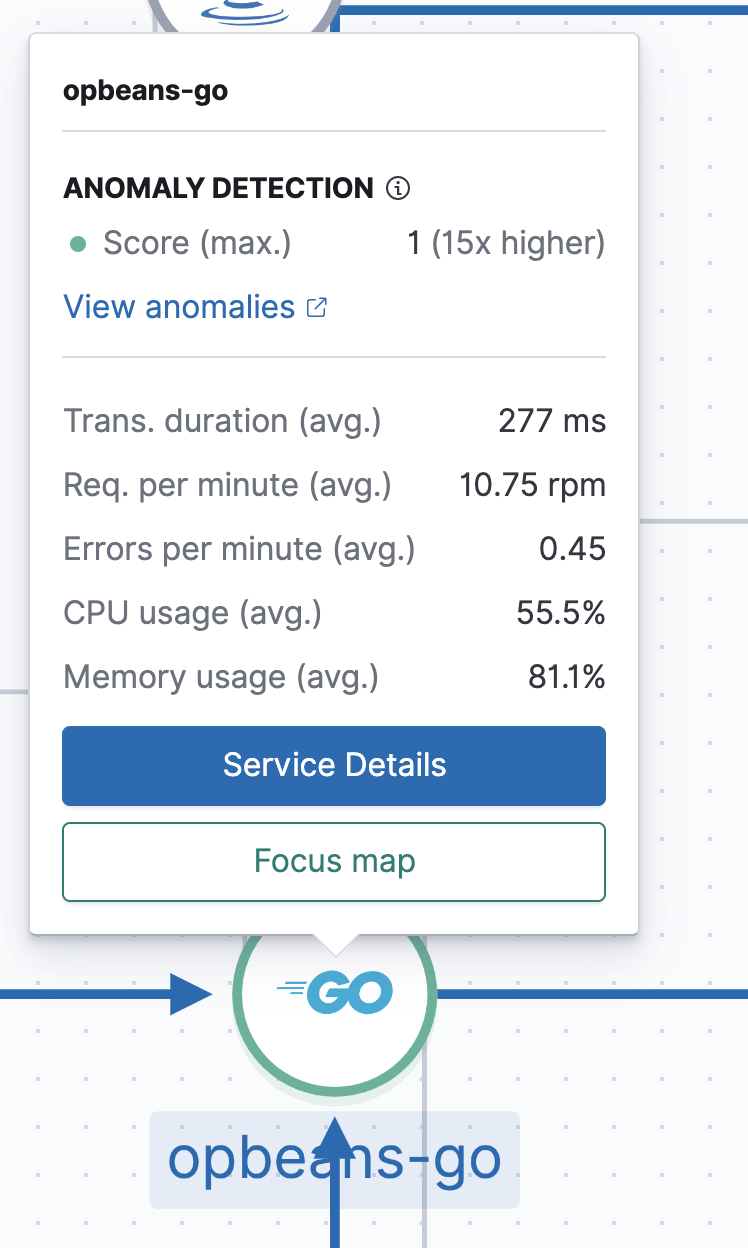 4) When clicking on the node with `minor/major` severity, the highlighted color (blue) overrides the severity color (gray) 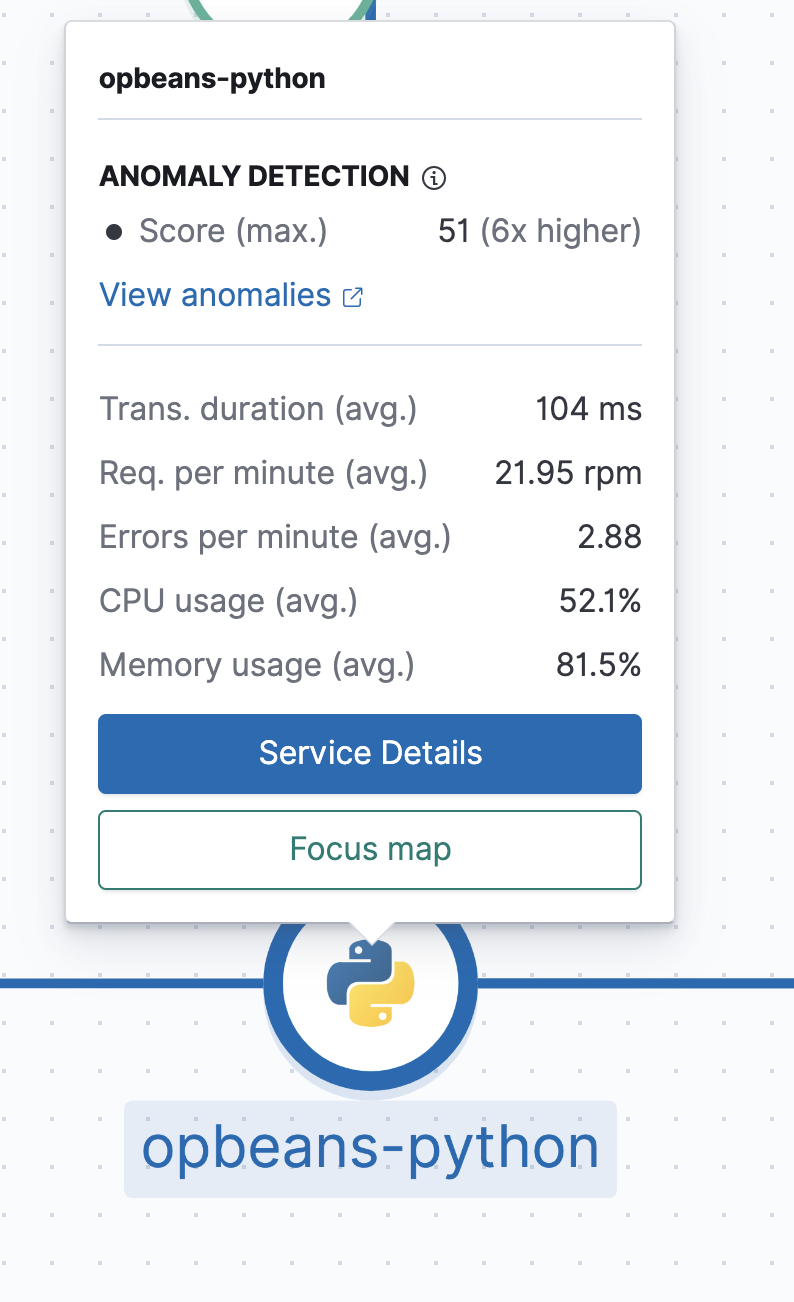
Steps to reproduce:
Click on the Service Map tab
It shows two nodes with severities

warningandminor/majorWhen clicking on the node with

warningseverity, it keeps the green color around it, that's the correct behavior.When clicking on the node with

minor/majorseverity, the highlighted color (blue) overrides the severity color (gray)