
 Catppuccin for ShareX
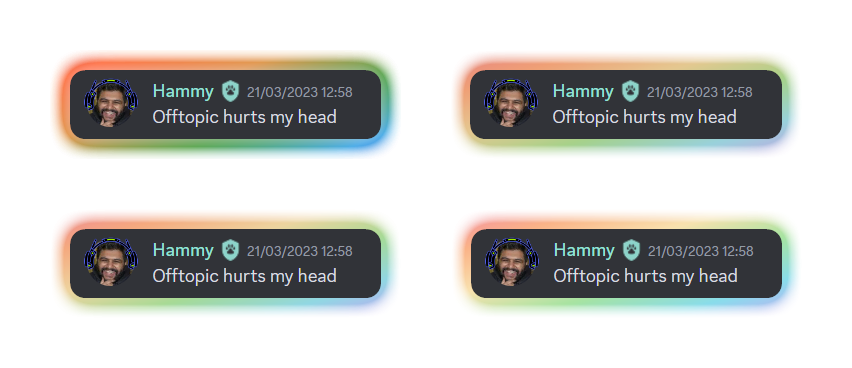

🌻 Latte


🪴 Frappé


🌺 Macchiato


🌿 Mocha


- Download the
image-effectsdirectory from the latest release - Choose one of the
.sxiefiles to double-click. (This will open the image-effects window in ShareX, make sure to allow image effects!) - Close the window and enjoy your new image effects!
- Download the
themesdirectory from the latest release - Open ShareX and navigate to
Application Settings→Theme→Import - Select
From File - Choose one of the downloaded theme files and enjoy the theme!

Copyright © 2021-present Catppuccin Org

