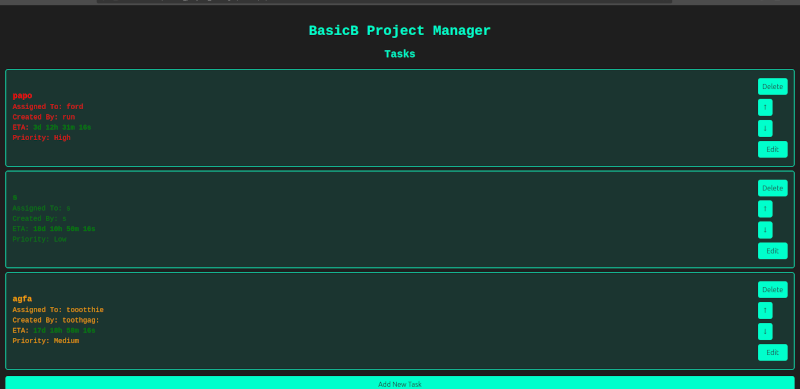
- Task Management: Add, edit, and delete tasks.
- User Assignment: Assign tasks to team members.
- Task Priority: Set task priority levels (Low, Medium, High) with corresponding color indicators.
- Countdown Timer: Displays the time remaining until task deadlines.
- Dynamic Display: Tasks are color-coded based on priority and deadline proximity.
- Simple Interface: A clean and user-friendly design, inspired by cyberpunk aesthetics.
- PHP
- HTML/CSS
- JavaScript
- JSON for data storage
To set up the BasicB Project Manager on your local server, follow these steps:
- Clone the Repository:
git clone https://github.com/yourusername/basicb_project_manager.git cd basicb_project_manager - Run the Setup Script: The project comes with a setup script (setup.sh) that automates the installation process. To run the script, use the following commands:
chmod +x setup.sh
sudo ./setup.sh