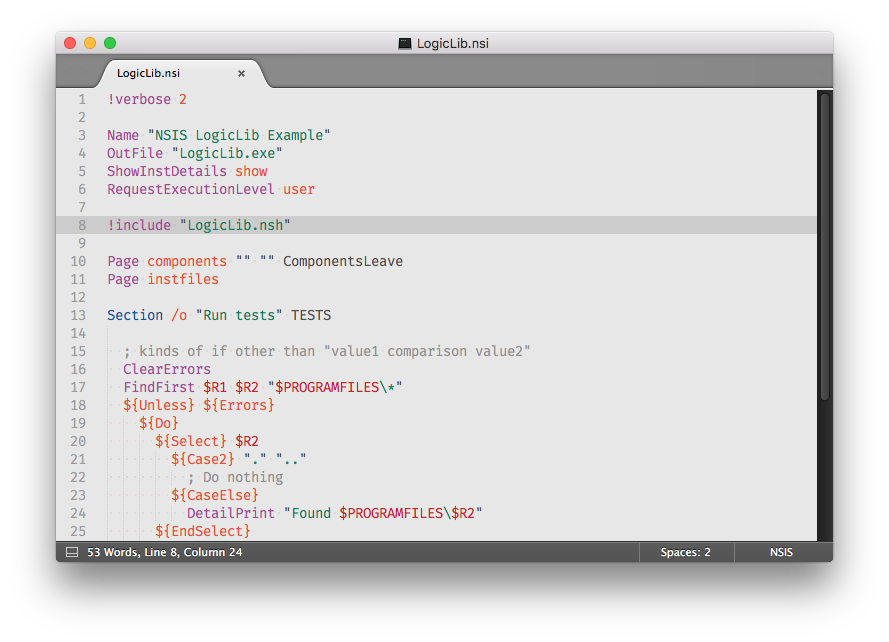
NSIS (Nullsoft Scriptable Install System) is an open source program and scripting language to create Windows installers. This package provides syntax highlighting and build tools.

Easiest way to install the plugin is to use Package Control.
Alternatively you can git clone directly into Packages directory in the Sublime Text 2 application settings area.
Go to your Sublime Text 2 Packages directory and clone the repository using the command below:
git clone --branch st2-master https://github.com/SublimeText/NSIS
- Download the files using the GitHub .zip download option
- Unzip the files and rename the folder to
NSIS - Copy the folder to your Sublime Text 2
Packagesdirectory
Support for portable NSIS can be achieved by putting the main NSIS program directory path in your PATH environment variable.