
This repository contains the GameMonetize.com SDK for HTML5 Construct 2 games. This allows you to display advertisements in the games published within the GameMonetize.com network. https://GameMonetize.com
For Construct 3, please visit:
Download the plugin or visit Construct 3 Addons here
Download the plugin and extract the file to C:\Program Files\Construct 2\exporters\html5\plugins
Download here: https://drive.google.com/file/d/13l-YeEqS733TK48aQR193BCDe9-4fS2V/
Select the new plugin within Construct 2 by right-clicking on Object Types and insert your gameId in the properties tab. You can find these values within your GameMonetize control panel after creating a new game.
Right-click Object types in the 'Projects' tab, select Insert New Object and select 'GameMonetize' in the 'Monetization' category.

Click 'GameMonetize' and insert your GameId in from your account on game
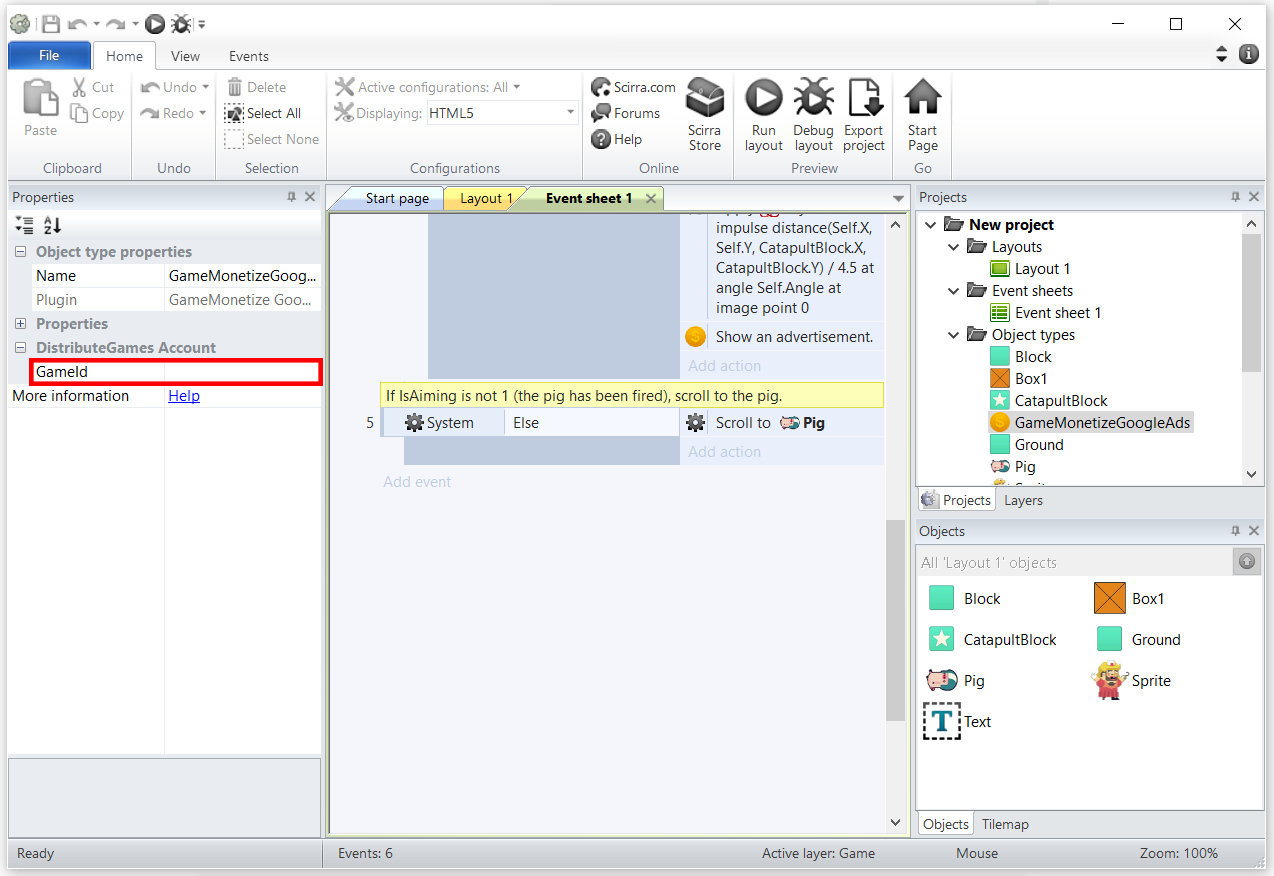
Double click the GRAY area to create an event to be tied with an advertisement request. You can also tie the following steps to an existing event in your game flow.
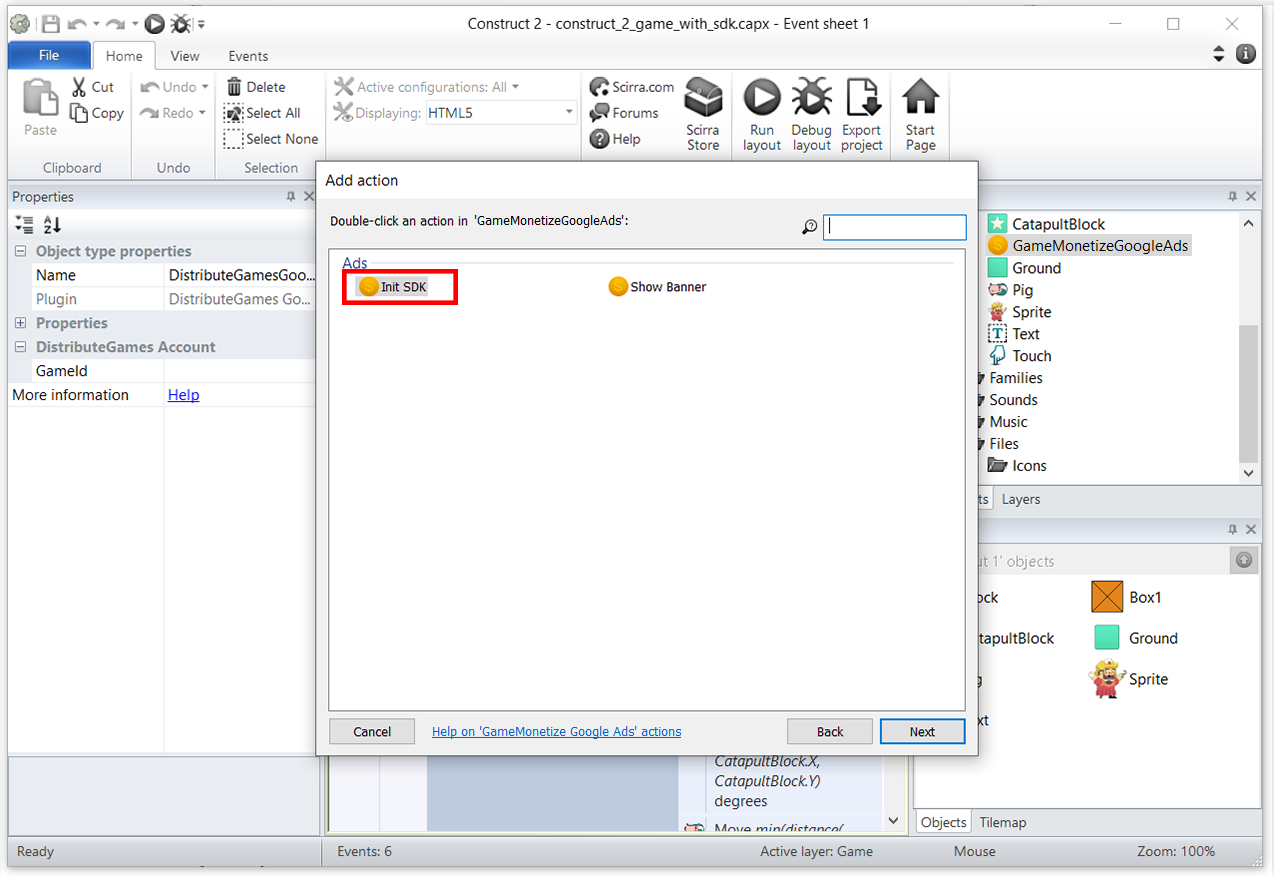
Choose 'Init SDK' as an action to tie to an event in your game flow.
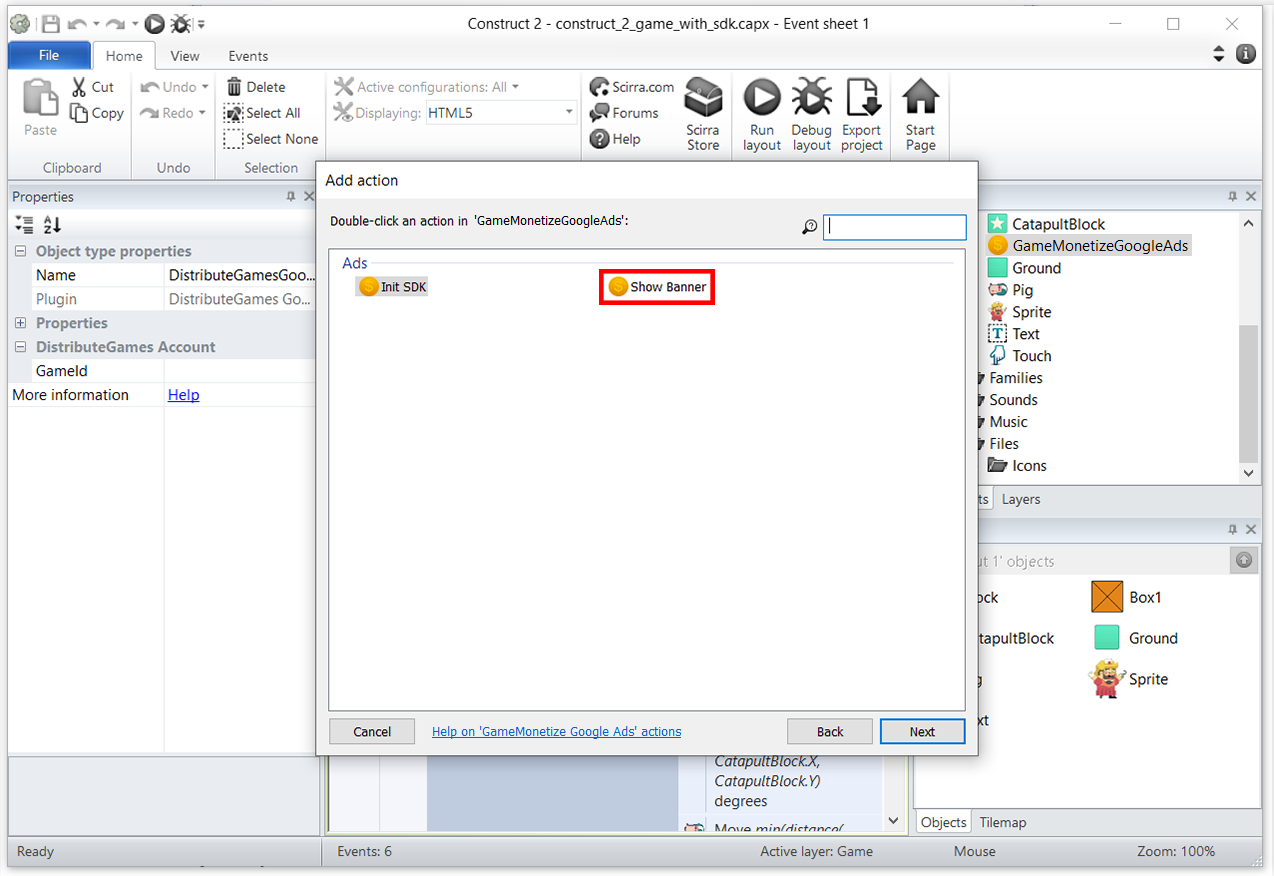
You can now call the 'Show Banner' action - whenever and as often as you want. We will make sure to reject any premature calls.
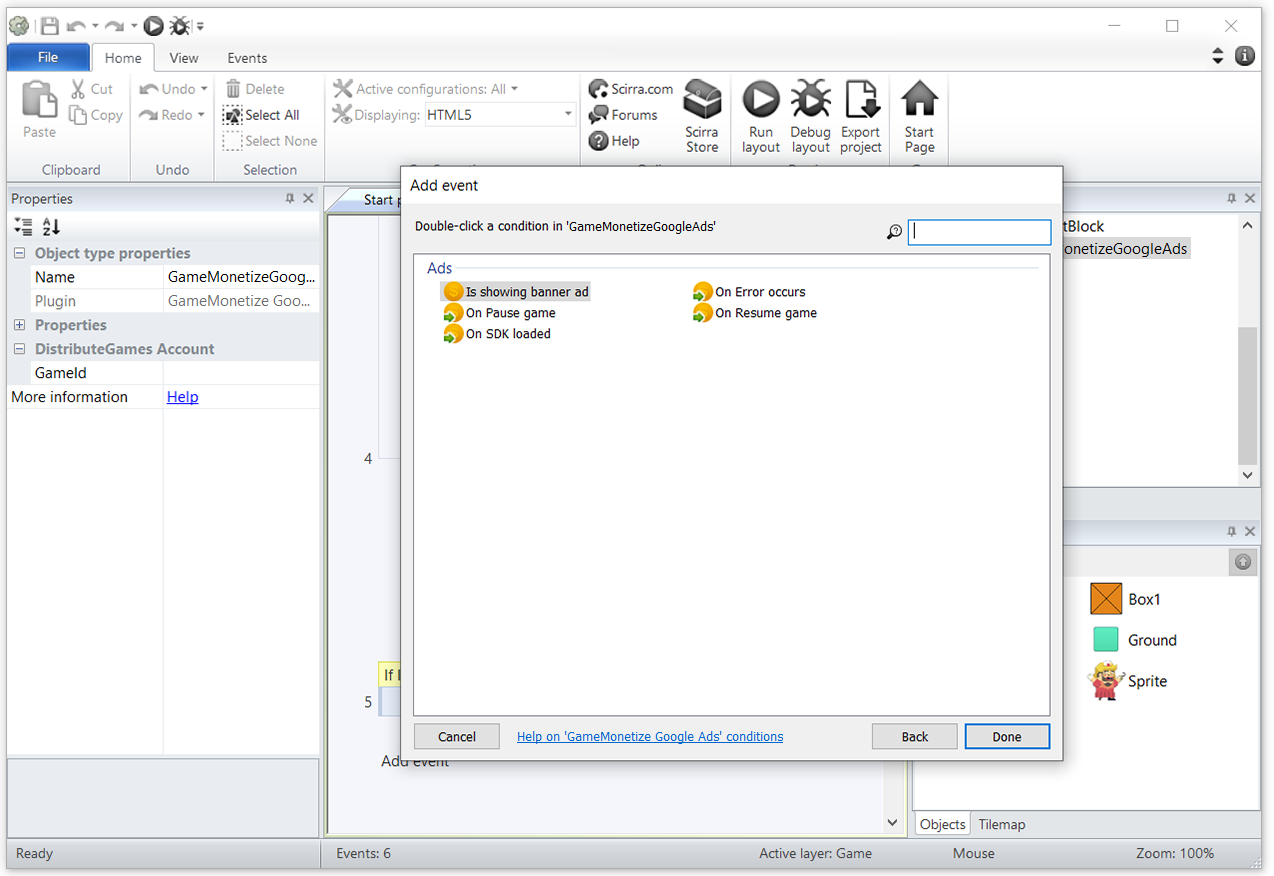
Add events for pause and resume game. You have to stop your game and mute all sound & music when you see an advertisement.
Answer: When your game is ready to upload, you need to compress all game files to .ZIP file - Root folder of .ZIP file must include index.html and game files
In the case where a developer wants to self-host their game, please contact us on at: info@gamemonetize.com
If you have any technical questions or comments, please email us at: info@gamemonetize.com
Or simply check documentation on: https://gamemonetize.com/sdk