
Question:
Our answer:
To update your ILLiad profile, start by logging in to your ILLiad account. Keeping your information up to date is important, as your ILL items will be delivered or placed on the hold shelf based on your selected Pickup Location.
You can access your ILLiad account from the Find and Borrow page of the FSU Libraries website by selecting "View your ILL account," or by using the ILLiad Account Login.

Log in with your FSU credentials to open your account.

In the navigation bar at the top of the page, select "Profile."

This will open a drop-down menu. Click "Update Profile" to edit your information, including your "Pickup Location."
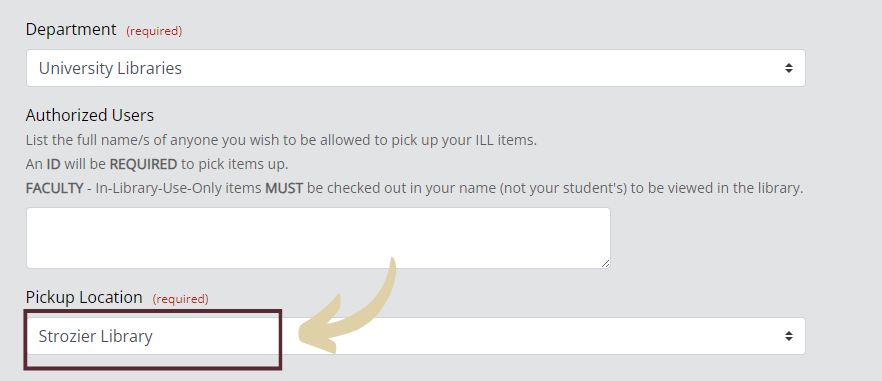
Your selected Pickup Location determines where your materials will be held or delivered. If you already registered for LEDS, you can have all your ILLs delivered by selecting "Library Express Delivery (LEDS)" from the list of options.
Last Reviewed: 4/6/2026